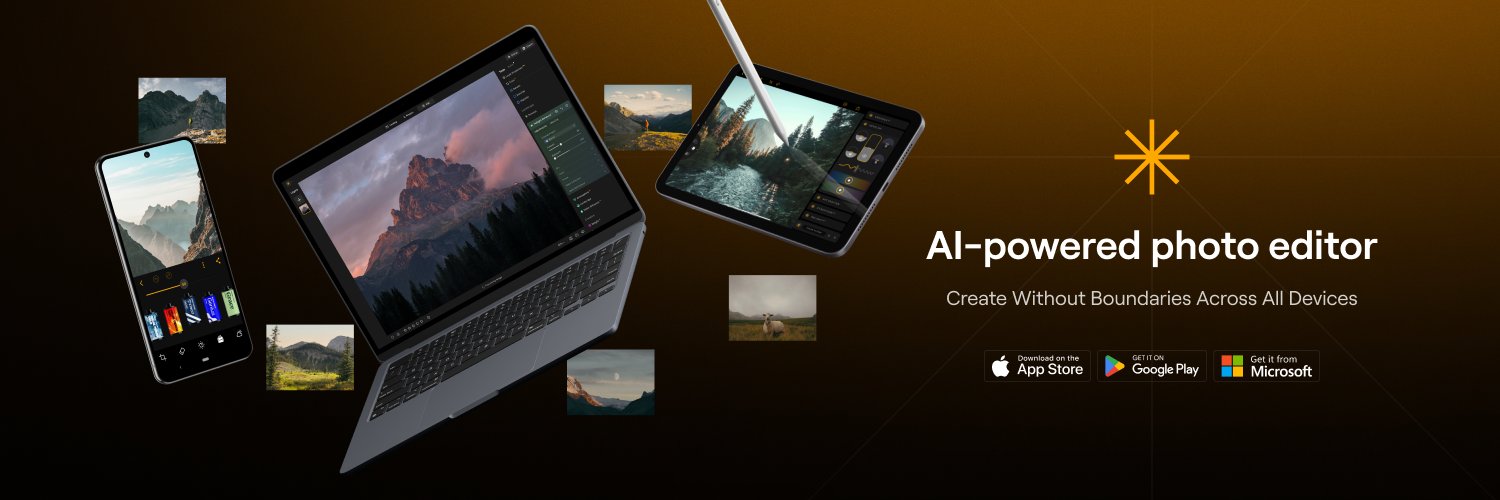
Luminar Mobile — Best Multi-Device App 🏆
We're incredibly honored to announce that Luminar Mobile has won the Google Play Best of 2025 Award for Best Multi-Device App!📱
Edit anywhere. Create everywhere. 📸
Luminar Neo 1.25.0 — a big update packed with even bigger creative power 📸
With this release, Luminar becomes a seamless ecosystem across Desktop, iOS, Android, and ChromeOS — so your photo editing feels smoother, smarter, and more connected than ever!
https://t.co/8js7OAGDYP
Luminar is finally on Android & ChromeOS
Now you can edit faster, with powerful AI that enhances your unique style and vision, right from your Android or ChromeOS device.
Try the perfect tool, exactly where you need it, and when creativity calls 👉 https://t.co/k2MHZpkANH
How to Make Your Photos Look Gothic?
In our new YouTube video, learn how to turn ordinary photos into dark, cinematic Gothic-style images using powerful tools in Luminar Neo.
🎥 Watch the tutorial and try it yourself:
👉 https://t.co/M1Fl4jDmmB
@andrzejtekieli If you purchased a lifetime license two days ago, you’re all set!
You’ll get all product updates and have full access to the Fall 2024 and Spring 2025 upgrades. After that, if you want access to future upgrades, you’ll have the option to purchase them separately.
🌸 Luminar Neo Spring Update is here!
Apply 1-click Auto Adjust, enjoy more natural fog with enhanced Depth Models, and clean your Catalog Cache to save space for more amazing photos!
Update your Luminar Neo to explore all fresh improvements https://t.co/F1KaJNEl49 ✨
In our latest video on YT channel, our friend and talented creator Steve Roe shows how to edit rainy and cloudy photos in Luminar Neo.!
Click the link below or search for Luminar Neo (LuminarGlobal)!
https://t.co/gMPh2jKSlf
While exploring the latest #OpenAI’s update, our team decided to imagine what the photos edited in Luminar Neo would look like in the magical Studio #Ghibli Universe.
Enjoy ✨ #madewithluminar
🌍 Meet Luminar Neo & Aperty this March — Let’s connect at top photography events!
Follow the link https://t.co/dITSDUpyzF to learn more about each event, and hope to see you there!
📷 Three years ago, we set out to redefine photo editing — making creativity accessible and bringing latest innovations to millions of creators worldwide.
Today, we celebrate this incredible milestone!
https://t.co/gAnd6ZlTVX
🔥 Luminar Neo 1.23.0 Update is here!
Introducing our new update
packed with merging layers, post-crop vignette, camera star ratings, presets improvements and more!
👉 Update now and take your photos to the next level!
https://t.co/aU82RkKgsX
In our latest YouTube video, we demonstrate how to use the Color Transfer tool in Luminar Neo. This feature allows you to apply the color palette from a reference image to your own photos, ensuring a harmonious color scheme.
Enjoy watching! 💫
https://t.co/KHsErMzAjS
Join our Luminar Neo Giveaway for a chance to win a Fujifilm X-M5 camera or a DJI Osmo Pocket 3!
It's easy—simply register and complete in-game tasks to earn points.
Sign up and get started here: https://t.co/dW0860FL5n
Discover the latest update in the Luminar Mobile app with our guest creator Jacob Stahl! In this video, Jacob showcases the powerful new tools and walks you through his quick and intuitive editing process! https://t.co/zmIXeiRbJf
📲 Luminar Mobile 2.2 is here!
▪️ Full RAW support: Edit RAW files without limits.
▪️ Save editing history: Resume anytime.
▪️ iCloud sync: Seamless editing across devices.
▪️ Interface improvements: More intuitive and user-friendly.
Update now: https://t.co/59MasHms8t
In our new video, we explore the powerful Color Masking tool in Luminar Neo, demonstrating how to adjust specific colors in your photos precisely.
This tutorial will help you elevate your travel photos to the next level: https://t.co/lHm8AWC7B2
Take your aerial photography to new heights with Luminar Neo editing secrets! In this new video, we'll dive into the world of aerial photography post-processing and explore the editing secrets to elevate your drone photography game: https://t.co/G63H78IRuq
❄️ Capturing snowy landscapes can be both enchanting and challenging. From managing bright reflections to showcasing the delicate textures of snowflakes, winter photography demands a thoughtful approach: https://t.co/N47aad2zhO
Spatial Photo Editing? 😍 Yes, please!! Today, I’m reviewing the Vision Pro version of "Luminar" by @Luminar_Neo —an incredibly productive, yet downright beautiful app. Honestly, it might just have the best UI/UX I’ve ever seen in photo editing software.
All the knobs, settings, and buttons are playful yet thoughtfully designed, making it a joy to interact with the interface. You can immediately tell that a lot of thought went into creating an experience that doesn’t rely on standard sliders, and as an #UI #UX designer myself I really appreciate that! It offers tons of controls, making it a fully-fledged photo editing software, now available in any size, right in your room.
You can’t tell me that this isn’t just awesome.
The award-winning app is packed with a lot of #AI like smart filters and sky replacement, that work flawlessly. I won’t say more—this one’s an easy 5/5 Visions. Very, very well done! 👏 This is spatial computing at its finest. #VisionPro