One layer or another, it all comes together in Lumion Pro. 😉
With the latest release, building those layers is simple and efficient, so you can create complete, immersive scenes with less setup and fewer steps.
Whatever detail you need to communicate, there’s a way to build it without slowing you down.
Here’s a quick tutorial on 5 options to place assets in Lumion Pro: Area, Fill, Cluster, Line, and Paint placement.
Save this for later.
Clean section cuts, straight from Lumion Pro ✂️
Finish section views in Lumion Pro as diagram-style visuals and architectural drawings with the Fill-in clipping planes tool.
🎨 Go with flat colours for crisp, diagram-style visuals, or add materials for a more realistic cut.
Populate entire landscapes in seconds and land a polished render faster. 🌿
With the new Area Placement tool in Lumion Pro, you can scatter up to 5,000 nature items across 20 asset types in just one click. Select your area, preview the density, and place everything at once.
Animation brings your design story to life in ways static images simply can’t.
From walkthroughs and dynamic lighting to showcasing design evolution, motion helps communicate your vision more clearly, highlight key features, and create more engaging presentations.
From your imagination to everyone else’s understanding ✨
Your creativity deserves room to roam—and tools that help you share it clearly. Bring your SketchUp designs into Lumion Pro and turn ideas into immersive visual stories, no matter the vision.
Lumion View 🤝 Sketch Up
Communicate your design with eye-catching conceptual visuals—without ever leaving your modeling workflow. Explore, test, and validate ideas in real time so you can make faster, more confident design decisions
Your new rendering shortcut: the AI upscaler! Live in Lumion Cloud 🙌
Need a quick, high-resolution output for print or an 8K+ presentation? This new feature takes your low-resolution renders and transforms them into client-ready deliverables in a flash.
What story will your next render tell?
This reveal shows how coloured glass can really shift the mood of an interior.
👉🏻 Simply save these settings as a custom FX stack by hitting the three dots next to +FX in photo or movie mode.
Try this out yourself in Lumion Pro!
Create quick, easy diagrams with the Lumion View for Revit plugin. ⚡️🙌🏼
Switch between four conceptual styles (clay, wood, styrofoam, glossy) and showcase your design to stakeholders at any stage of the creative process.
Try it free today.
Engage your clients and stakeholders with movement.
In this tutorial, you’ll learn how to use the Advanced Move effect to create an exploded axonometric animation.
Save this workflow to master Advanced Move in Lumion Pro
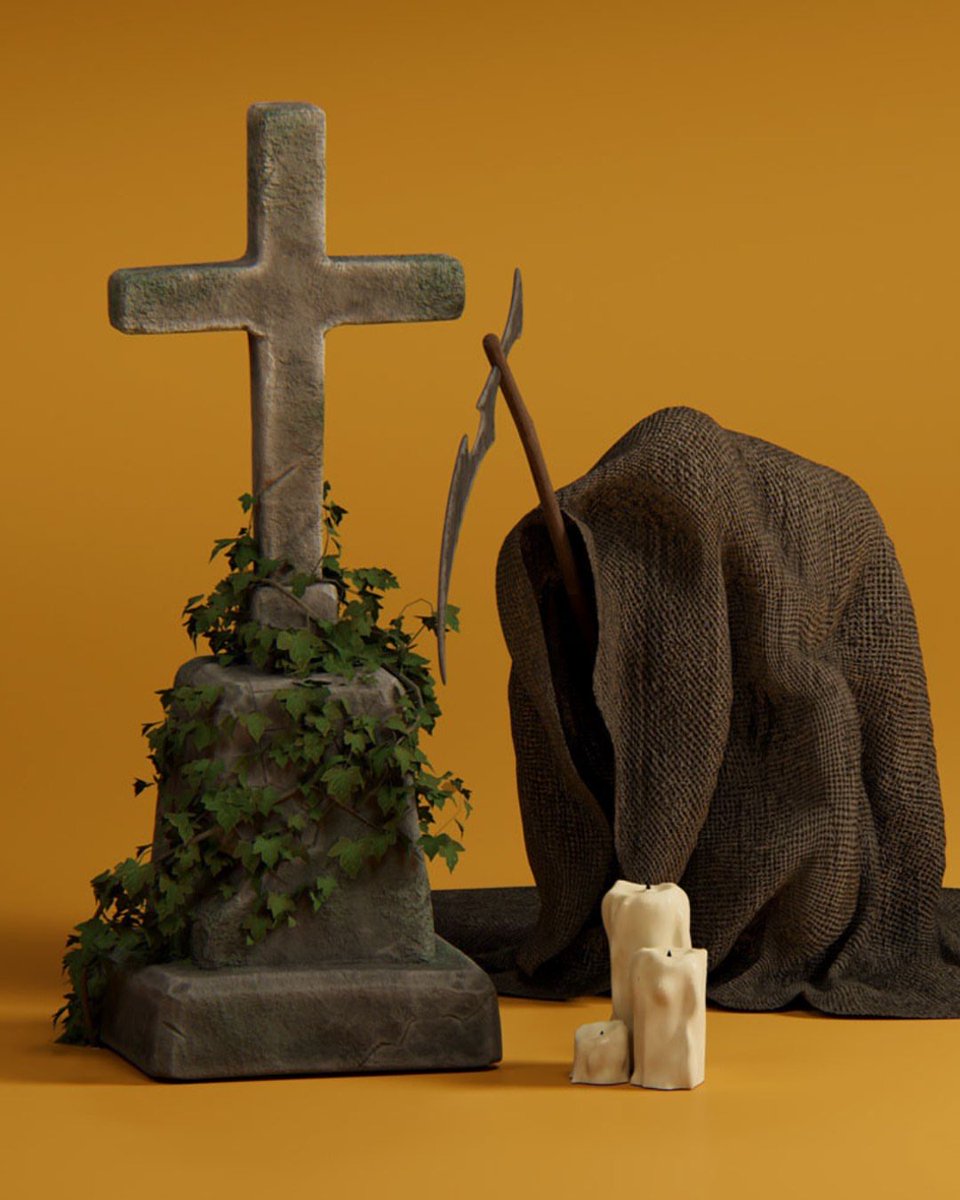
Bring your scenes to life this season with 4 fresh themed asset packs 🍂🎃🎄✂️
All you need is a Lumion Account to dive in! Your new asset packs are waiting in Lumion Cloud — ready to download and use in your renders, whether you’re creating with Lumion Pro or not.
Use the Advanced Move effect to create this exploded axonometric animation to break down your concept and rebuild it as a cinematic moment. ✨
Showing your design in motion doesn’t just look good— it makes your ideas instantly clearer and more engaging.
Move fast, stay creative — and let your tools handle the heavy lifting. ⚡️💪🏻
Lumion Pro gives you the high-end visual quality you love while keeping your workflow fast and fluid. Its simple, intuitive interface and gentle learning curve make it easy to add detail step by step
Comment “Halloween” for your FREE asset and scene pack!
🎃 No tricks, just treats!
We’ve brewed up the ultimate Halloween freebie — a 24-piece asset pack to bring your spooky scenes to life. 👻
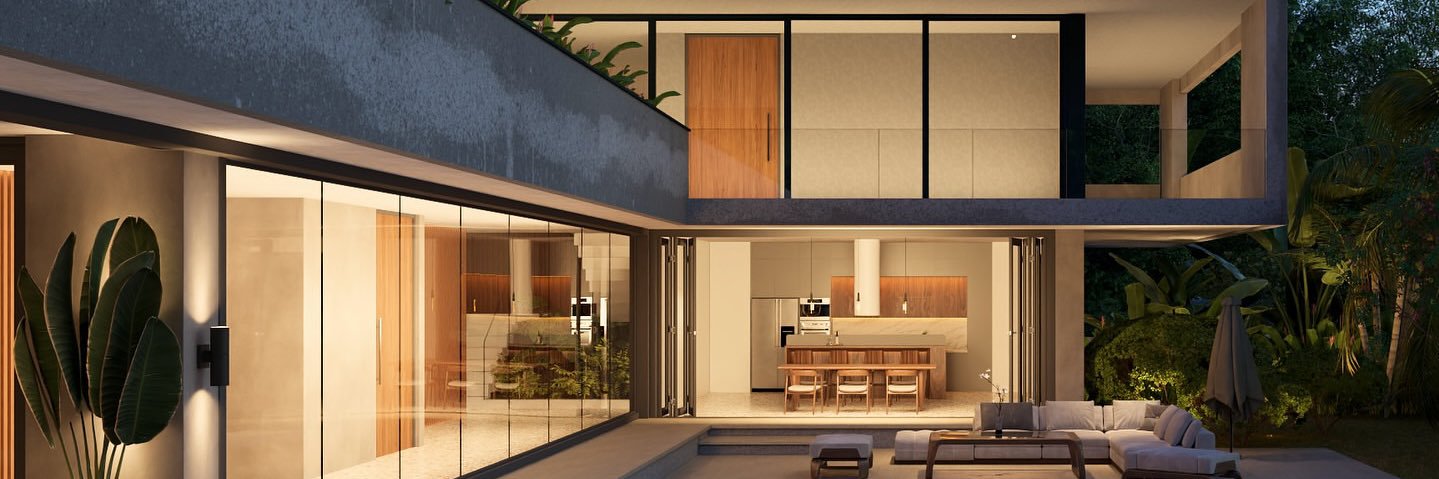
Bring your SketchUp residential design into Lumion Pro and watch it transform into a vibrant home where nature takes center stage—complete with realistic trees and plants that work seamlessly with ray tracing. 🌳🌿
#Lumion#Lumion2025#rendering#3Dvisualization#archviz
From concept to immersion
Turn your SketchUp model into a living, breathing environment with Lumion Pro.
With realistic ray-traced lighting and materials, your designs become experiences—not just renders.
Ready to step inside your vision?
Explore the latest version of Lumion Pro