It was fun to participate in my first hack week at @linear. I decided to rebuild our Select component that is used across all views in Settings. This new implementation uses @radix_ui primitives under the hood.
Introducing the pfpid. An on-chain identity card, totally unique to you and interoperable with the web.
Use it to sign in, to verify your identity online, to skip KYC processes and to enter events and spaces; always on your terms.
Coming April 14th @pfpidxyz
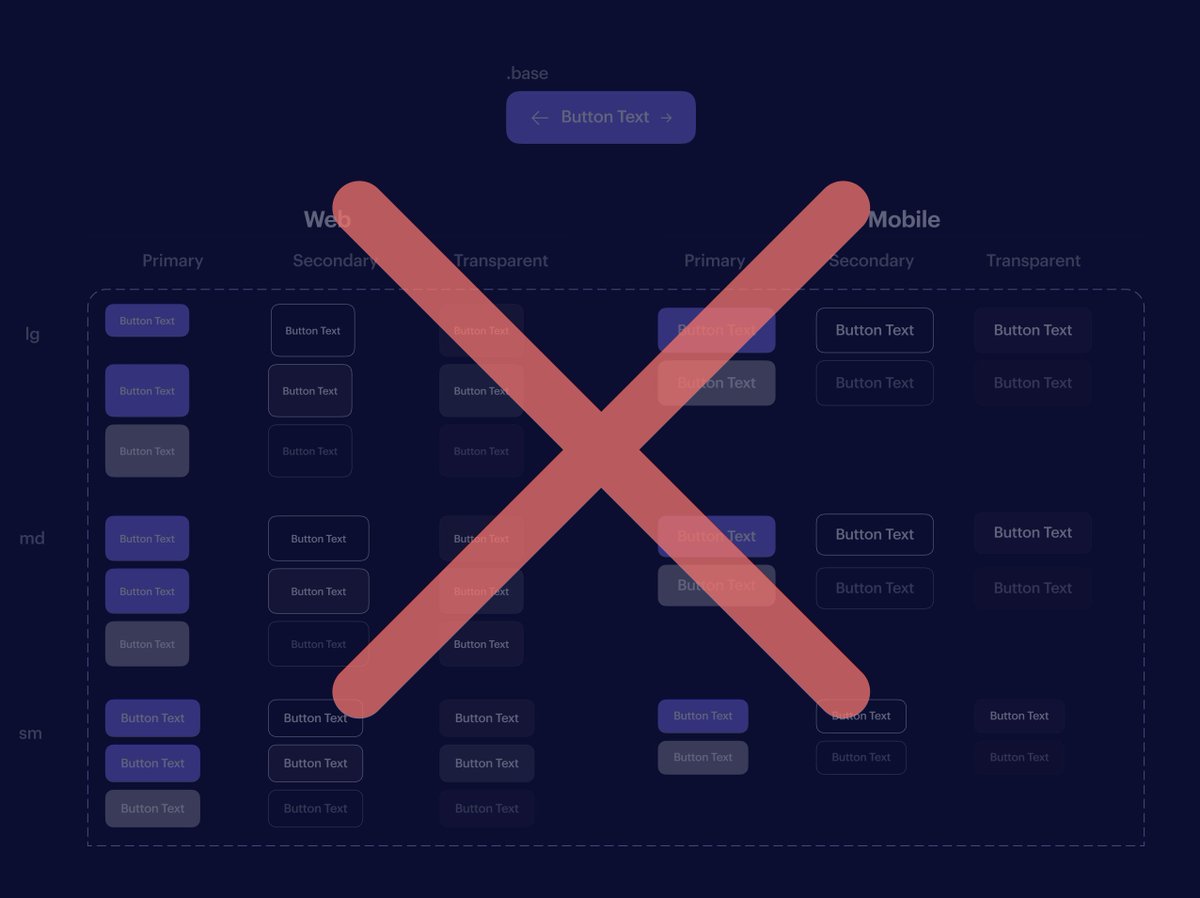
💡FIGMA TIP: Rethink how you use base components with large variant sets
Using one base component to rule them all (variants), is powerful but can lead to usability issues for designers and developers.
Keep reading to learn why UI Prep often prefers to use multiple bases..
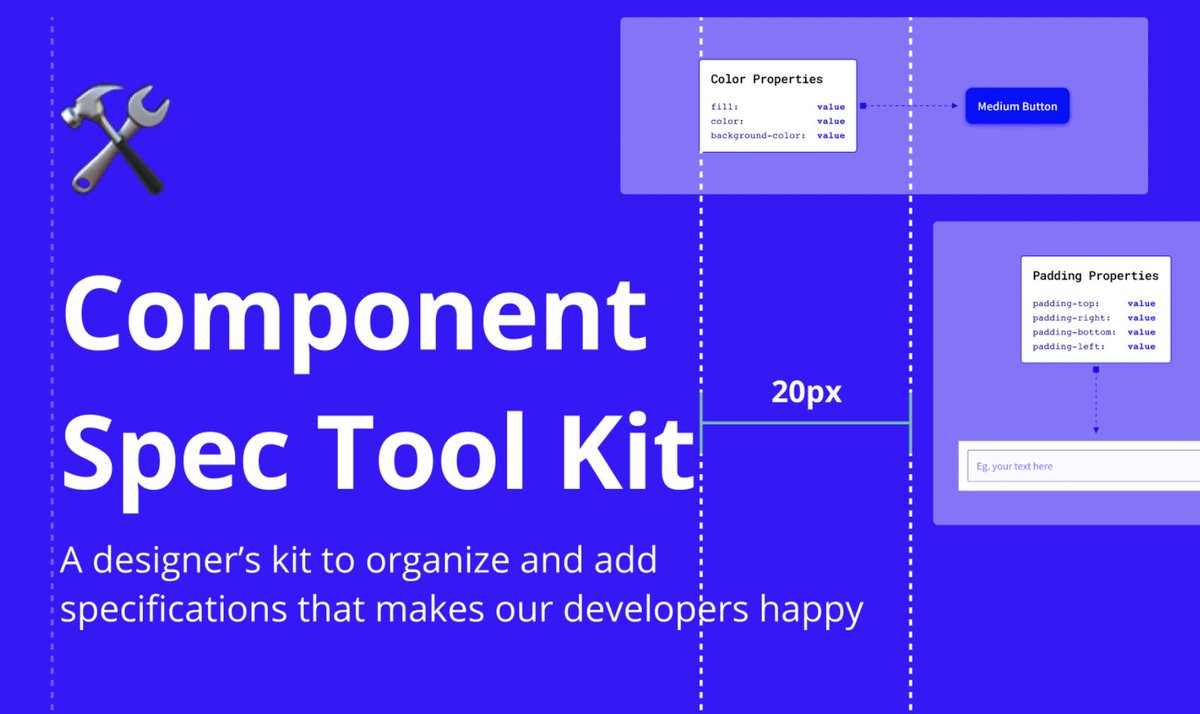
📐Component Spec Tool Kit for #Figma
👉🏻Welcome to the Component Spec Tool, a library file built to help ease the design-to-engineering handoff related to design systems component work.
By @TaylorCashdan@CristianIordan3 & team.
https://t.co/3kBR4ae4TS
@figma#designsystems
There are certain prototypes that Figma can't do well — specific types of animations, being one of them.
@webflow to the rescue!
It's great for—
1. testing on-hover icon animations (using @LottieFiles / @AdobeAE )
2. iterating concepts
3. sending out for @UsabilityHub testing
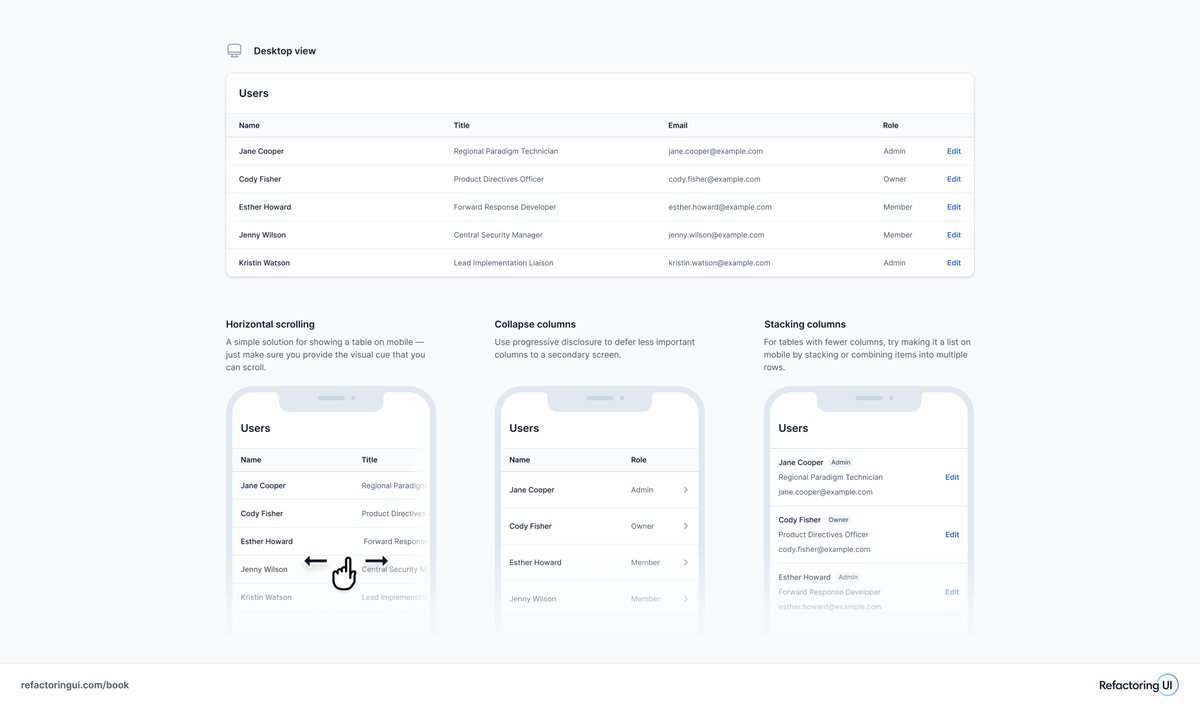
💡 When it comes to mobile table design, there's not a lot of dependable solutions that match up against the desktop experience.
Here's a visual reference of a few patterns that may be a sensible compromise 👉🏻
I'm starting to believe we're thinking about .base components the wrong way...
They're extremely powerful but only when used correctly.
So here are 5 principles for using .base components the right way👇
@designtokens visualisation of multiple themes and component specific tokens by swapping out a semantic layer.
You can download my @figma community file to start building your own multi-brand design system with #FigmaTokens
https://t.co/wwM94V3Pym
Gist is out of beta and free on Figma! 🎉
Spread the word and let's make viewing and editing documentation easier. Maybe we can convince @figma to add it as an expansion to the component descriptions.
https://t.co/5dIuwdF46T
#figma#designsystems#design
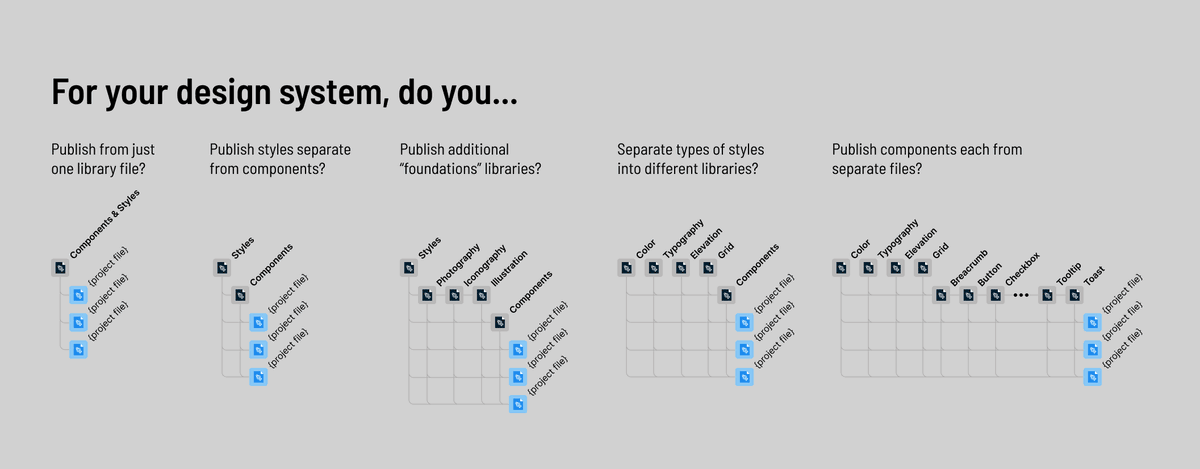
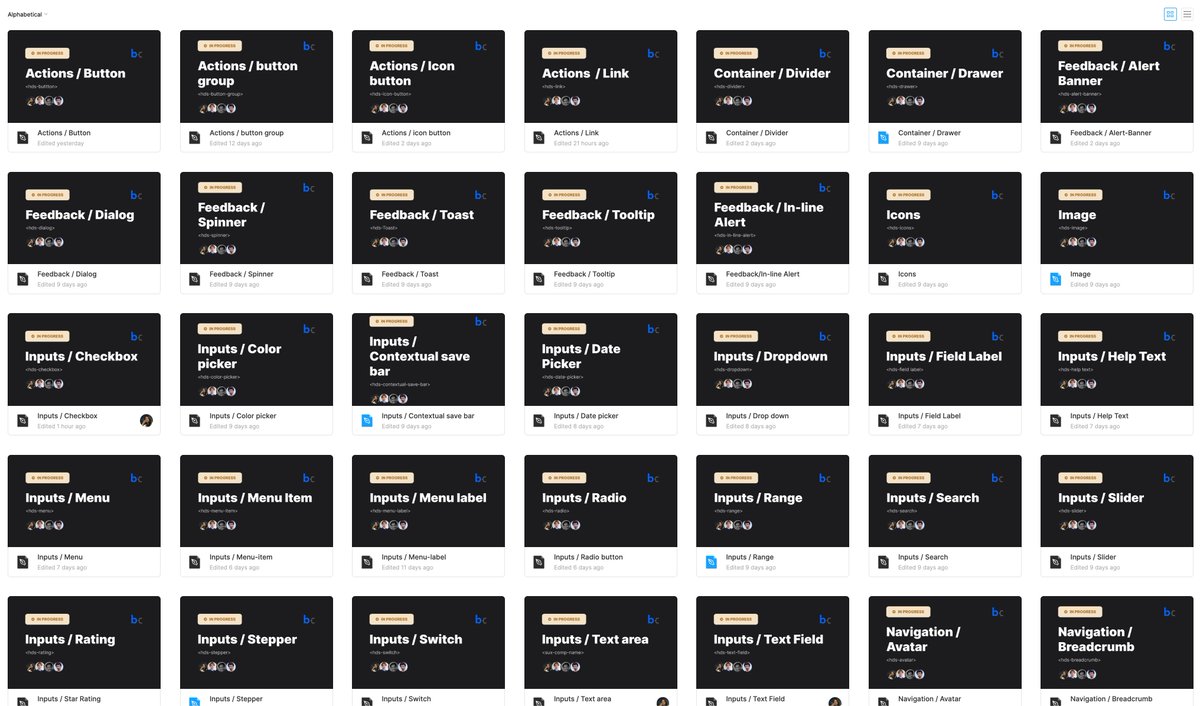
When I started building the Headless #DesignSystem I decided to move to a single @figma file per component.
I'm really happy I made this decision, but I'm curious what your experience/opinion is on this topic! How do you organise your library?
My reasoning in the thread... 🧵
✨Excited to see my first community file is being ❤️ liked and 📄duplicated.
It's very encouraging, I already have some cool ideas for the next one!
https://t.co/bSZzr0sUMc
#figmaTokens#designSystem@figma@FigmaHunt@FoF_DesignOps @figmaacademy
Ready for a @figma prototyping pro tip?
Use interactive components w/ @LottieFiles
It's the best way to add animations to your design system
Here's how it works 👇
It’s been exactly one month since I joined @linear, and I’ve been having a blast so far. Here’s some things that pleasantly surprised me in the past 4 weeks. ⬇️
✨ Launch day 🎉 A couple of months ago I got together with @mrcndrw to think about ways how we could collaborate. Today we're launching a first (early) version of Cabana, Marc's design system starter for @figma, with design tokens.
https://t.co/oiHGFr7M83
The floating @framer window. Many design tools have them. You don’t want them flying out of the screen bounds. Did you know that you can fully rely on CSS for the constraints? Checkout the thread to learn how to implement the dragging, constraints, and rubber banding.