The ZIP file you're referring to is likely intended for human reading, not data transfer.
The correct procedure is as follows:
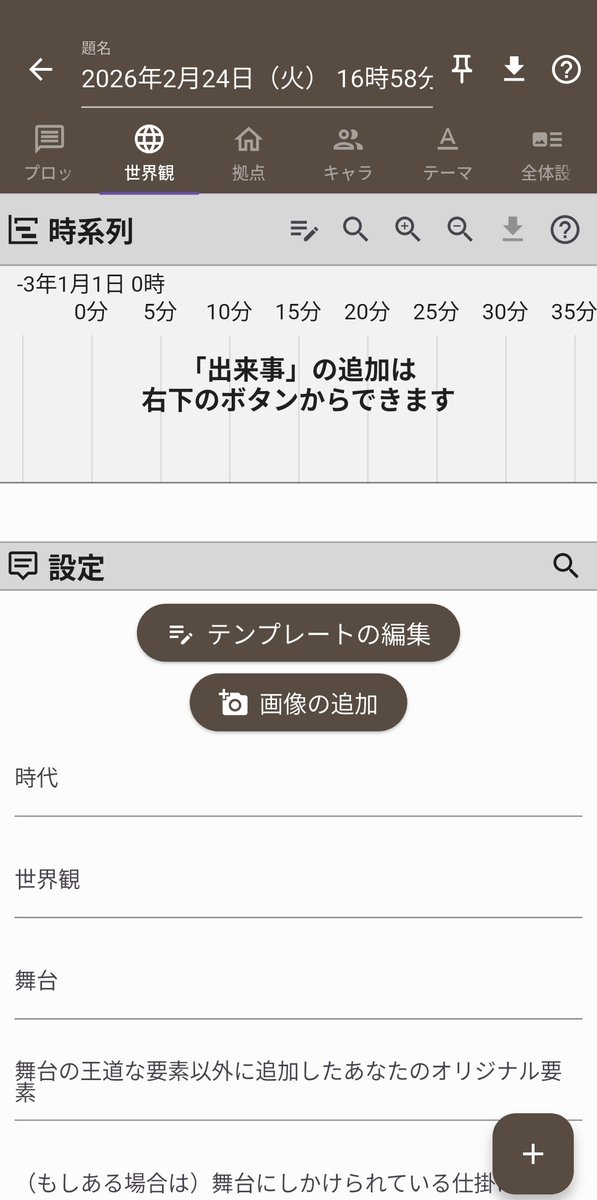
Tap “Settings” in the bottom-right corner of the app, then tap “Device-to-Device Data Transfer” in the list, and tap “Output.”
A txt file will be generated.
Click the three-line icon in the top-left corner of the PC version, tap “Device-to-Device Data Transfer” in the list, and click “Input.”
Select the txt file you just generated.
This should allow you to transfer the data.