🚀 ManicTime v2026.2 Beta is here!
What's new:
• NEW: connect AI tools (Claude, ChatGPT, Codex, Copilot) to your on-premise ManicTime Server via MCP
• More AI tools on desktop and Cloud — screenshots, available tags and autotags
• And much more
👉 https://t.co/HONd8ZSZBr
Most time tracking uses a stopwatch: start, stop, name the task. It works for clean blocks, but real work is messy and fragmented.
Automatic tracking records activity as it happens and lets you organize it later.
https://t.co/SaBzCoFXL0
Website tracking disappeared in ManicTime after a browser update?
ManicTime may track the browser, but URL tracking breaks when Chrome, Firefox, Edge, or Vivaldi changes how URLs are exposed.
🛠️ Fix: update ManicTime, then install the browser extension.
https://t.co/WQsWobtVDZ
We shipped Browser Time Tracker — a free Chrome extension that auto-tracks browser time and turns it into a timesheet.
Local-first. No account. Built for tab-heavy workflows.
If you use ManicTime, you likely don’t need it — but feel free to share it.
https://t.co/NzfoXFGMek
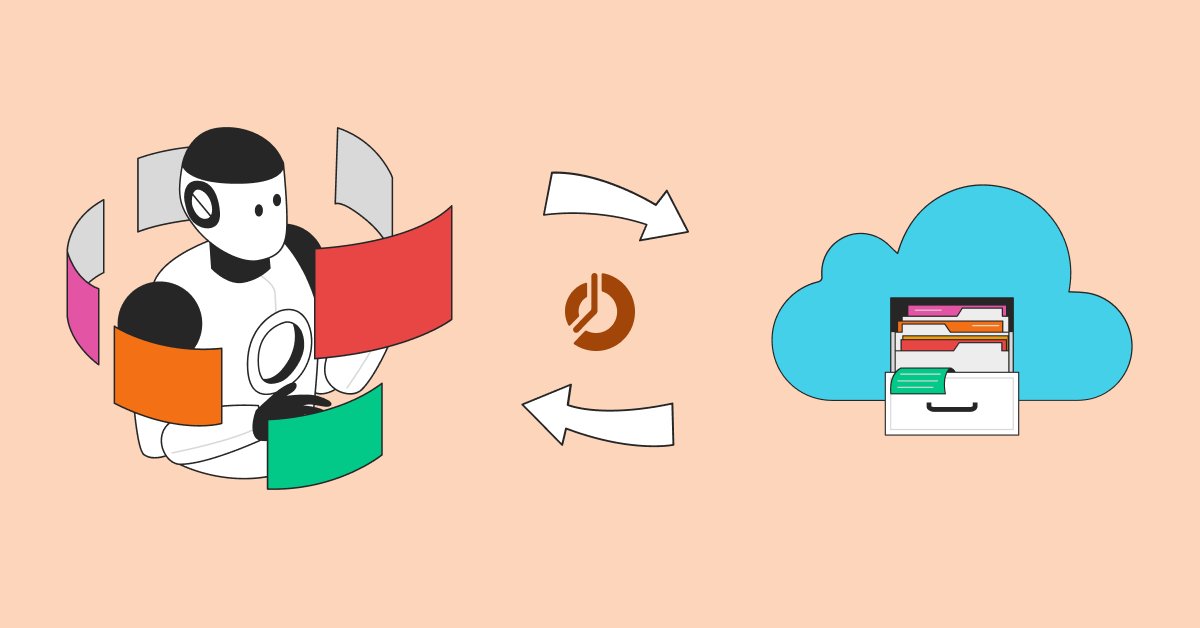
Connect ChatGPT and Claude to ManicTime Cloud.
Your AI can query real tracked work, help with reports, and answer questions using your ManicTime data.
New guide: how to connect ManicTime Cloud MCP step by step.
https://t.co/4isJ0TP3St
✨ ManicTime v2026.1 + MCP = AI-assisted time tracking
Your AI (Claude/ChatGPT desktop/Copilot/Codex…) can read your ManicTime timeline and turn it into tagged, timesheet-ready entries—with optional write-back.
Setup + examples: https://t.co/Se5KBXhvGg
🥳 ManicTime v2026.1 Beta is out. New MCP Server lets you connect ManicTime to AI tools, Day view got a major refresh, and screenshots can now use WebP.
Details in the blog post: https://t.co/6osVjtcw1c
🎉 We’re excited to announce that ManicTime Server is now available on the Azure Marketplace, making it easy to deploy within your Microsoft Azure environment in just a few clicks.
You can find the instructions and an explanation of how it works here: https://t.co/y71x7eyIjK
⚫ Black Friday/Cyber Monday is live: get 50% off your first ManicTime subscription charge or up to 10 on-premise licenses. Deal ends December 2nd.
Check it out here: https://t.co/h91l1oggKq
✨ Our latest blog post shows you all the ways to select time in ManicTime - from easy timeline dragging and checkbox selections to powerful filters and screenshot-based fine-tuning.
Explore our guide to discover how: https://t.co/KjQpGxfL2K
🎉 The ManicTime 2025.3 Beta is here!
We’ve released the beta of ManicTime 2025.3 for Cloud, Windows, Mac, and Linux! Most major updates are in, and we’d love your feedback before the final release.
Full details: https://t.co/HPTk5WtARv
What counts as work time? 🤔
Is it just computer use? All the time you spend in the office? Or something in between?
With ManicTime, you get to choose. Learn more: https://t.co/Hs9SGp56fG
Want a clean install of ManicTime Server? Or just a simple way to try it on-prem?
With 🐳 Docker, you’ll be up and running in minutes.
👉 Check out our guide and learn how: https://t.co/WLeSHhhzZd
📊 Want to know how managers can use ManicTime to boost team performance?
Managing a team requires more than just goals and deadlines — it requires insight.
Learn more here: https://t.co/Zykyi0V8WZ
💡 Want to get more out of your time tracking?
Check out our latest post: 8 ManicTime Tips to Get the Most Out of Your Tracked Time
From smart search to productive time, these features help you turn raw data into real insight.
Read more at 👉 https://t.co/GjyG4XfRH7
🏙️ When companies start scaling past 100 employees, conversations around time tracking quickly change. It’s no longer just about “what are people working on?” it’s about data governance, employee trust, operational insights, and system compatibility.
https://t.co/qApJPZ9Mel
🔒 For teams that demand control, privacy, and security — ManicTime delivers.
Track time across your organization without sending a single byte outside your network.
Learn more on: https://t.co/2DKi16V8XE
🎉 The ManicTime 2025.2 Beta is here!
This release brings personal email reports, redesigned dashboards, Active Directory groups support, and lots of improvements on Windows. Mac and Linux also get stability fixes.
Full details: https://t.co/AYtQMiJgBV
⚠️ ManicTime didn’t show up to work today?
Here’s how to check if it overslept or quit mid-shift and what to do next.
Check solutions on: https://t.co/B4bVHdhq88
☕ Ever wondered how ManicTime detects when you’re away from your computer?
From monitoring inactivity to adjusting settings for meetings and static screens, we break it all down in our latest blog post.
https://t.co/osonNqvm7s