Experienced Manager with a demonstrated history of working in the e-learning and Educational industry. Department Leader Dutch Education Expertise Center.
Jouw digibord-favoriet is terug ✅ !
Vanaf nu kun je aan de slag met de Prowise Presenter Windows Desktop app, inclusief ANNOTATE 🖊️!
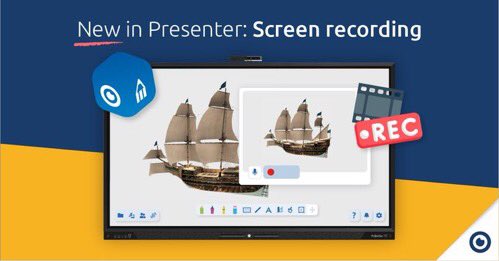
Daarnaast hebben we ook nog een Presenter-primeur: de opnamefunctie.
Lees snel meer over deze nieuwe update 👉 https://t.co/VMCjfFVcKX
Your touchscreen favourite is back ✅!
From now on you can work with the Prowise Presenter Windows Desktop app, including ANNOTATE 🖊️!
We also have another Presenter-first: the Screen Recording function.
Read more about this new update 👉
https://t.co/1kS7NFjOl7
Teaser time!
A Presenter first: Screen recording.
Soon, the Presenter Windows Desktop app will allow you to annotate and record your lessons.
This feature allows you to make a video of your activities in our educational software.
Keep an eye on our channels!
A Presenter 10 first: Screen recording!!!
Soon, the Presenter Windows Desktop app will allow you to annotate and record your lessons.
This feature allows you to make a video of your activities in our educational software.
Keep an eye on our channels!
Privacy by Design!
Since we develop everything under Prowise management, your privacy is the first thing we consider.
This is reflected in our webcam cover on the Prowise MOVE camera, that prevents any uninvited onlookers.
#PrivacybyProwise
Earth Day!
Our screens are ENERGY STAR certified, but you can do more: check whether the eco mode on your Prowise Touchscreen is switched on (Settings > General > Extra bright > Off).
The eco mode saves 60% energy. Good for the environment and your wallet.
#TouchGREEN
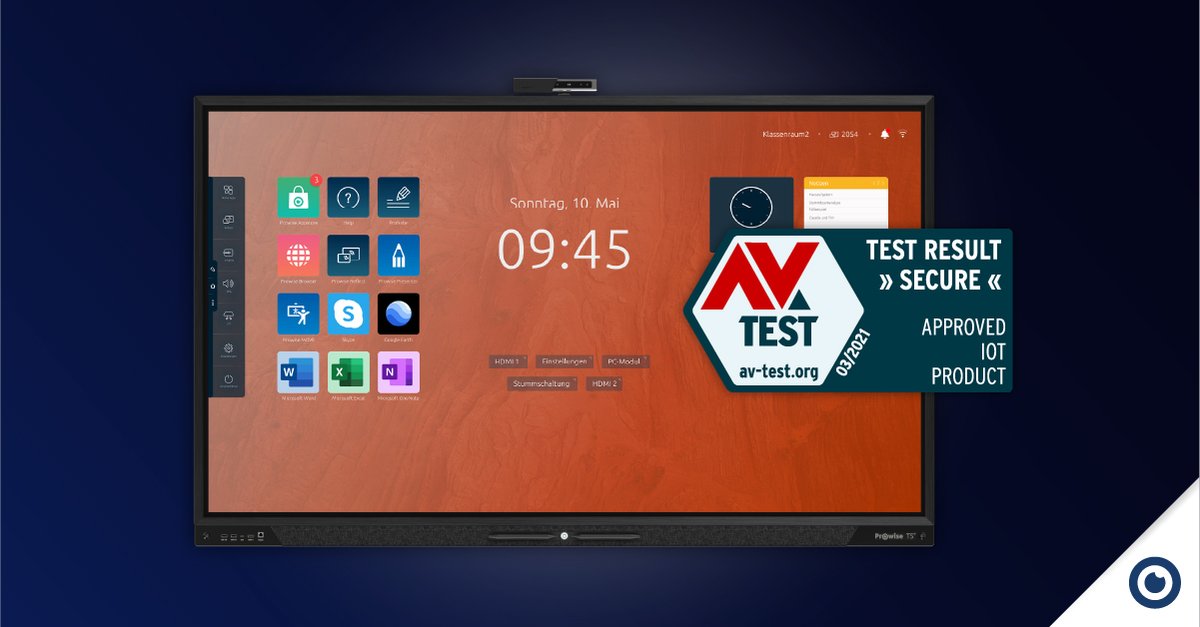
Security Prowise Touchscreen Ten rewarded by independent security test
The independent German AV-Test Institute confirmed the security of the touchscreen and software with a 'Tested IoT Product' certification.
Read all about this great news 👉 https://t.co/tiwp9wpSsG
‘Share Screen’ in Presenter!
Teach interactively in the classroom and remotely. Screensharing via ProConnect is back in Prowise Presenter!
Get started immediately or read everything about our new update 👉 https://t.co/Xyan6wGMG5
#Prowise#Presenter
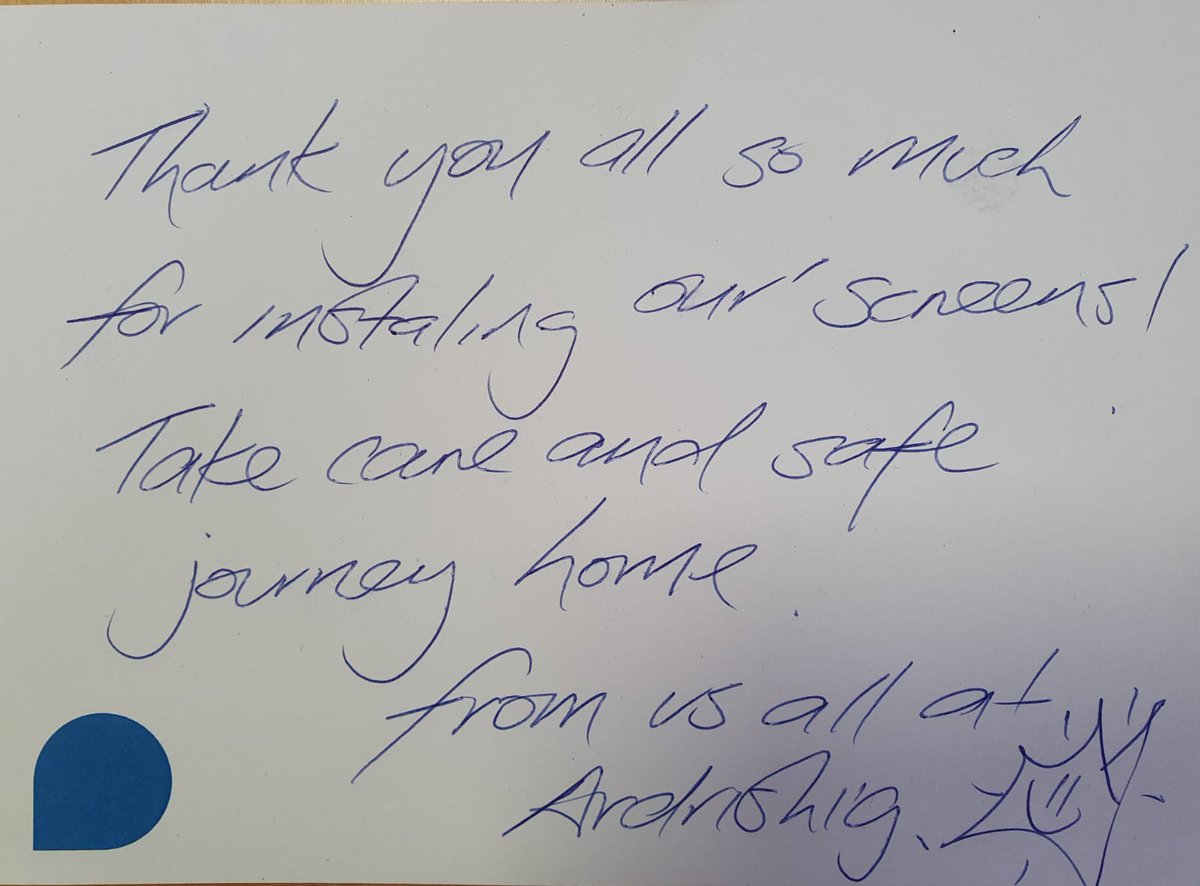
We received this lovely wee thank you note from @ArdrishaigPS after installing 8 new @ProwiseUK Touchscreens on lifts!
Absolutely made our day and LOVE the drawing, so well done!😍
USB-C!
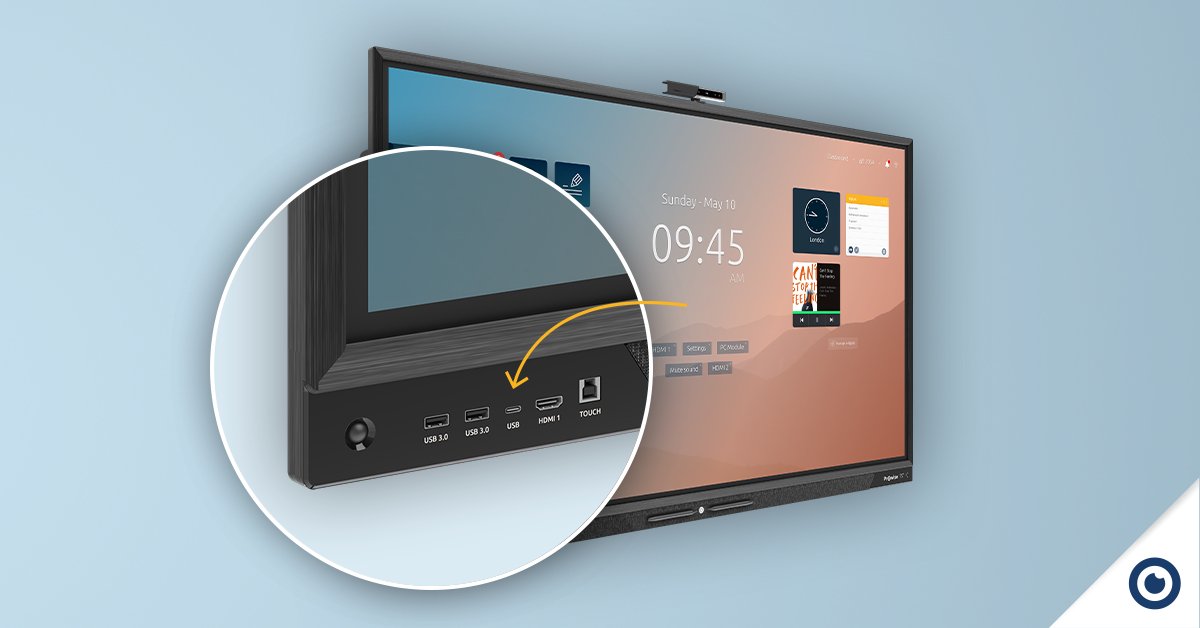
With the USB-C ports, one of which is conveniently located at the front of the Prowise Touchscreen Ten, you only need one cable for touch, power, audio and video from your device. USB-C can even replace your entire docking system.
Learn more ➡️ https://t.co/Fz9PWeEiQv
Notre Dame or Empire State?
Prowise MOVE: the picture appears on the big screen and the pupils match the picture with the right name by striking a pose.
Learn more about this MOVE game 👉 https://t.co/XKnKVfq5Mz
USB-C!
With the USB-C ports, one of which is conveniently located at the front of the Prowise Touchscreen Ten, you only need one cable for touch, power, audio and video from your device. USB-C can even replace your entire docking system.
Learn more ➡️ https://t.co/Fz9PWeEiQv
Did you know?
Besides the 'Share Screen' function we've also added 250 new illustrations to the Medialibrary of Prowise Presenter!
Is your favourite one among them?
#Prowise#Presenter