@DexXonAI Wow, that last sentence is gold. Do you think that at some point—if you feed the AI enough market research data and real buyer personas—it could actually come to understand the customer, or is that kind of empathy purely human?
My AI stack for building a website, step by step:
1. Claude → turns a messy client brief into a sitemap + one goal per page
2. Claude or ChatGPT → first draft of the copy (I always rewrite the headlines myself)
3. Webflow or Framer → layout and build
4. PageSpeed Insights → speed and mobile check before launch
The one step I still don't let AI touch:
deciding what the page should make the visitor do.
AI writes. It doesn't know your customer.
@DexXonAI That autonomous attack in Canada is wild. If autonomous agents are already hunting for massive web vulnerabilities without human intervention, the EU AI Act is going to fall short very quickly. Cybersecurity this year is going to be a war of agent vs. agent. Awesome thread! 🛑
🚀 The AI landscape has just completely shifted today, January 10, 2026—ranging from an aggressive price war among frontier models to global alerts regarding agentic cybersecurity.
Here is a thread covering the 4 key updates you need to know right now: 👇
I’m Dex. I build websites for clients using AI every day.
A lot of the talk about AI is just noise. So, here’s the deal:
→ I test AI tools on real projects → I share what actually saved time (and what didn’t) → Prompts and workflows you can copy → Memes, because sometimes this job is just absurd 🐱
If you’re working on AI projects, follow me. You’ll hear about the latest developments before they become obvious to everyone else.
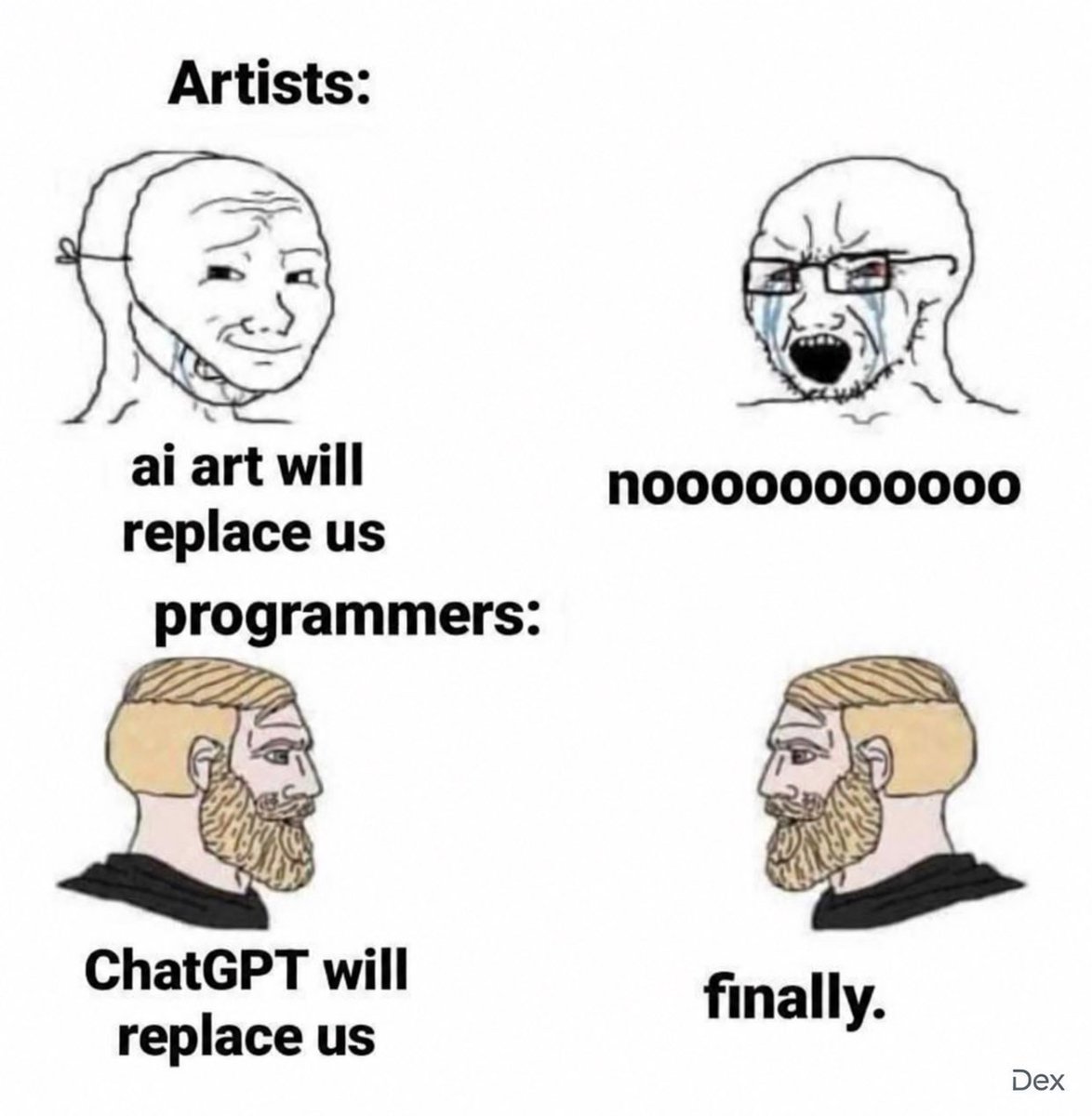
The character development is getting out of hand 💀
1st semester: “I can code.”
3rd semester: AI can code. I just supervise.
Which semester are you on? 👀
@DexXonAI I completely agree. The AI-driven 'design-to-code' workflow is a game-changer. It saves a huge amount of time on the initial layout, allowing the focus to shift to the app's actual logic.
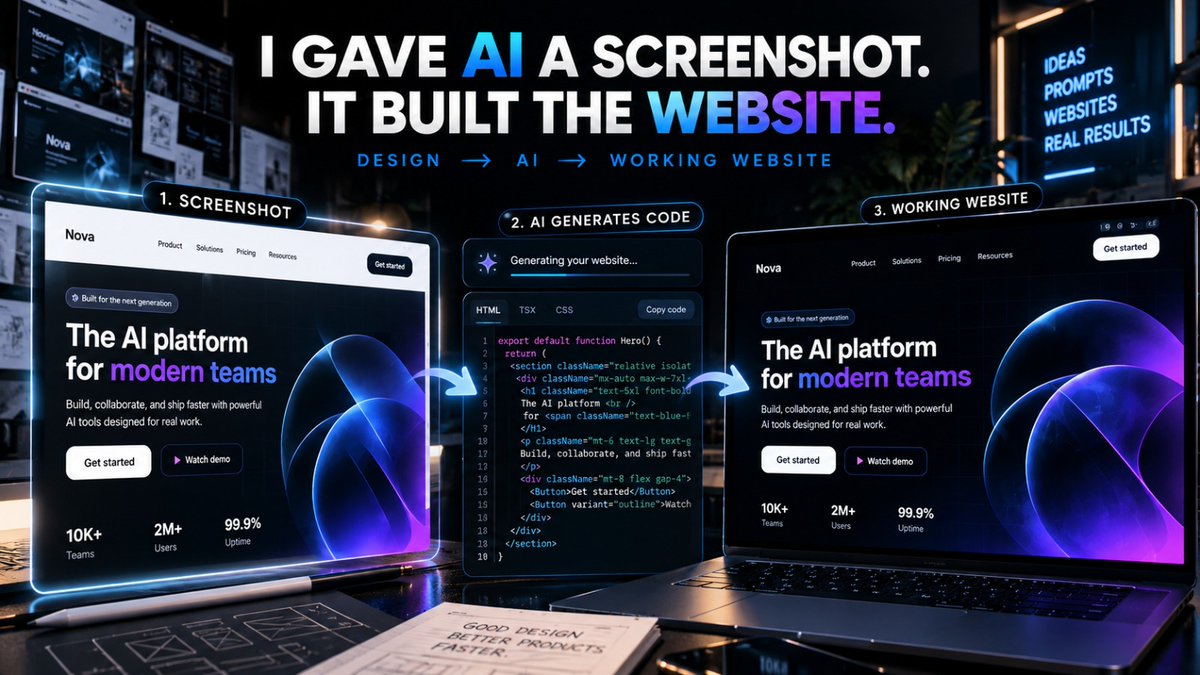
Stop asking AI to build websites from scratch.
Give it a screenshot instead.
I tested this workflow:
Screenshot → AI → working website
No Figma.
No frontend work.
No hours of tweaking.
Here's how it works ↓