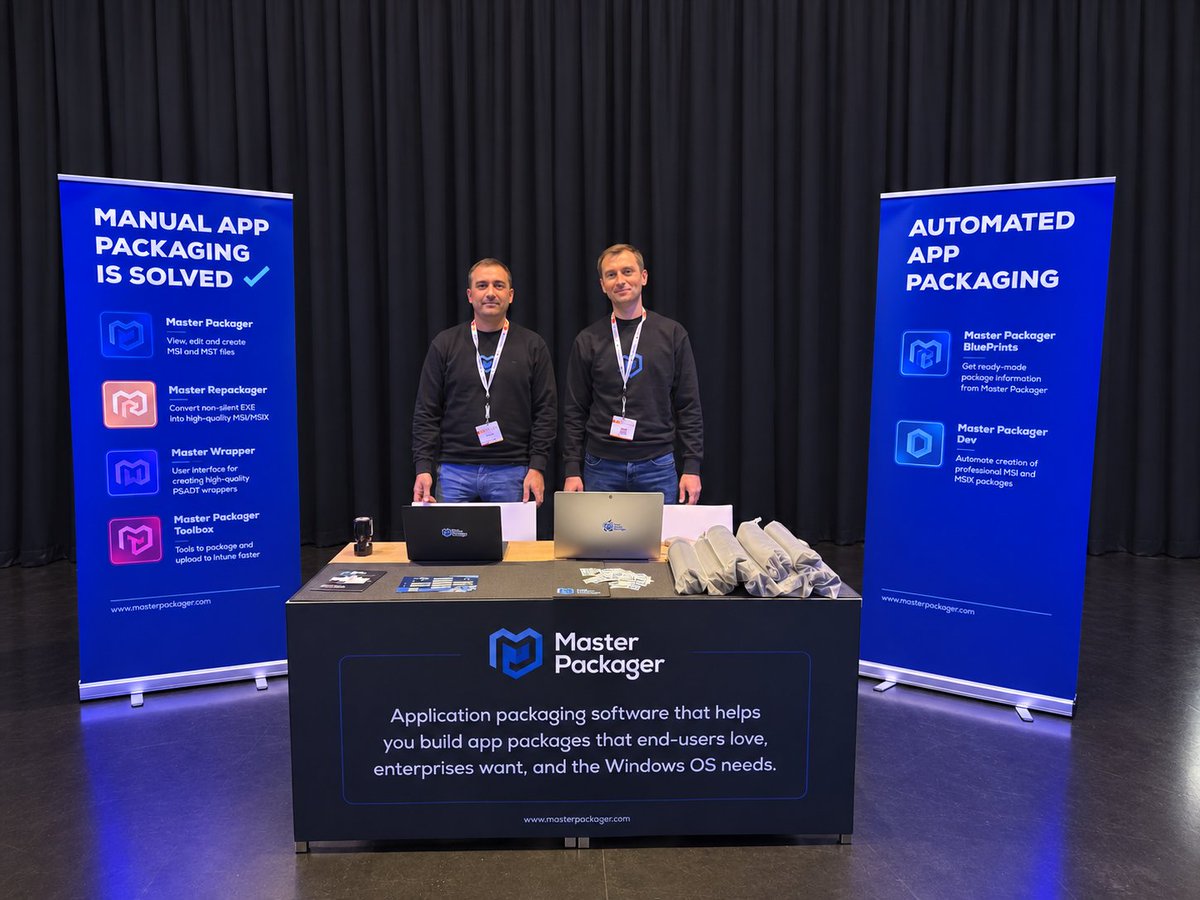
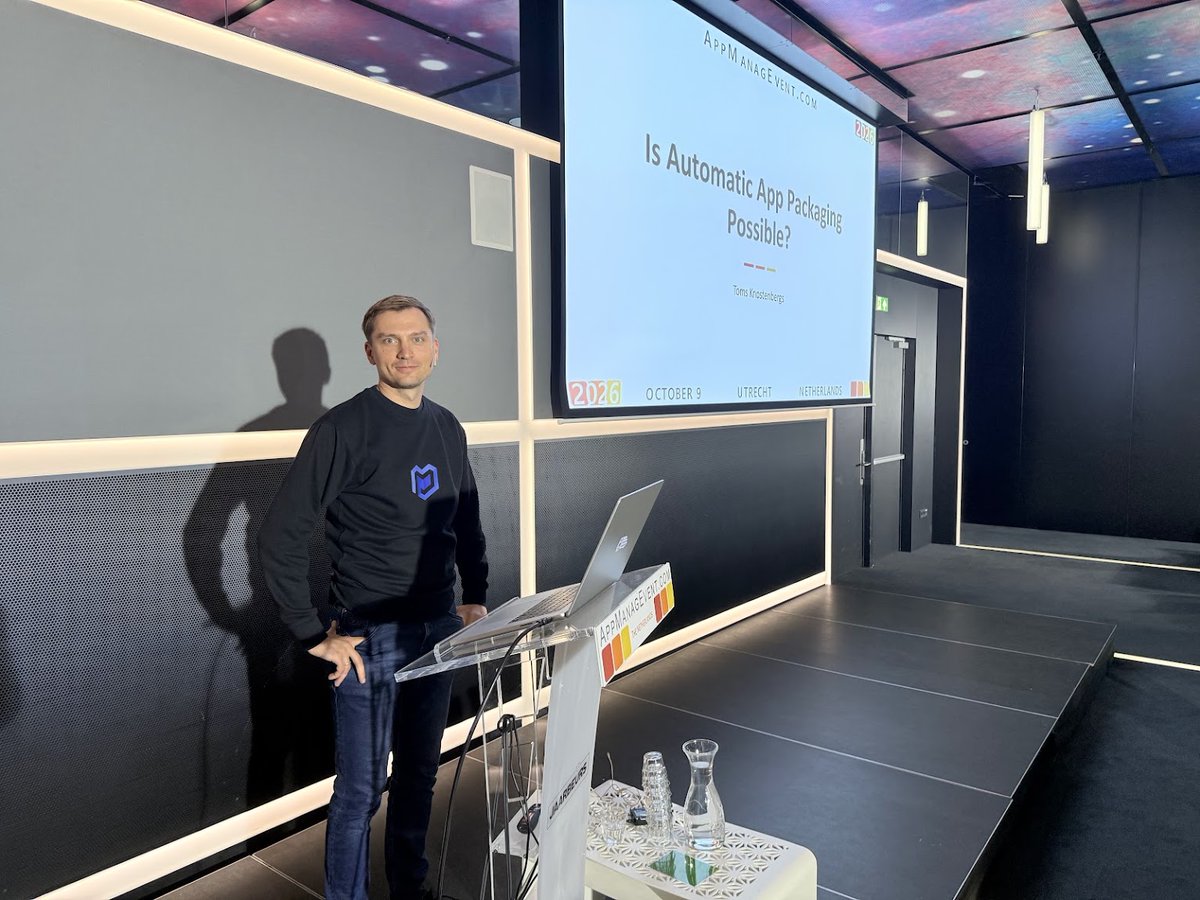
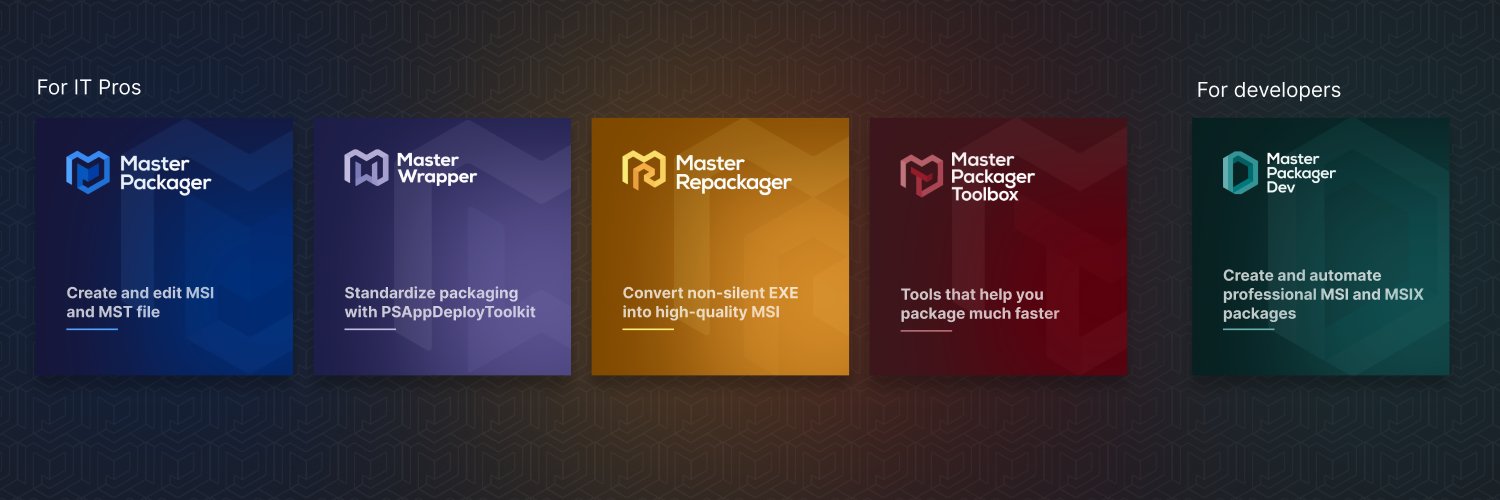
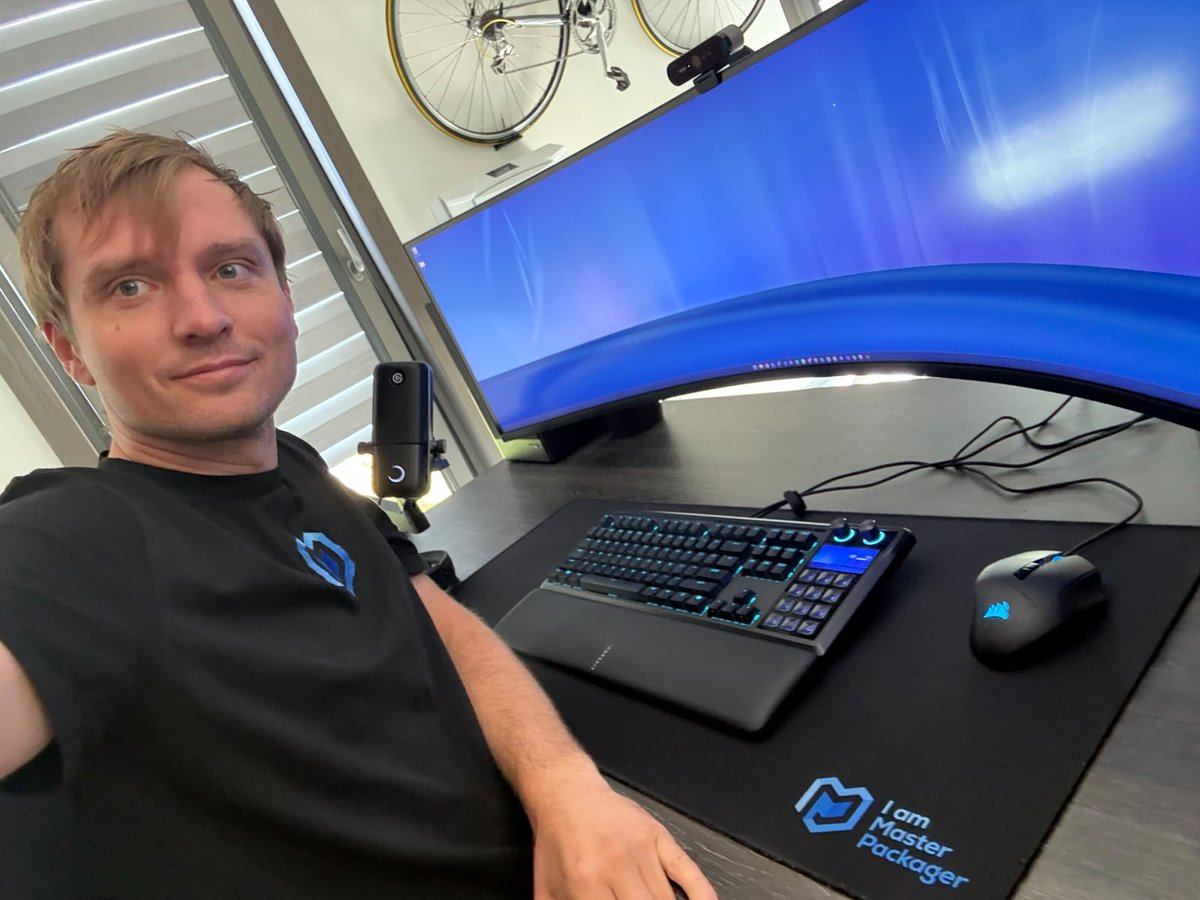
Master Packager Ltd is a five-person company growing an average of 70% every year. What I didn't expect was that at the AppManagEvent 2026 conference, we'd have more conversations with our existing customers than with people who hadn't heard of us yet.
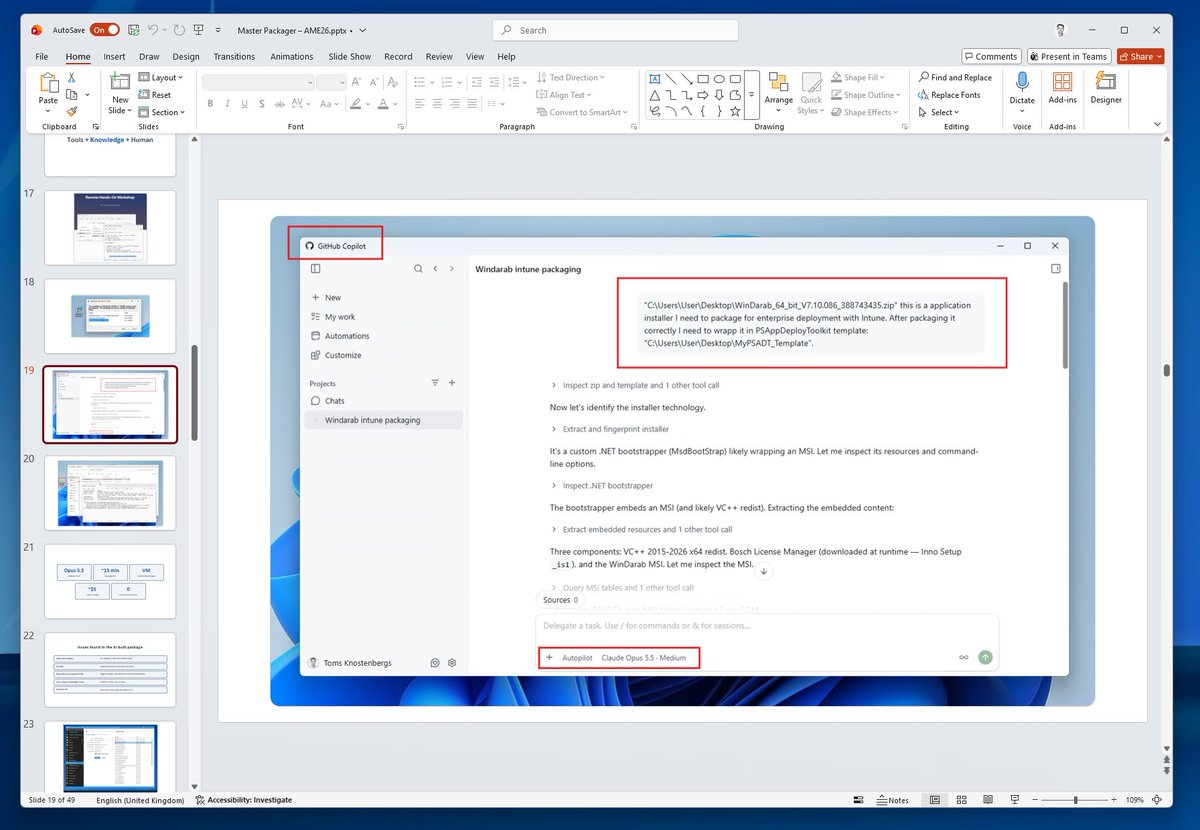
The AI improvements in 2026 changed how I look at application packaging. If you had told me last year what I'd be showing at this conference, I wouldn't have believed it. Mainly because just one year ago, the things I showed in my session weren't possible. I wanted to share what I've learned and how we're planning to adapt. The recording of my session will be available on our @MasterPackager YouTube channel soon.
We're building the best application packaging solution to make app management easy and affordable. I know that AppManagEvent/EndpointManagEvent is one of the best places in Europe to meet people who understand how important it is to package apps in an organization. This will become more and more important as AI agents start running everywhere.
It was inspiring to meet our customers, partners, friends and everyone else interested in making endpoint management easier. @appmanagevent team is amazing at organizing the event. Thank you, and see you next year!
Moving Windows Update management from #WSUS or Group Policy to #Intune? 👀
"IgnoreWindowsUpdateGroupPolicies" could help create a cleaner path to modern management, but there’s more happening behind the scenes.
@Mister_MDM breaks it down ➡️ https://t.co/t0bp3n5pG4
#MSIntune #WindowsUpdate
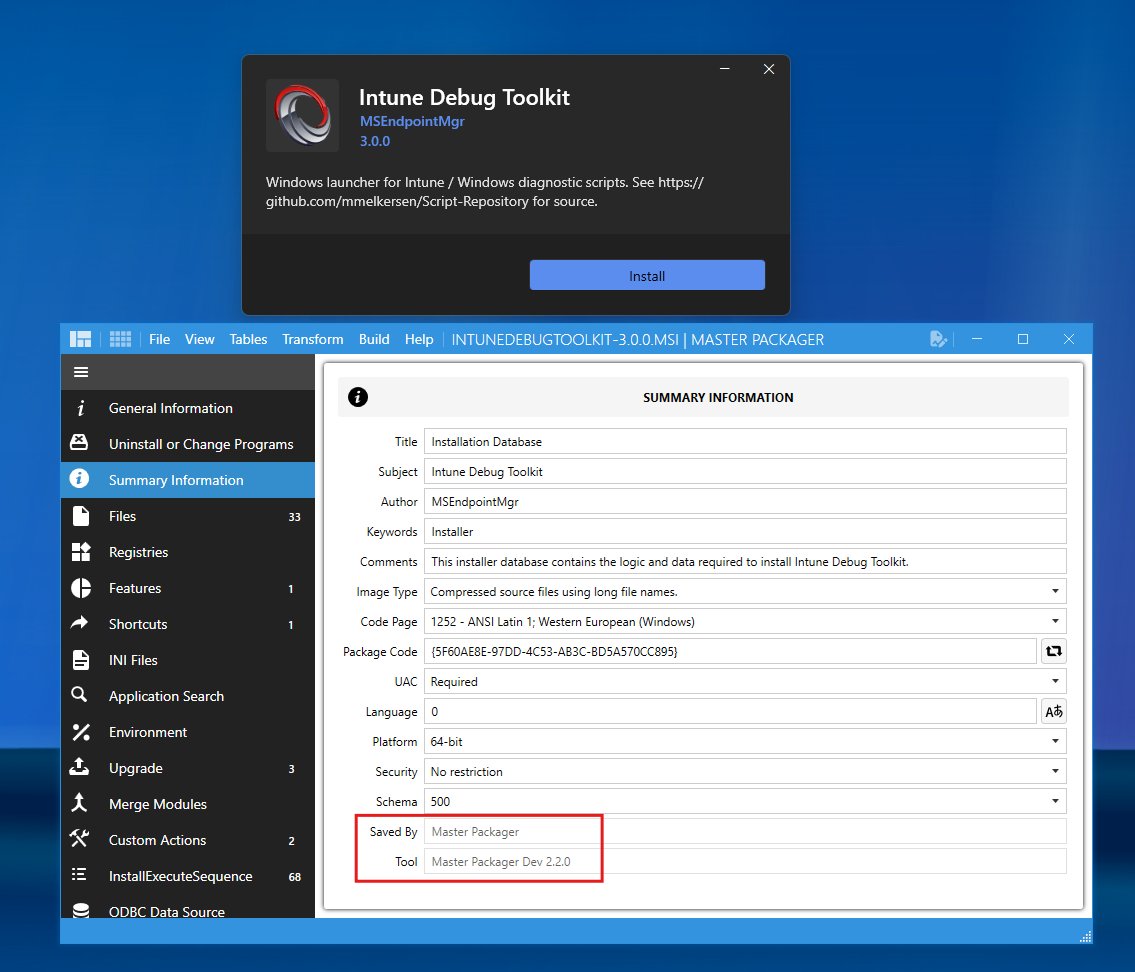
How do you get a professional MSI/MSIX installer package for your app in 1 minute?
1. Install Master Packager Dev
2. Describe your app binaries, app name, shortcuts, environment variables, etc. to your AI agent
3. Point it to the Master Packager Dev documentation
4. Let it build
Done. You have an excellent installer.
Free for non-commercial organizations and personal projects.
https://t.co/IkOtZSEvju
When a silent install fails, but the interactive install works just fine, it’s time to start digging.
#PatchMyPC Customer Engineer @EskimoRuler used @MasterPackager to track down exactly what was going wrong with an Elgato Control Center install.
Spoiler: order of operations matters 👉 https://t.co/4UnbK3bLew
#ApplicationPackaging
With app packaging, an issue with the deployment is sometimes just an issue with the installer and @MasterPackager makes it easy to pop open an MSI and find out what's going on.
Check out my latest learning write‑up👉
https://t.co/0RQN2UPa6B
#MasterPackager#PatchMyPC
Next week we have a 5-day Remote Hands-On Workshop where we will share our knowledge on how to package applications with students from Europe and North America. It's a great feeling knowing how to package and configure apps for Intune and Configuration Manager.
https://t.co/oG2iGSR1gT
You can't outsource your understanding.
Learn to Package Any Win32 Application.
When: September 14-18, 2026
Where: Remotely, with adjusted time zones for packagers in the EU and North America.
We plan to have one more class for students in Australia and New Zealand, as we have many customers there asking for courses. Yes, we will wake up earlier than usual, but we can talk about app packaging even while asleep at night :).
But we have no specific plans for courses after that, as we're focusing on building new really cool and useful app packaging product.
This is your chance to learn what we have learned, ask questions, and on day five, package your hardest apps together.
Here is the feedback we get after our courses, from experienced professionals with 20+ years of experience to beginners in app packaging.
Learn more and save your seat:
https://t.co/oG2iGSR1gT
After my first two years of packaging apps daily for other organizations, it finally clicked – I knew how to do application packaging well.
Customers sent us the most difficult apps to package for their mass deployment system – the ones they couldn't figure out how to install silently on their own.
I managed to package every single one. Without exception and with any in-app configuration they wanted – disabled auto-updates, removed startup popups, added specific in-app settings, deleted desktop shortcuts, repackaged non-silent exe into MSI, etc. It cost me years to learn the packaging skill alongside many tools that clearly weren't built to handle such complex apps and requirements.
@MasterPackager is designed to transfer the maximum of our knowledge and skill to you so you can build the best application packages for your organization. So you can be someone with enough knowledge to be free to choose and use any tools or solutions. To have more time to do what matters.
This is where the Master Packager name came from. A Master Packager is someone who can package any application and make it ready for an enterprise environment.
Just like with AI – the tool is just a tool. The most important part is the person using the tool and the willingness to learn the skill and the system around it.
Keep learning and become a Master Packager – it's a great feeling being in control of your application management.
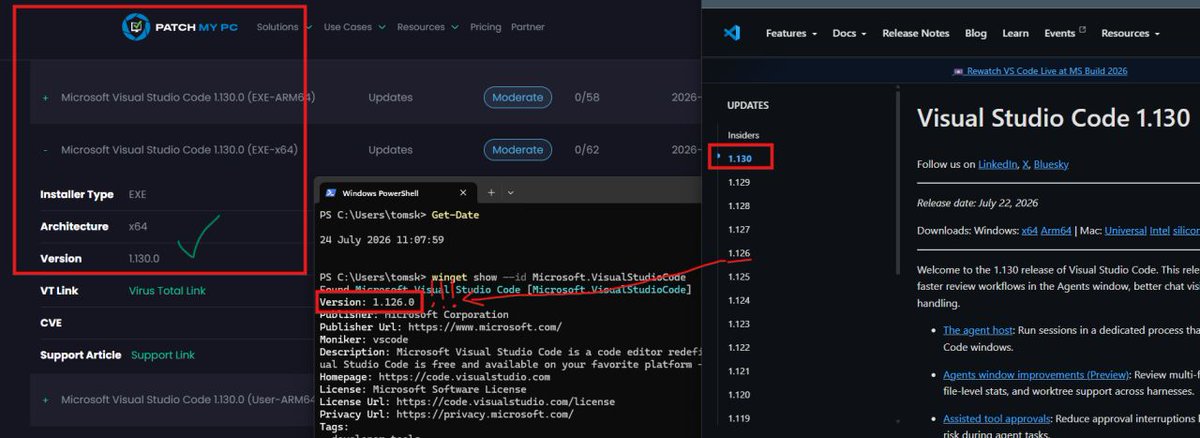
WinGet is currently four versions or one month behind Visual Studio Code latest release. Meanwhile, @PatchMyPC delivers application updates immediately after the vendor releases them.
I understand what it means to patch applications in enterprise environments and the risks associated with not doing it correctly. With more than a decade in the industry, experience packaging thousands of applications for enterprise needs, and by listening to packagers around the world, I know that @PatchMyPC is amazing company that do things right.
That is why @MasterPackager integrates with @PatchMyPC to help organizations package internally developed apps, or those requiring heavy customization or complex packaging.
If you want confidence that your apps are up to date, check out @PatchMyPC. If I were responsible for enterprise IT, Patch My PC would definitely be one of my top choices.
https://t.co/P9RAoqH6fY
Check if you're overpaying for your application packaging solution. Many professional managed service providers rely on Master Packager Suite as their only application packaging solution. They know what it takes to deliver fast, high-quality packaging services with tools that make business sense.
What are you using to package Win32 apps for Intune in 2026?
reddit post with 4 main answers:
- PMPC
- PSADT
- Robopack
- Master Packager
https://t.co/g96ZE8hIl4
Besides Patch My PC 😉, what's one tool you couldn't do your job without?
Every IT admin has that one app that's open all day.
We're curious to see what tops the list.
We just released Master Packager Suite 26.3.9686 hotfix version.
Fixed issues for Master Wrapper:
* Configuration is not saved if package is saved from script editor page
* Application crashes when saving draft projects with CTRL+S shortcut from any page with a script editor
https://t.co/zcYjnVhBiX
Why we built the Master Packager Toolbox Intune feature to upload packages to Intune instead of using the Intune portal:
Standardization – To get long-term automation benefits, we standardize packages into PSADT using Master Wrapper, which helps packagers gather app and installer data for deployment.
Automation – App icon, description, detection rules, notes, etc. – all pre-set during packaging in Master Wrapper and carried to Intune automatically.
Speed – Uploads directly via Intune Graph APIs, which Master Packager Toolbox uses. Multiple times faster for large packages. No manual, boring steps in the Intune portal to upload packages. One-click upload from the Master Packager Toolbox.
Process – Packaging details are set by the packager during wrapping, not by the deployment engineer at upload time, which can lead to delays.
Application packaging is not just finding a silent switch. Standardization, processes, and automation are key. We've learned that and are building solutions to provide this knowledge to you with tools that not only do an amazing job packaging apps, but also enable you and your team to adopt processes that reduce issues and save time and money.
Our vision is to make application management easy and affordable. That vision also applies to how we license our software.
For Master Packager Suite, our licenses are per-user.
But here's the big differentiator – our customers can install the software on unlimited machines. We wouldn't want to be slowed down by a software license, so we don't do that to our customers.
For developers, Master Packager Dev is even simpler. It's licensed per organization. One license and everyone in the organization can use it with no showstoppers.
Luca, one of our Master Packager users, wrote us an email with a question:
Is it possible to remove just a registry value without removing the entire registry key for all users?
We replied with a blog post.
https://t.co/Csx5cjb4ED
We're doing our best to keep the price as low as possible while offering the highest quality.
If paying €1k for a full suite of application packaging tools is too much for you, and if this really is a one-off, you can use the free Community version of Master Repackager to see all the changes and then create the MSI manually based on those changes. Whether that will be cheaper depends on the complexity of the application you're repackaging. Good luck.
Master Packager Suite 26.3.9665 is now available for everyone. 🚀
- Master Wrapper: New process view to configure PSAppDeployToolkit process to close
- Master Repackager: Improved performance
- Added many quality improvements
- Fixed all reported issues
Read the full release notes here:
https://t.co/qmDy4XGwsV
Download:
https://t.co/Su2pIwvMfL