Stop sending Claude-slop to your boss.
It's putting you on the edge of getting fired.
I am sure you're (definitely) sending a report with:
> unnecessary wall of text.
> titles/headings that sound like poetry.
> 12 cluttered boxes, and no idea where to start.
> no clue what you yourself are looking at, and why.
I like how Shopify's CEO calls it "slop grenades."
I spent an entire day figuring out how to un-slop those reports, whether you are the one sending or receiving them.
Here's how:
Step 1. Copy the prompt from my guide: https://t.co/4GBb1RcBDp
It has my free GitHub repo link. No, it's not technical
→ If you're making a new report
Copy the "make a page" prompt from the guide.
→ If you are fixing an existing one
Copy the "fix a page" prompt from the same guide.
Step 2. Attach your AI slop report to Claude.
> Your meeting notes.
> Your spreadsheet.
> Your existing report.
> Or an overwhelmingly slopped page someone just sent you to do the job, they are supposed to.
Step 3. Tell Claude (specifically) WHO will read it.
Your prompt "For Dana, my colleague" is a NO-go
Be painfully specific like: "For Dana, my CFO".
Then tell it what Dana needs to do after reading.
Step 4. The report needs to only have ONE job.
→ Either to make a decision? Put the ask on top.
→ Or to catch up? Lead with 3 or 4 numbers.
→ Or to learn a process? One step per screen.
→ Or to approve a proposal? One idea per slide.
Step 5. Now, go back to Step 1 and paste the prompt from the guide.
Do not ignore that prompt, it is going to un-slop by Claude reading my rules, then building the page for your reader.
Don't worry. You install nothing.
The prompts, before-and-after examples, and 7 types of pages are here:
https://t.co/4GBb1RcBDp
Take the last report you sent. Fix that one first.
After 5 years and 100+ releases, Wasp v1.0 is in the works!
ETA: ~6 months
What's coming:
→ Every core feature reworked: Auth, RPC, Jobs, API, Deployment, etc
→ Full Stack Modules: install Stripe like a package, backend included
→ Native Windows, no WSL
→ Production-ready
Details (incl. roadmap): https://t.co/3UaoIwbrLT
testing AI agents for ops at @WaspLang
atm running hybrid:
- grokbot for email + a few more bots (incl. overheard from @lennysan's template)
- NanoClaw on my own hetzner box for tasks & projects
ready made or self hosted?
had grokbot research how people on X do it 👇
You don't have to read the code.
Seriously. If you want to get the thing live, feel the product, play with the UX, then go. It's incredible that you can.
Just know what you're trading away when you skip it.
Then decide for yourself 🧵
Design doc dilemma:
Share at 50% → people poke holes I knew about.
Polish to 95% → too much time on something the team might kill in 5 min.
Trying a middle step: an AI review panel first. 5 AI personas vote on every item, then argue.
@JoeyBaggaBots@poteto Agreed. I’d also say the gap is closing. Tested it yesterday, for example,Claude can set up a mail connection for OpenClaw through the browser almost without user interaction.
@NotionHQ We hooked up Discord bot to our Notion company handbook. Turns out super useful.
One of the examples: onboarding. New teammate joins, has 50 questions, they just ask the bot. It pulls the right stuff instantly.
Give yourself and your AI a better toolkit.
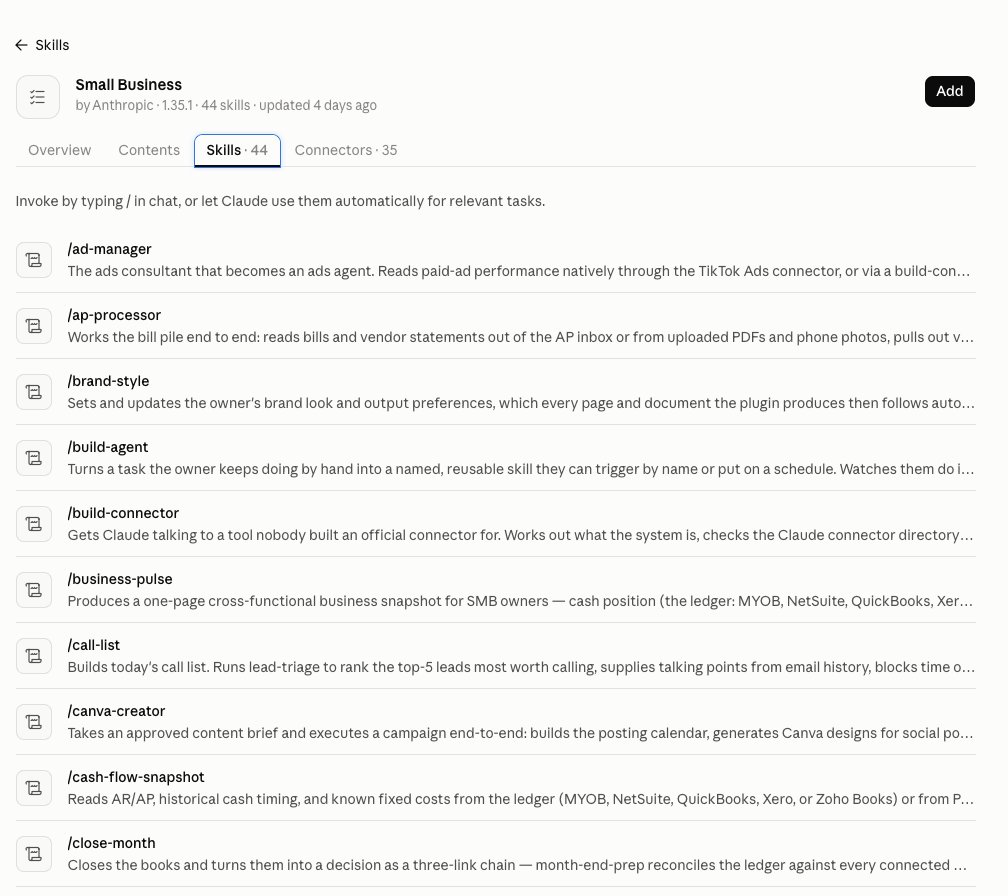
There are so many good ones available that it feels way better than fighting your way through every niche from scratch.
Thanks @infomiho for mentioning this skills repo 🙌
https://t.co/EKH1OzWFE0
Honestly I just want the TL;DR of most articles.
And I'd rather listen than read.
So I built an app + extension to turn the articles I never get to into a short daily podcast, w/ best quotes kept in. Open source, host your own: https://t.co/X8o35B130j