We've revived and completely updated our original Multicolor 3D Printing Guide from 2019! Amazing to see how much the technology has advanced in just seven years, from manual filament changes to automated systems...
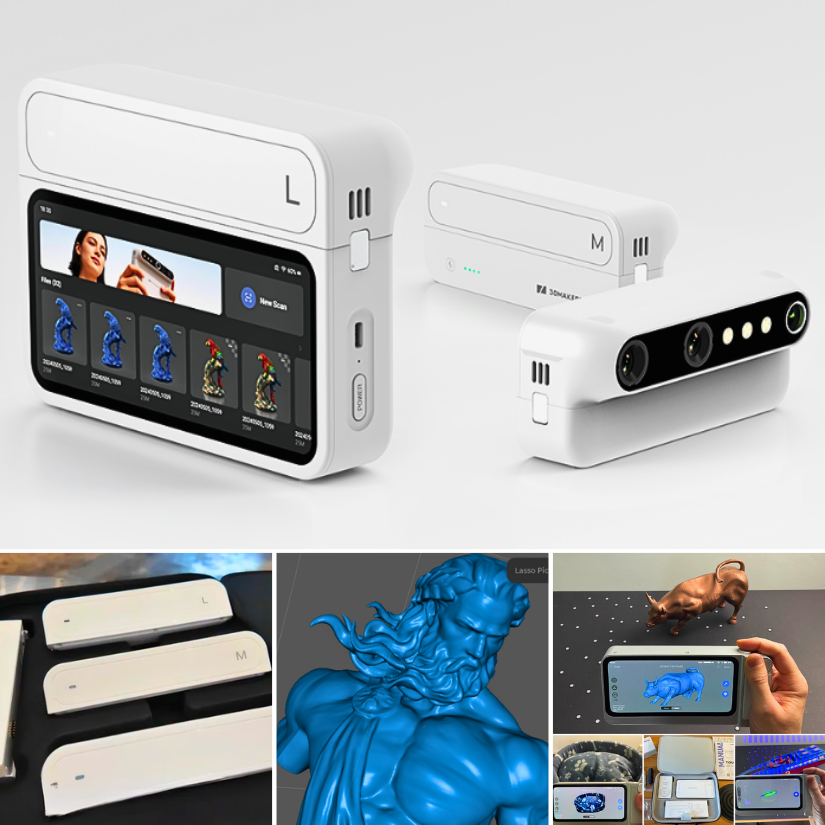
3DMakerpro just launched the world's first modular 3D scanner: Turtle.
Building on the standalone Toucan, Turtle introduces interchangeable S, M, and L scanning modules.
https://t.co/G0YP7P5r0r
@3DMakerPro#3DScanning#Turtle3DScanner
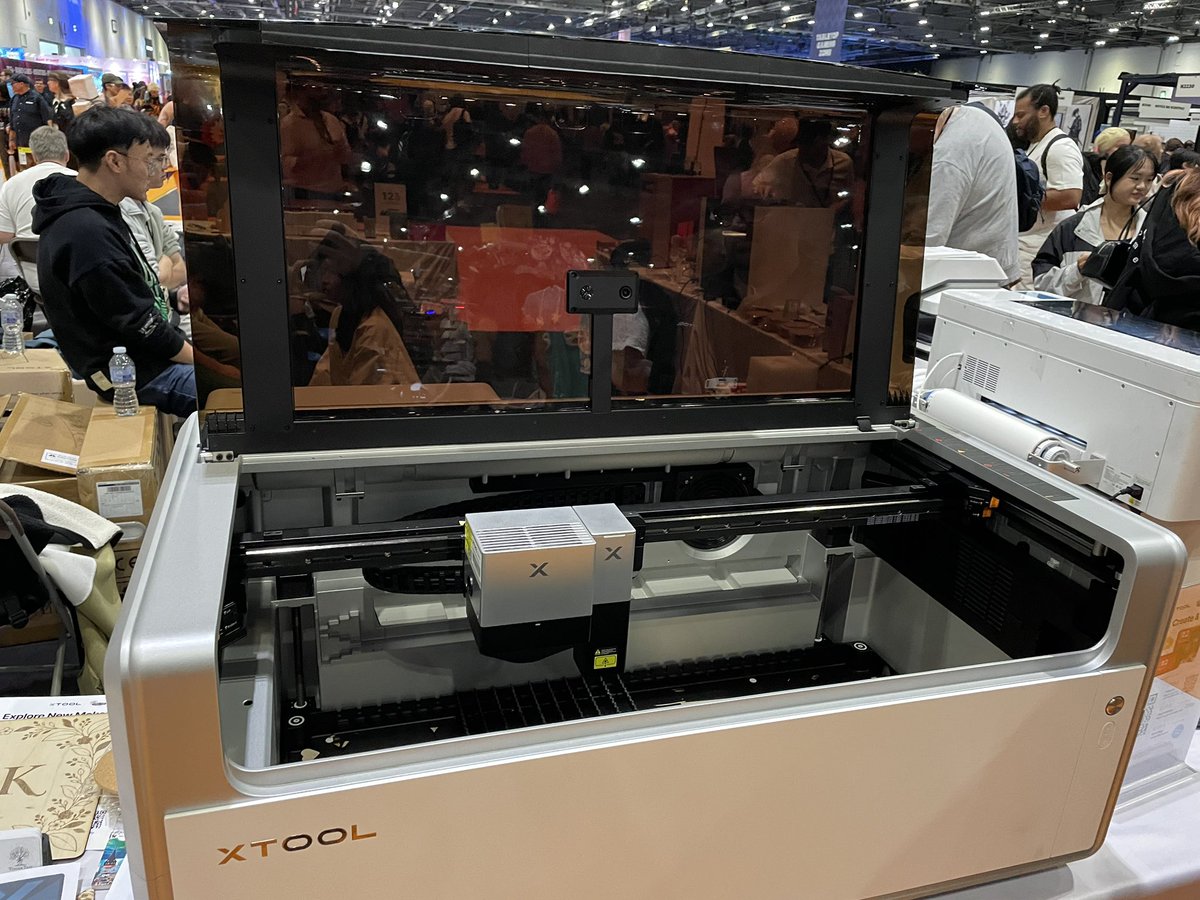
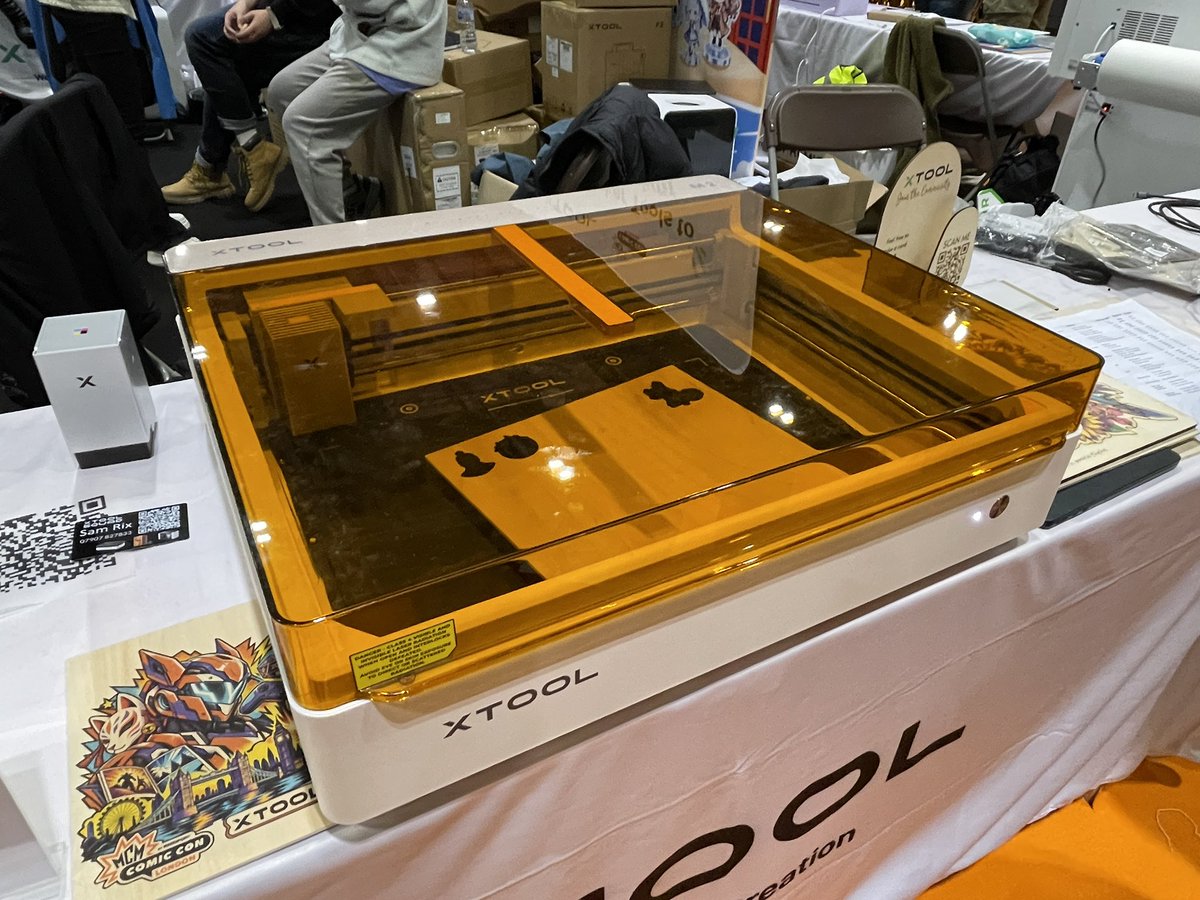
@Studiozombie3D@xToolOfficial@MCMComicCon Looking forward to seeing your evaluation. Also interesting to see how their Atomm platform will evolve. It would be great to have everything in one place for quick projects.
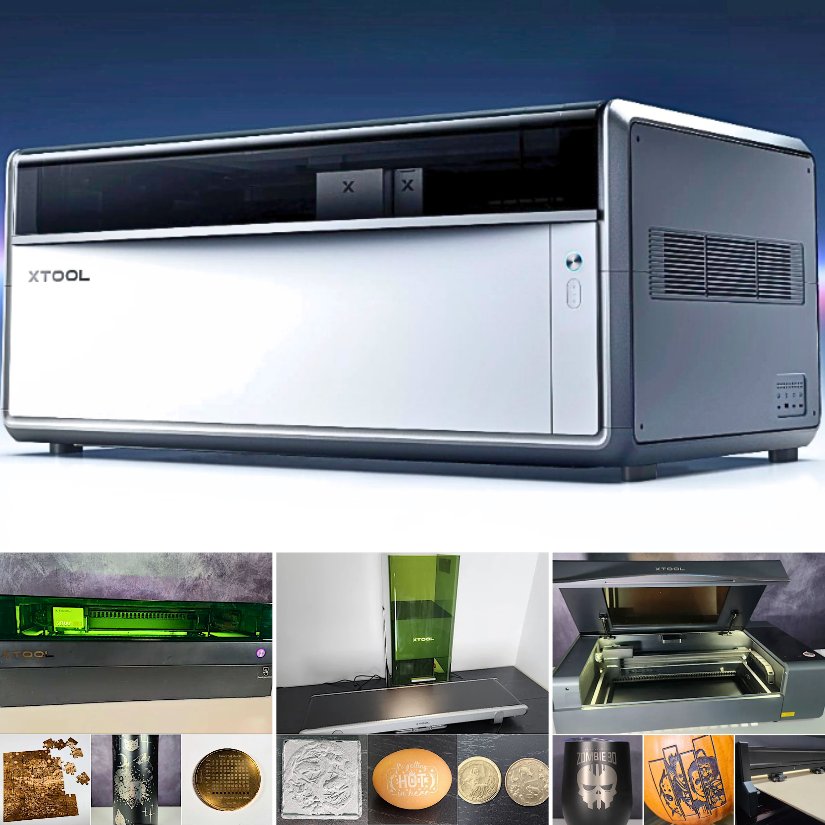
The new xTool X1 brings multiple laser technologies into one modular system: CO₂, diode, UV, fiber, and MOPA. Read about the X1, laser modules, software, Atomm AI, and other lasers.
https://t.co/9g4KUQNwtQ
@xToolOfficial#LaserEngraving#LaserCutter
Comicon @MCMComicCon in London was super busy at Friday night. Was pleased to see a lot of 3D printing and laser creations.
Featured: Bandai Hobby and PSDArmoury
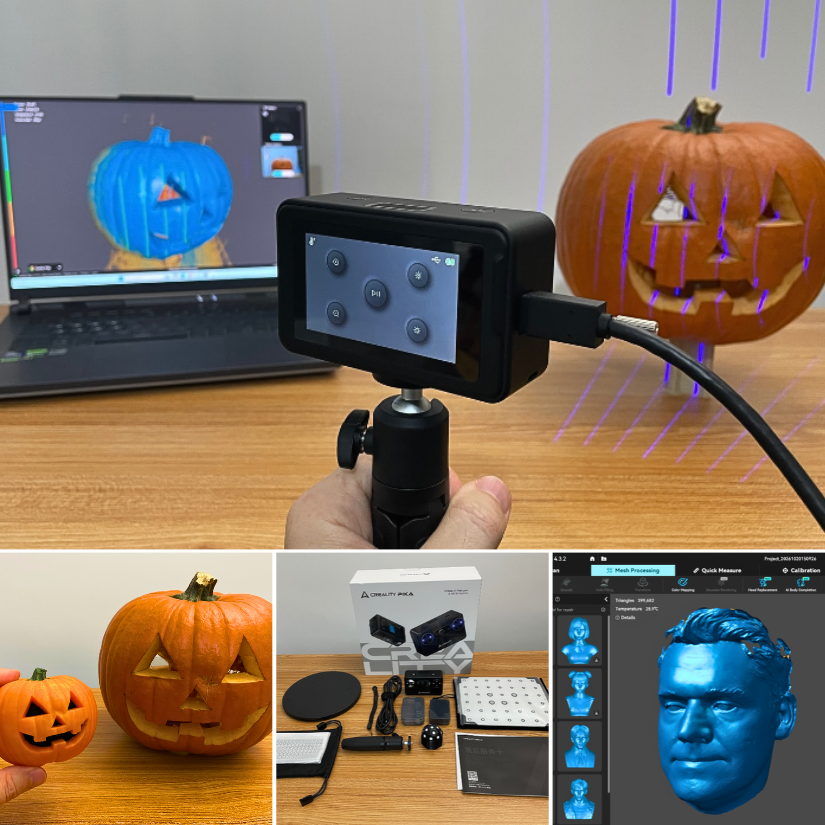
Creality Pika 3D Scanner hands-on review is live.
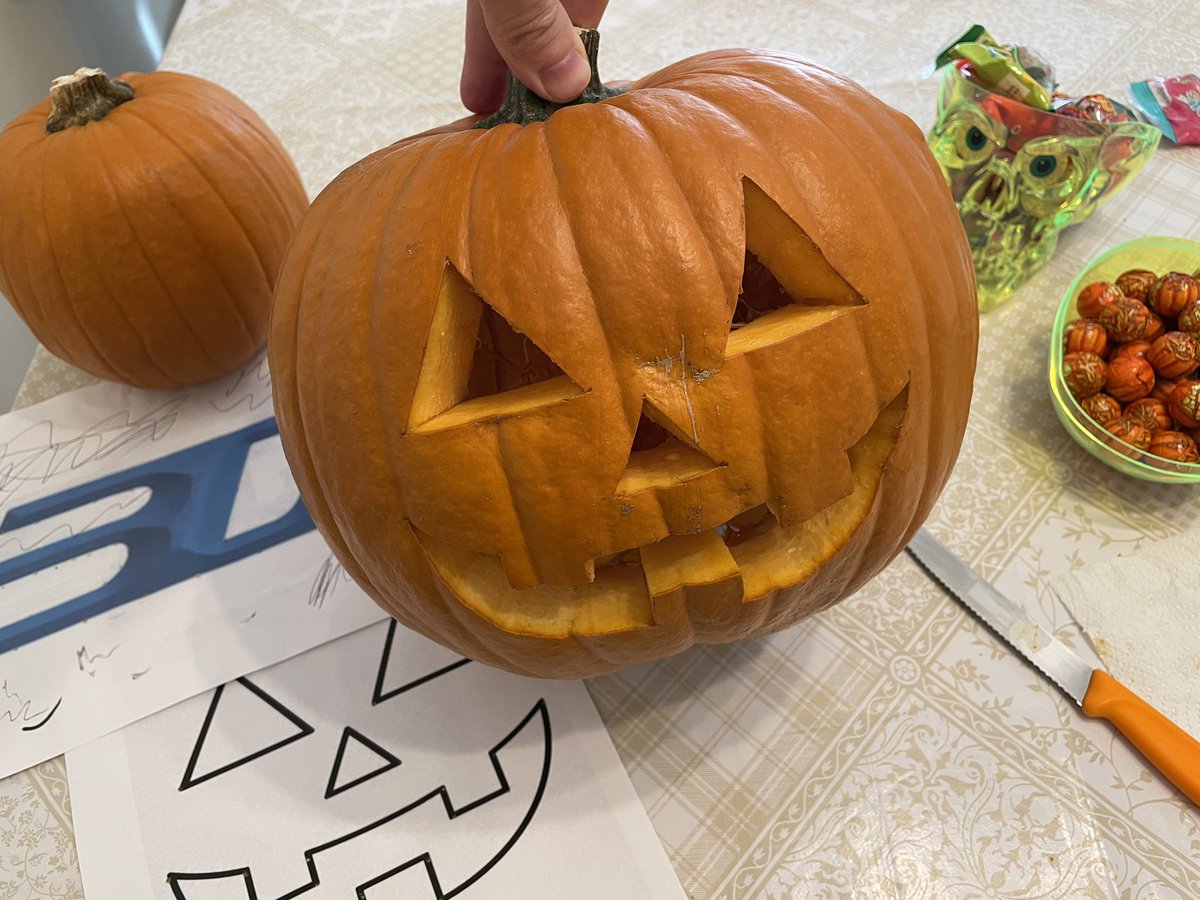
Blue Laser, Infrared, Wi-Fi, marker-free scanning, color mapping, face scans, and a carved pumpkin 🎃 turned into a multicolor 3D print.
https://t.co/ssPz7xmhoF
@Creality3dP#3DScanning#3DPrinting#Halloween
Creality Pika 3D Scanner hands-on review is live.
Blue Laser, Infrared, Wi-Fi, marker-free scanning, color mapping, face scans, and a carved pumpkin 🎃 turned into a multicolor 3D print.
https://t.co/ssPz7xmhoF
@Creality3dP#3DScanning#3DPrinting#Halloween
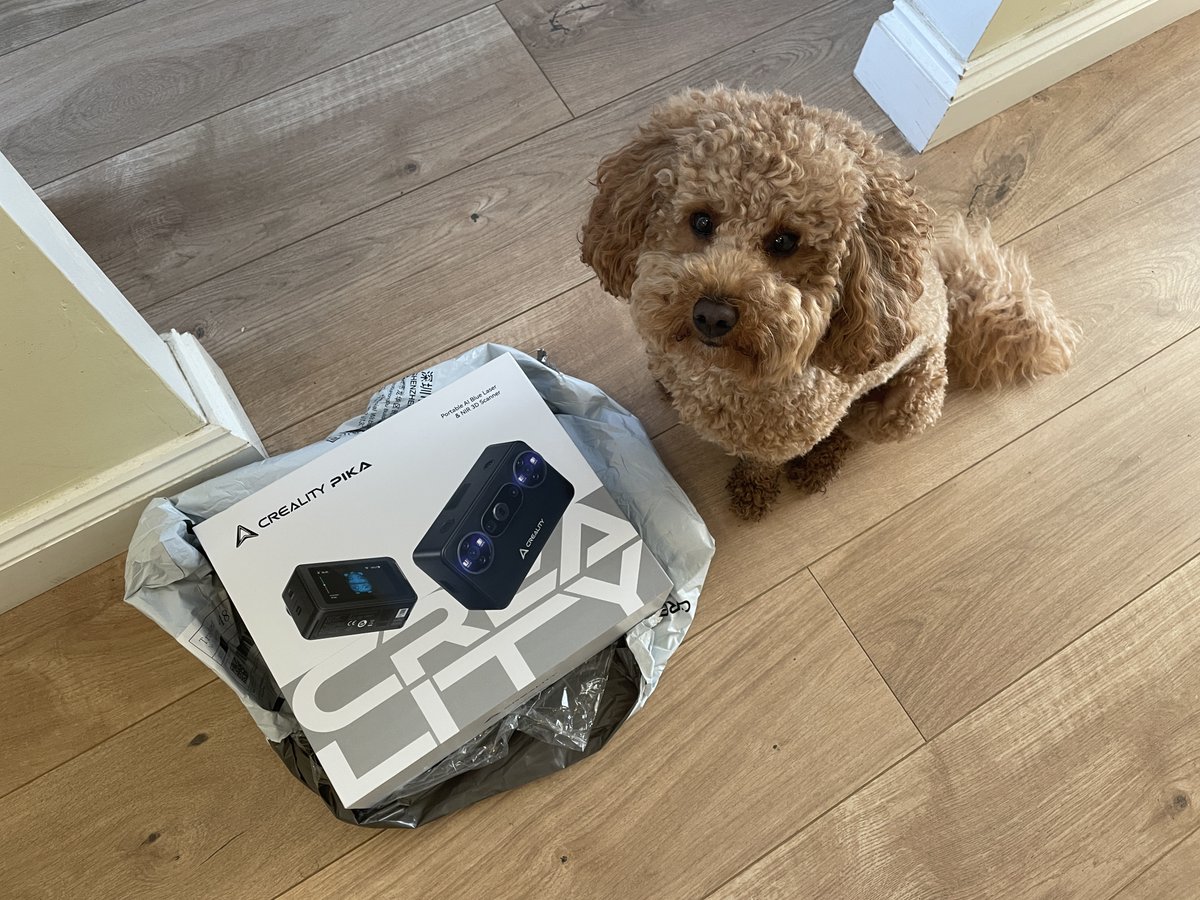
New scanner arrived. Teddy has already completed the initial packaging quality inspection. 🐶✅
Creality Pika hands-on testing starts soon.
@Creality3dP#3dscanner#3dscanning
@MattStultz Toby Carvery is a budget-friendly but interesting option. You can choose from Beef, Lamb, Turkey, and gammon. They will carve it in front of you 🥩🍖😃
We just open-sourced an entire 3D team for Blender.
Introducing the Scenario plugin.
Use it inside Blender, or let Claude Code run it through MCP.
📁/scenario-plugin
┃
┣ 📁 Concept Artist
┃ ┣ 📁 Concept Art From a Prompt
┃ ┗ 📁 References From Your Viewport
┃
┣ 📁 3D Artist
┃ ┣ 📁 Meshes From Text or a Photo
┃ ┗ 📁 Retexture or Remesh the Selected Mesh
┃
┣ 📁 Animator
┃ ┣ 📁 Rig the Selected Character
┃ ┗ 📁 Motion From Text
┃
┣ 📁 Surfacing Artist
┃ ┣ 📁 PBR Materials Onto Any Slot
┃ ┗ 📁 Maps From a Photo
┃
┣ 📁 Layout Artist
┃ ┣ 📁 Greybox From a Description
┃ ┗ 📁 360 Worlds and Skies
┃
┣ 📁 Camera Operator
┃ ┣ 📁 Camera Path From a Sentence
┃ ┗ 📁 Orbits, Dollies, Cranes and Flyovers
┃
┣ 📁 Render Artist
┃ ┣ 📁 Viewport to Finished Still
┃ ┗ 📁 Playblast to Finished Shot
┃
┗ 📁 Sound Designer
┣ 📁 Music, Voice and SFX
┗ 📁 Dropped on Your Sequencer
Comment "BLENDER" and I'll send you the GitHub repo.
Honeycomb Storage Wall 😍
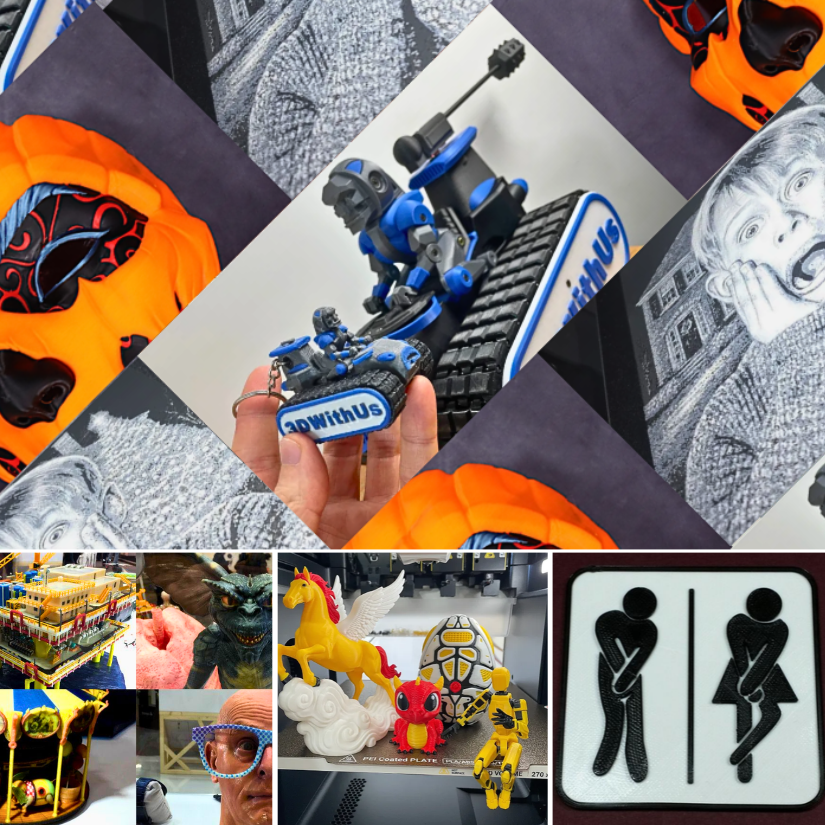
White @esun3dfilament PETG for the wall, blue ABS for the functional parts and of course the 3DWithUs logo had to join in 😄
Full guide: https://t.co/B2nFCEVdq7
Designs: HSW by RostaP, Remixes by @Marcidy_3D#3DPrinting#PETG#ABS#HSW