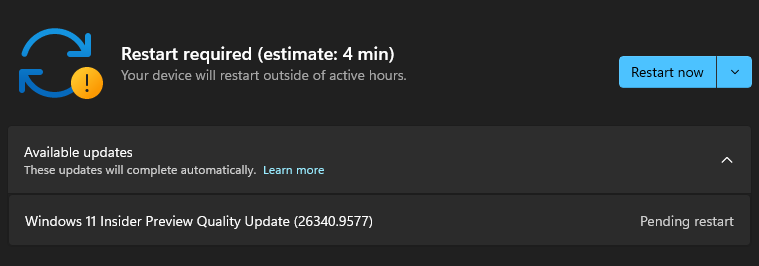
FINALLY!!!
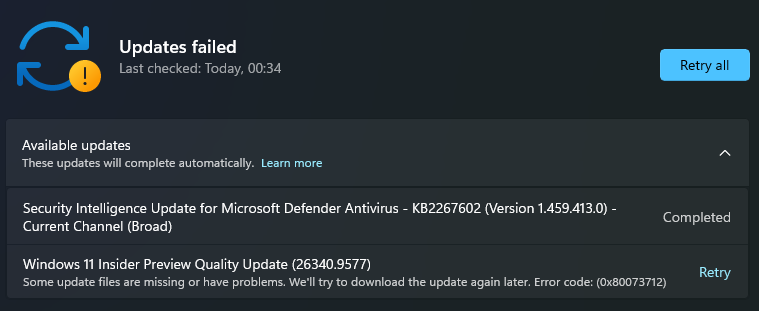
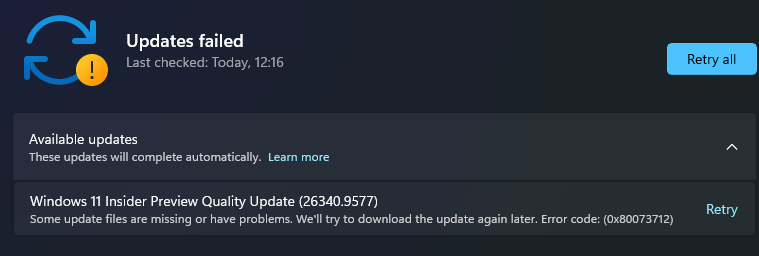
In Windows 11 build 26340.9502, it appears that Windows Update and other services fail when Windows Sandbox is enabled.
In other words, if you run OptionalFeatures.exe to disable Windows Sandbox, you'll be successful!
Well, it seems this isn't going to be a walk in the park.
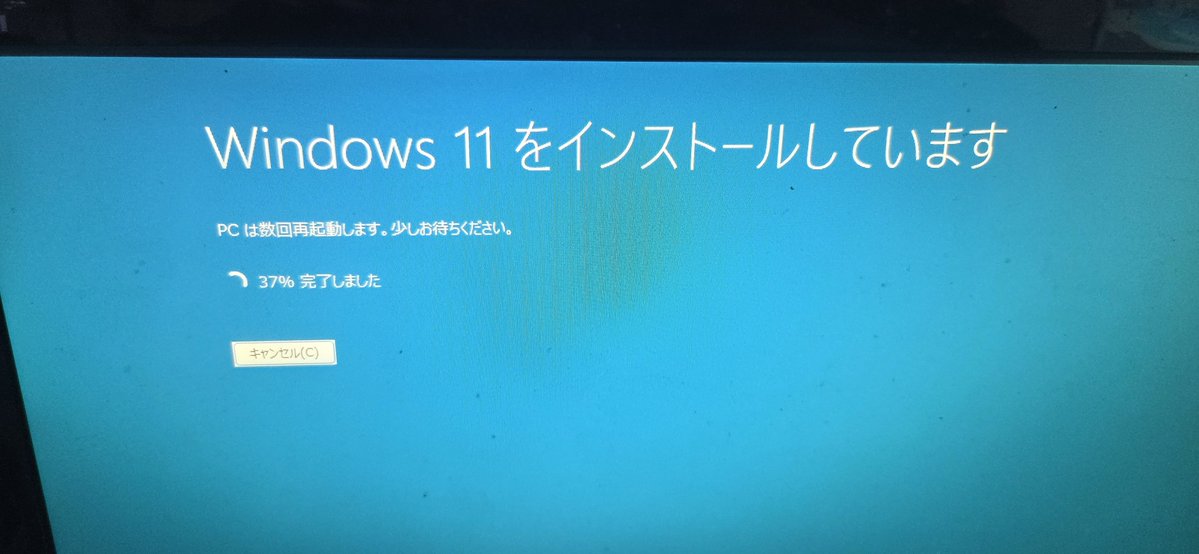
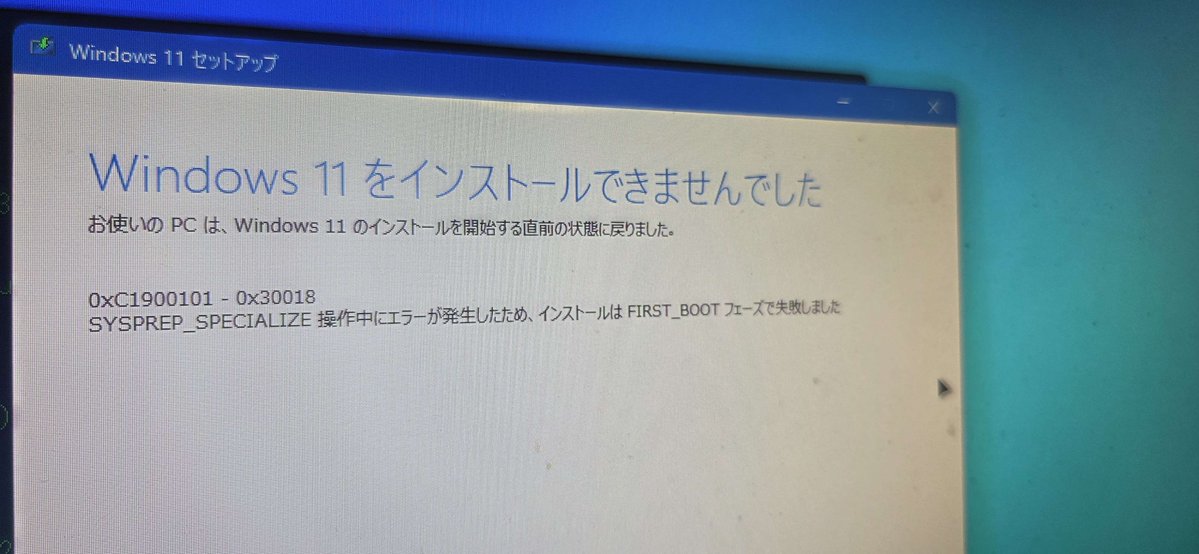
I tried using the `net` command and the method involving `install.wim`, but neither worked. I then attempted an in-place upgrade, but it ended up rolling back. The setup error codes were 0xC1900101 - 0x30018.
@jellekok86@windowsinsider Hmm, I'm having the same problem. And my friend is experiencing the same error.
It appears that `dism.exe /online /cleanup-image /restorehealth` also fails with error 0x800f0915.
In my case, I'm wondering if the file got corrupted because I put my computer to sleep...
I did end up having to wait a few minutes, and since it was already late that night, I decided to try again next time when I have some free time.
Besides, there’s no end to feeling frustrated over this issue every time it comes up… so for now, let’s just relax…
@jellekok86@windowsinsider Hmm, I'm having the same problem. And my friend is experiencing the same error.
It appears that `dism.exe /online /cleanup-image /restorehealth` also fails with error 0x800f0915.
In my case, I'm wondering if the file got corrupted because I put my computer to sleep...



![madonomori's tweet photo. Windows 11の新しい回復機能「クラウド リビルド」が[設定]アプリから簡単に https://t.co/M8BDHjf7Yr #WindowsInsider https://t.co/DKsMi1NFXu](https://pbs.twimg.com/media/HT5w05qa0AAOm6C.png)
![madonomori's tweet photo. Windows 11の新しい回復機能「クラウド リビルド」が[設定]アプリから簡単に https://t.co/M8BDHjf7Yr #WindowsInsider https://t.co/DKsMi1NFXu](https://pbs.twimg.com/media/HT5w00ZbYAAvTWz.png)



![madonomori's tweet photo. Windows 11の新しい回復機能「クラウド リビルド」が[設定]アプリから簡単に https://t.co/M8BDHjf7Yr #WindowsInsider https://t.co/DKsMi1NFXu](https://pbs.twimg.com/media/HT5w0--aAAATGBo.png)