Don't let your eSIM crash; do this for peace of mind and to save money.
1. Confirm device compatibility.
2. Use the official QR code.
3. Keep your activation information safe.
4. Name each eSIM.
5. Enable data roaming upon arrival at your destination.
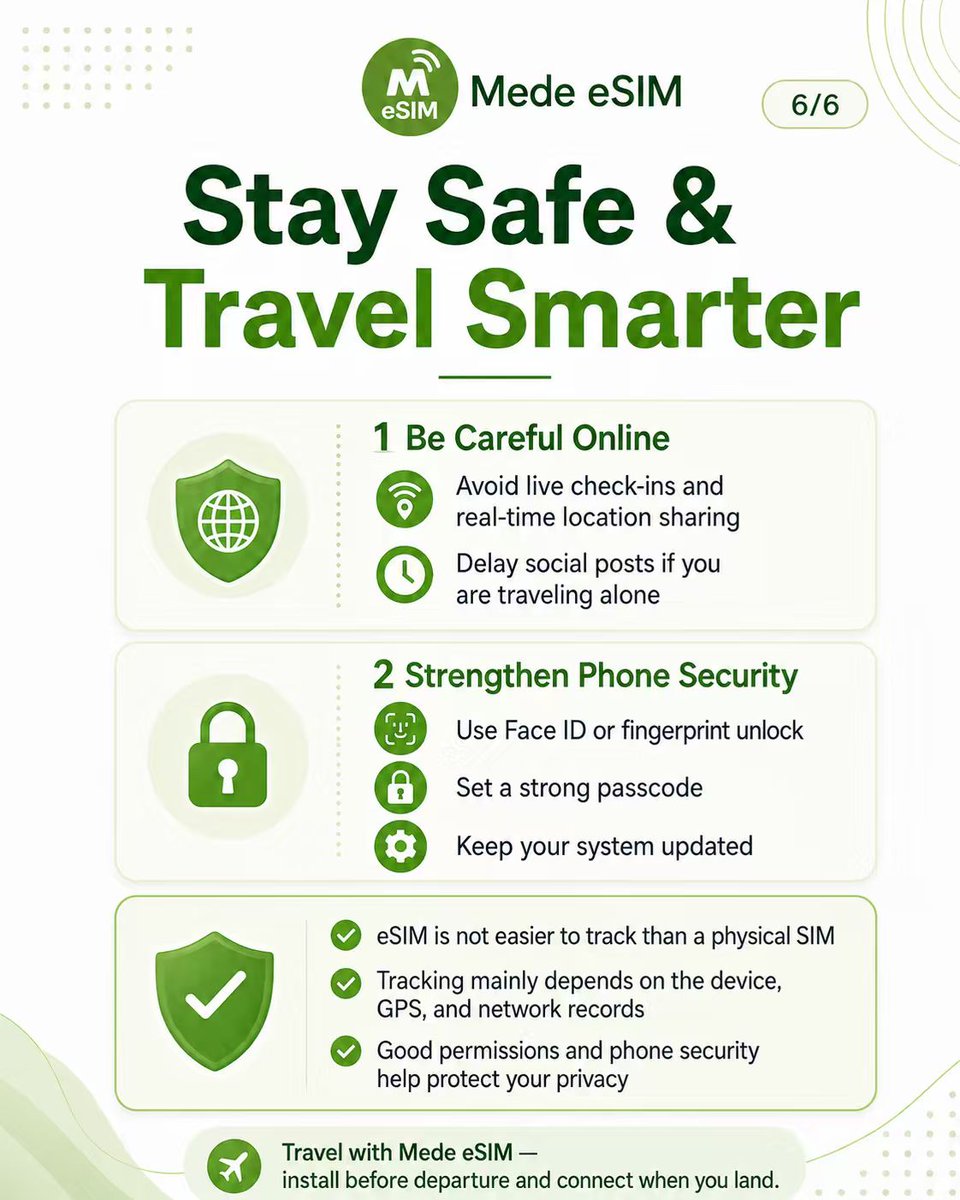
Using eSIM? Wondering if it tracks you more than a physical SIM? Let’s clear it up in 3 steps
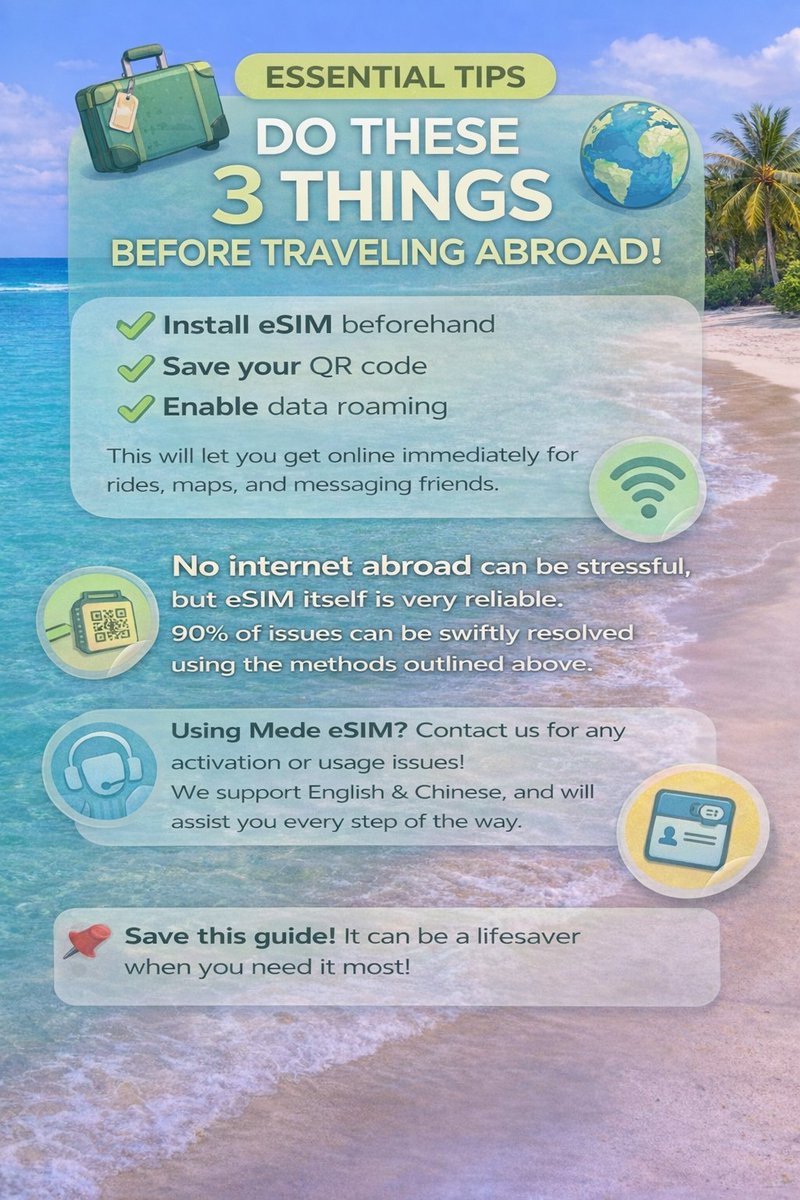
💡 Tip for travelers: Install your eSIM before you leave. Land and go online instantly—no SIM swap needed!
Buy it🛒 https://t.co/70hU5l4oks
#TravelTech#medeesim#eSIMCard#eSIMTutorial
✈️ Going abroad? Don’t let the internet ruin your trip!
😰 Before Mede eSIM: “Does this place have WiFi?”
😎 After Mede eSIM: “I’ll handle the navigation!” / “I’ll share my hotspot!”
💰 Save money.
👉 Invite friends & enjoy discounts together!
https://t.co/70hU5l4Wa0
✈️ Going abroad? Wonder if your Samsung supports eSIM?
✅ Check in 3 minutes
❌ Don’t get stuck without mobile data!
Most international Samsung phones ✅
China / HK / Taiwan versions ❌
Find out how to check your phone now →https://t.co/70hU5l4Wa0
#eSIM#Samsung#TravelTips
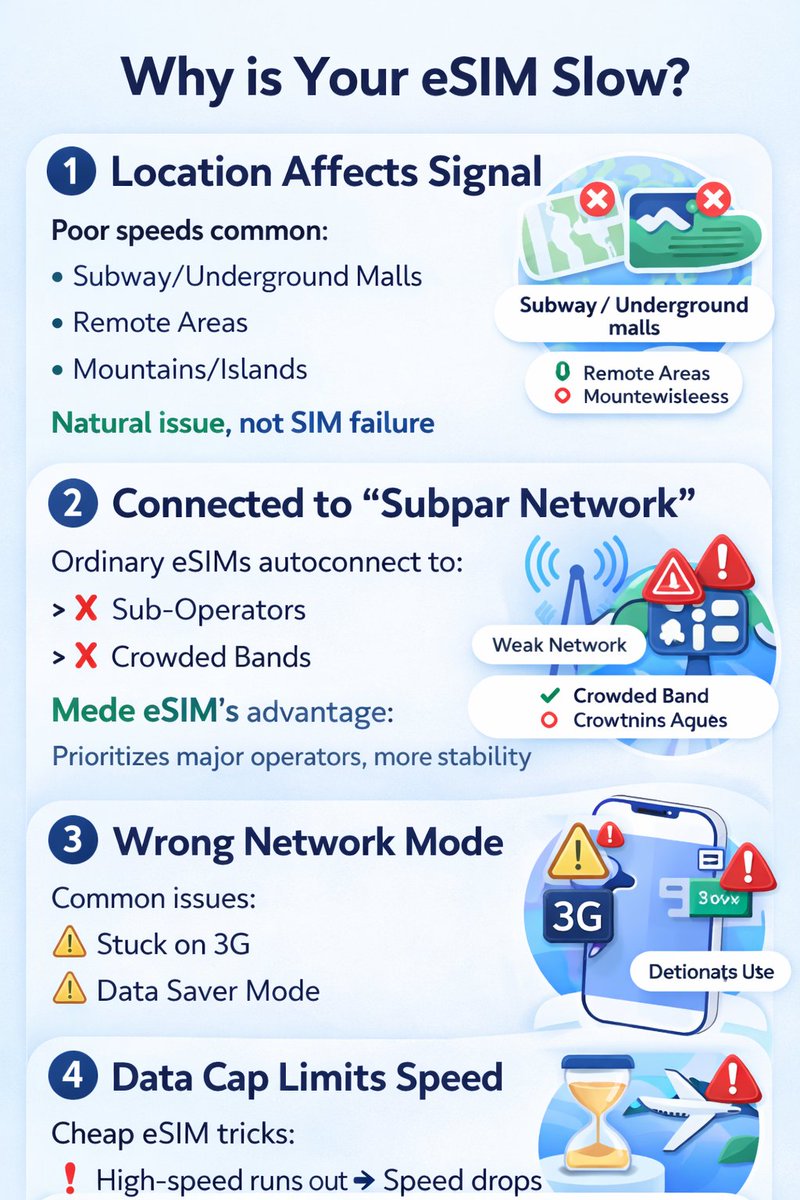
📵 eSIM not working abroad?
Don’t panic. Try this:
✈️ Airplane mode (30s reset)
📡 Manual network selection
📊 Check data usage
⚙️ Turn on roaming
🔄 Restart
90% fixed in minutes.
👉 Save this thread — it’ll save your trip.
#eSIM#TravelTips#TechTips#DigitalNomad
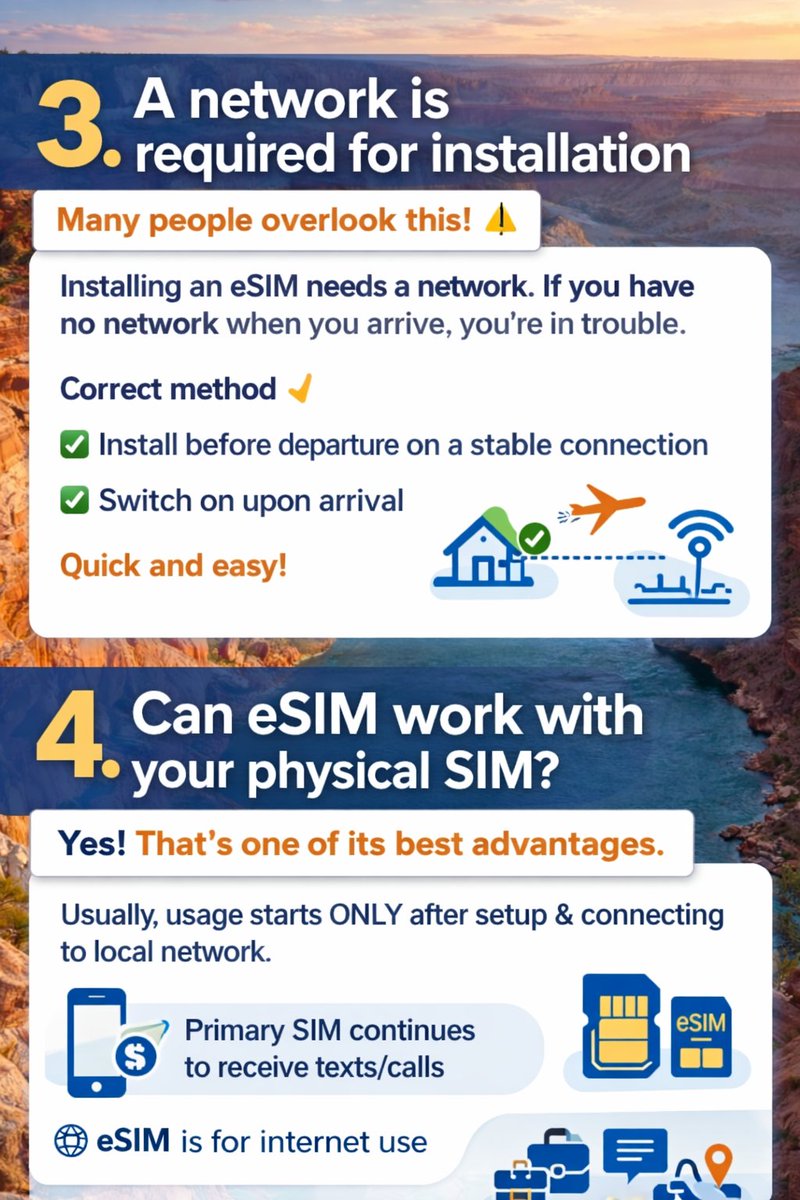
90% of people get eSIM wrong 👇
• Install early? YES
• Does the data start immediately? NO
Your plan only starts when you connect abroad🌍
⚠️If iPhone says “Activate” → Tap YES
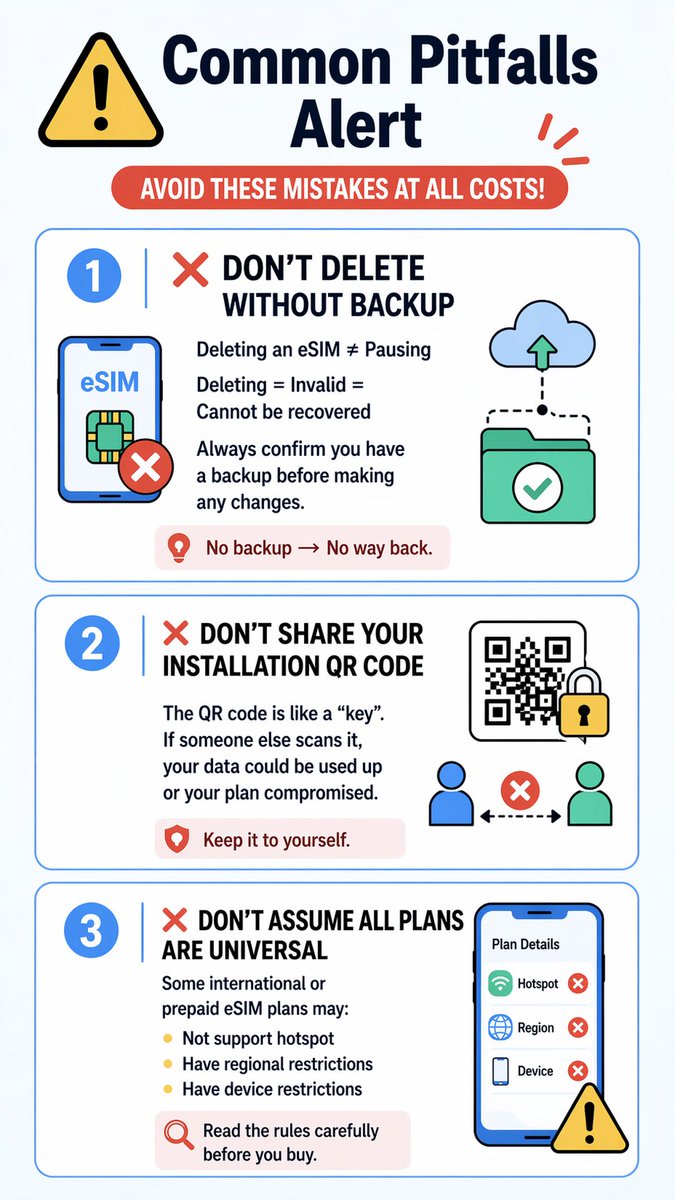
Don’t delete your eSIM. It’s a one-time install.
Bookmark this before your trip✈️
#eSIM#Tech
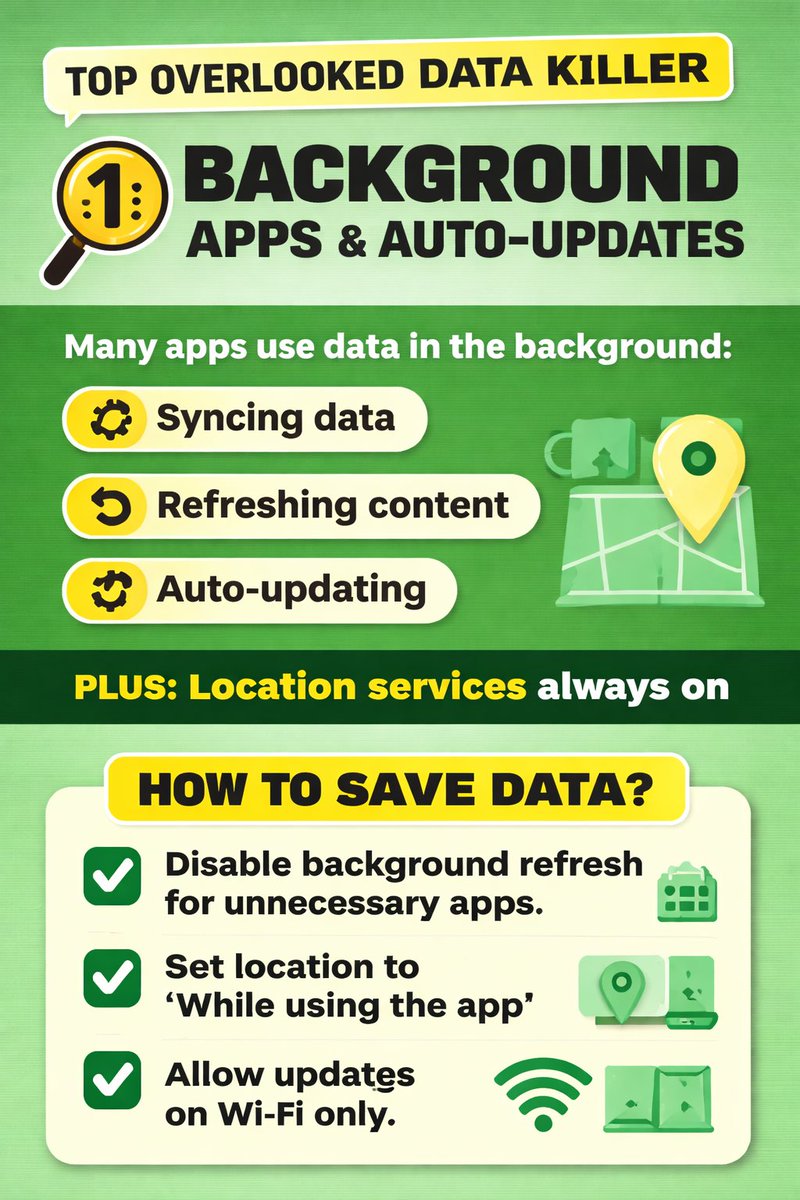
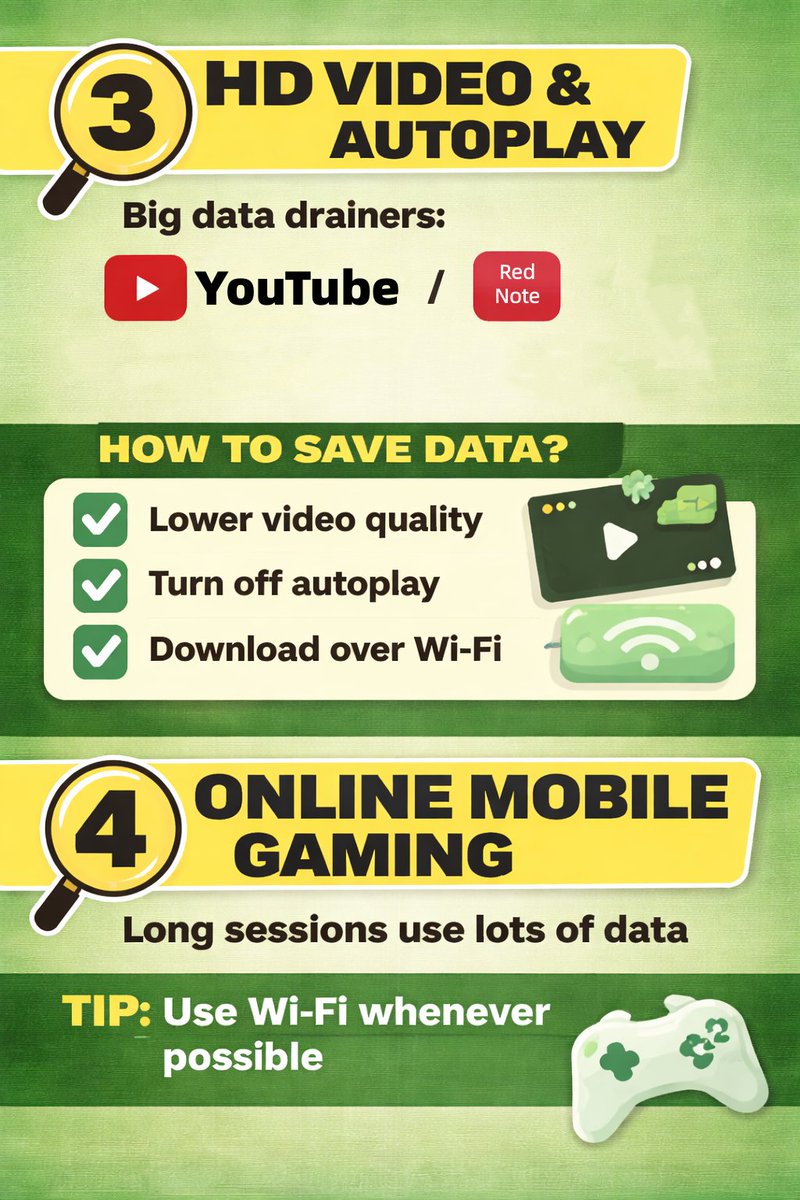
📱 Just bought an eSIM? Your data might be disappearing… even when you’re not using it! Here’s what 90% of users overlook
Want worry-free data on the go? Check out our unlimited eSIM plan — no throttling, perfect for streaming, social media & travel.
👉https://t.co/70hU5l4Wa0