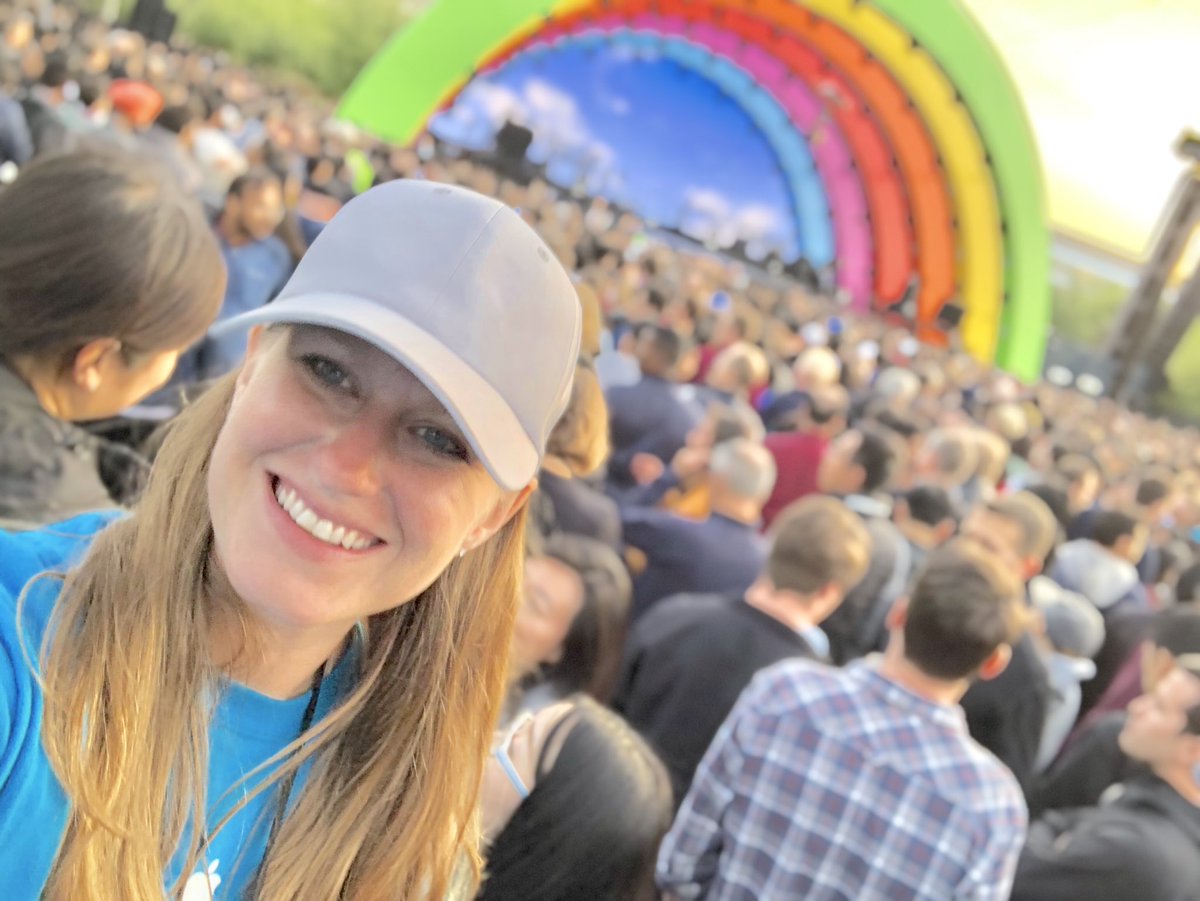
🌈Here’s to you Steve, the original crazy one. A dreamer and a doer. Thank you for setting the stage for the next generation of passionate innovators. Special thanks to @LadyGaGa for reminding us that we’re on the right track! #ApplePark#CrazyOnes#BornThisWay#MyTribe#BeKind
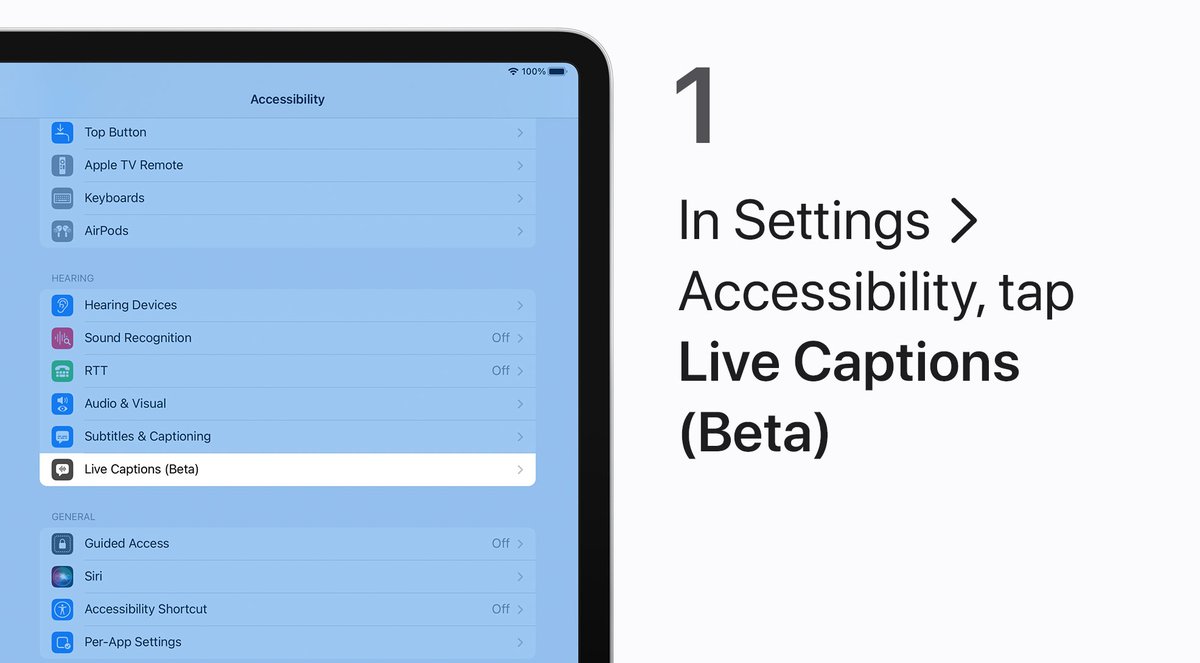
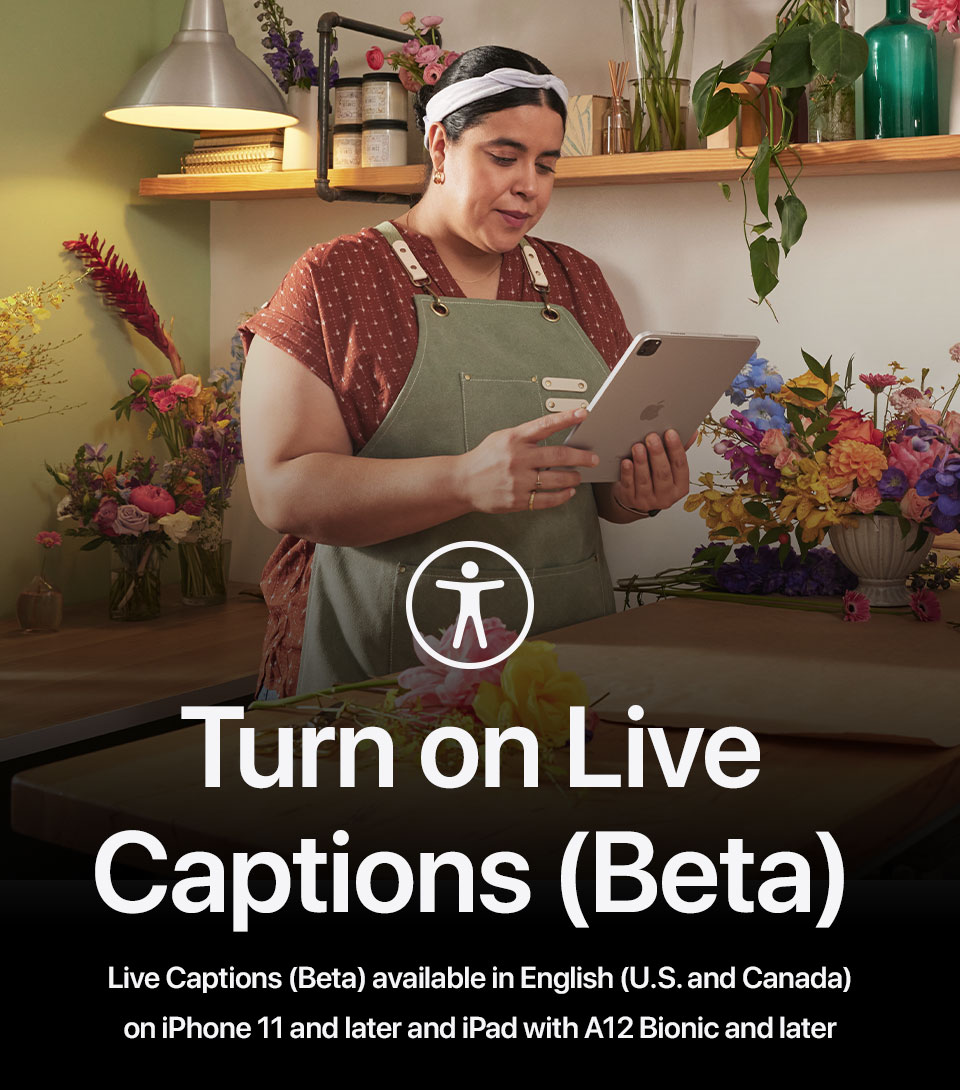
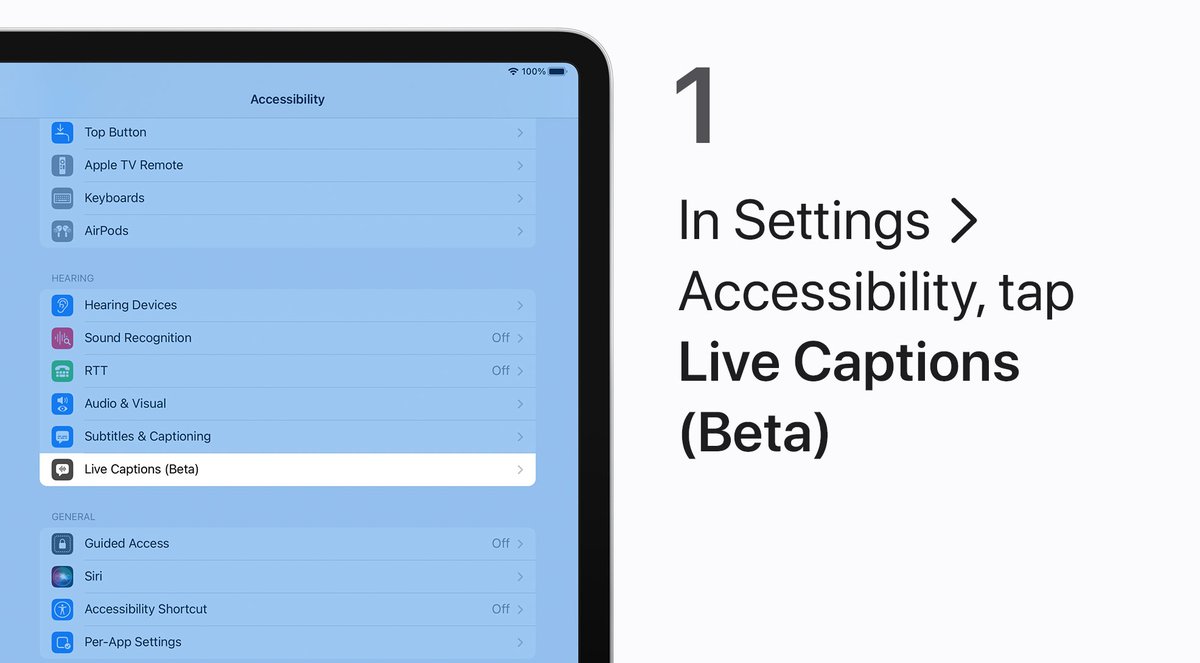
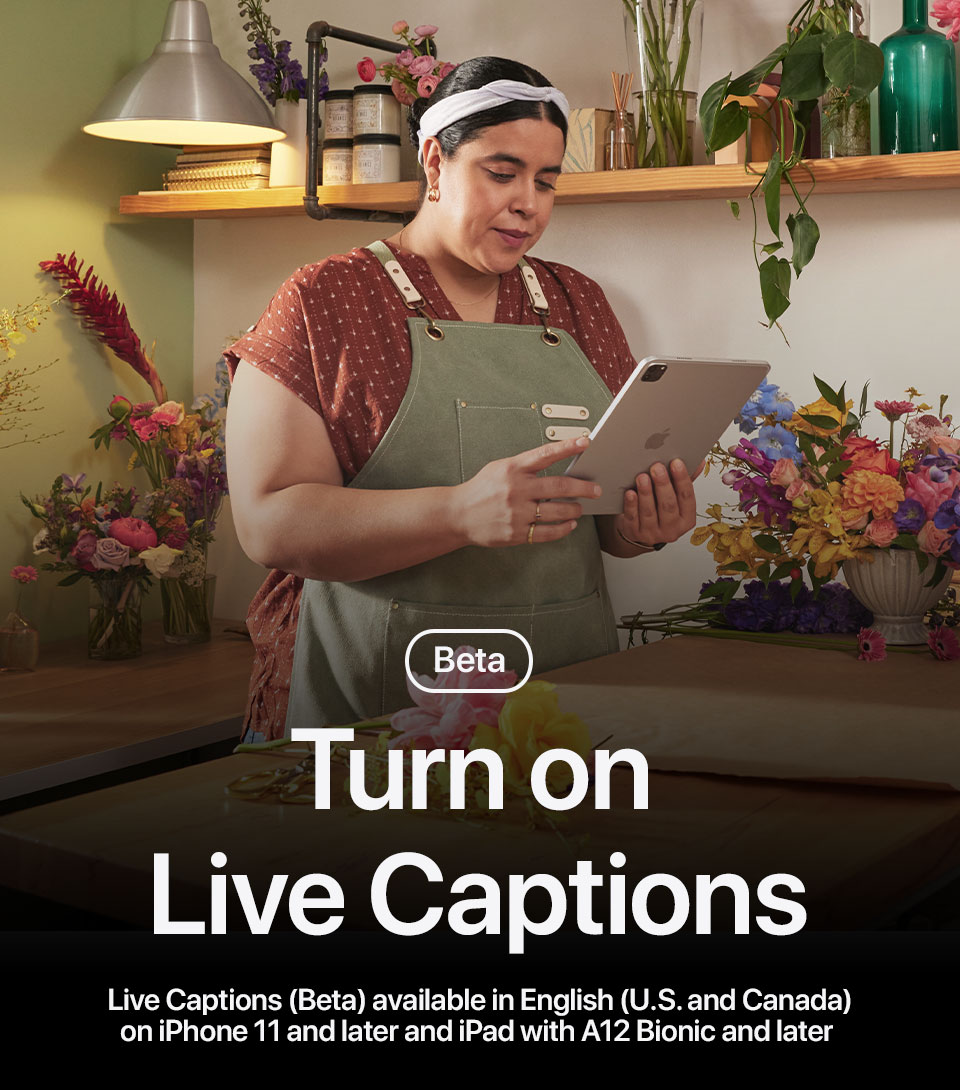
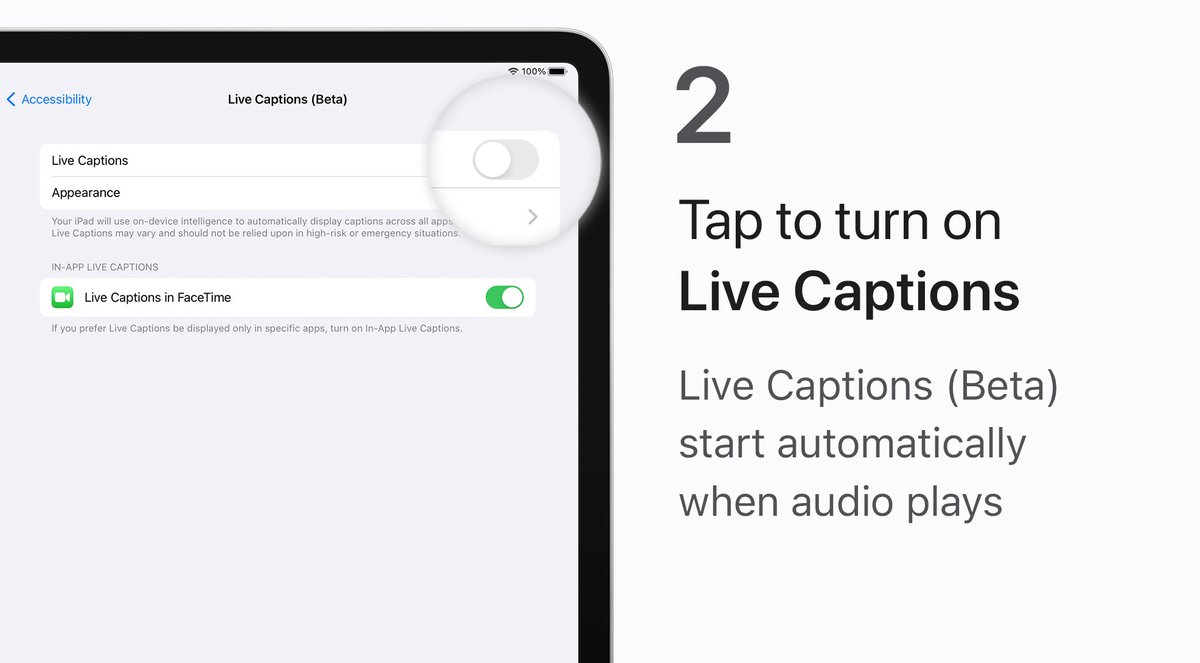
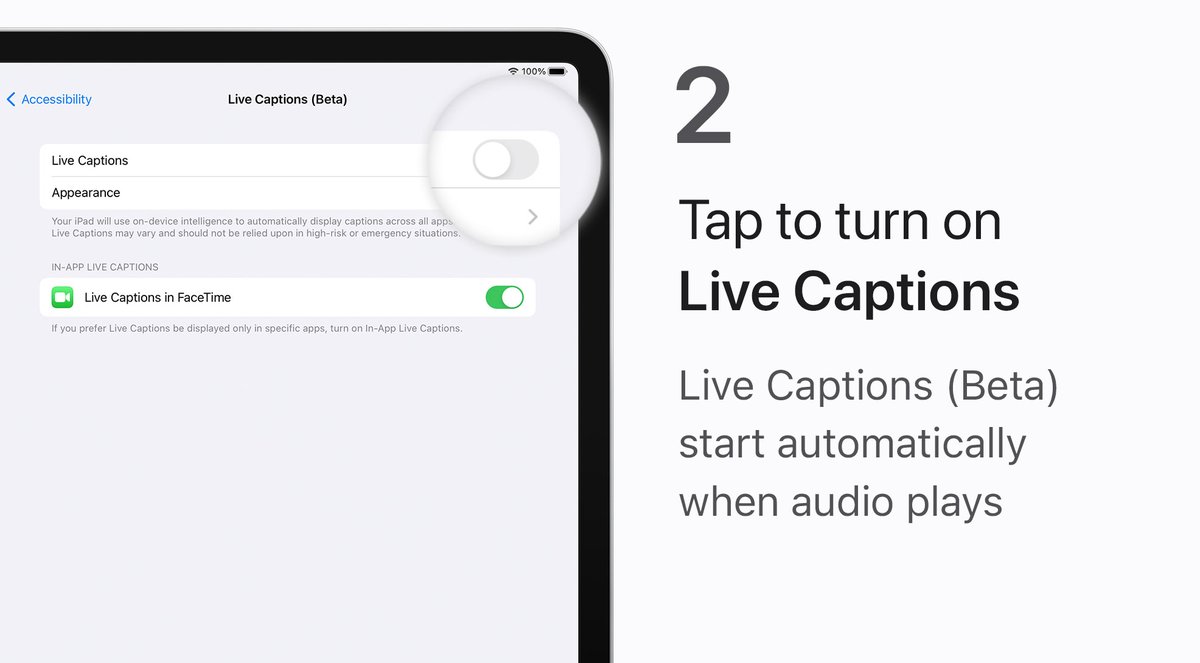
FaceTime. Voice messages. Home videos. If it’s easier for you to follow spoken audio with real-time transcriptions, you can turn on Live Captions (Beta) on your iPhone and iPad.
Here’s how. #AppleAccessibility
Take a screenshot. Lock your screen. Turn on Detection Mode. And much more, with Back Tap. #AppleAccessibility
Perform an action of your choice when you double-tap or triple-tap the back of your iPhone. Here’s how: https://t.co/U0vCuxd6Lq
Is the default text size on your iPad too big or too small? You can adjust it in Settings until the text size is just right.
Like this. #AppleAccessibility
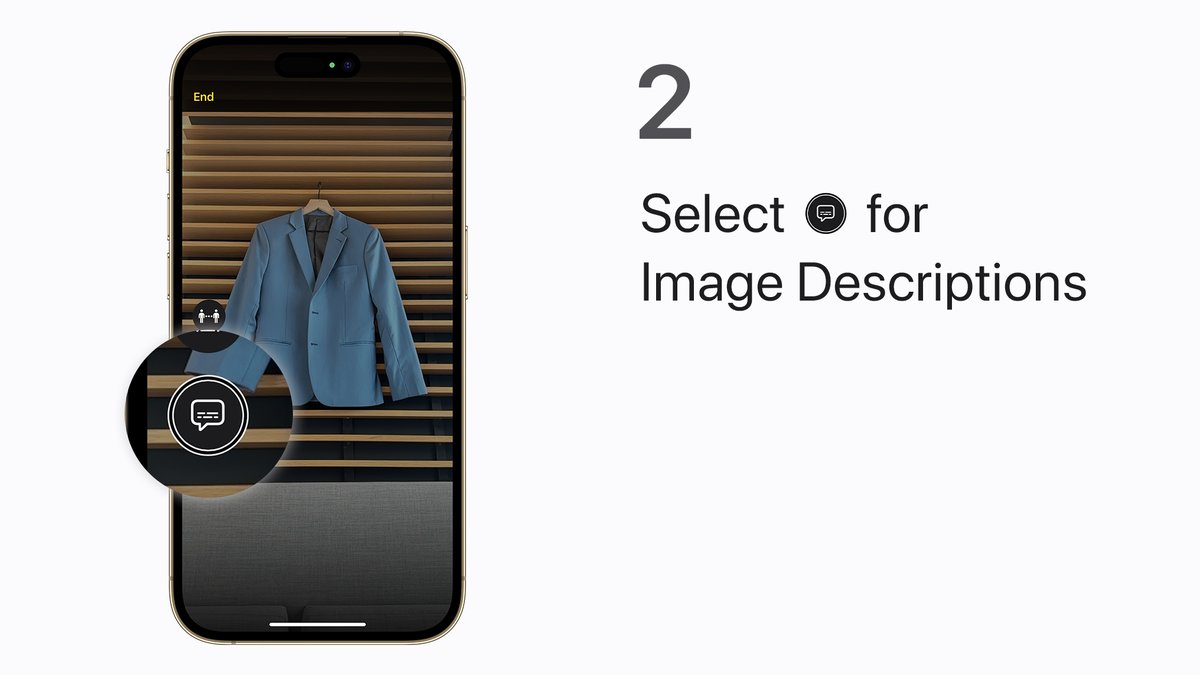
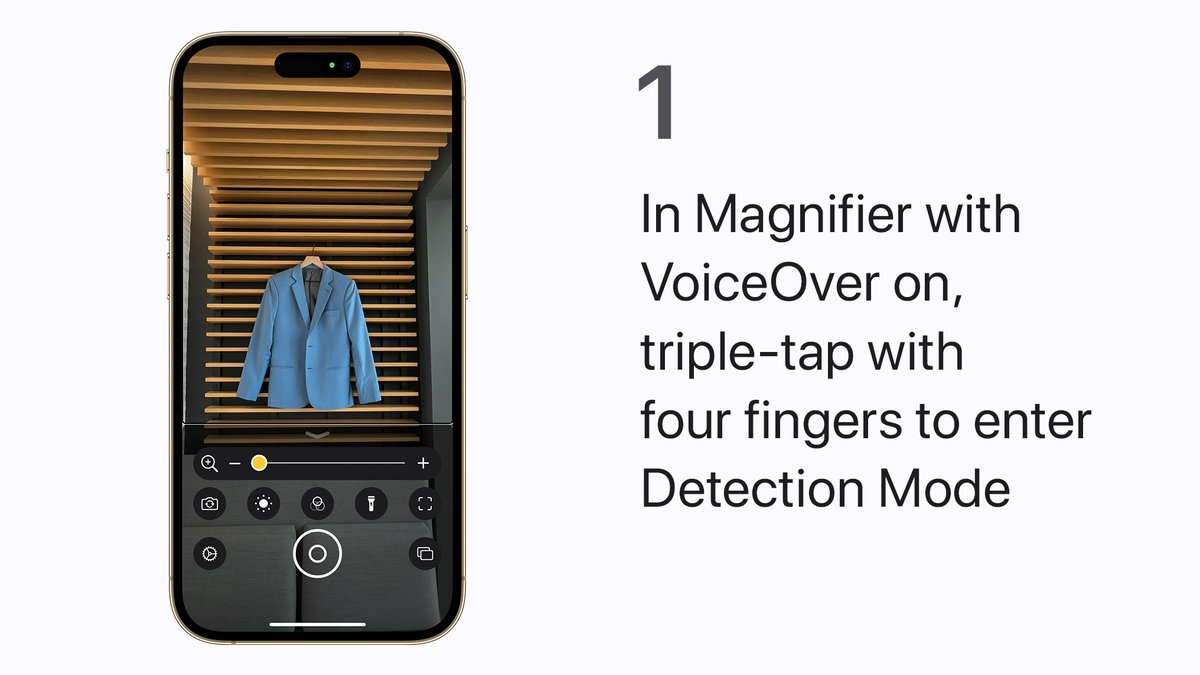
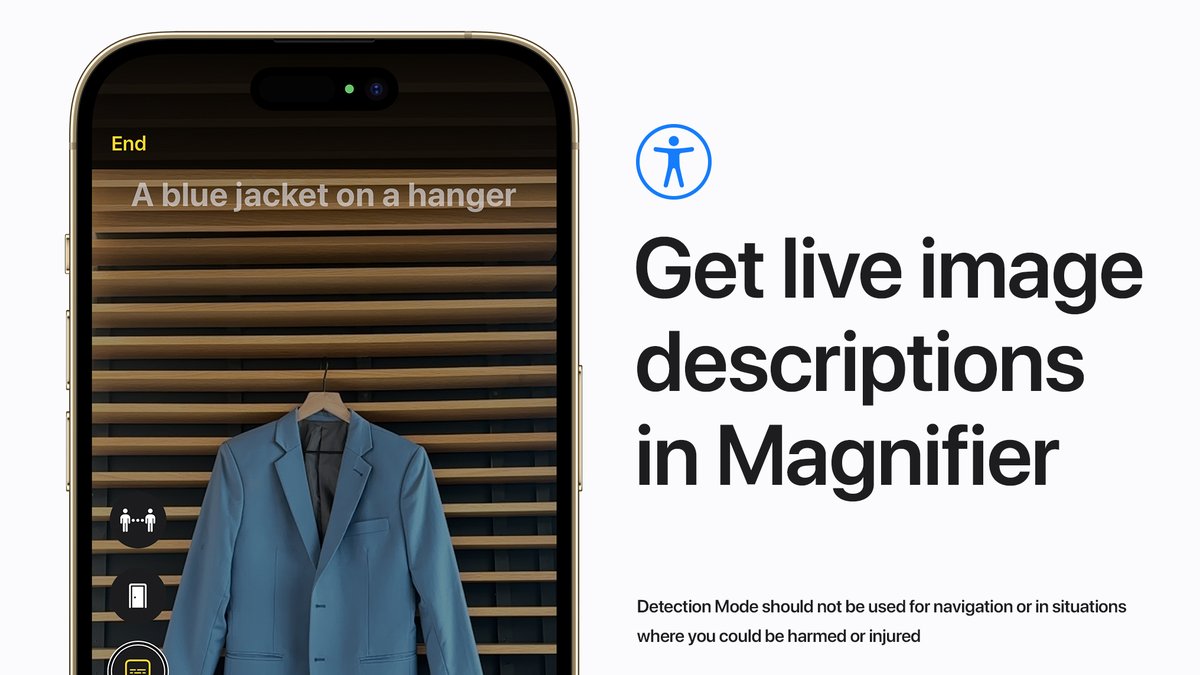
If you are blind or have low vision, you can get live descriptions of the scenes and people around you with Image Descriptions in Magnifier. Here’s how it works with VoiceOver turned on. #AppleAccessibility
Learn more: https://t.co/ImDKVEhRfi
If you’re blind or have low vision, you can use Magnifier to hear rich descriptions of your surroundings.
Here’s how to use Door Detection, People Detection, and Image Descriptions on your iPhone with LiDAR. #AppleAccessibility#GAAD
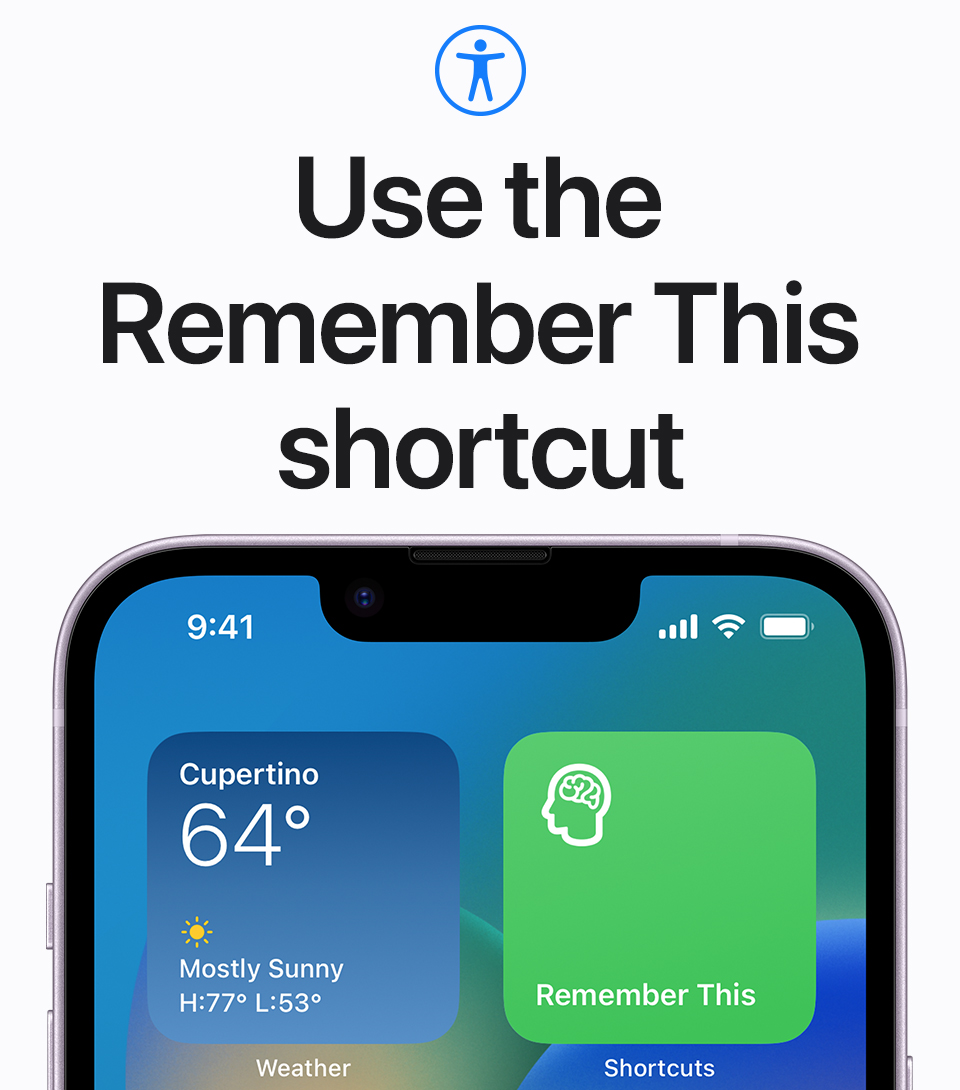
With the Remember This shortcut, you can keep track of what happens and the conversations you have through the day in Notes, helping you remember if you have short-term memory loss. #AppleAccessibility#GAAD
Find it in the Shortcuts app: https://t.co/q6UoWKUG47
With Voice Control turned on, you can speak commands for your iPhone or iPad, instead of using touch. Here’s how to take a selfie. #AppleAccessibility#NationalSelfieDay
Learn more: https://t.co/UXE9v8EJE7
👶 Babies crying
🏠 Doorbells ringing
🐶 Dogs barking
If you’re deaf or hard of hearing, you can use Sound Recognition on your iPhone to help identify nearby sounds. Here’s how: https://t.co/8dhbnLkQbh #AppleAccessibility#NationalDisabilityIndependenceDay
Get tips and resources to help you or a loved one learn more about built-in accessibility features. Here’s how to use the Mac Accessibility Assistant in the Shortcuts app. #AppleAccessibility
Get the shortcut: https://t.co/Eprgff2vnK
In #iOS17, #iPadOS17, and #macOSSonoma, you can create a Personal Voice that sounds like you, and then use it to speak phrases with Live Speech. #AppleAccessibility
Watch our video on YouTube to see how it works on iPhone and iPad: https://t.co/HgFbAJEN6I
Digital Play is a FREE book that’s:
👍 helpful if you’re introducing technology in the early years,
👍 or as a professional development companion for early learning educators.
https://t.co/UcJWglJEnH
#AppleEDUchat#EarlyYears#KinderChat
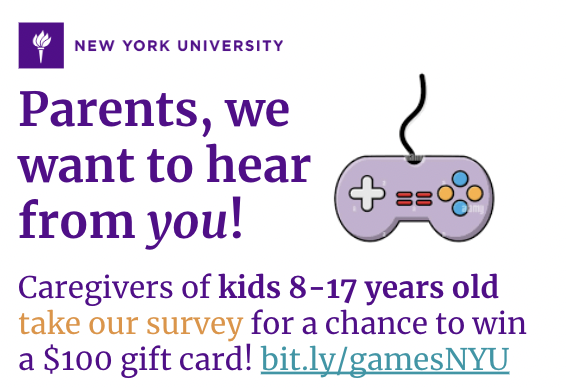
Parents- do your kids play video games? What about you? Researchers at NYU need your input. Please take a brief survey for a chance to win a $100 gift card. Learn more here: https://t.co/VfRdhL6ME5
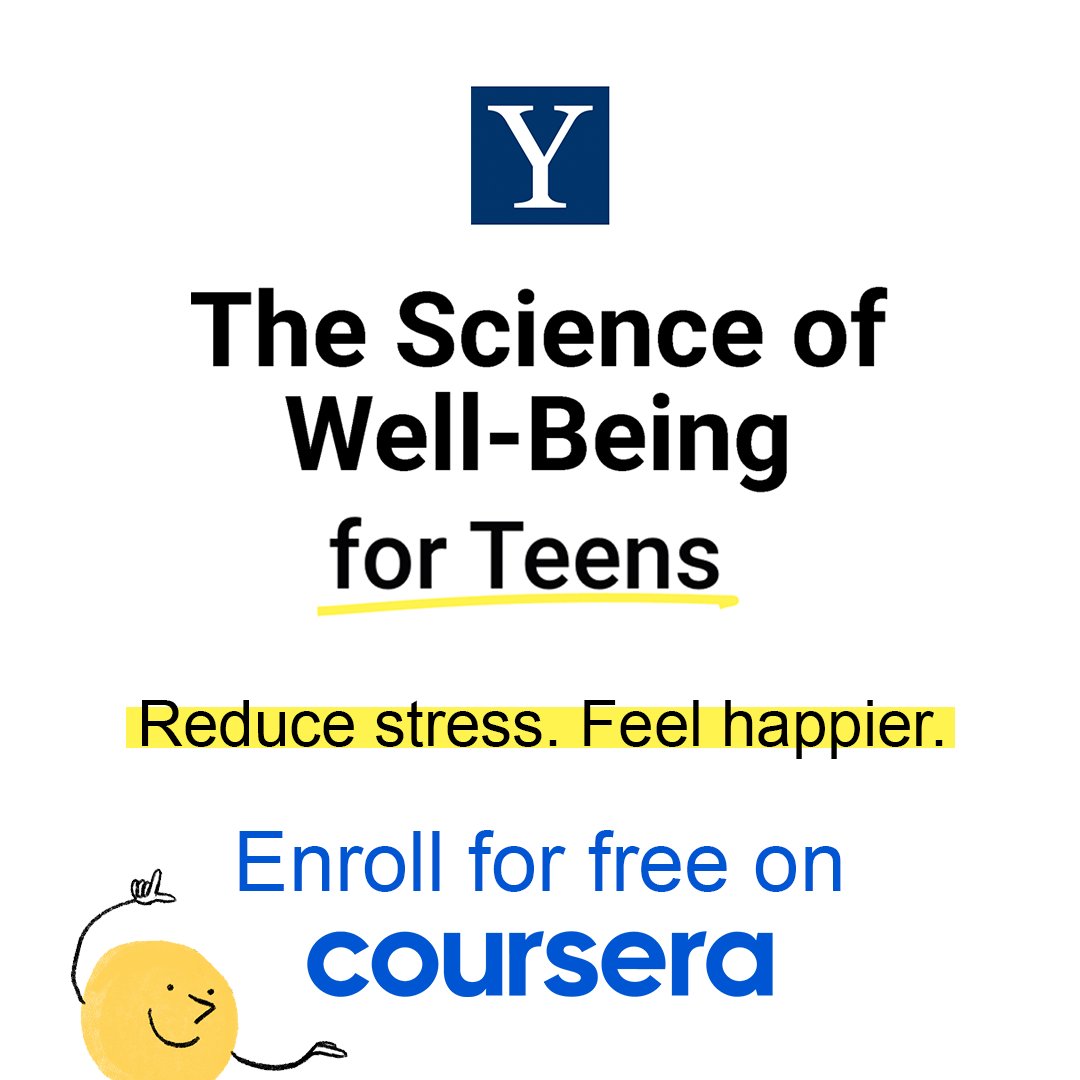
Big announcement— @Yale's FREE new happiness course for teenagers is finally here! The Science of Well-being for Teens is a 6-wk course on @coursera designed to give teens science-based strategies for reducing stress/feeling happier. Please RT & share: https://t.co/0W0Eu7FGkb
Get rich descriptions of your surroundings including text and symbols around a door, how far you are standing from a door, and even how to open it, with Magnifier.
Here’s how it works, in iOS 16, iPadOS 16, and your iPhone or iPad with LiDAR. #AppleAccessibility
Accessibility features, designed specifically for you.
To learn how to use the built-in features on your Apple devices like Voice Control, AssistiveTouch, Detection Mode, and more check out our playlist on YouTube: https://t.co/7P65YjRxtR
Our accessibility features are designed to let you use your devices in ways that work best for you and your students. Check out “The Greatest” to see accessibility in action. #IDPD
Accessibility is essential to building a more equitable world. For decades, we’ve been committed to designing technology with the input, expertise, and creativity of people with disabilities — technology that can be used by everyone. https://t.co/Wi0ZEjrnSA