ChatGPT can turn almost any idea into a diagram. But it gives you a starting point, not a finished one.
The Mermaid app closes exactly that gap: the model gets you a working draft from a sentence; the editor lets you reshape it, fix the label it got wrong, and share something your team can actually open and change.
ChatGPT creates the draft. Mermaid makes it yours.
→ https://t.co/yCzGh3GNBX
Your favorite feature's favorite feature
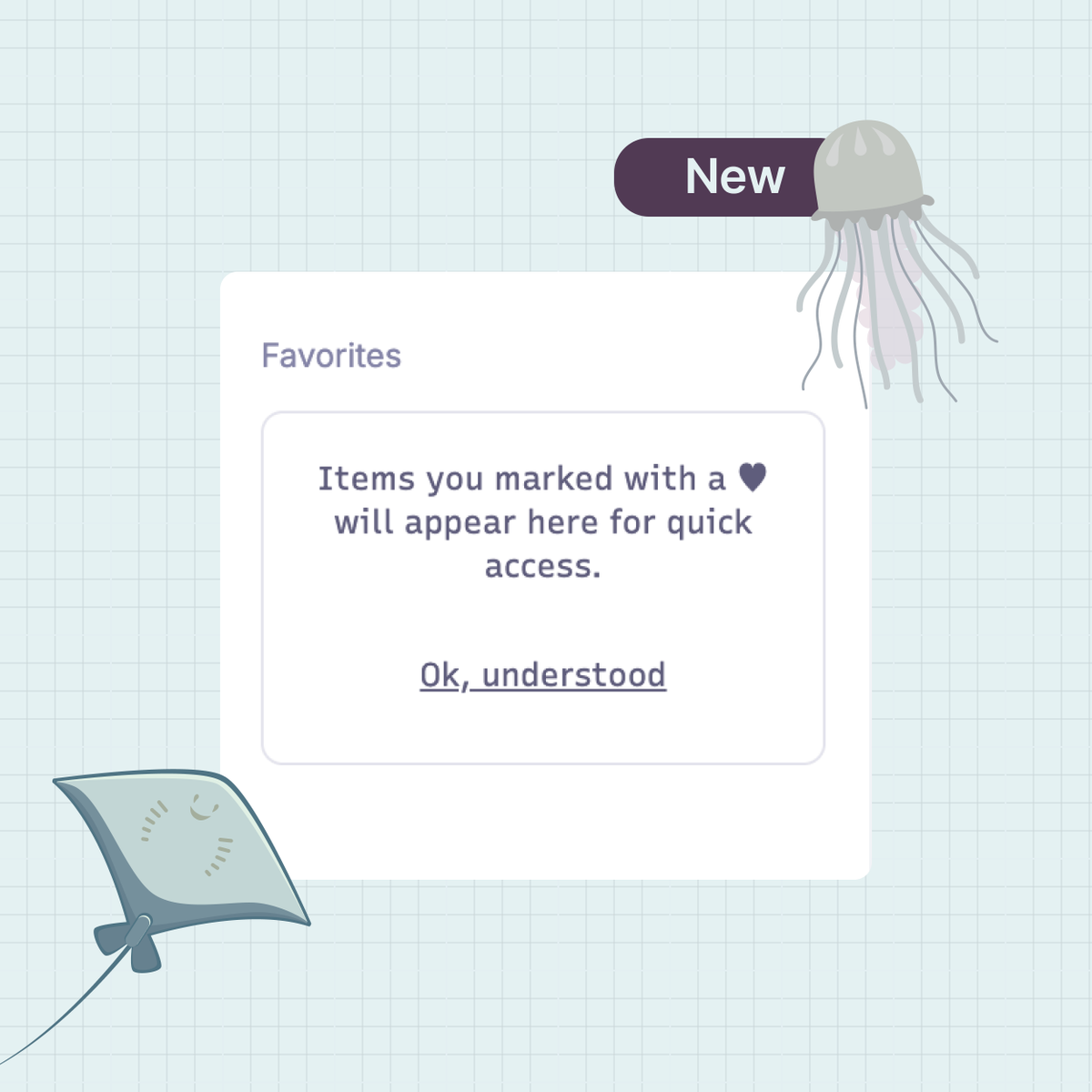
Now, you can favorite a diagram, a folder, or an entire team – and it's one click away from then on. Unfavorite it just as fast when you're done.
Live for all Mermaid users.
the diagram person's love languages:
– an architecture diagram in the PR description
– a readme that opens with a diagram, not a wall of install commands
–a design review where someone's already pulled up the diagram
– a flowchart that's still accurate six months later
(anyway... send this to your favorite engineer)
Knicks-themed Mermaid diagrams are a thing now (we're not going to unpack that).
What we will unpack: custom themes for flowcharts just shipped.
→ Visual controls, no syntax required
→ Save a theme once
→ Reuse it across every diagram
Try it: https://t.co/KkoUzIIFkI
Devs, Software Engineers & Architects — this is a game changer.
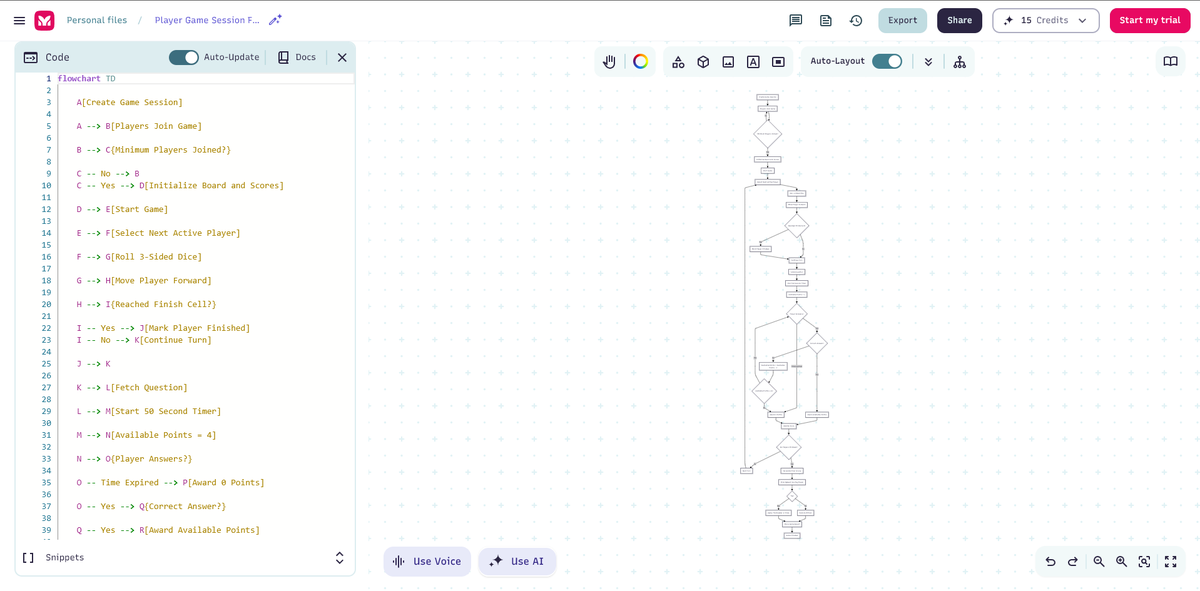
I discovered Mermaid AI (@MermaidChart). Describe in plain English and it generates: • Flowcharts • ER Diagrams • System Architecture • Sequence, Class & C4 diagrams
Huge time saver! → https://t.co/RmLFnIBqI0
Your diagrams know exactly where they are (and your sidebar should too):
→ Personal and team diagrams are now separated
→ Search integrated into folder navigation
→ Iconography reflects where you are in the hierarchy
Take a peek: https://t.co/5F8bS8nFIT
Years of requests. One PR. The syntax is exactly what you'd hope for — declare sets, describe overlaps, size circles by proportion, label regions, & apply styles.
Venn diagrams shipped in v11.13.0: https://t.co/KjYUqnI7Ht
A little [big] update:
The "+" icon now shows on hover for all flowchart nodes. Direct editing is now visible exactly when you reach for it (styled nodes included — hover states render across the board).
our top 5 horror movies:
1. "I think there's a doc somewhere"
2. inheriting a codebase with no diagrams
3. drawing the same flow on a whiteboard for the fourth time
4. screenshotting a diagram into a deck
5. the architecture diagram pinned in slack since 2023
icymi — Mermaid shipped @ mentions
1/ tag any diagram or file from your workspace in AI chat
2/ the context travels with it
3/ no copy-paste, no re-explaining
(the more you build in Mermaid, the less you have to explain)
Mermaid is now on ChatGPT Apps.
ChatGPT has been generating Mermaid diagrams for years – now there's a direct line to the editor. Go from conversation to canvas, refine in code, version it, share it.
Start building: https://t.co/PIW3aireEj
Cheers to a full month – here's what shipped in April:
– Simplified cold start
– PDF exports
– Global font selection + per-node sizing
– Multi-node styling
– In-app guided tour for AI editing
– @Mention in AI chat
– Bold/italic text controls
– Mermaid Diagram Sync app on Github
– 3 VS Code updates
... and more on the way : )
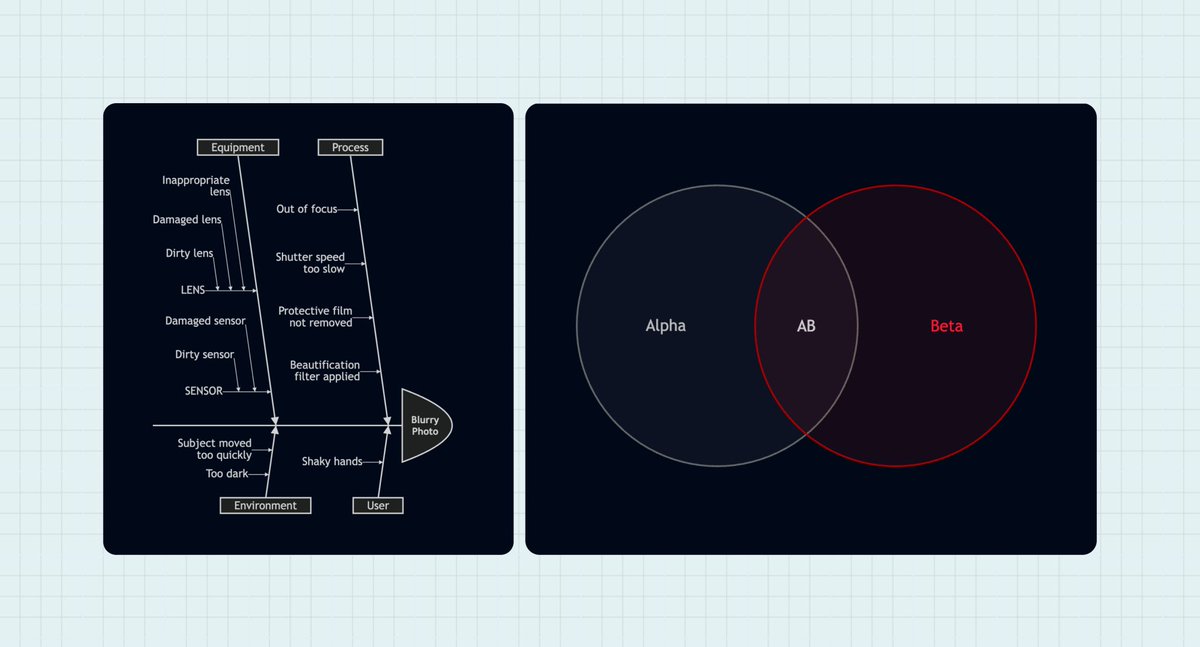
Mermaid v11.13.0 is out — our biggest OSS release in three months. The headliners: two new diagram types, both contributed by the same community member (@exoego) in a single release.
🐟 Ishikawa / fishbone diagrams: the classic root-cause analysis tool, now in Mermaid. Map causes to effects using nothing but indentation.
🔵 Venn diagrams: define sets, describe overlaps, size regions, add text labels, style with CSS. Everything you'd expect.
Full release notes → https://t.co/PM06cOBE1F
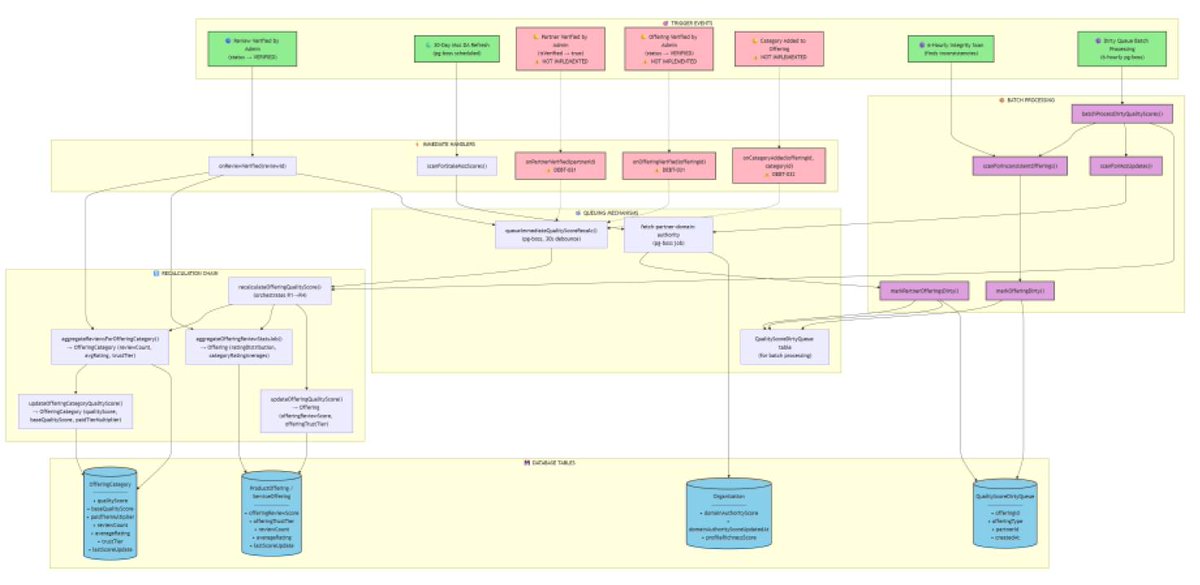
When the architecture gets complex, Mermaid comes to the rescue!
I've been finding @MermaidChart helpful to visualise the integrity checks & self-healing flows I've built into @_web3connect 👏