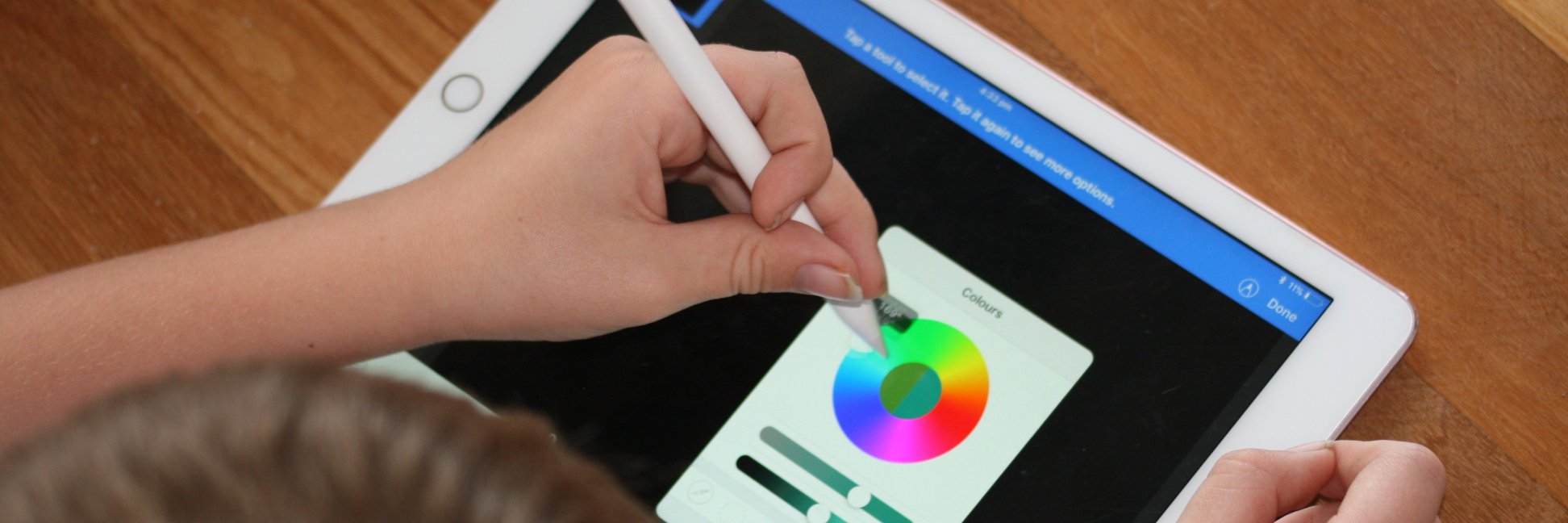
Let’s work together to ditch the PPT as being the most common #multimodal presentation for our students to create within units of work 🙌🤪 This is just one of hundreds of creative multimodal projects students can create on iPad 🤩 Keynote X @ARMakrApp 🫶🏼
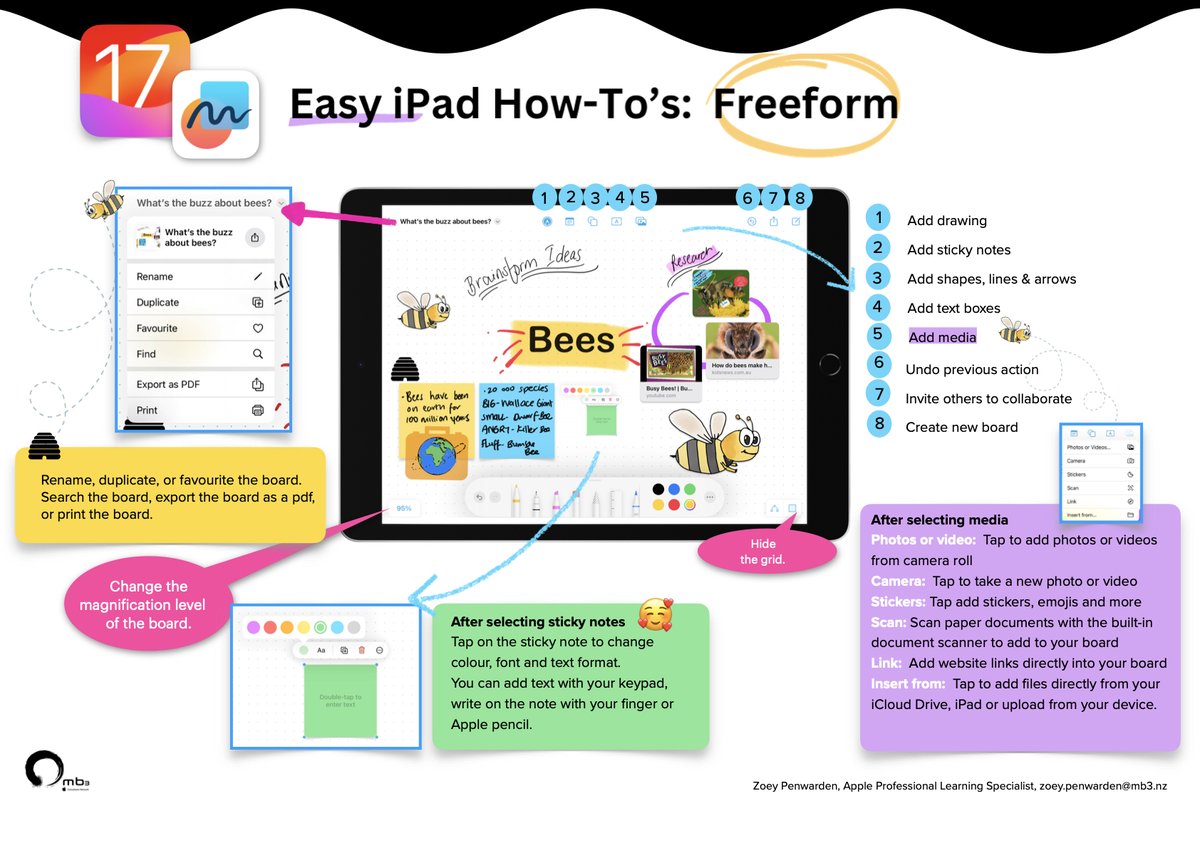
Level-up the way you gather inspiration and ideas with Freeform ✨
I have created this handy how-to guide to help you get started. Download the PDF here 👉
https://t.co/aBbvkxw1c3
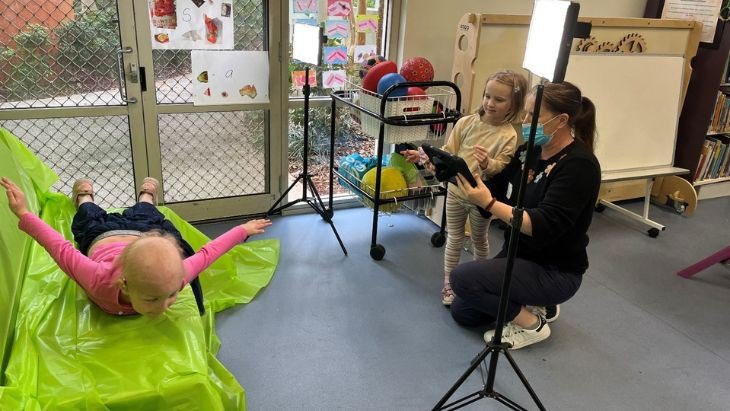
Calling all budding student Spielbergs – there’s still time for schools to submit to Film By Online but be quick! Competition open to K-Year 8 students to showcase their talent, creativity & imagination through filmmaking.
https://t.co/J4umYQXTcb
@townesy77 Multi presenter mode in keynote, keynote remote, live video (not sure if canva can do that?)
It would be awesome to have some of the design templates cross functional into keynote/pages
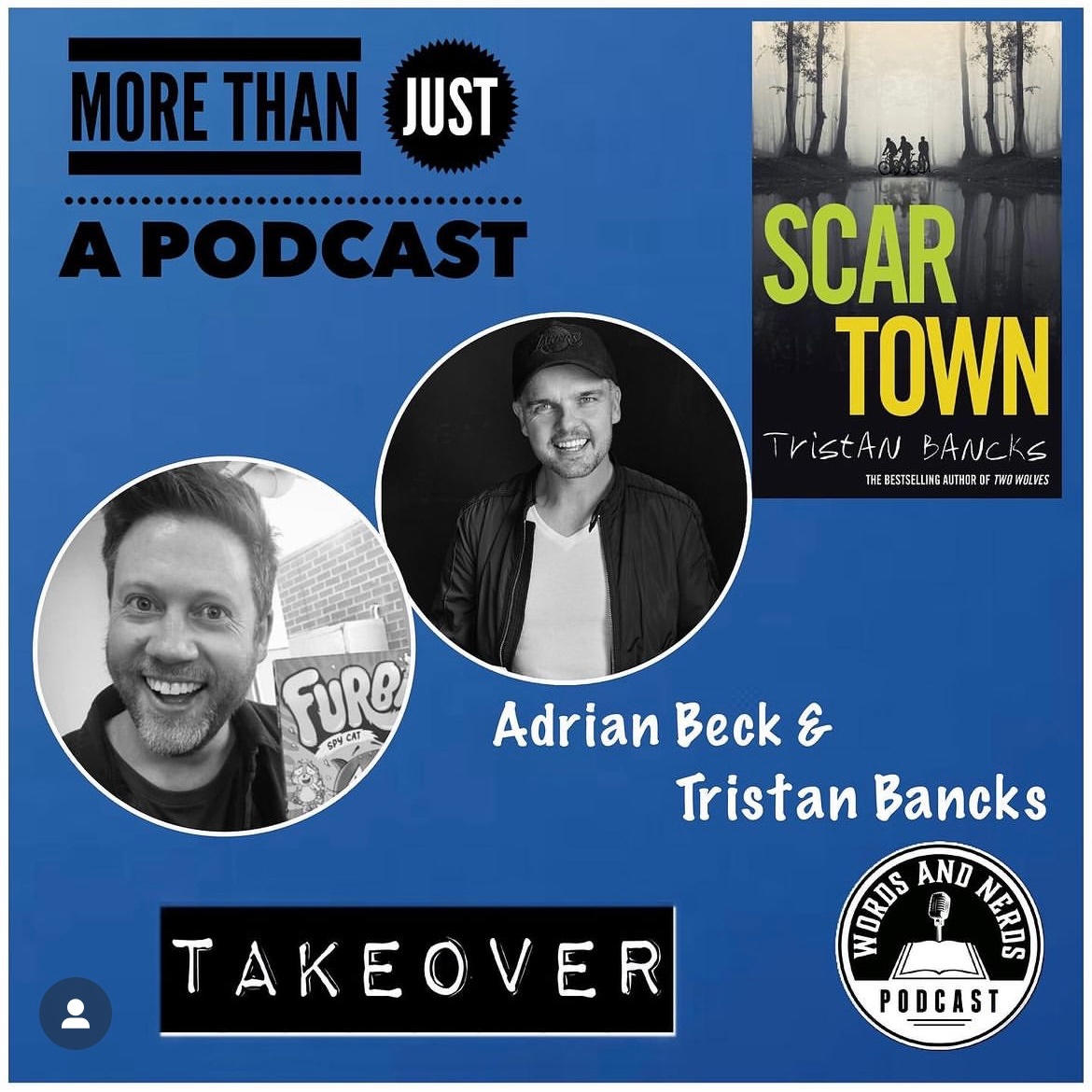
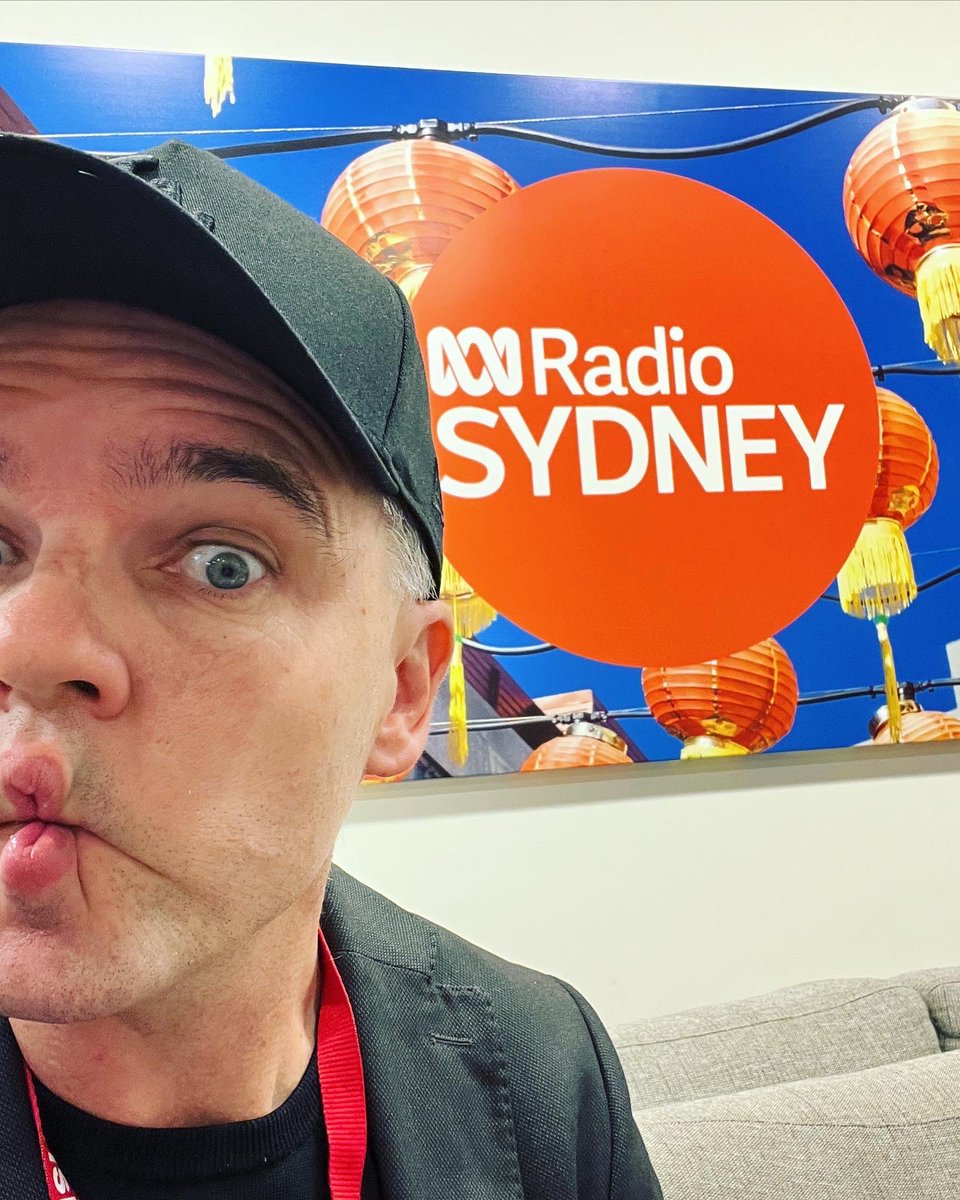
It’s a challenge to spread word about a book. Kids’ TV/mags are all but gone. But podcasts like @DaniVeeBooks Words & Nerds & @zannilouise Sunshine House are here to save the day! My new interviews below.
(+ ABC Local tonite 11pm)
https://t.co/Atc6DB9jBm
https://t.co/sn1blyjuc1
Just a reminder that these SCIENCE WEEK resources are available on the Apple Education Community Forum, ready to use during Science week 🫶🏼 There is a version for our K-2 learners, as well as our 3-6 learners 😊
You don’t need fancy apps to empower our learners.
For this flow? It’s just Camera, Photo’s App and Screen Record.
Invite students to take a pic, Markup using dictation & even Translate if needed and then record wonderings with Screen Record. 🤩
@AppleEDU#everyonecancreate
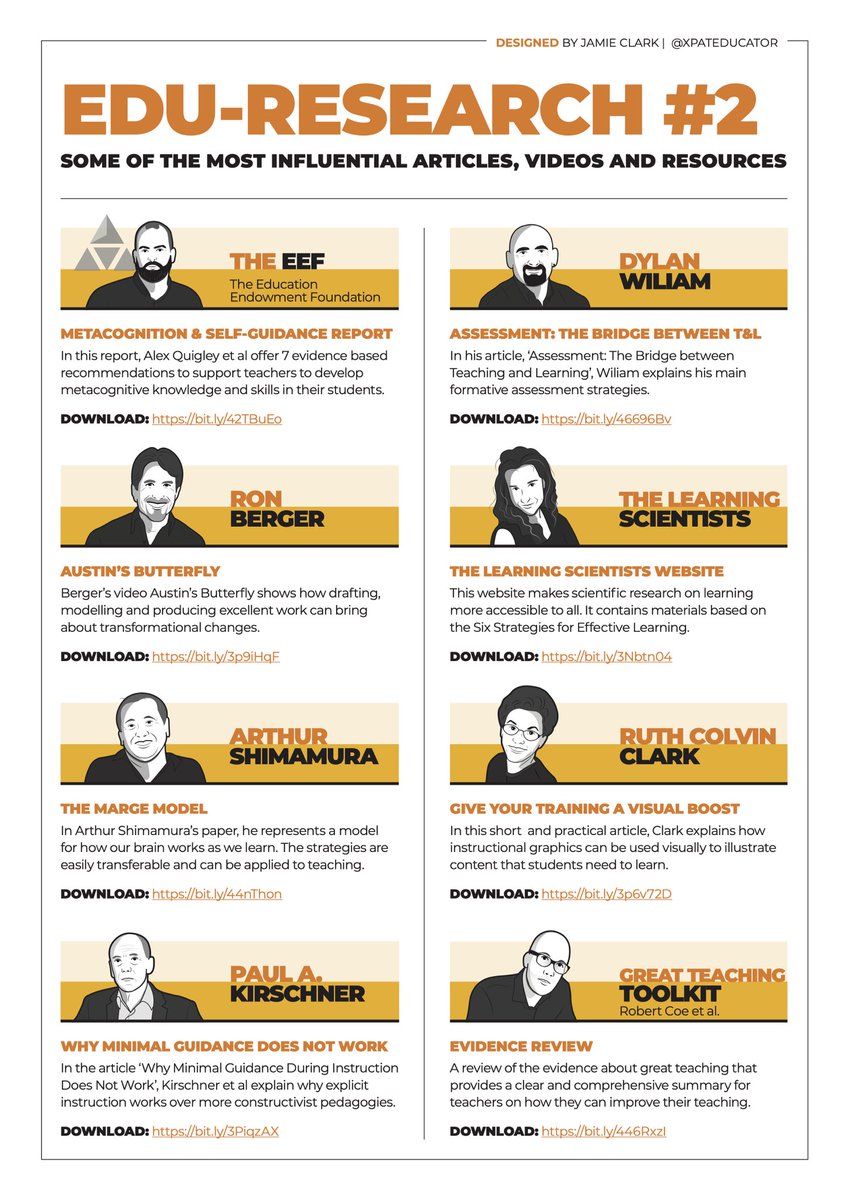
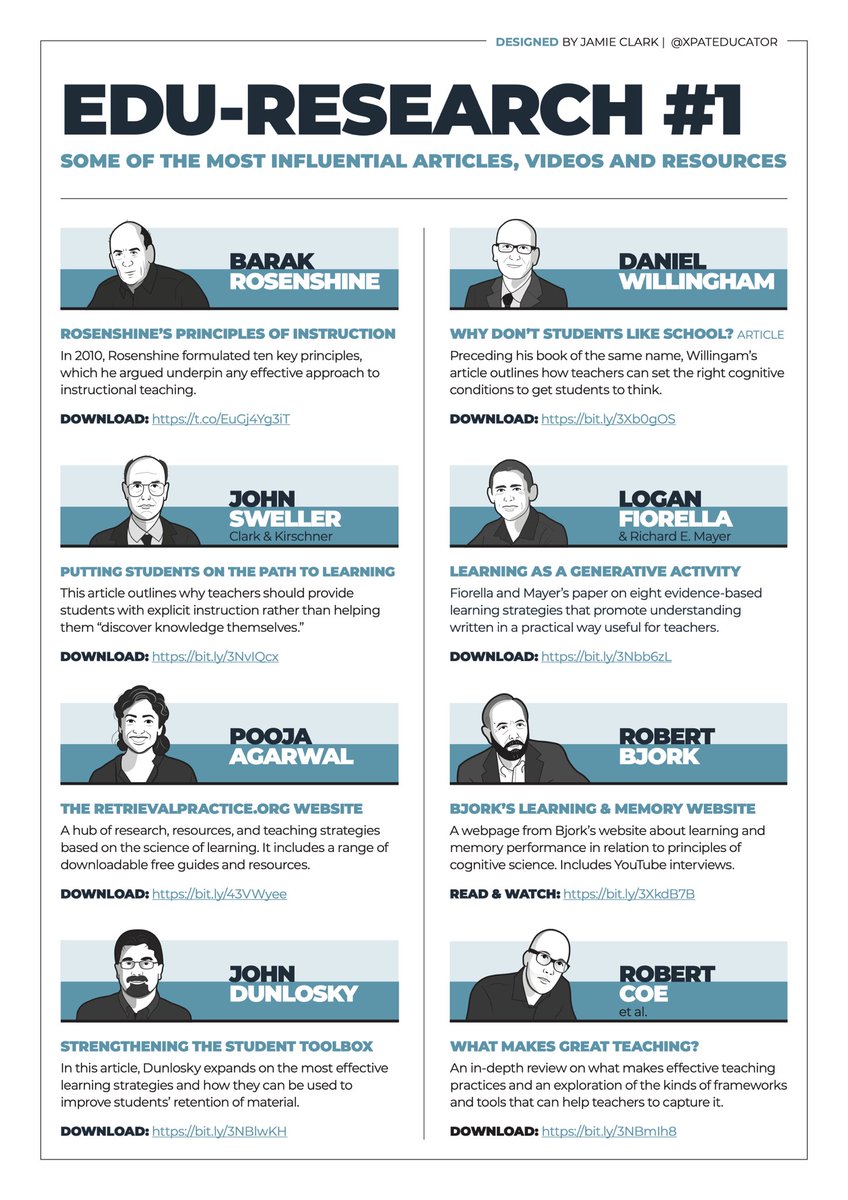
🪡 In this thread, I have compiled a list of my top research articles, videos and resources that have helped shape my teaching.
You’ll find the full list (and more) on these one-pagers which contain embedded hyperlinks.
Download the PDF here: https://t.co/to98KgwPt4
Turn your keynote drawings into Keynote shapes on iPad! This tutorial may just change your #design tasks. I've been after an easy way to do this forever! Take a look & please share with other teachers you think need to know this. @Usingtechbetter@AppleEDU https://t.co/EwxdFwii8O
A Deputy Head of a Primary school said to me today:
The #earlyyears is the most important stage of #primaryeducation. If you get it wrong, you spend the next 6 years trying to put it right. If you get it right, you can spend the next 6 years building on it.
Couldn't agree more
Deforestation in Year 4 demonstrated using @AppleEDU. Magnifying glass created using #Keynote shapes with a blue circle inside (grouped) and animated using custom path (saved as movie). Then movie inserted using greenscreen function in #iMovie (deforestation picture underneath).
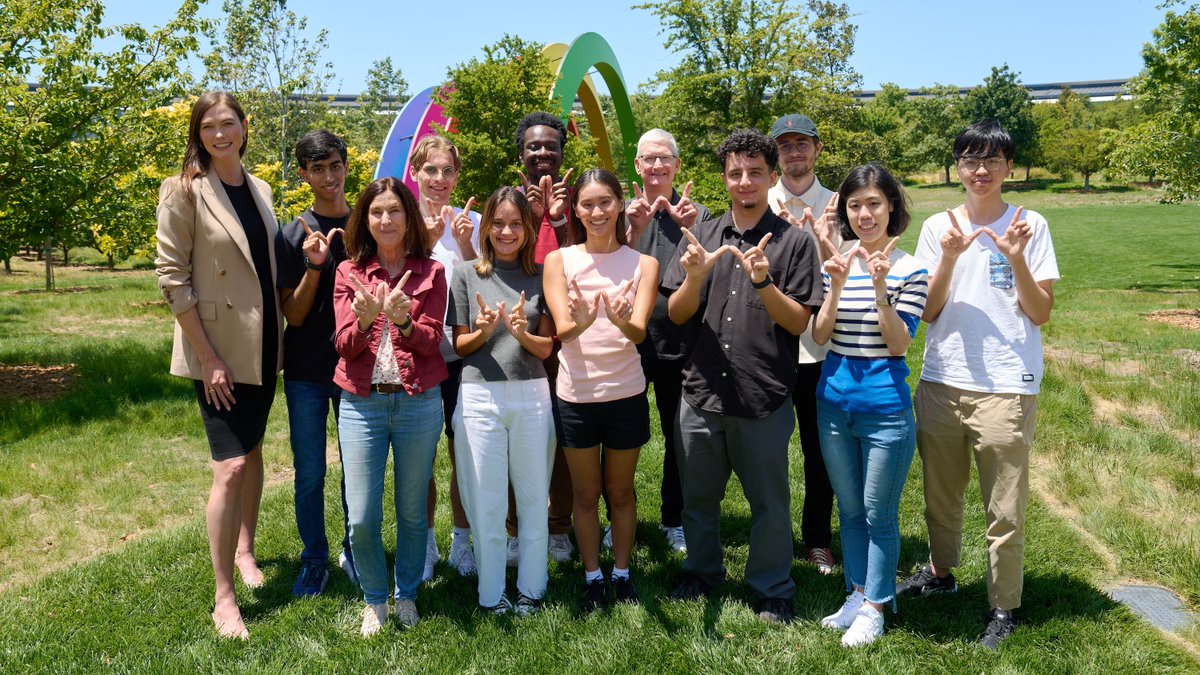
As we get ready to kick off #WWDC23 tomorrow, I met with students from all over the world who are creating apps that turn iPhone into musical instruments and bring the experience of reading braille to iPad through haptic feedback. Excited for what's to come!
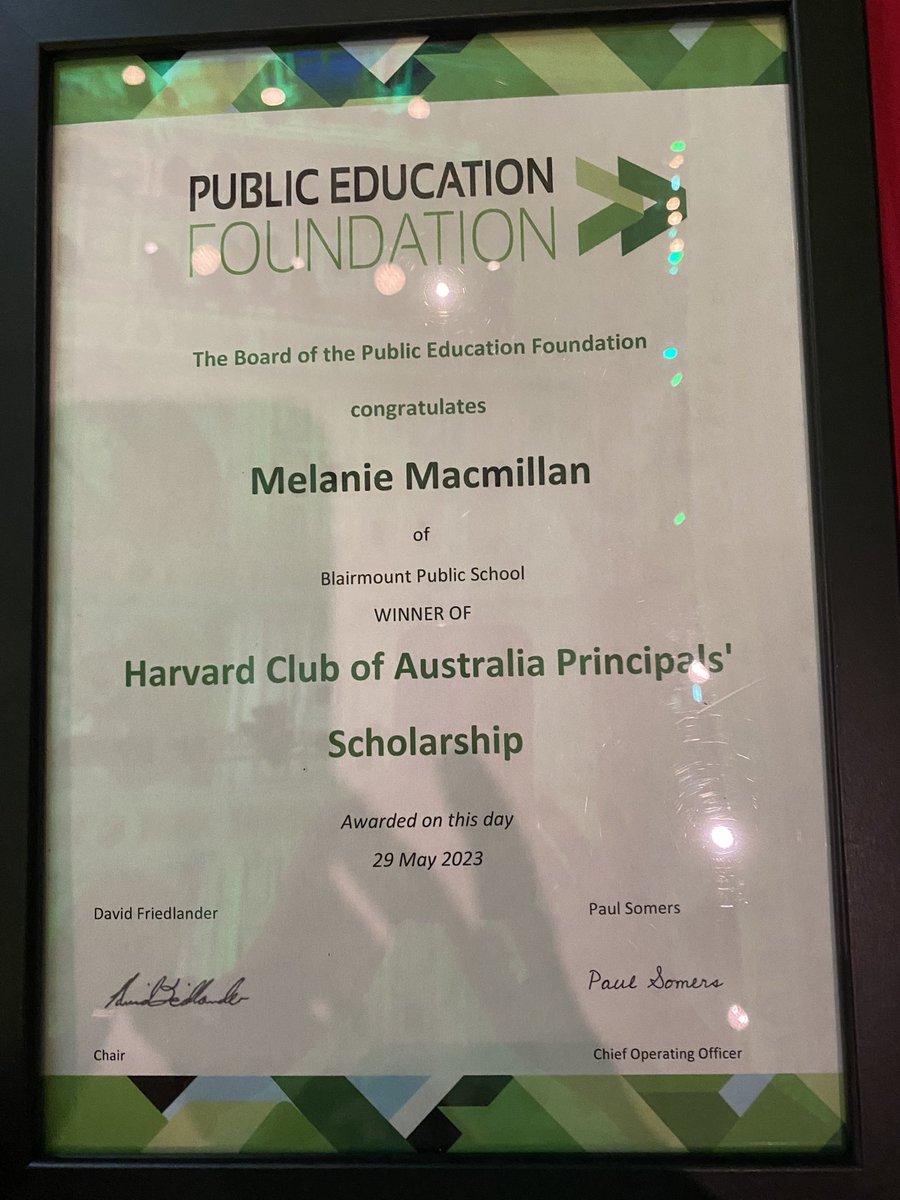
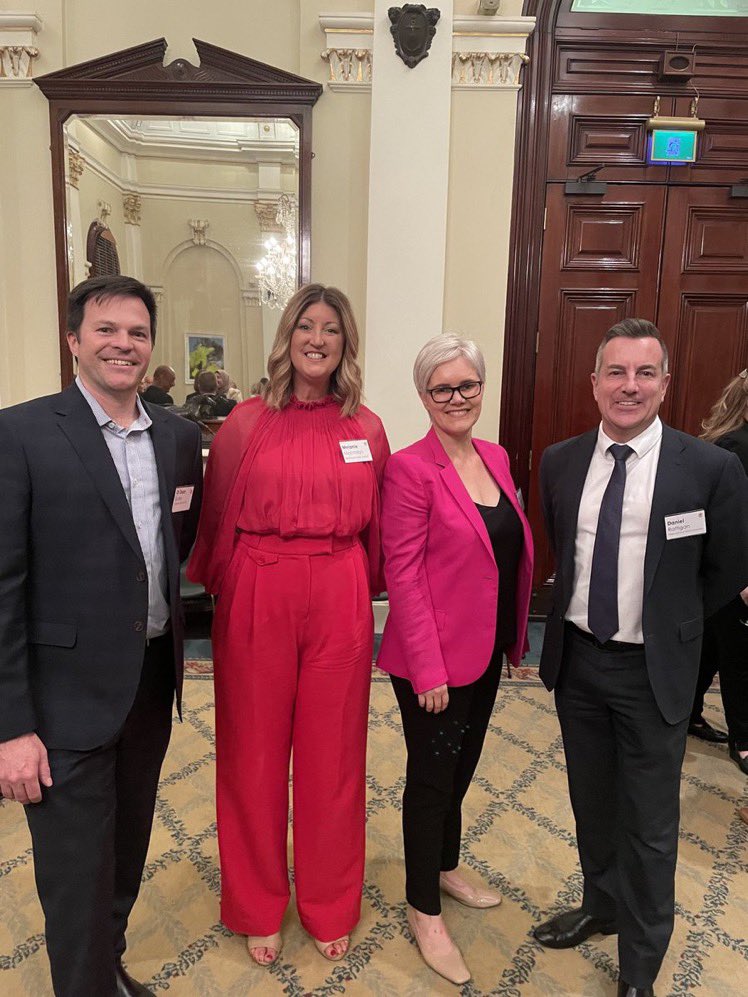
I’m incredibly grateful to #pefoz and @HarvardClubAust@RickyCA_ (& feeling very humbled) as I’m off to @hgse next month with my new colleagues @SeanCButler & @danielrattigan ready to learn and share back to @NSWEducation