Located in Peterborough & Whitby and in business for over three decades, MicroAge offers a team of dedicated employees for your IT needs. [email protected]
Before clicking a link, opening an attachment or acting on a request:
- Check the sender's actual email address.
- Verify unexpected payment or account-change requests through another channel.
- Be cautious of messages that create urgency.
When in doubt, pause and verify.
Watch for these warning signs:
- Websites with unusual domain names or missing contact information.
- Unexpected delivery messages asking you to click a link or pay a fee.
- Urgent emails claiming there's a problem with an order.
- Requests for payment through unusual methods.
Do you know who in your organization has access to your most sensitive systems and information? And more importantly, do they actually need that level of access?
https://t.co/BXOFqVECB7
A few precautions can help:
- Confirm the network name with the venue.
- Use your organization's approved VPN when appropriate.
- Keep device software and security protections up to date.
- Avoid bypassing security warnings.
#CyberFactFriday#CyberSecurity#MicroAge
Wishing a bright and joyful Diwali to everyone celebrating!
May this Festival of Lights bring happiness, prosperity and new beginnings to you, your families and your communities.
From all of us at MicroAge Peterborough-Whitby, Happy Diwali!
#Diwali#FestivalOfLights#MicroAge
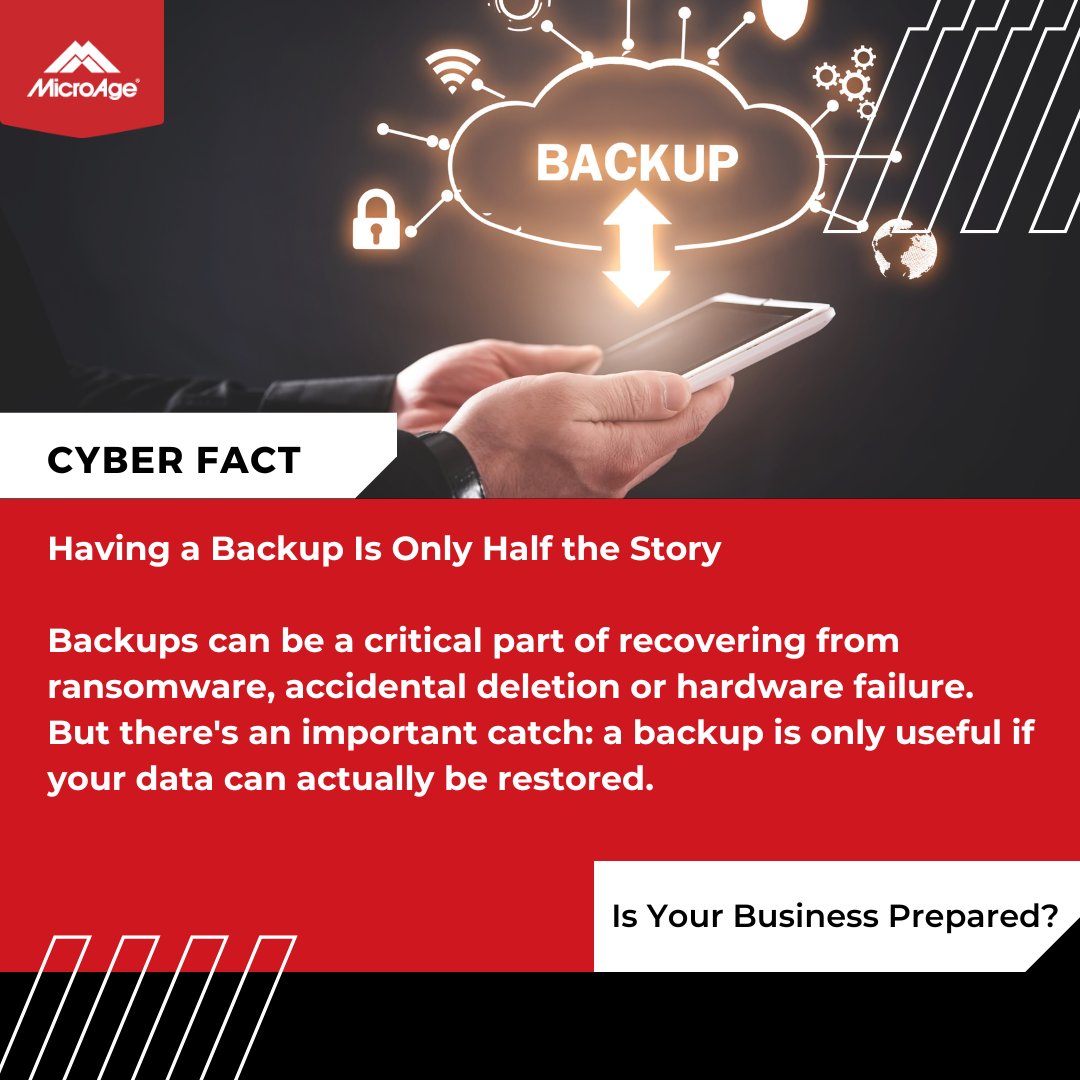
Businesses should regularly test their recovery process, protect backups from unauthorized access and keep copies isolated from their main systems where possible.
Don't wait for an emergency to find out your backup isn't working.
#CyberFactFriday#DataProtection#MicroAge
A few reminders for your business:
- Access CRA services by navigating to the official Government of Canada website.
- Never share login credentials or verification codes in response to an unsolicited message.
- Confirm unusual payroll or tax-related requests directly
Try these three quick tasks:
- Delete or archive files you no longer need.
- Organize important documents into clearly labelled folders.
- Close unused browser tabs and review saved bookmarks.
What’s one digital habit that helps you stay organized?
#MondayTechTip
A caller says they're from IT and needs you to confirm your password, MFA code or let them connect remotely to your computer.
🚩 Stop.
When in doubt, don't provide access. Contact your IT team through a trusted phone number or communication channel and verify the request first.
Deepfake: #AI-generated audio, video or images designed to convincingly imitate a real person.
#Cybercriminals can use #deepfakes to impersonate executives, employees or other trusted individuals in an attempt to trick people into sending money or sharing sensitive information.
Subscription bombing is a tactic cybercriminals can use to overwhelm someone's inbox with legitimate-looking emails, potentially hiding something more important underneath the flood.
Monday Tech Tip: Clean Up Your Browser Extensions 🌐
Browser extensions can be helpful, but they can also access sensitive information.
Review your installed extensions regularly and remove any you no longer use or recognize.
Getting repeated MFA notifications you didn't initiate?
Don't just dismiss them.
If you receive an unexpected MFA request, don't approve it. Report it to your IT team and check whether someone is attempting to access your account.
https://t.co/KceYaIJSJX
Data Exfiltration - The unauthorized transfer of data from an organization’s systems to an outside location. Attackers often steal sensitive information before demanding a ransom.
Beware of QR Code Scams 📱
QR codes are everywhere — but cybercriminals can use fake QR codes to send you to malicious websites or steal your information.
Before scanning, make sure you trust the source and check where the link takes you before entering any personal details.
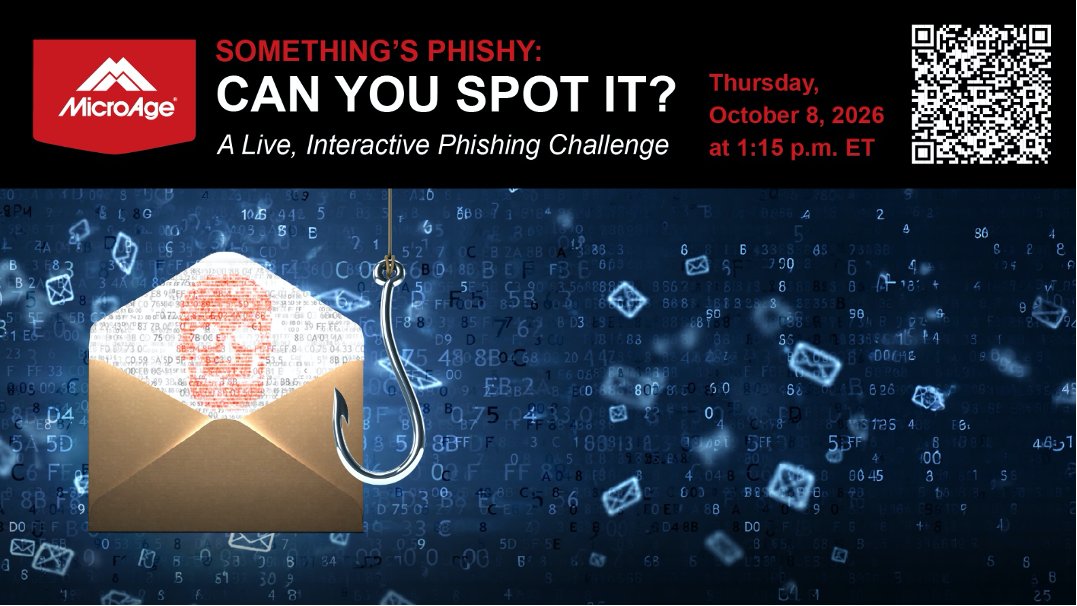
Join MicroAge for our free, interactive MicroAge Talks Technology webinar on Thursday, October 8 at 1:15 PM ET: Something's Phishy: Can You Spot It?
👉 Register here: https://t.co/sTqgIWxlG6