@stoolpresidente Foturo pizza without hesitation. Menu changes up. But one of the best I ever had was the rose gold. If they have it, grab it. Not your New Haven style. But great Detroit style pizza.
@NVIDIAGeForce GeForce Season
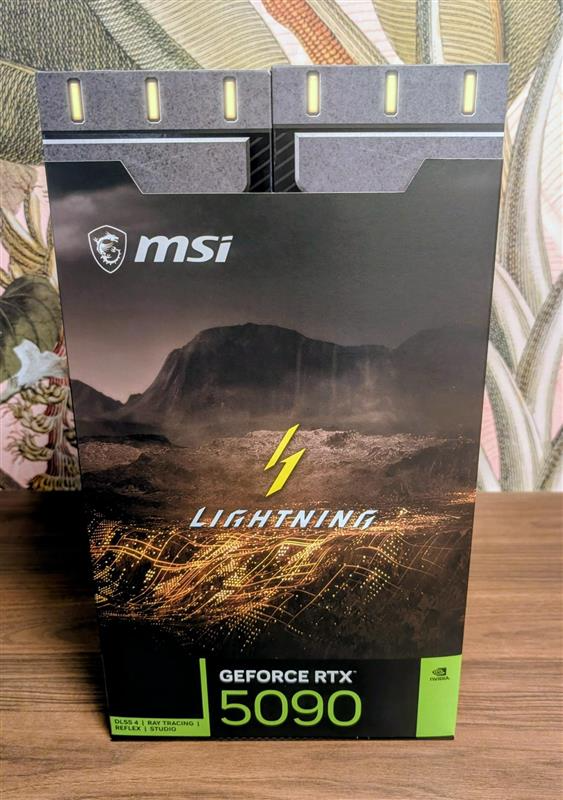
I just completed my first solo PC build. Only did it with my dad once when I was younger. I think he would have thought this was cool. It’s a modest one, but that 5090 would look pretty cool with this. And then I can give my Frankenstein parts to my nephew for his
@HaloSupport and now it’s not working again. Trying to set the Settings.json file to 1920 x 1080 and lower the fps didnt work either.
Are there any suggestions?
@HaloSupport I’m at my whits end at this point. I just built myself a gaming pc for the first time by myself. I have windows with Steam and bazzite with Steam installed on the machine. It seems random at this point, but the screen just goes black after pressing enter to sign in.
As an update, I had to put my resolution down to 1080p from 1440p. Then the game would load. I then could switch back to 1440p in windows or Bazzite, and then adjust the game in the games menus.
Is this a bug or something in the config files? I’m so confused.
I have a 240 Hz monitor and no other games have this issue.
Tried Bazzite, tried Steam on windows, and tried infinite from the Xbox pc app. Same issue.
Is there anyway to resolve this? I built this to finally see what 200+ fps was like and can barely play this.
I have a 9800x3D and a 9070 XT with 32 GB of RAM. This isn’t a hardware issue. I’ve played it on the PC like 3 times including once today. And then, seemingly at random, this issue pops up.
I’ve tried editing the Settings.json file to force 1080p 120 hertz.
@XLR8__@Halo@higround I’m building my first gaming PC this weekend in order to finally get more than 120 FPS than my series x could handle with Halo Infinite.
I would love this.