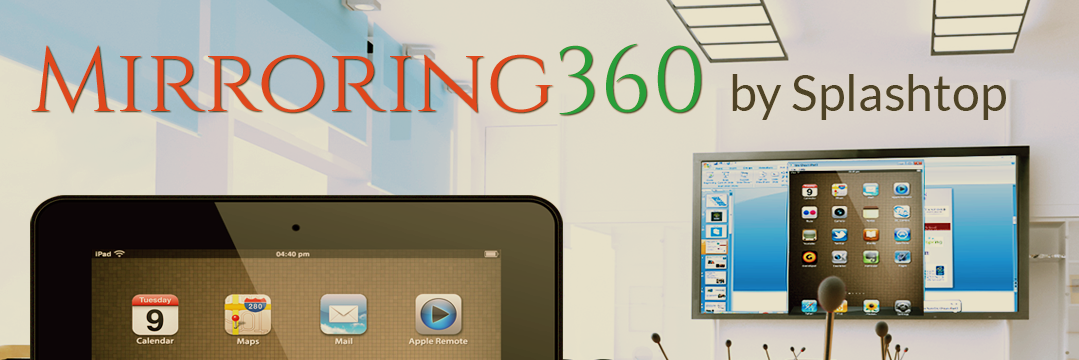
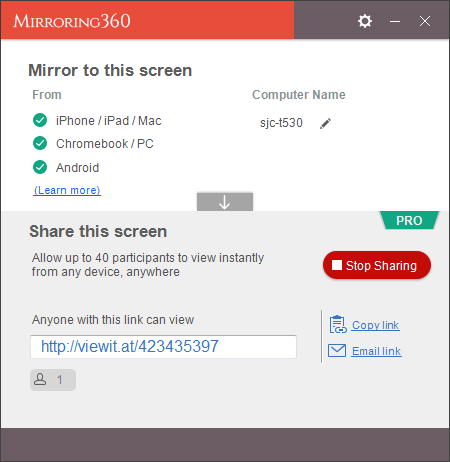
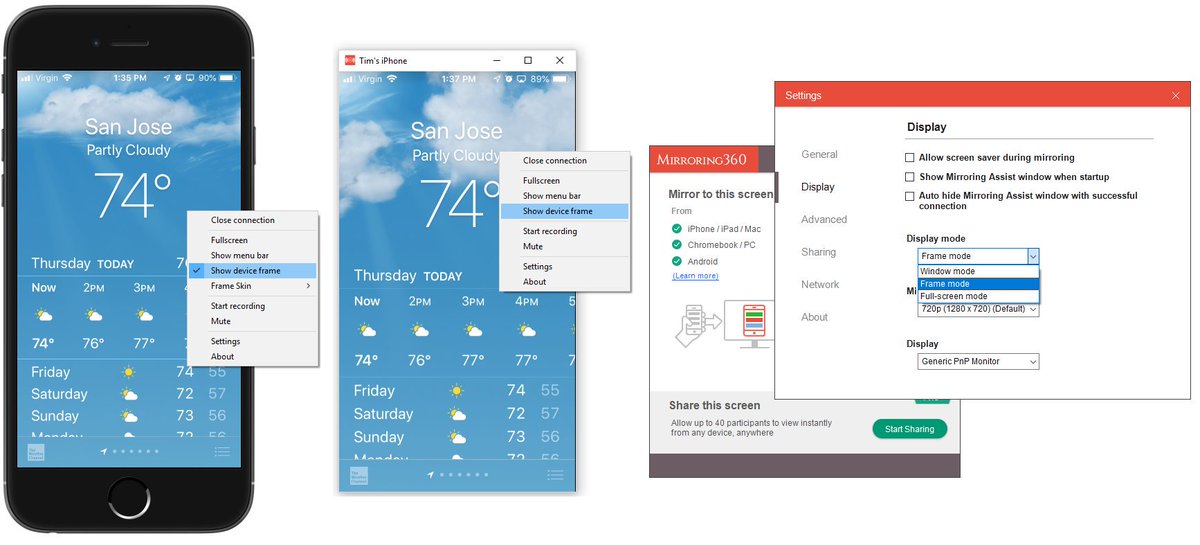
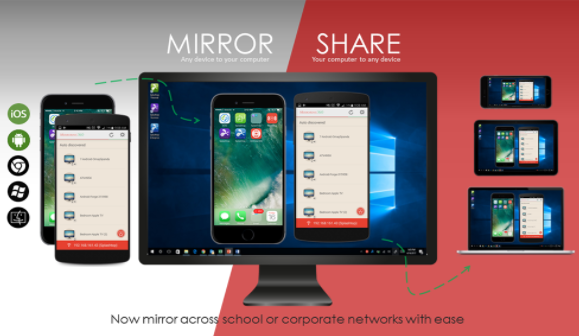
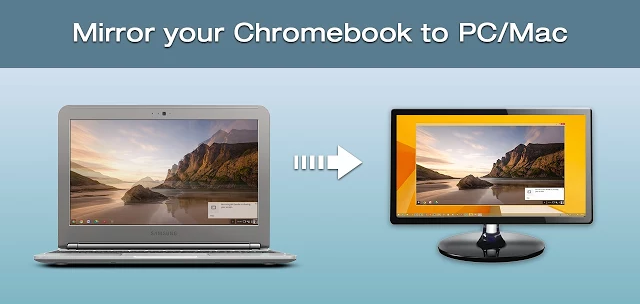
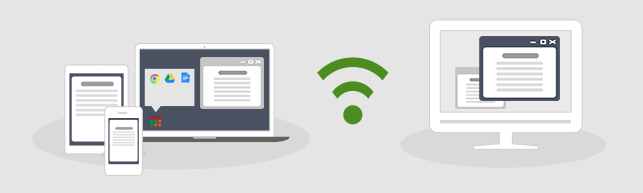
Mirroring360 lets you wirelessly share your Chromebook computers, iPad, iPhone, Android*, Windows, and Mac screens without the need for hardware or cables.
Watch our newest video on how to enable students and faculty to access on-campus lab computers from their home using Splashtop remote access. 😀https://t.co/weVqCp3yIq
Splashtop makes remotes access simple and secure from any computer or mobile device, even Chromebooks!
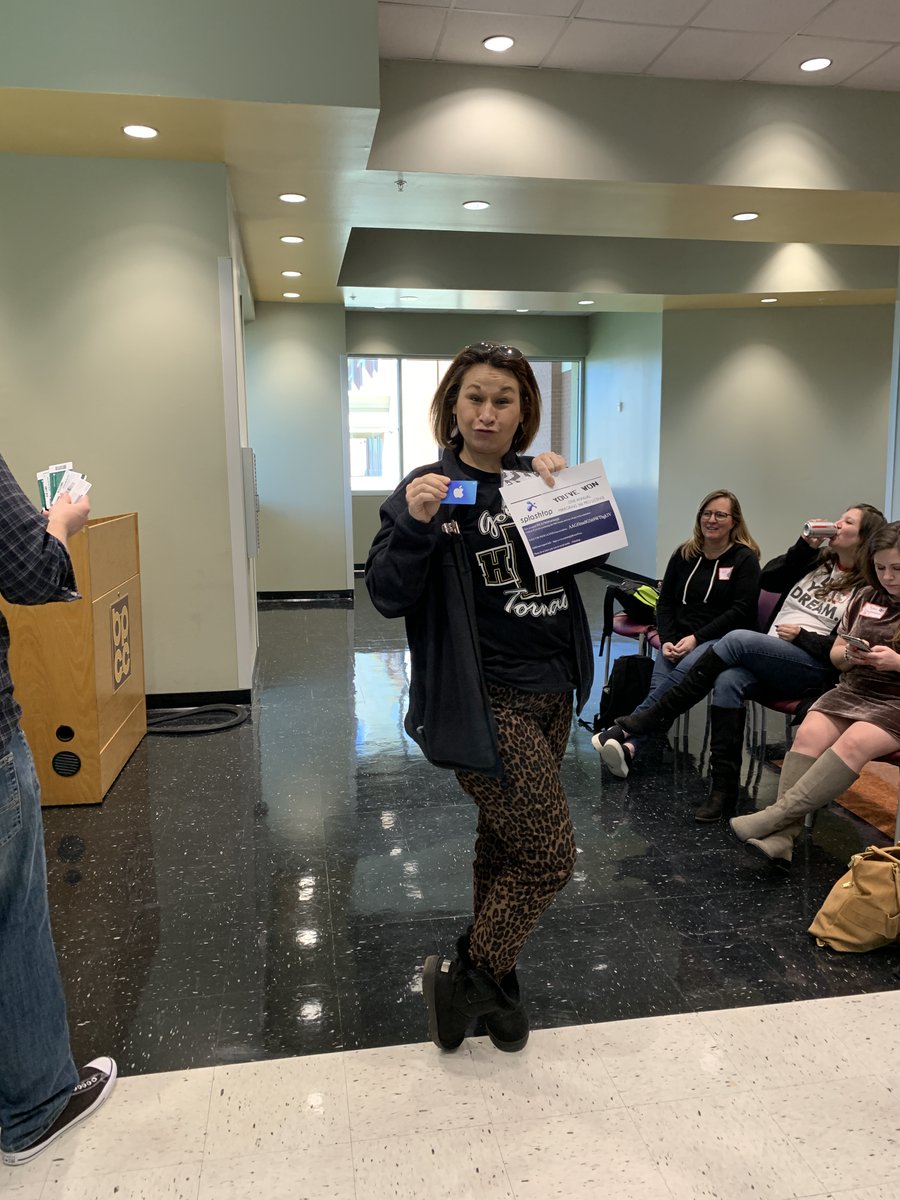
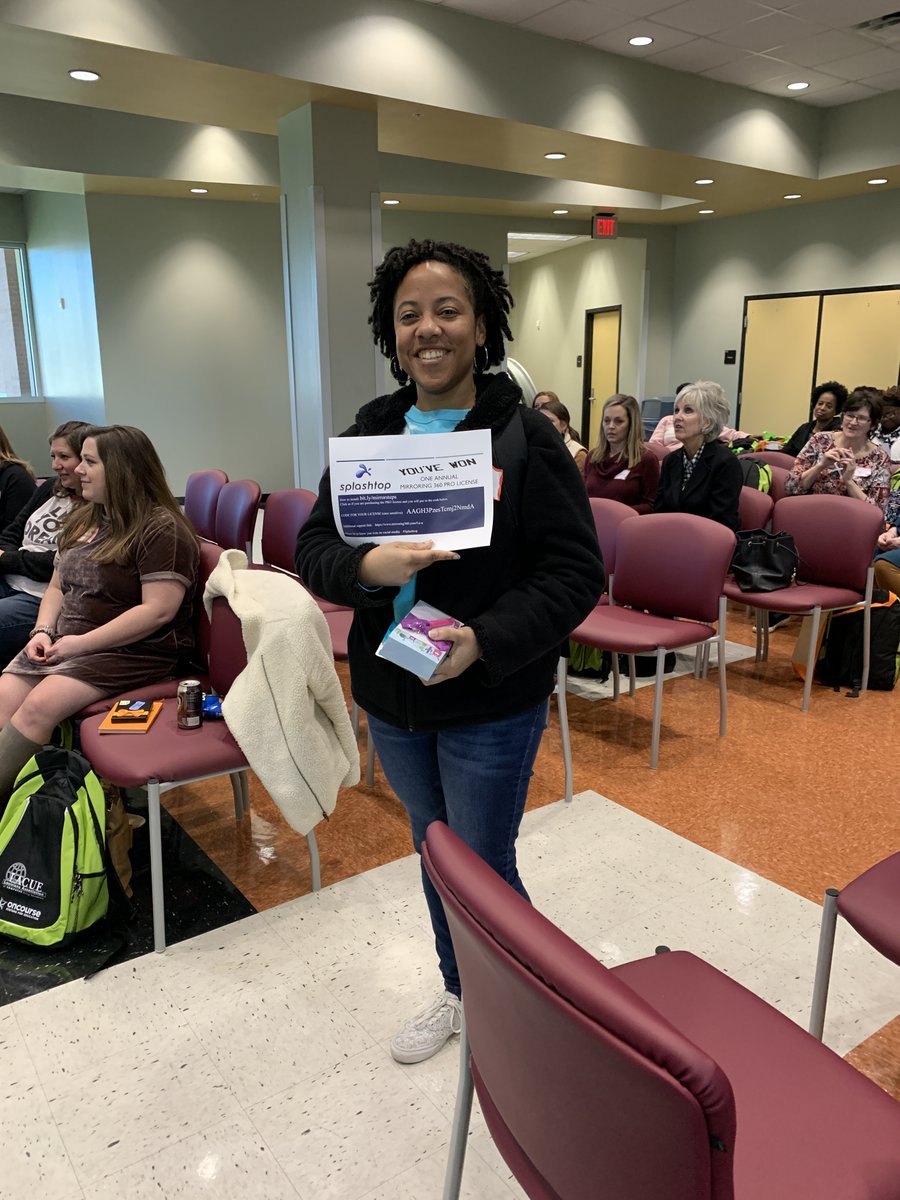
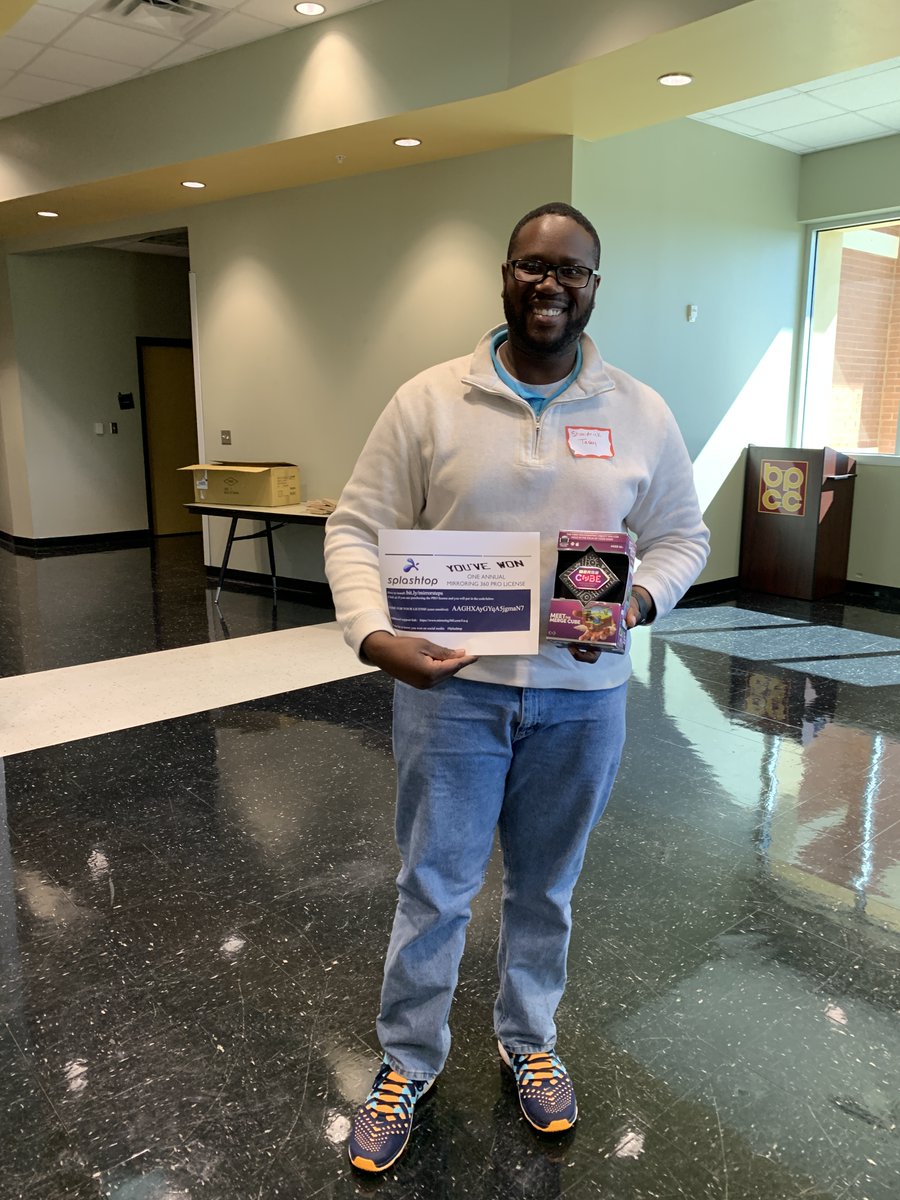
Shout out to @splashtop for sponsoring our EdCamp nLA! Your support means so much to our teachers and they were so excited to win (these are SOME of your winners)!
@EdcampUSA#edcamp#edcampnla
@kerszi@ReflectorApp SplashTop. There are a couple versions. We use it to send teacher desktop to a visually impaired student’s iPad so he can see what is on the classroom SMARTBoard. I think we pay $30/yr. and there is a free trial.
@iMacmulligan@MrsC0achT Hi Tracy! If you're interested in mirroring your Chromebook to your computer, we have our Mirroring360 Sender available on the Google Chrome Web Store as well.
@Kerplode Thanks Kristy for the message. Voice recording is unfortunately not a supported feature of Mirroring360 at this time. We'll go ahead and pass your feature request to our development team!