In this weeks lesson, my mom and I focused on reviewing what we had learned throughout both terms, how was can assess was was taught through an assessment and what she is taking away from our meetings. I’m very proud of her accomplishments? 😊 @YEPeducation#LetsTeachAdults
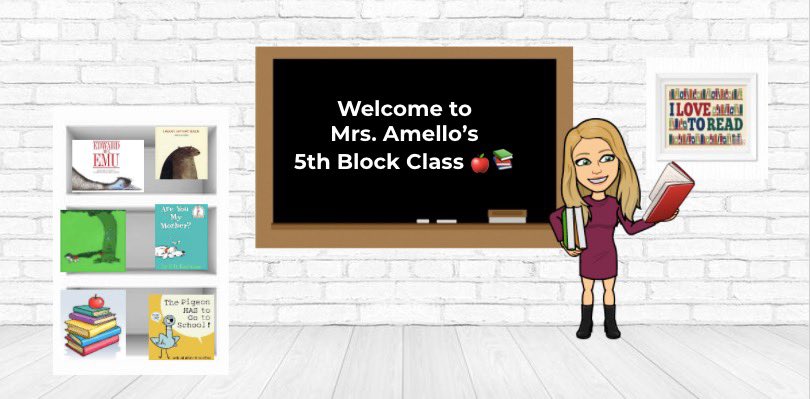
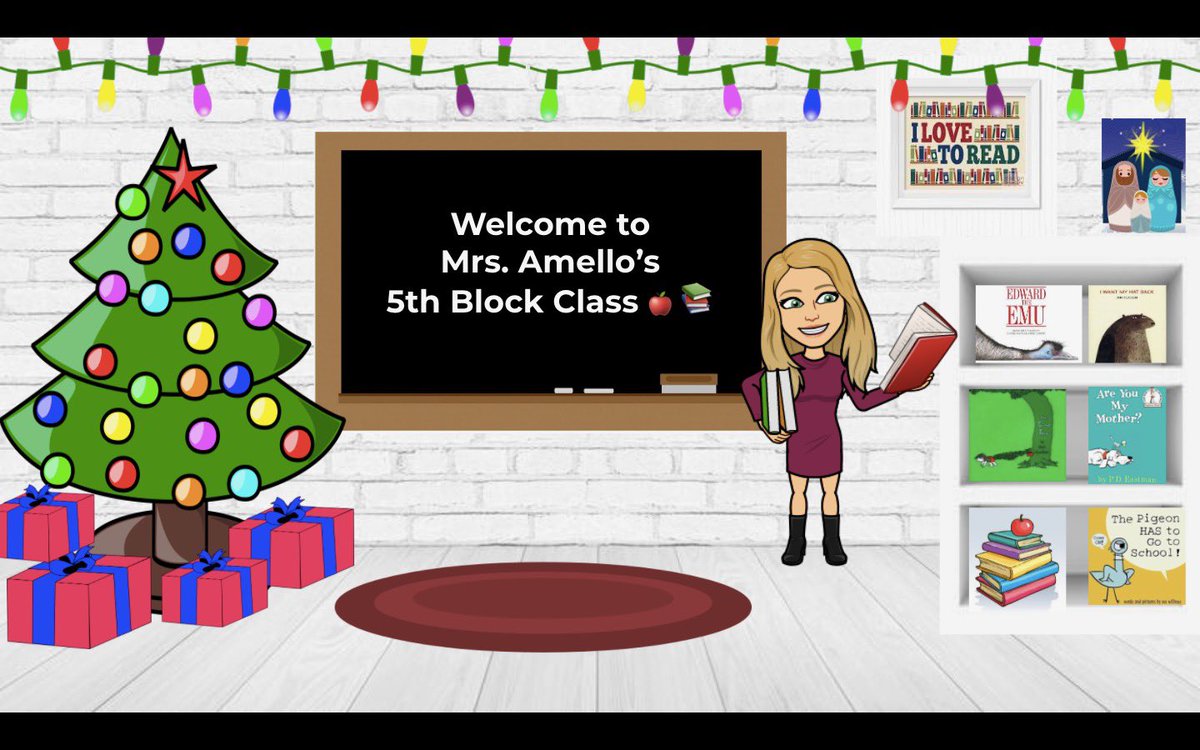
The first picture and bitmoji outfit is one we constructed together during the first term. The second picture and bitmoji outfit is what she came up with for a Spring header! I think she did an amazing job! I am very proud of her. #LetsTeachAdults@YEPeducation
This week my mom and I switched gears a bit. I tested her knowledge and comprehension of a few things we learned in previous lessons. I asked her to show me how to change her bitmoji outfit and how to make a new spring header for her Google Classroom. She completed this.
This week my mom and I learned how to use interactive technology. We played around with Jamboard, Padlet and Mentimeter. Her students are going to love these new technologies! #LetsTeachAdults@YEPeducation
This week my mom and I reviewed what we have previously learned in Google slides (uploading pictures, videos, editing fonts, backgrounds and finding and altering pre existing slide themes from slidesgo/slidescarnival) and added animations.
My mom loves adding animations to her slides as they allow her to mimic movement when playing a virtual game with her students. Before she used to get out of present mode and physically drag the item where it needed to go. Animating the objects make the game more fun & efficient!
This week my mom and I continued exploring Google slides. We learned how to import slide show theme from websites like slidesgo and slidescarnival as well as how to alter the information on the slide and replace it with our own. Additionally, we learned how to app smash.
App smashing is using two different apps such as Google Slides and Bitmoji to make something and merge the content together making one final product. We did this by adding my moms bitmoji to her slide deck which she created. She loved that it made the slides unique!
This week my mom and I explored Google Slides. I taught her how to create her own presentation, change the theme, font, background colours and import images and videos onto her slides! @YEPeducation#LetsTeachAdults
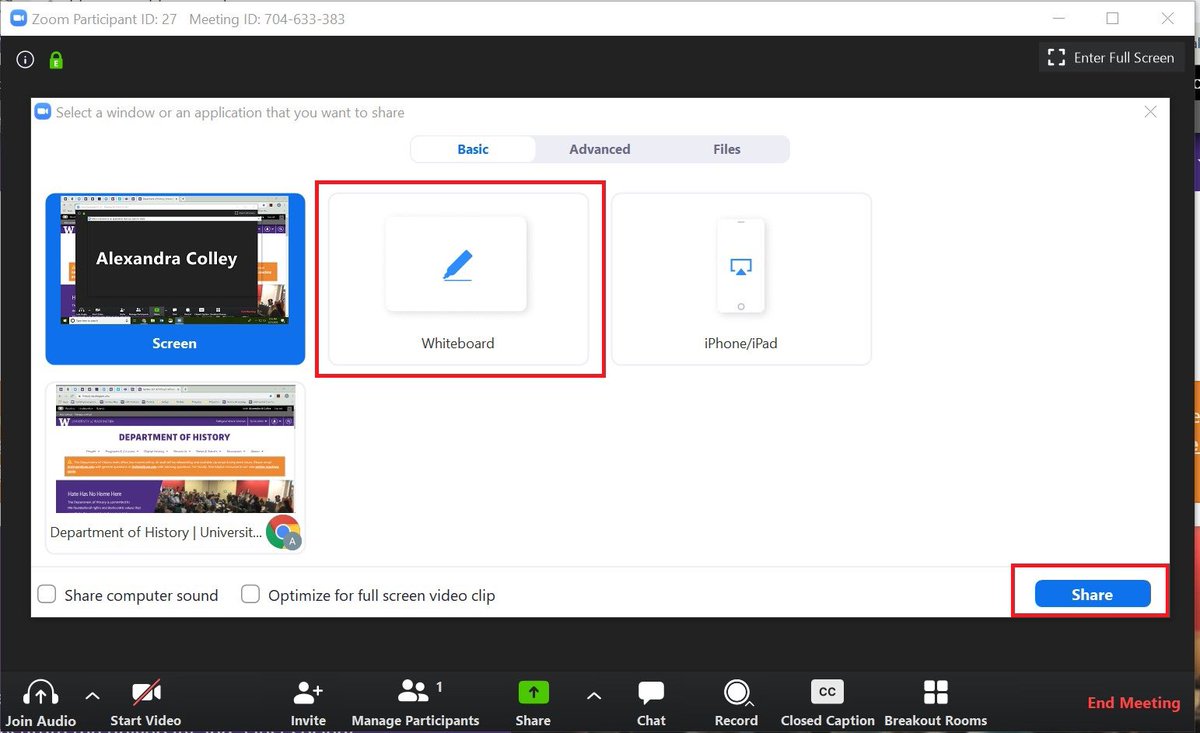
This week, my mom and I continued to learn how to use Zoom. I taught her how to use the whiteboard option and how to put it in annotate mode. This would allow her students to answer questions in a more interactive way. I also taught her how to share sound when playing videos.
This week I taught my mom the basics of Zoom. We went over how to create meetings links and share them with others. After I taught her how to share the meeting links on her Google Classroom. I also taught her how to use screen sharing in order to show her lesson to her students.
This term I will continue teaching my mom technology. After completing the program, she wished to learn more and explore new areas of technology. This week, I asked her to recall, and reflect on what we have learned so far. So we can narrow down what she would like to learn.
For our last lesson, we reviewed the concepts which were previously taught to ensure she is confident performing these tasks without me present. In addition to that, as we are entering the Holiday season together we updated her header of her Google Classroom!