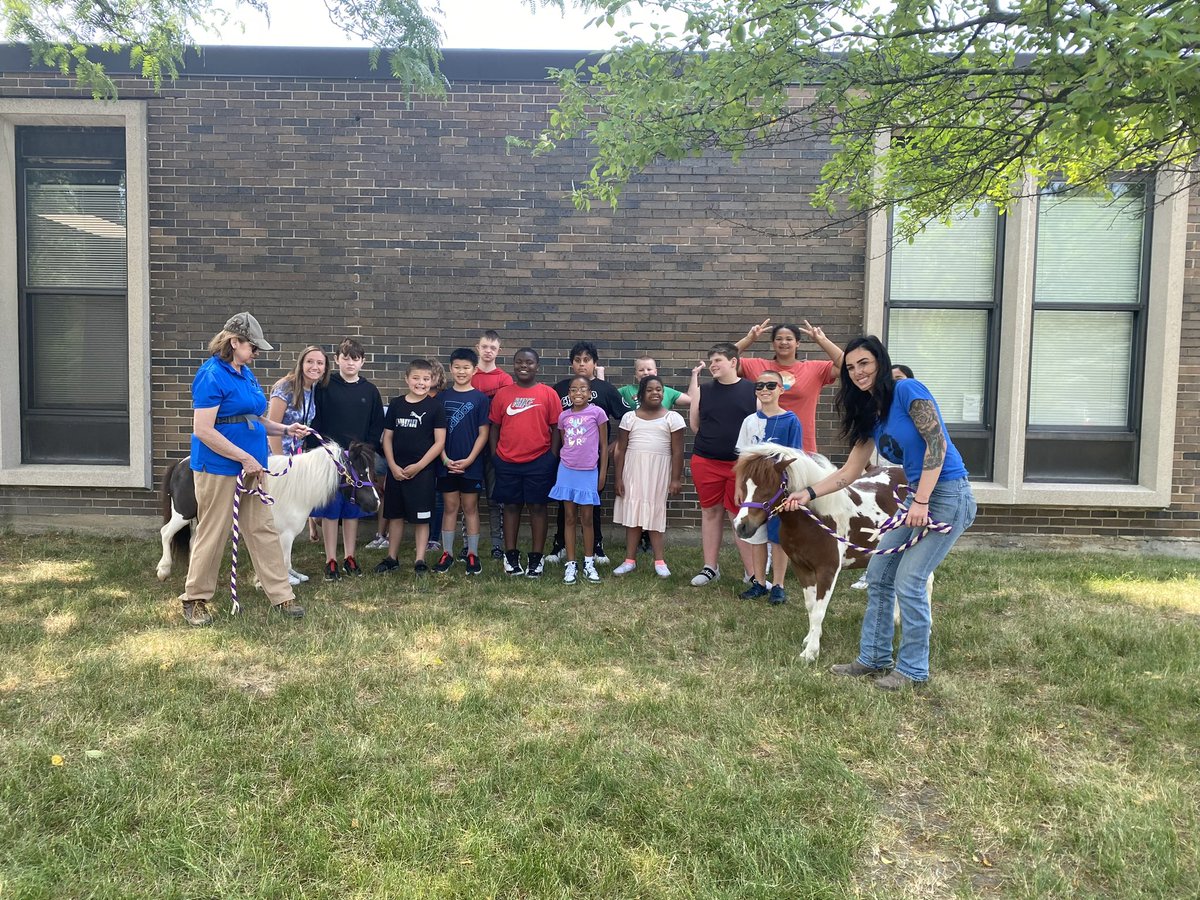
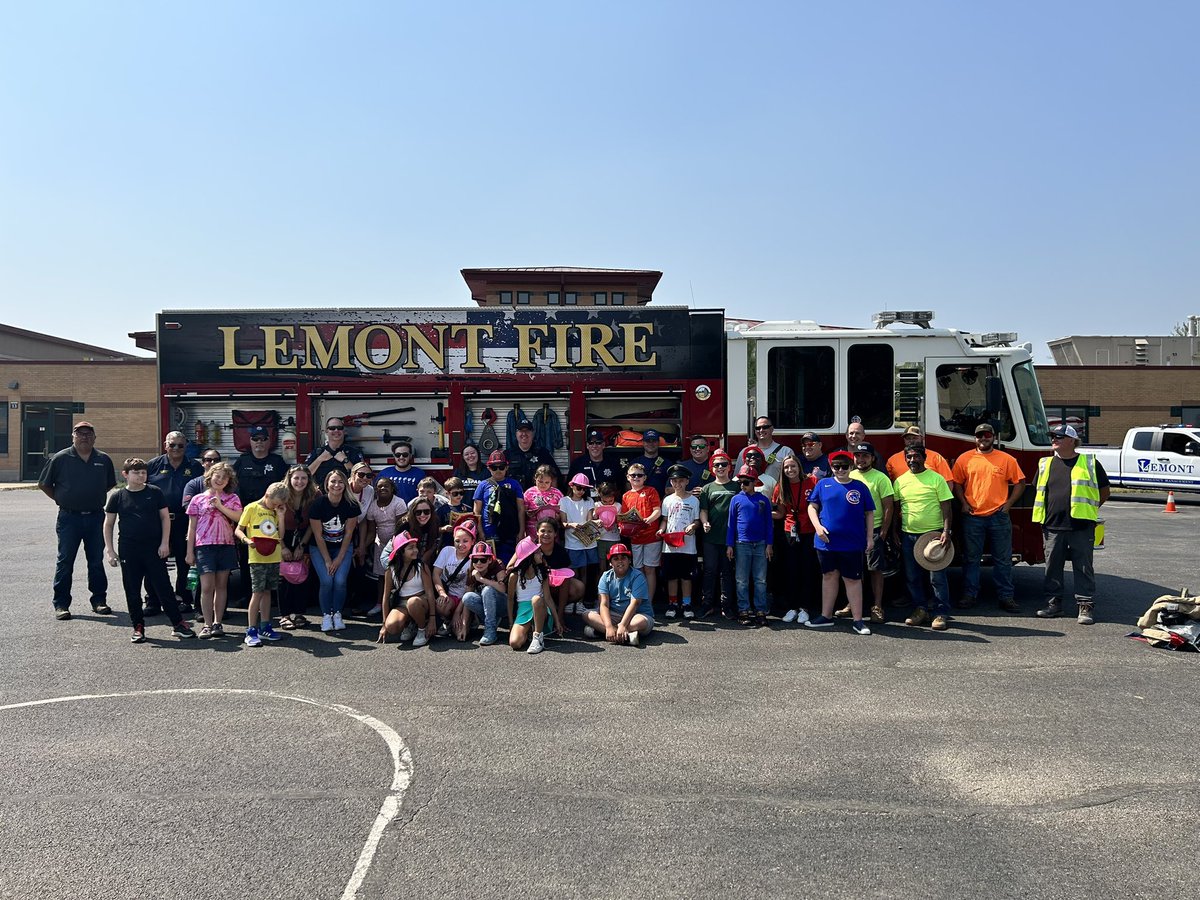
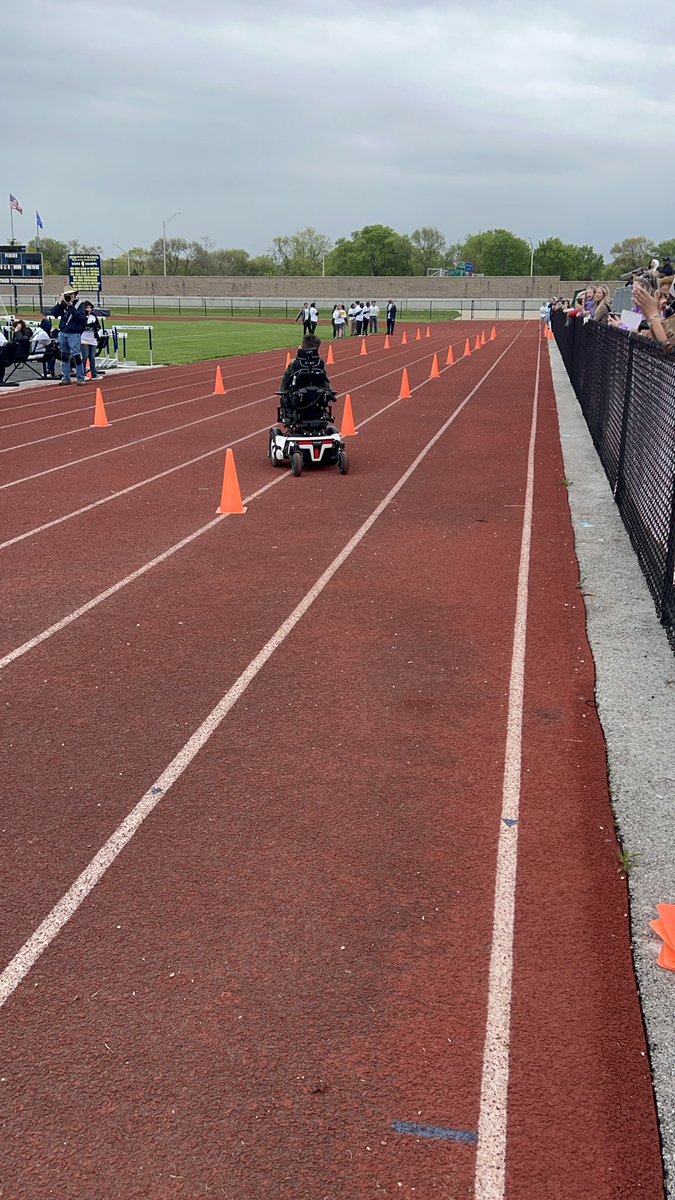
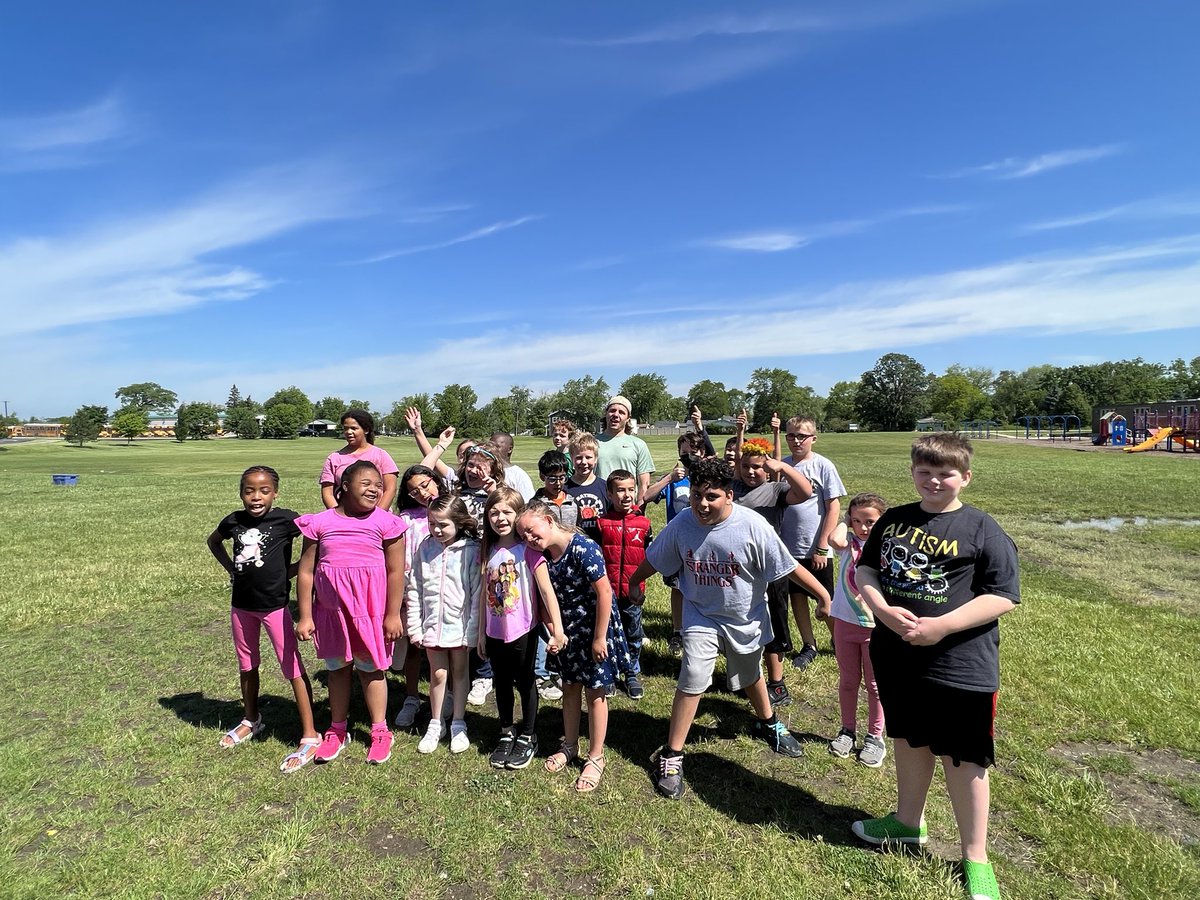
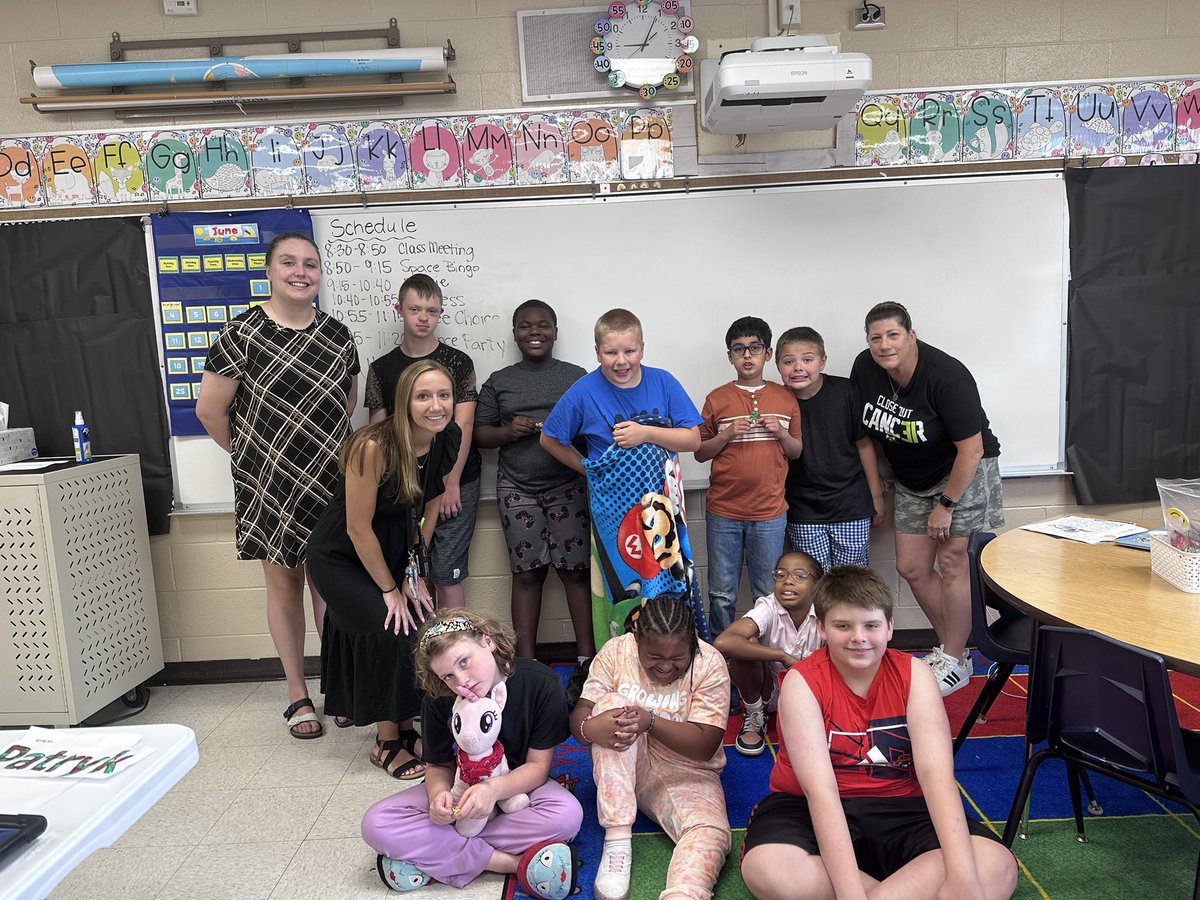
“Mr. Talaga…Best day ever!” Our students were beyond excited for our Touch-a-Truck event today. The overwhelming support of the Lemont community is 2nd to none! Thank you to my PIC @APSaraWeeks and all our volunteers to make our first ESY in-house field trip a success!
Loved my time in @MissC_113a classroom. Hope you enjoyed your gift of time. I sure enjoyed reading about rock, paper, scissors and having our own competition! Thanks for having me! #centralcards
A6: A win I’ve had recently is having those little moments of laughter throughout the day with my students over zoom. Feeling like we’re connected even when we’re virtual! ❤️ #remotelearningusf
A5: I have really loved using Seesaw this year! There are so many ways to utilize this program, in or out of the classroom, and students are given a variety of options in which to demonstrate their learning! #DigCit#remotelearningusf#seesaw
A4: One way I can grow this year as an educator is by thinking differently about meeting the needs of my students and activities to best support them both virtually and in person. I continue to find new ways to differentiate utilizing technology. #DigCit#remotelearningusf
A3: I balance computer time by incorporating activities that are hands-on and allow for collaboration. Finding a balance can be challenging, but I find it helpful to think through the purpose of the technology and if it enhances the lesson. #digcit#remotelearningusf
A2: In order for students to be successful in a global community, they need to be able to find reliable sources, and communicate with others in appropriate ways. Students learn these skills through experience and modeling. #DigCit#remotelearningusf
A1: I want my students to be digital citizens who will leave a positive digital footprint. I want my students to use digital platforms to make a difference in the world! #DigCit#remotelearningusf
Hi my name is Kelsey Christiansen! I am the 5th grade Learning and Behavioral Specialist at River Valley Elementary School! #rvican My favorite snack is veggie chips! #DigCit#remotelearningusf
Tip 5: Do you have a class that’s obsessed with memes? Well @coleary113a and I do! This activity from @WickedEdTech is a Meme Generator! Bringing some visuals and creativity into remote learning! Check out the activity here: https://t.co/YY39jAbxgq
This week my USF cohort is focusing on tips, tricks, ideas, hacks, and just about anything to help with eLearning! I’m going to post some ideas I found to this thread, and would love to hear what others have been doing for eLearning! #sd113a#edtechusf
Tip 4: While exploring @GoogleForEdu I found a tip for a Chrome Extension called Talk and Comment Anywhere. This extension allows you to record your voice and post it anywhere (Twitter, Seesaw, Google Classroom) Check out the tutorial! https://t.co/WvcTUY7ZNh