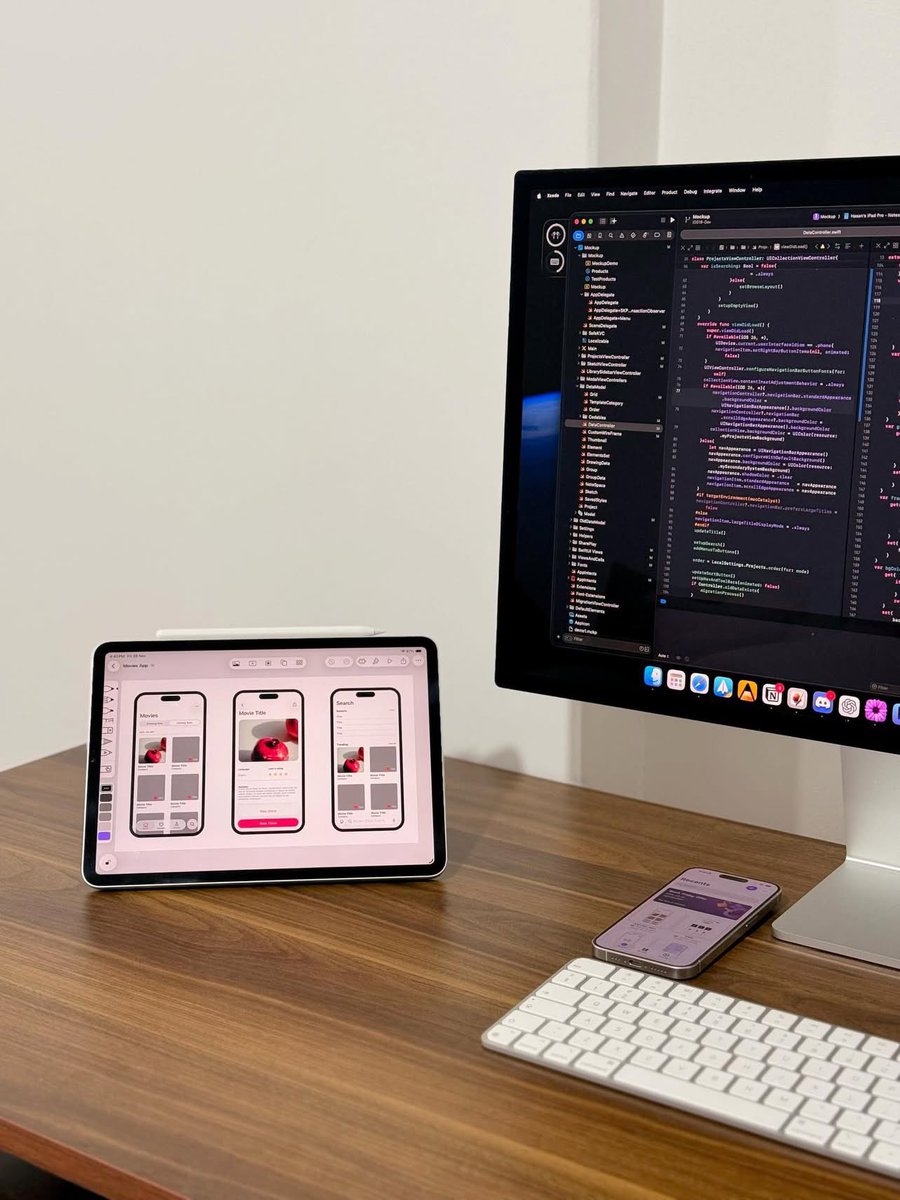
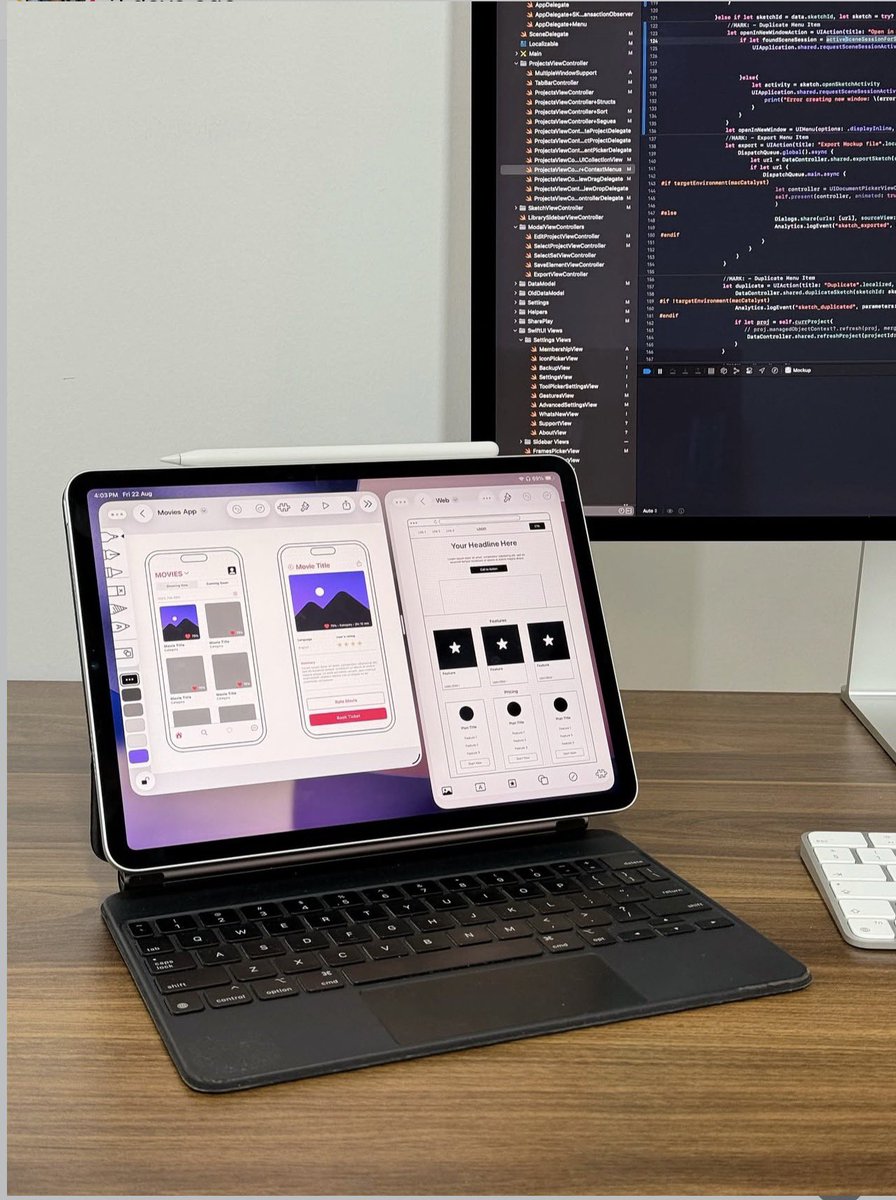
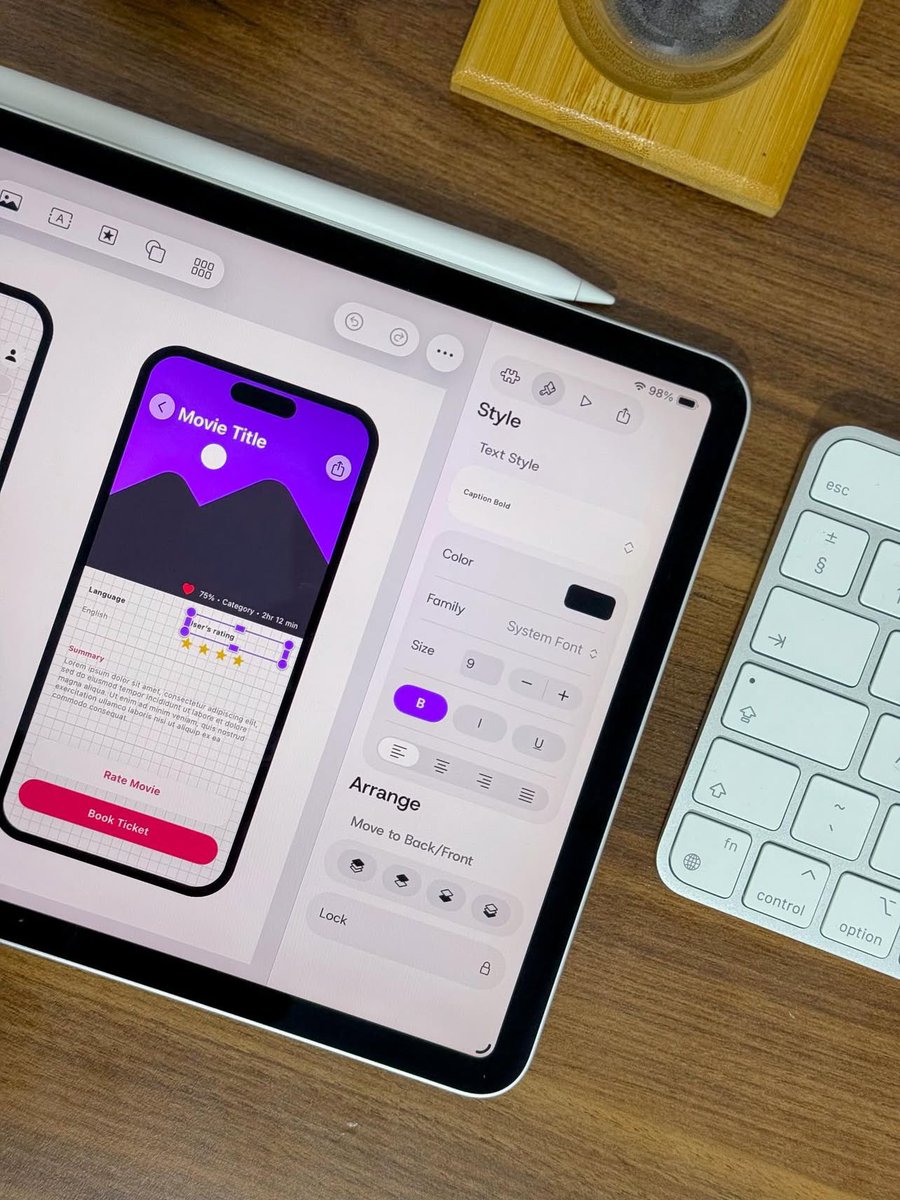
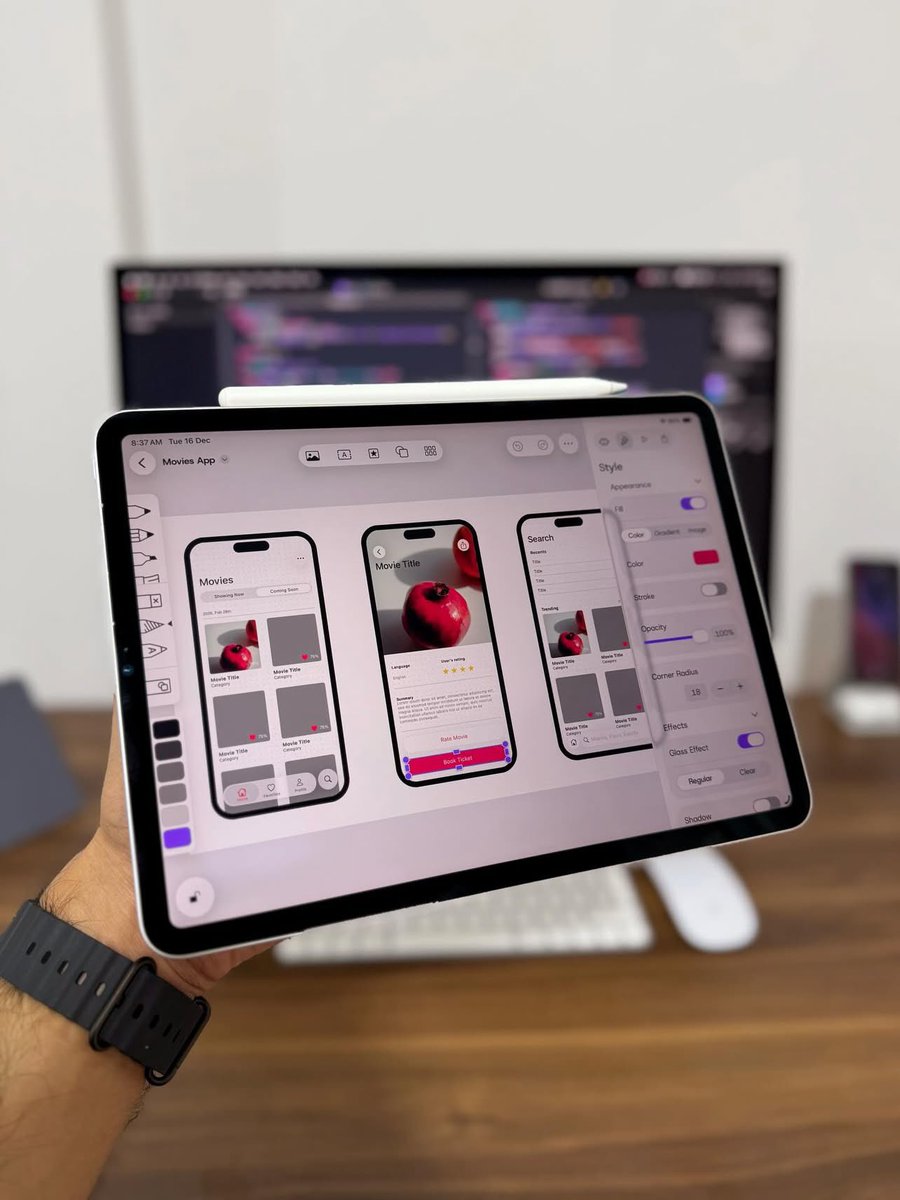
Mockup is featured on the @AppStore AGAIN. 🥳
This time, our latest update is in the spotlight, featuring Liquid Glass elements that take designing iOS 26 & iPadOS 26 interfaces to a whole new level! ✨
A big thank you to @Apple & to all the designers using Mockup every day. 💜
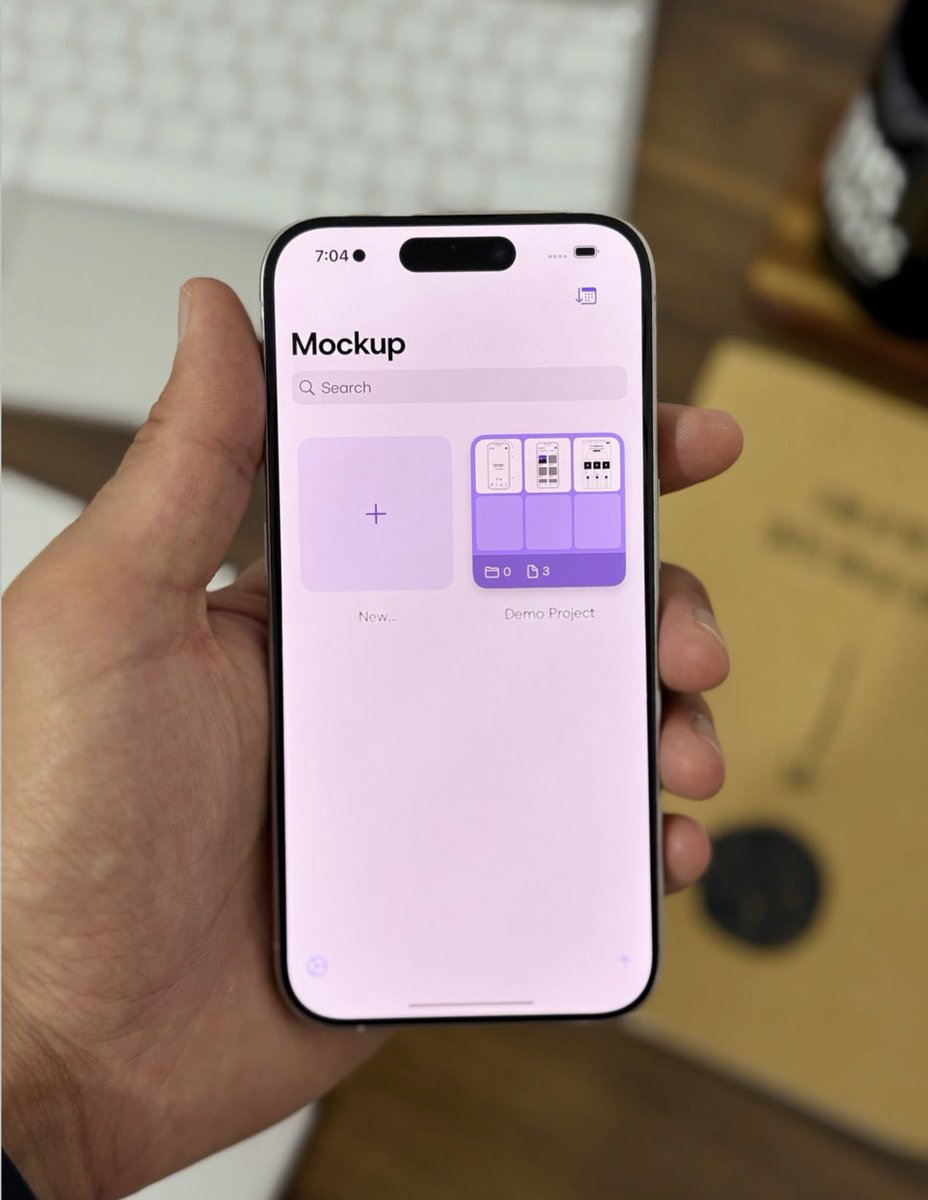
A cleaner way to design on iPhone. 📱
Mockup’s toolbar and navigation bar are refined to keep the experience focused, while giving you easier access to the features you need. ✨
Create, edit, and preview your designs on the go. 🚀
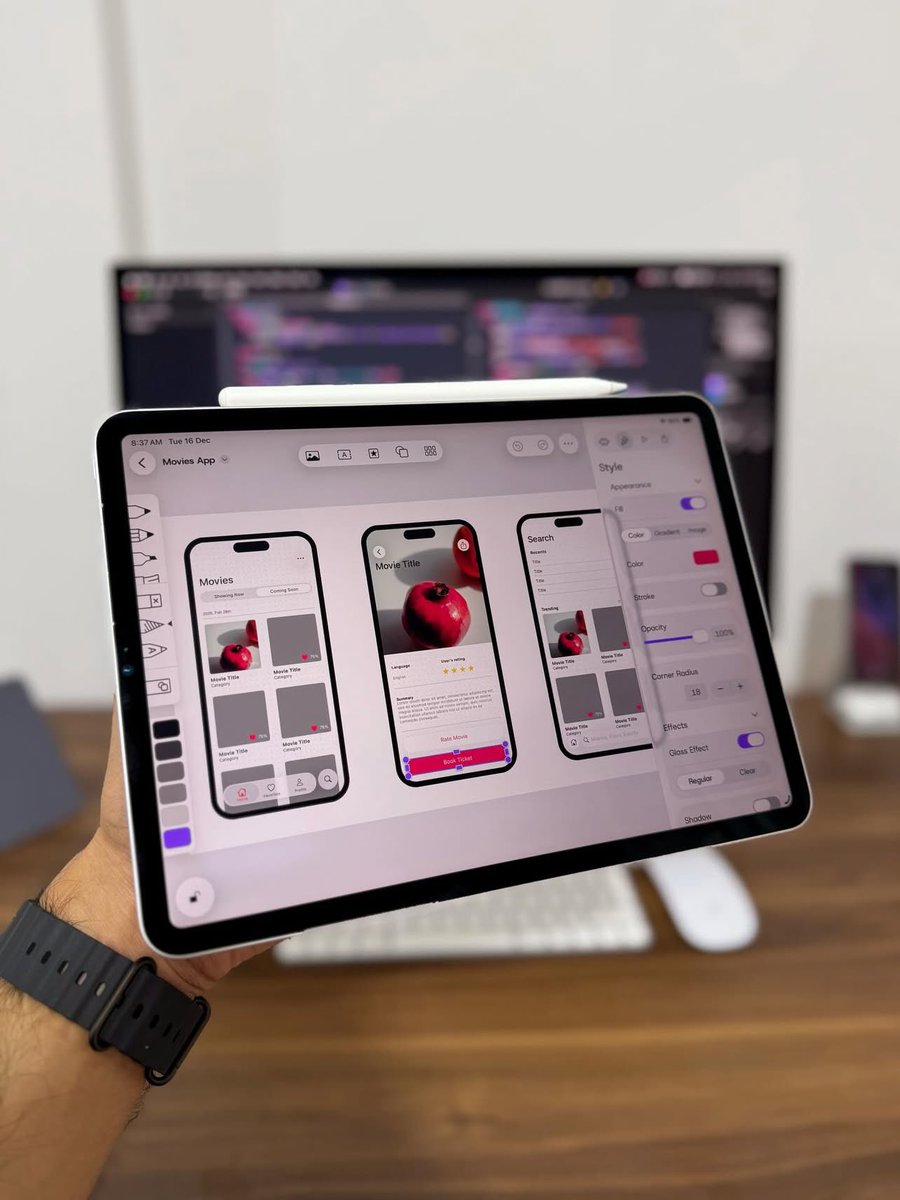
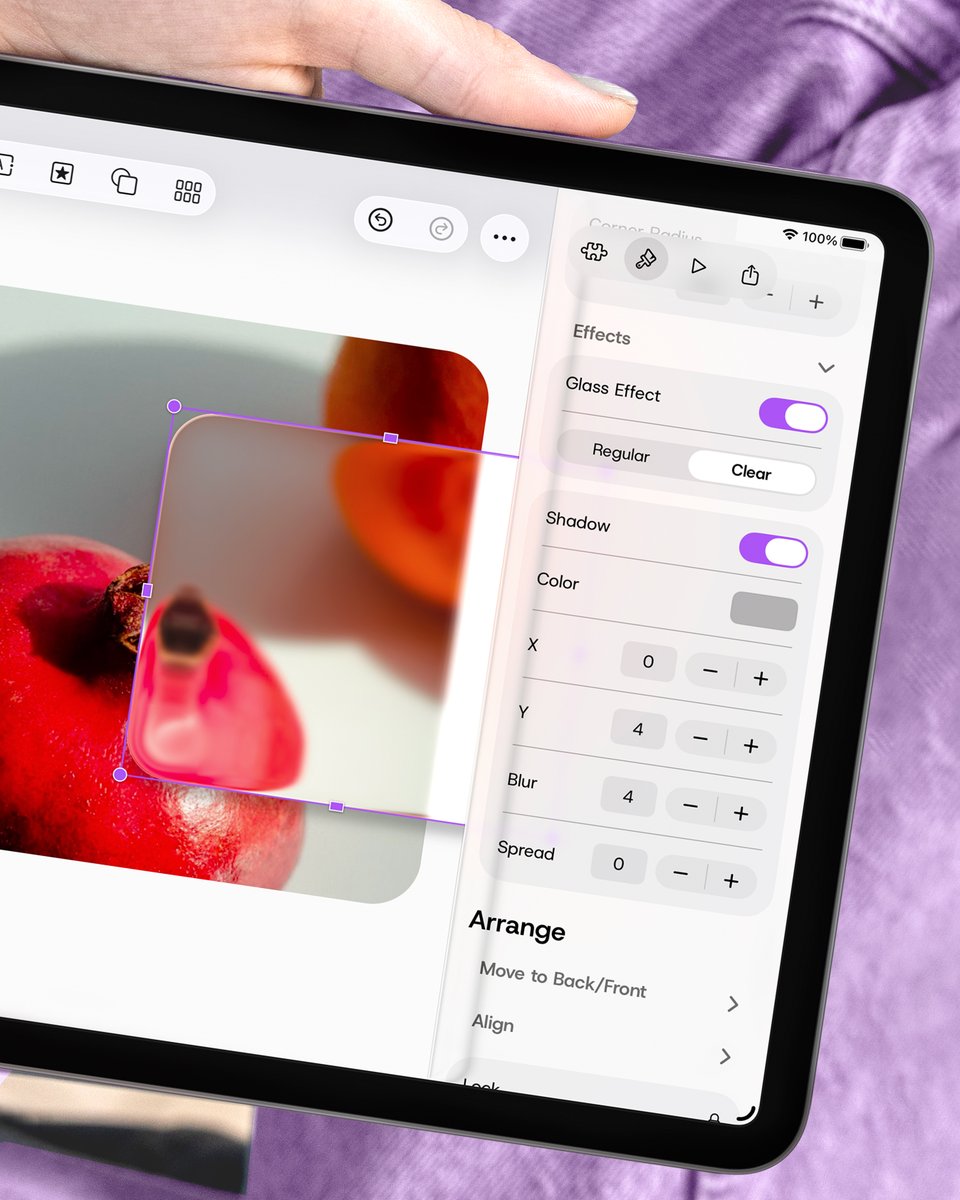
Design beyond flat shapes. ✨
Glass Effect helps you create that layered, translucent look for modern interface ideas.
Shadow adds depth and focus, making important elements stand out.
Turn simple shapes into designs that feel more complete. 🤩
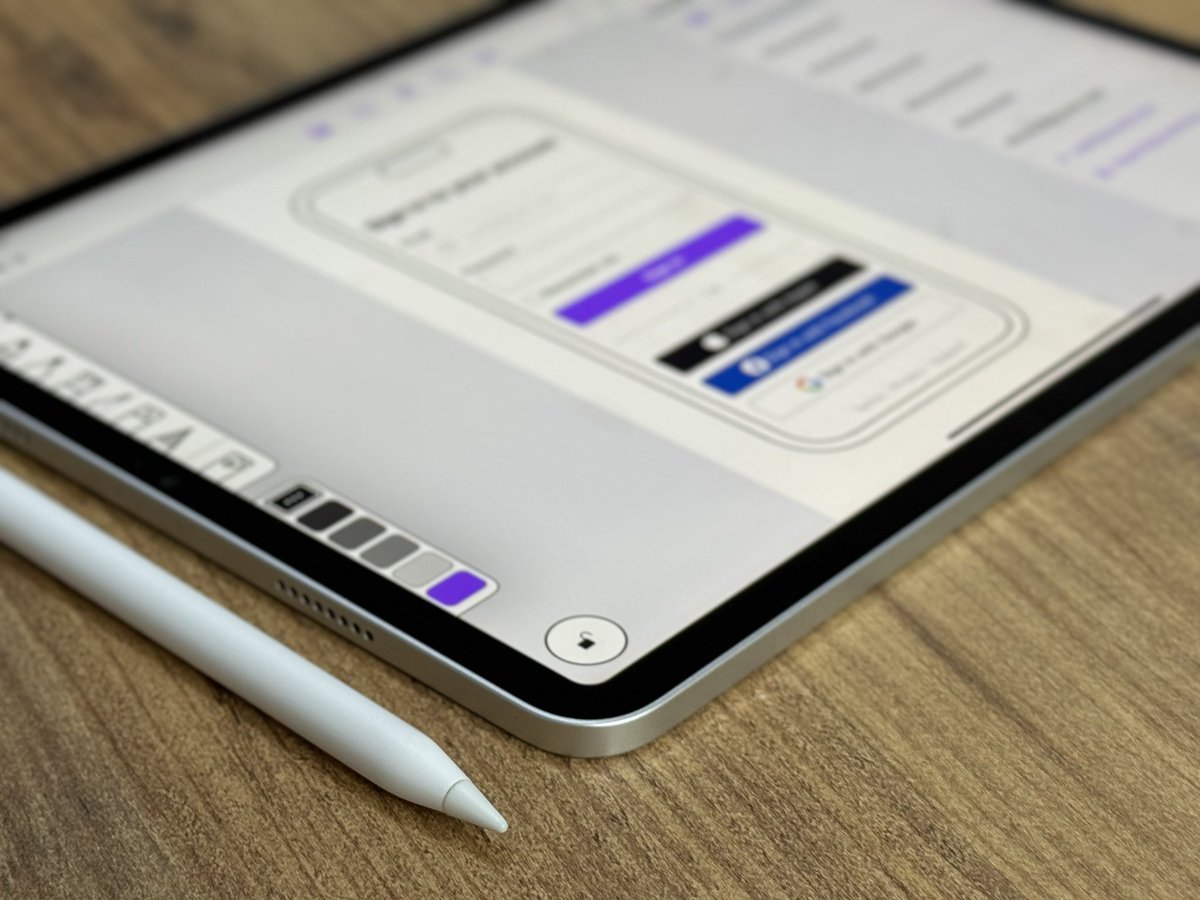
Add the color your shapes were missing. 🎨
With Gradient Fill, simple objects can feel richer, softer, and more complete.
Bring your designs to life in Mockup. ✨
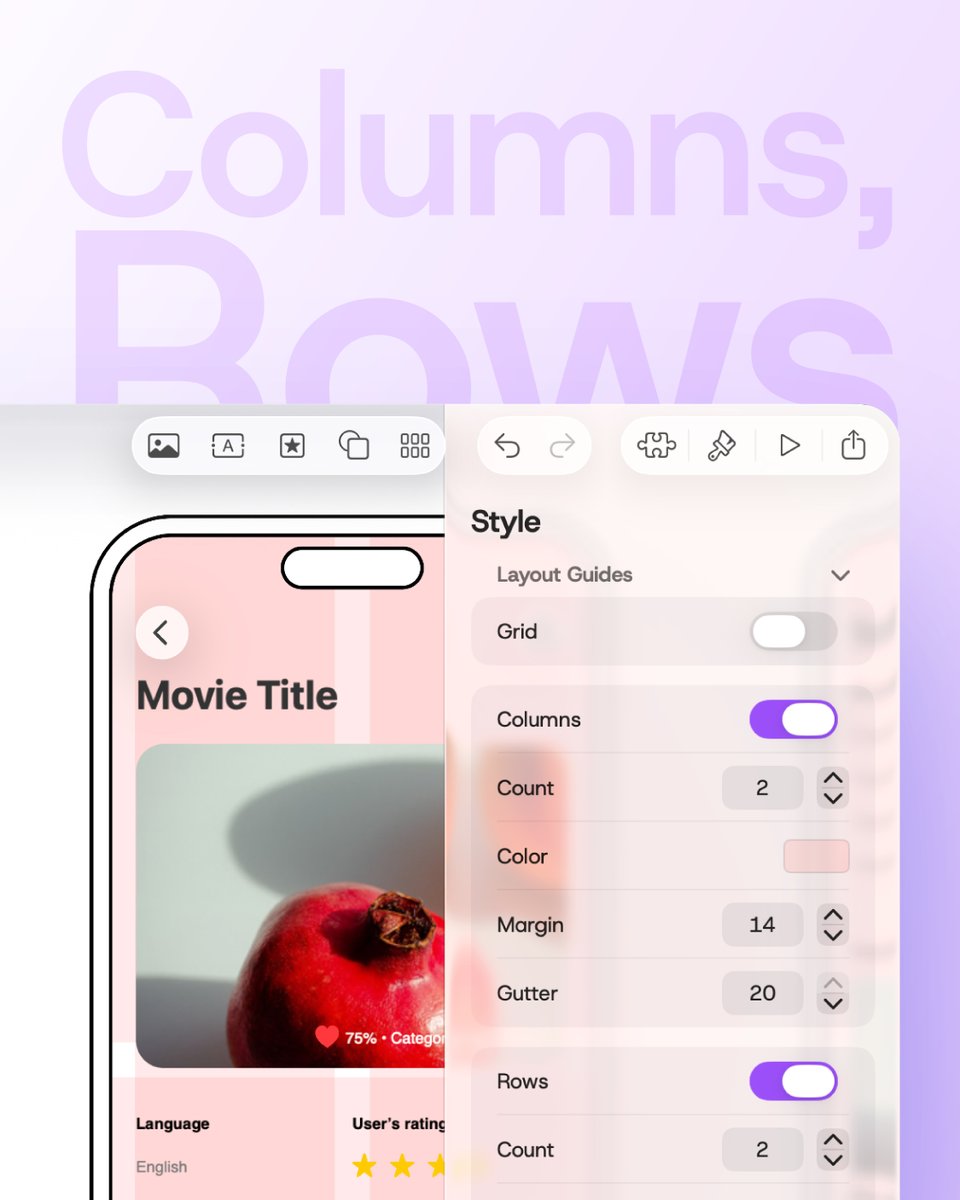
Your layout, perfectly structured. 📐
Create custom rows and columns, align objects with more precision, and keep every frame balanced as you design. 👌
Start building cleaner interfaces in Mockup. ✨
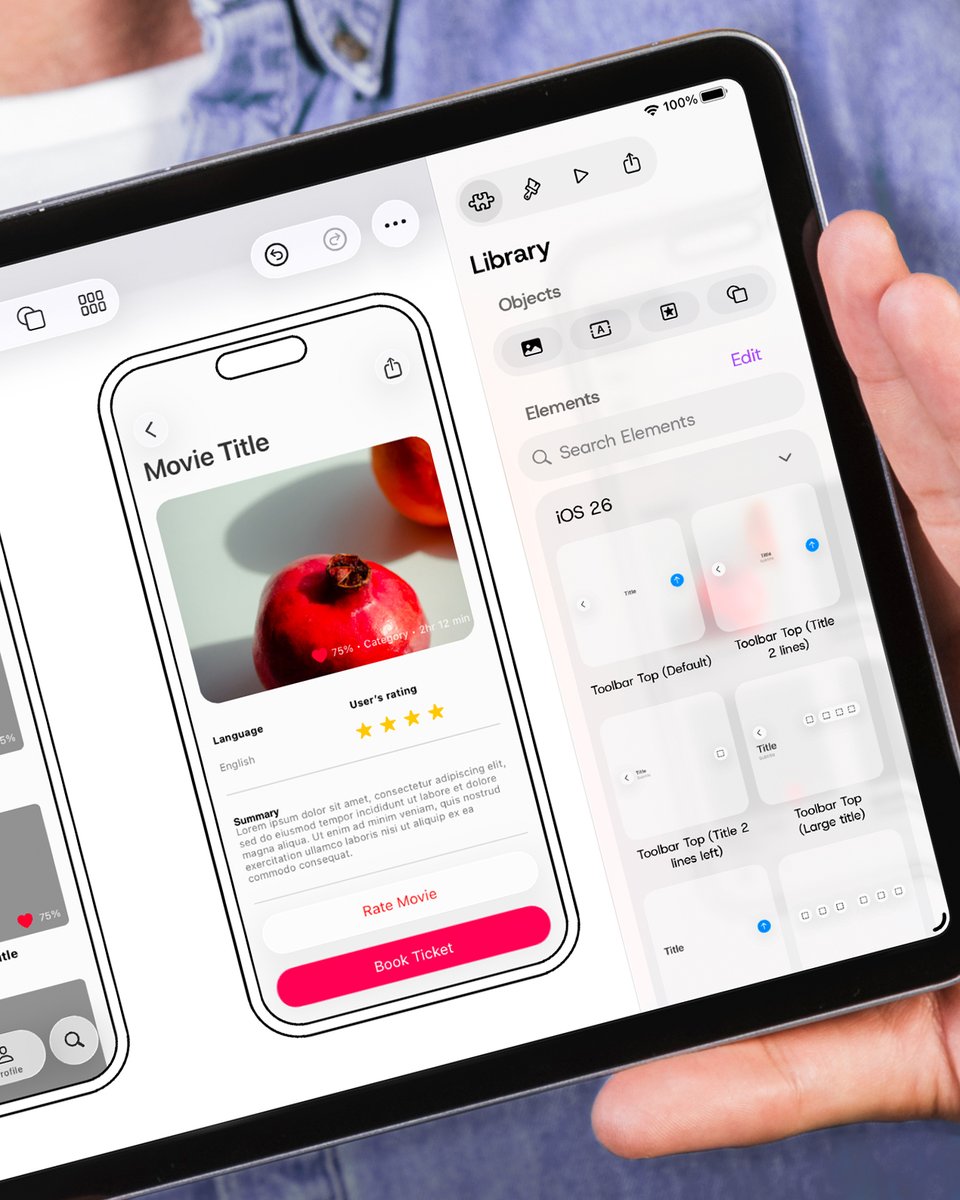
Design for iOS & iPadOS 26 with Liquid Glass. ✨
Mockup’s Library now includes new ready-to-use element sets crafted for the latest Apple design system. 📱
Drag and drop the elements you need to create modern, layered, glass-like interfaces from the first frame. 👌
We're proud to share that Mockup is featured in Apple's New Design Gallery for its integration of the new design and Liquid Glass. 🥳
It's always special to see our work highlighted alongside so many great apps. 🙌
https://t.co/gTgED5iQiV
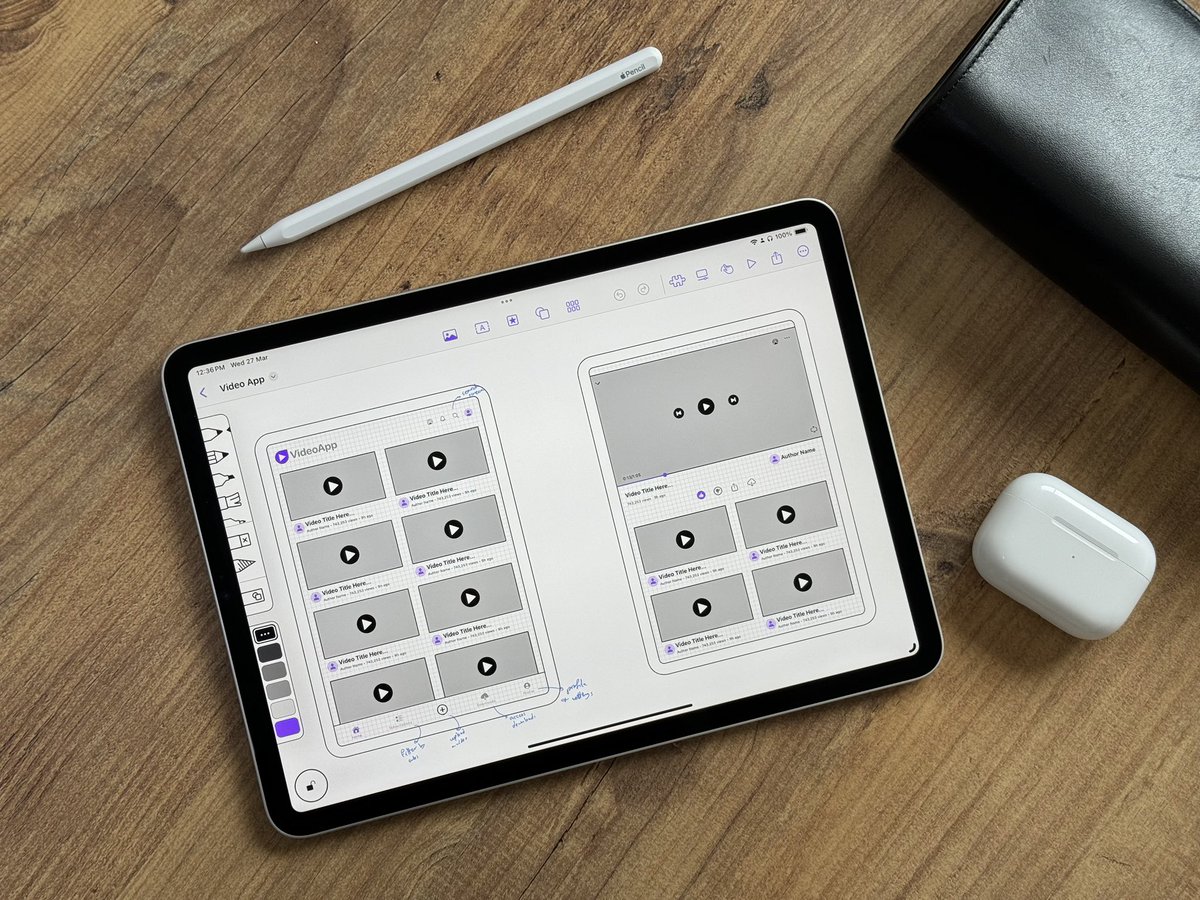
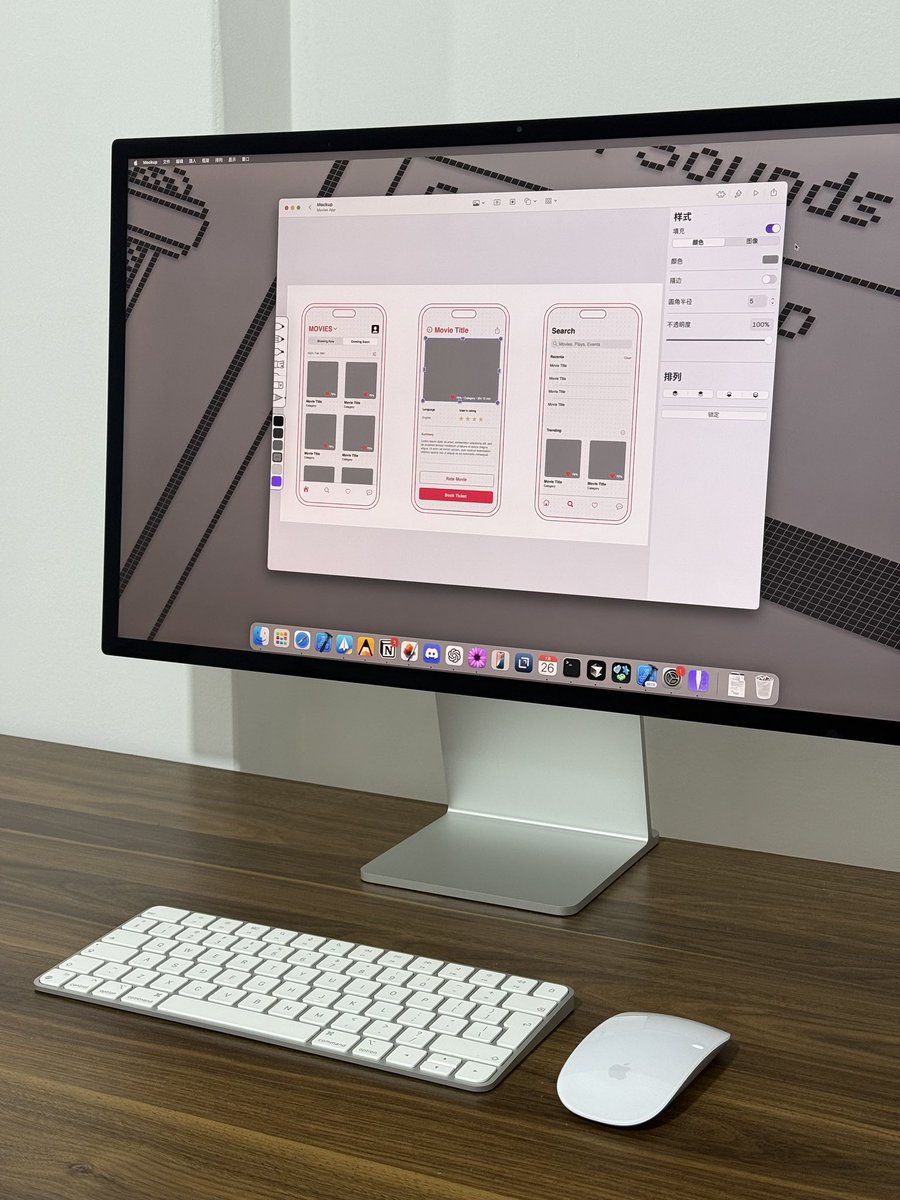
Whether you’re just starting with sketches, refining wireframes, or creating interactive prototypes, Mockup makes your design process seamless. 😎
Try Mockup today—link in bio! 🙌