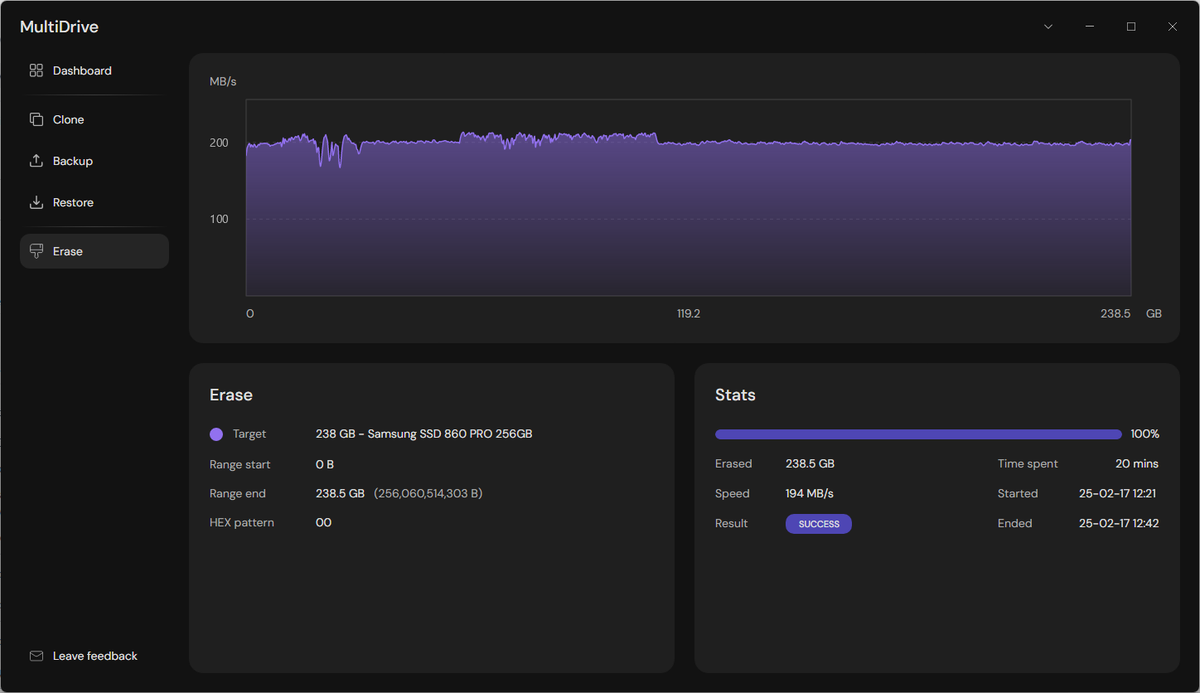
MultiDrive 1.4 is officially released!
It introduces a new ZST (ZStandard) compression format for Backup/Restore tasks. It is 4-5 times faster than ZIP.
Check it out at https://t.co/MaSPf6Wxa8
Your drives are fast. Your network isn't.
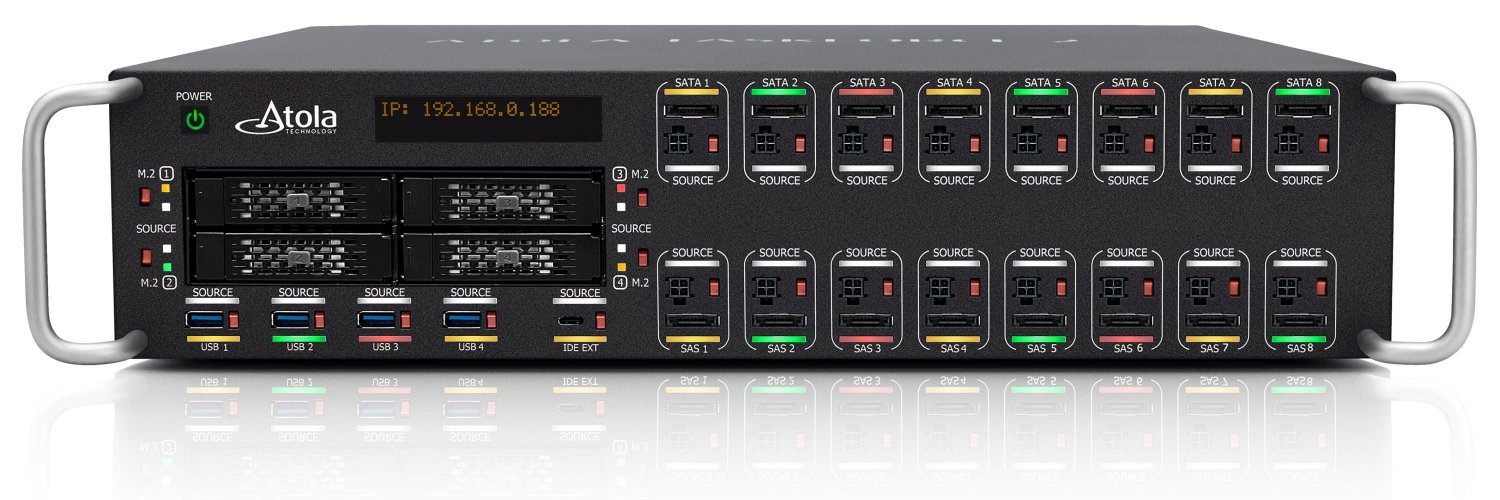
Meet the new Atola 25G Fiber Extension.
- two SFP28 ports
- compatible with Atola TaskForce 2 and Atola TaskForce
- built-in active cooling
- bonding support
#dfir#digitalforensics#forensicimaging
Our 2026 list of over 60 digital forensics conferences and workshops is live. Bookmark it, we update dates and details as they're announced.
https://t.co/Tt4g4g76Cy
#dfir#digitalforensics#conferences
I believe that backing up, erasing, or cloning a drive should be simple - something even my mum could do 😄 If you feel the same, give MultiDrive a try. We've just launched on Product Hunt 🚀
Your support and feedback would mean a lot!
https://t.co/bG6h8HTYVG
MultiDrive 1.2 has just been released!
- Write Error Recovery. Automatic retry mechanism for write failures during Clone/Erase operations
- Optimized realtime drive polling interval to reduce CPU overhead.
- Over 12 bug fixes
We released MultiDrive 1.1 - updated version of our free utility!
It includes support of drives with read errors (bad sectors) and resistance to a loose cable connection.
Check it out at: https://t.co/nATaI2WuuK
TaskForce 2025.4 firmware is out!
One of the biggest updates in Atola's history. Learn about the firmware update in the blog: https://t.co/AO2D55jTR4
#forensicimaging#dfir#digitalforensics
We (@Atola_Insight ) have just launched MultiDrive!
You can use it for free if you need to backup, clone and wipe your drive. I believe such tasks should be simple and pleasant experience, just the way we designed it
https://t.co/nATaI2WuuK
#MultiDrive#backup#clone#erase
New TaskForce 2024.9 firmware released
In this one, we've streamlined the way of imaging to files. Meet the Target File Templates!
They should be flexible enough to cover your target file and folder naming conventions, as well as pre-filled metadata.
https://t.co/fo5Wd0lQAs
Zero-click way to image drives in Atola TaskForce 2
1. Plug an evidence drive.
2. Imaging will start automatically.
Watch our new Express Mode video!
https://t.co/lYB2XAlCu6
#digitalforensics#dfir