@sickdotdev I mean, vibe coders are mainly solopreneurs. AWS isn’t hated, it is just too expensive for this population. So Vercel and Supabase become an obvious solution…
how to run claude code with gemma 4 completely free (beginner's guide):
this guide shows you how to use claude code completely free with gemma 4, no subscriptions &no api keys.
just your laptop + 15 mins setup.
this lets you run open-source models (like google’s gemma) locally, meaning:
— no costs
— full privacy
what you need before starting, make sure you have:
vs code installed
— node.js (version 18+)
— stable internet (for one-time model download)
_____________
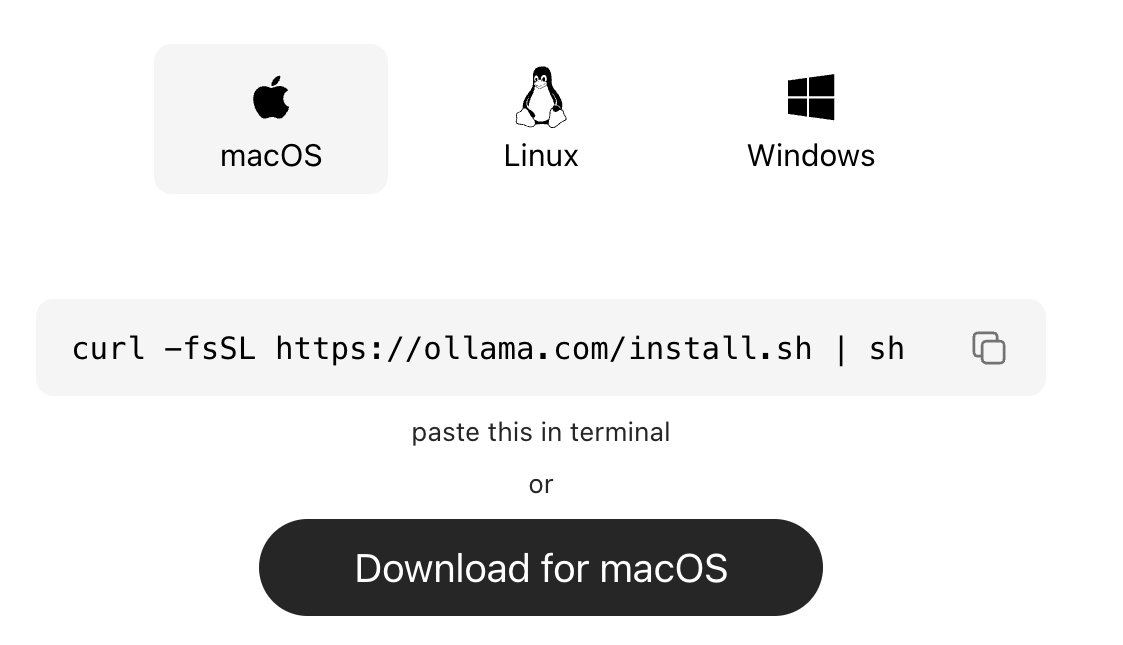
step 1: install ollama (the engine)
ollama is what runs ai models locally on your machine.
→ mac:
go to https://t.co/vbZUmD9sfj
click download for mac, open the file and install like any normal app. no terminal needed.
→ windows:
go to https://t.co/vbZUmD9sfj, click download and install
→ linux:
curl -fsSL https://t.co/KMqYYHJnZ0 | sh
check it worked:
ollama --version
_____________
step 2: download gemma 4
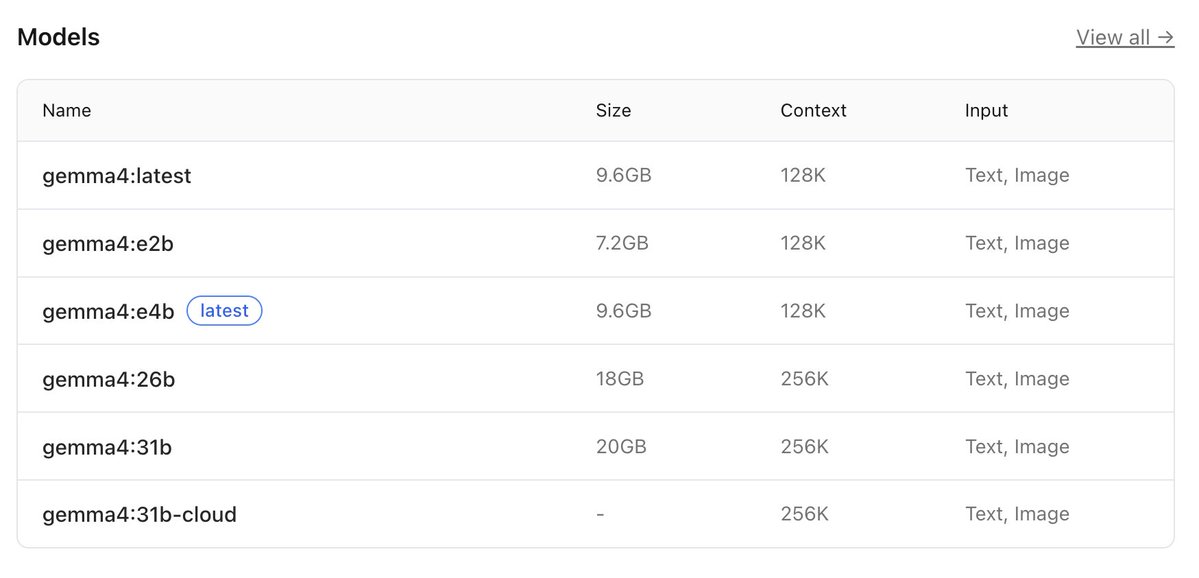
this is the ai model you’ll run locally, pick based on your system:
→ low-end (8gb ram):
ollama pull gemma4:e2b
→ recommended (16gb ram):
ollama pull gemma4:e4b
→ high-end (32gb ram):
ollama pull gemma4:26b
⚠️ it’s a big download (7gb–18gb), so give it time.
after download is completed, verify with the command:
ollama list
_____________
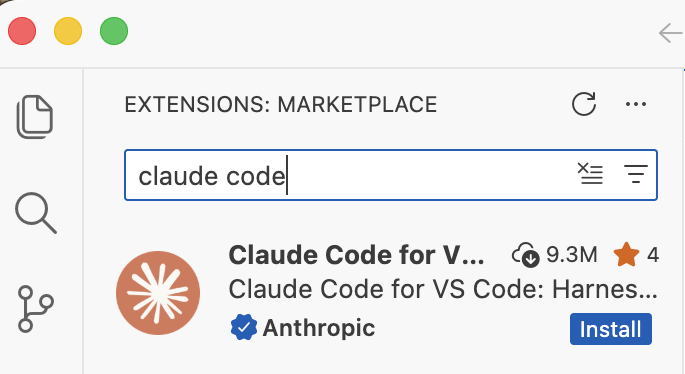
step 3: install claude code in VS code or any other IDE
this is your interface.
— open vs code
— press ctrl + shift + x
— search claude code
install the one by anthropic
after install → you’ll see a ⚡ icon in sidebar
_____________
step 4: connect claude code to ollama
by default, claude connects to the cloud. we’re redirecting it to your local machine.
so do this:
— press ctrl + shift + p
— search: open user settings (json)
— then paste this inside:
"claude-code.env": {
"ANTHROPIC_BASE_URL": "http://localhost:11434",
"ANTHROPIC_API_KEY": "",
"ANTHROPIC_AUTH_TOKEN": "ollama"
}
what this does:
— it routes everything to your local ollama server.
— nothing leaves your device.
_____________
step 5: run everything
1. start ollama with this command:
ollama serve
leave this running.
2. open claude code in vs code
click ⚡ icon
3. select your model
type:
gemma4:e4b
(or whichever you downloaded)
you’re done
_____________
you now have:
— claude code running
— powered by gemma 4
— fully local
completely free
try:
“explain this file”
“write a function”
“refactor this code”
_____________
common issues (quick fixes)
“unable to connect”
run:
ollama serve
asked to sign in
your json config is wrong
check for missing commas/brackets
very slow responses
your model is too big
switch to:
gemma4:e2b
model not found
run:
ollama list
copy exact name
quick recap
you just built:
a free claude setup
powered by local ai
no api costs
Follow for more AI contents like this!!!
PartPacker can convert any image to 3d model with parts.
But there was no API for it, so I built one for everyone to try.
✅Image to 3d Geometry
✅Individuals parts for ease of use.
✅Opensource code
Check it out below ⬇️
@Eurosport_FR je sais pas qui est le monsieur qui commente le match Australie Canada sur Eurosport 6 mais il faut revoir la prononciation des noms et quelques bases de basket (layup alors que c’est un pull up, SGA à Minnesota… non)😉