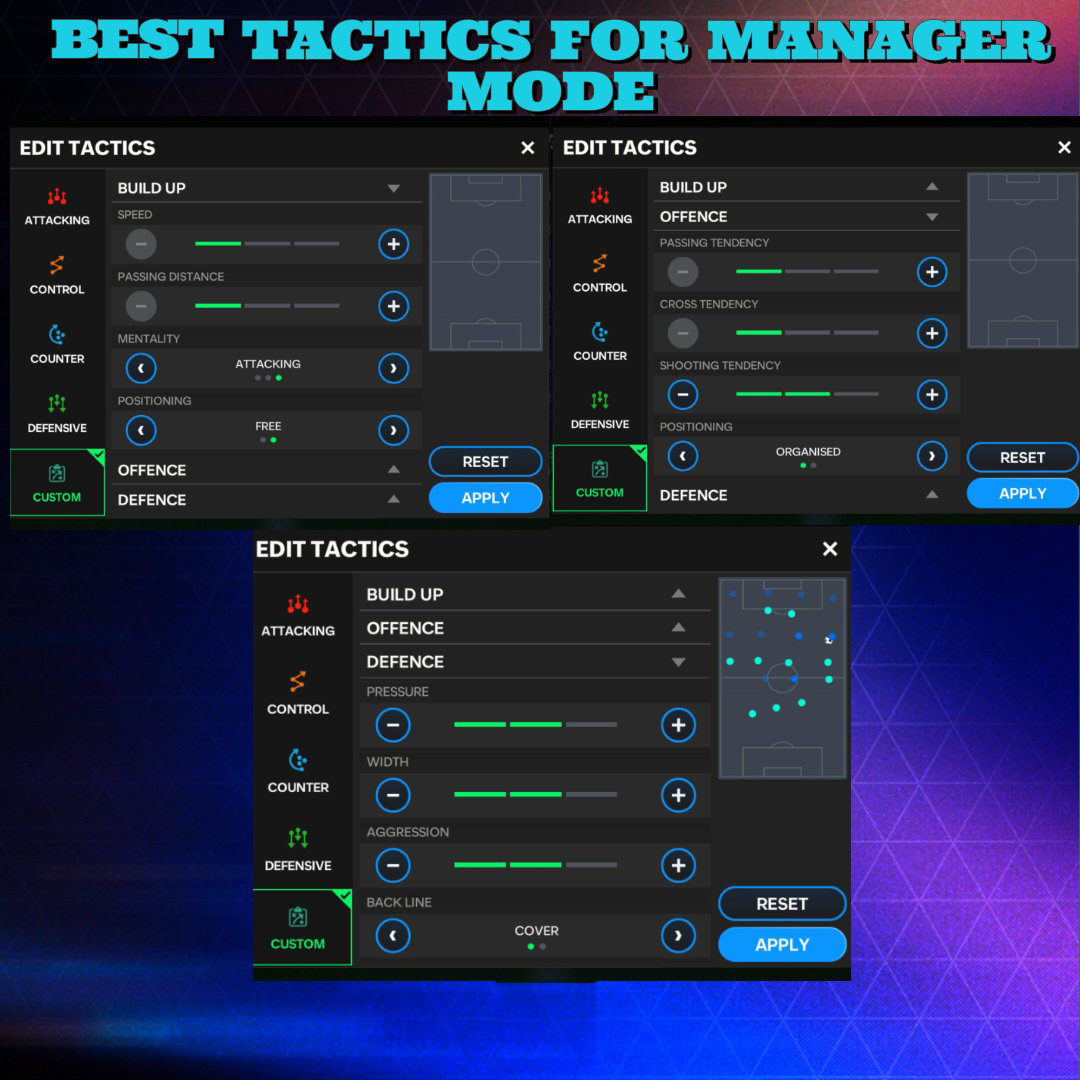
✨MANAGER MODE TACTICS✨ Here are different types of tactics for lineups and expectations. Manager mode is a mind testing mode where you have to put across your best tactics and gameplay to be successful so I have put up some attacking, dominating and defending tactics.
✨MANAGER MODE TACTICS✨ Here are different types of tactics for lineups and expectations. Manager mode is a mind testing mode where you have to put across your best tactics and gameplay to be successful so I have put up some attacking, dominating and defending tactics.
TACTIC 5
💥SENSATION BALL💥
The best tactic I have used of all. Never fails me all the time. Needs little twists and turns to make a perfect unending glory in manager mode.
TACTICS 3 & 4
♨️PEP AND KLOPP PRESS♨️
These may seem not effective but with well balanced squads and patience your domination in game will be priceless. They are more of forward play and passing defending needs high end and well trained players .
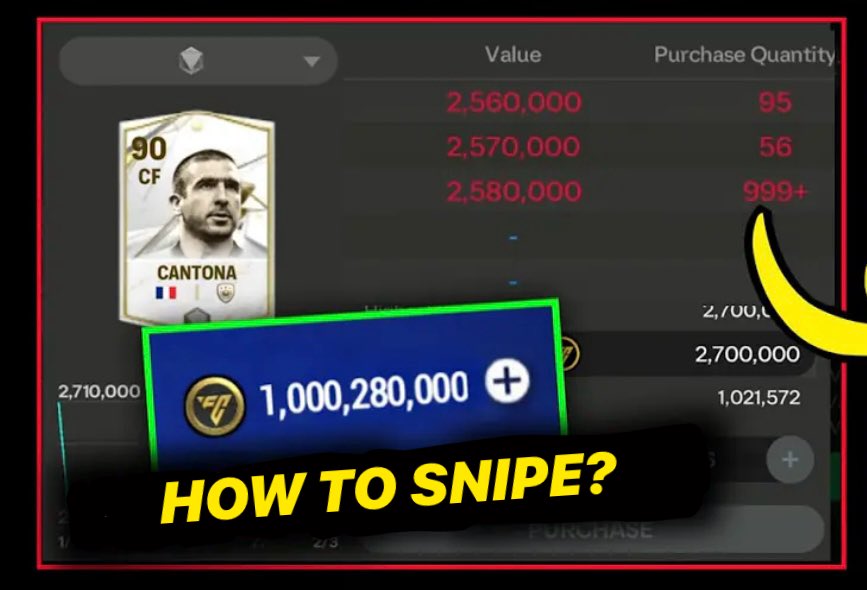
💰Sniping Explained💰
- Imagine a card priced at around 10M
- If there's a huge demand for this card at that price (e.g., over 999 orders), placing a new order won't get you the card because many buyers are in front of you
- When the price refreshes, the high demand over the past hours will likely raise the card's price to, say 10M
- Since everyone was buying the card at 9M, placing an order at the new price (10M) puts you at the front of the queue because you're offering more. This quick action will help you get the card.
How to Snipe
1. **Determine Refresh Time**: Use the ** Renderz app** to find out when the card's price refreshes and either note it down or memorize it.
2. **Add to Watchlist**: Place the card you want to snipe in your game watchlist.
3. **Use a Precise Clock App**: Open a floating clock app that displays milliseconds.
4. **Adjust for Internet Speed**:
- If your internet speed is around 100-150Mbps, press purchase about 200-250 milliseconds before the refresh time. This compensates for the delay in loading prices due to slower internet.
- If you have a very fast connection, press purchase exactly at the refresh time to avoid loading older prices.
5. **Act Quickly**: Wait on the watchlist screen. When the floating clock hits the refresh time, press the purchase button and place your order. You can place multiple orders if the card's overall rating is low (indicating higher supply), or just one order if the card is high-value
6. **Wait and Review**: After placing your order, wait for the next few hours. If you're fast enough and get the card, great! If not, cancel the order before the next refresh time and try again .
CREDITS- virtual_eagle (Discord)