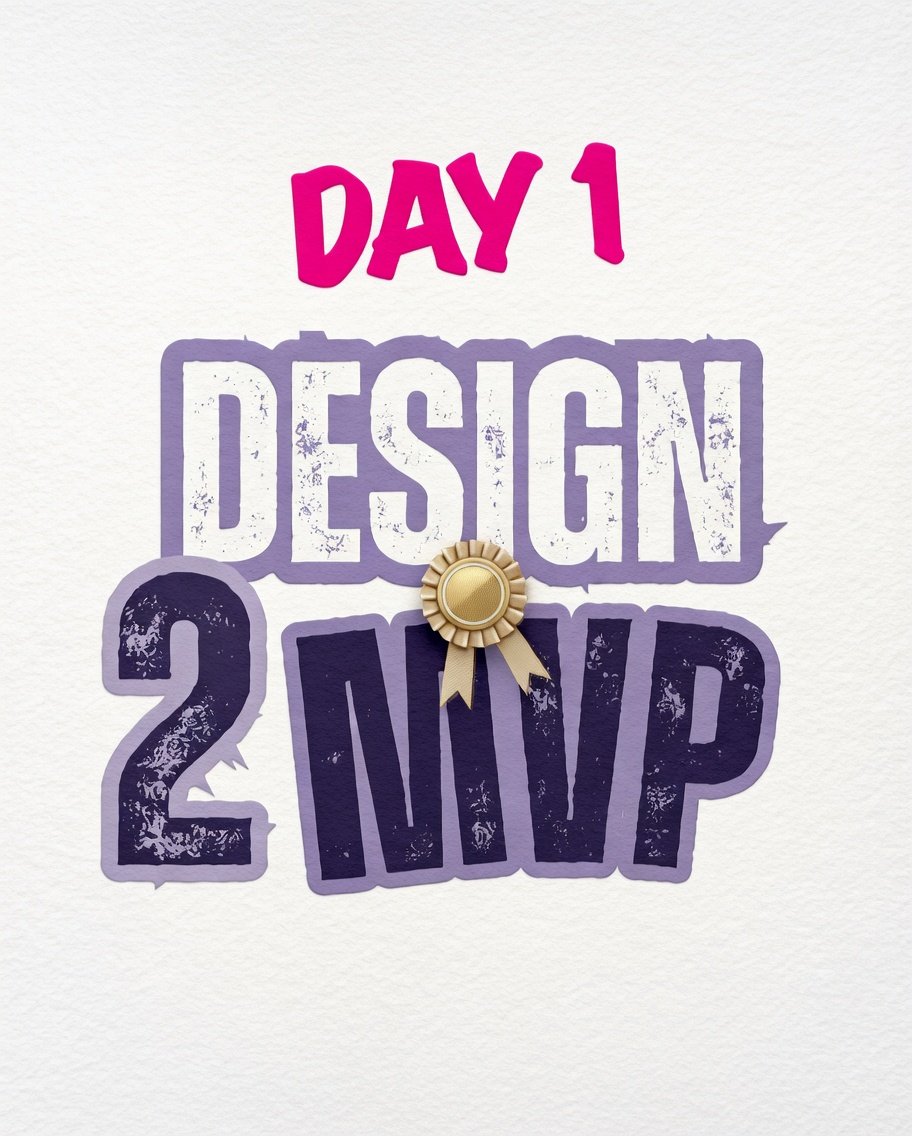
Day 1 of my 6 week “Design 2 MVP” bootcamp ✅
Covered:
• Meaning of Applications,Website, web app, mobile app & desktop app
• Basic application build structure
• APIs
•Folders/Directories.
Excited for what’s next! 🚀 @Joe_brendan_@devanddesignhq#DesignToMVP#LearnInPublic
@Joe_brendan_ Day 3 of my 6-week “Design 2 MVP”
@Joe_brendan_ Covered:
• Set up Git & GitHub
• Learned Git version control
• Published our project to GitHub
• Checking and resolving issues with project not correctly published on github
• Deployed a project live on Vercel.
Day 1 of my 6 week “Design 2 MVP” bootcamp ✅
Covered:
• Meaning of Applications,Website, web app, mobile app & desktop app
• Basic application build structure
• APIs
•Folders/Directories.
Excited for what’s next! 🚀 @Joe_brendan_@devanddesignhq#DesignToMVP#LearnInPublic
Day 2 of my 6-week “Design 2 MVP”
@Joe_brendan_ Covered:
• Installed AntiGravity IDE & OpenCode CLI
• Learned the difference between AI models vs AI agents
• Prompted Antigrativity to build a ToDo app with HTML, CSS & JS
• Ran local live tests for responsive/adaptive design.
Here are some benefits to Joining the upcoming Design-To-MVP Bootcamp
Participants learn how to use AI tools to:
📍Generate UI components
📍Scaffold applications
📍Write frontend and backend code
📍Accelerate prototyping
See my pinned tweet to Join us
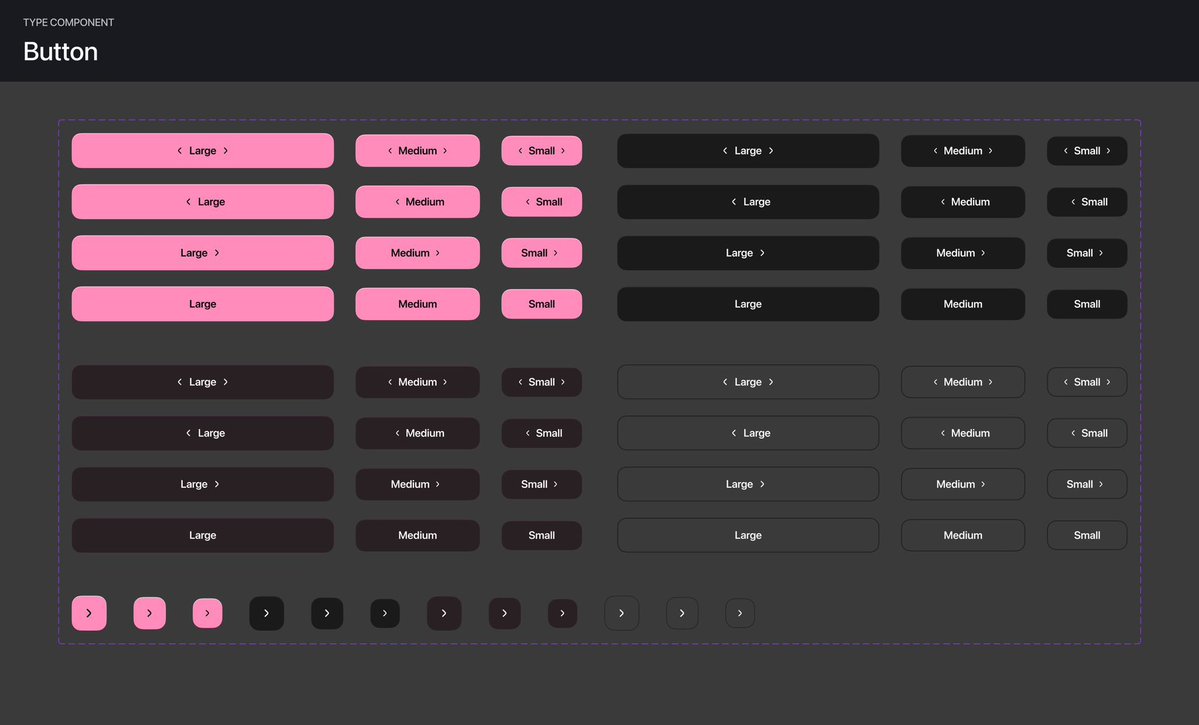
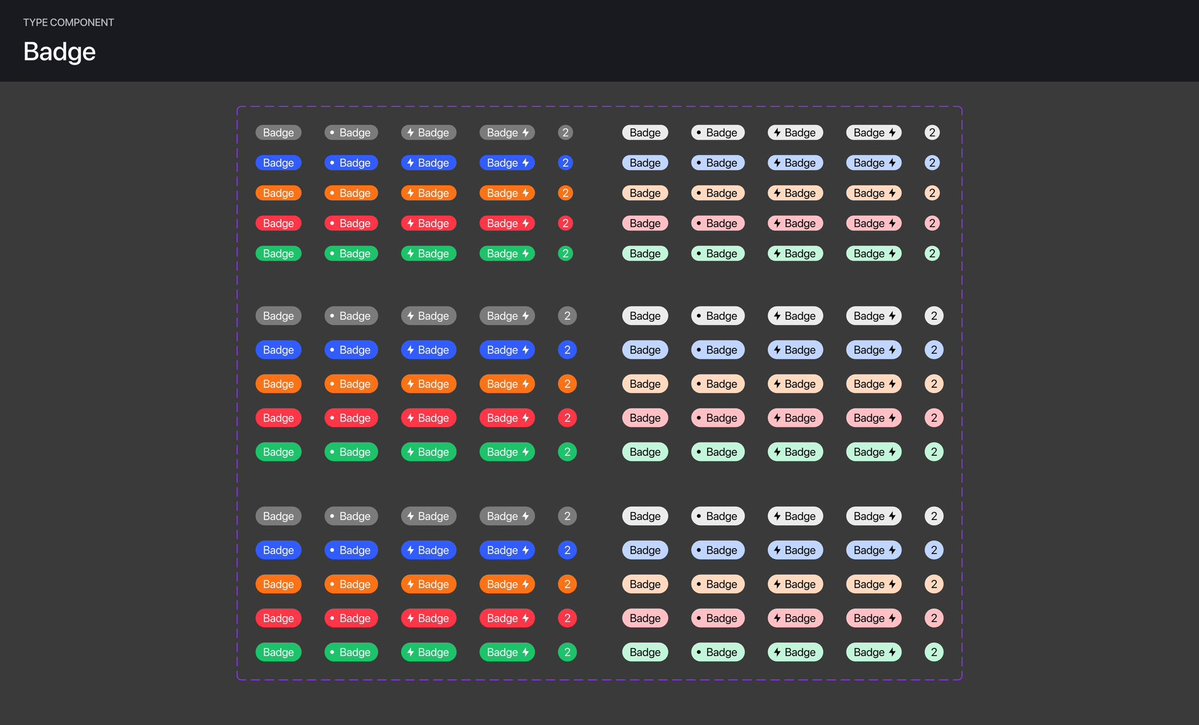
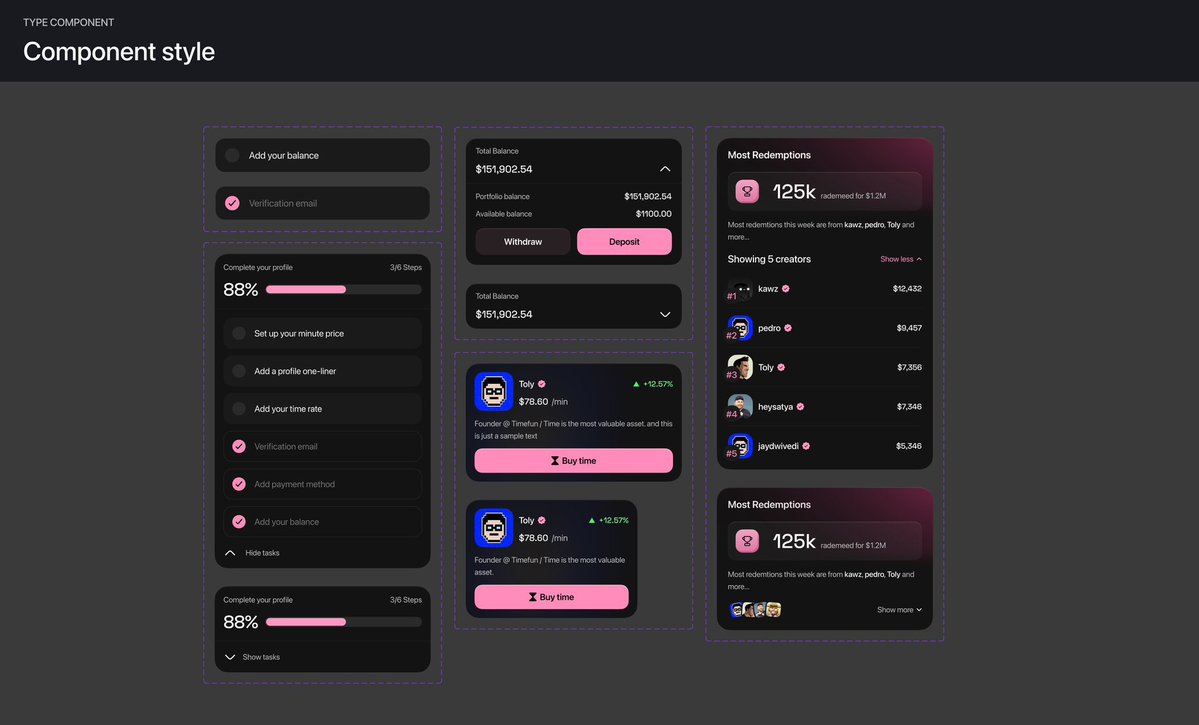
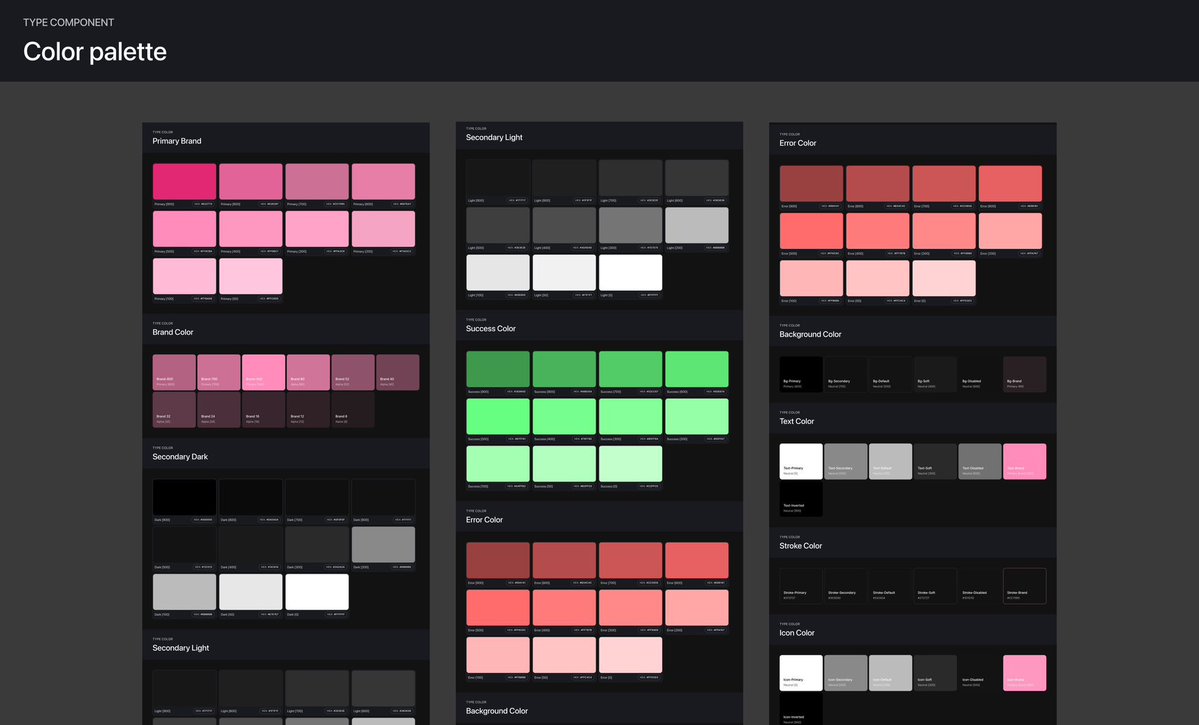
Most designers don’t build systems or use proper auto-layout and that’s where things start breaking.
Developers struggle because key things are missing:
- No spacing rules
- No typography scale
- No color tokens
- No component logic
- No documented states
That’s when development slows down and gets messy.
Every project we ship includes a proper design system, so development becomes faster, cleaner, and predictable.