“As leaders we must take our jobs very seriously, but never ourselves.” @burgess_shelley and @BethHouf I devoured this book in just a couple of days… so good! 🙌🏻 #LeadLAP
https://t.co/4vmeKMk3iD
Today on the #createwithchrome advent, the jolly @JoeMarquez70 shares another awesome tool as always. Creating Awesome Annotations Anywhere!!
Check it out at https://t.co/S8lcIRwgZd
Planning to use Google Docs, Slides, or Sites w/your students this year? I created these scavenger hunts to get #students exploring the functionality in each!
https://t.co/nWCHAJ2dqw
https://t.co/JF7JfpmnXe
https://t.co/QaZKOeSmlD
#edchat#education#GoogleEduChat#edtech
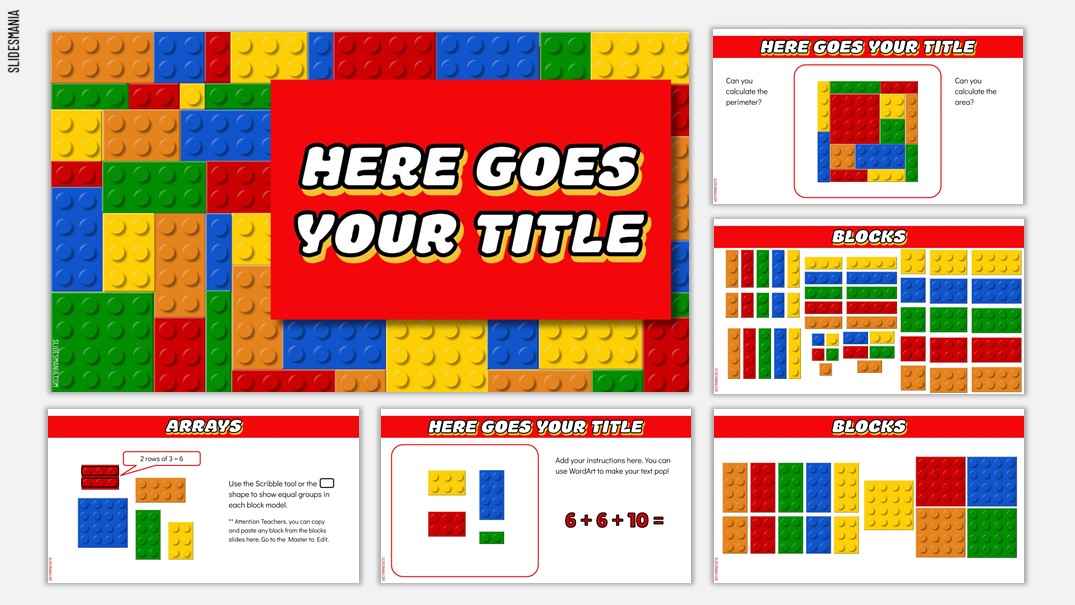
Hello all! There is a new template up! A FREE Digital manipulative for Teachers!
Also, if you wish to share the activities you create using this template, please contact me and I'll add them to the template along your name. Thank you!
https://t.co/HLWevBCBCh
CapCUE is giving you 2 more FREE opportunities to learn and share with a deep dive into: Hacking Google Classroom & Hacking Your Workflow. Sign up at https://t.co/RHPXpMB502 @kshevy @tanis4h @CVRscience7 @spEDTECH23 @PamOien@Mccriste@bribriggs @TOSAnotes #wearecue#capcuepln
I just learned a thing! I’ve done a lot with the master slide, but never this! If you put a video on the master slide, the kids can’t move or delete it, yet IT WILL PLAY & PAUSE IN PRESENT MODE! #tosachat#googleei#WeAreCUE
Google Classroom pro-tip:
Use your Classwork tab more than your Stream!
AND, use the Questions feature to help you keep data on which students are checking in.
Here are the tips I gave our teachers 👇🏼
#WeAreCUE#TOSAchat#DitchBook
I just learned how to teach a lesson from my iPad while monitoring Ss on my computer screen all while hosting a class meeting on @zoom_us! 🤯
#distancelearning#rdoelementary#PLESD#zoom
https://t.co/DBdqTkKORd
📌Just add hyperlinks and essential questions to accompany the info on the links and you are good to go. Hope this helps someone #erhstweets@cnusd https://t.co/wDbuu3hwEf
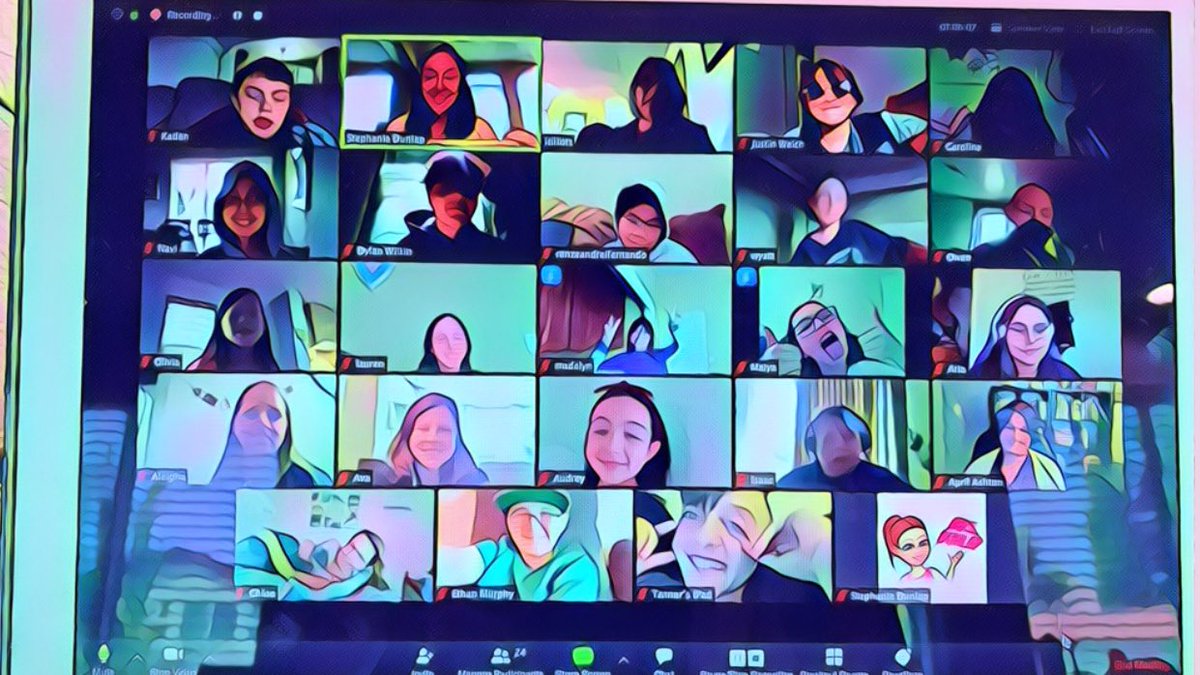
Highlight of my day... seeing 23 of my 27 5th graders on Zoom and breaking out into small virtual groups to collaborate on creating division story problems!
#distancelearning#rdoelementary#PLESD
eLearning Choice Boards: A step-by-step guide to creating resources you can use tomorrow
✅Example choice boards you can modify for your class
🗂A template for creating your own
🔗 Links to more #eLearning resources
https://t.co/jWIuabbfa3 #Ditchbook#tsgivets@TsGiveTs