To make your Google Slides presentation more engaging, use the "Q&A" feature to allow your audience to submit questions during your presentation.
Tip: You can find this feature under "Slideshow" > "Presenter view" > "Audience tools".
#googleEDU#googleSlides
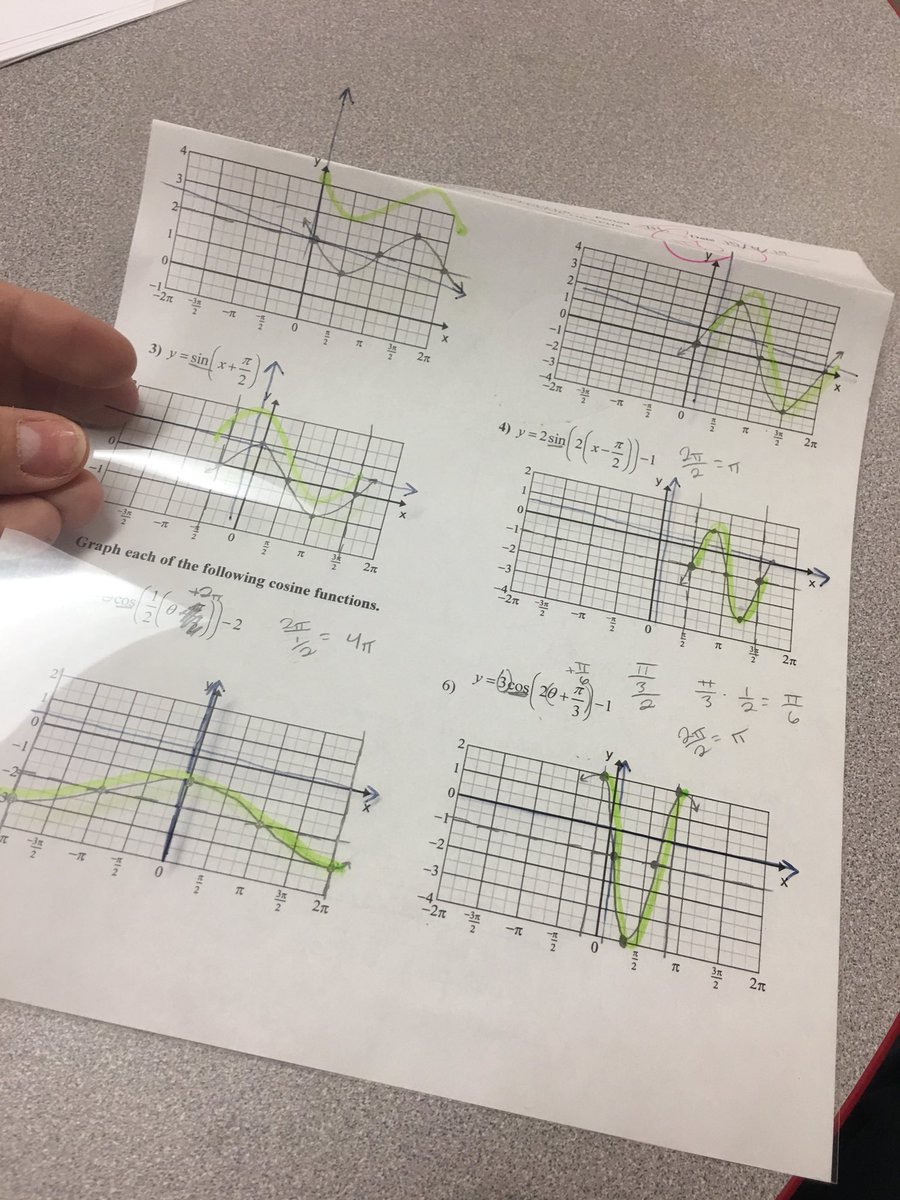
@alicekeeler I used blank transparencies to copy small protractors for students. Worked great! Also used on screens to annotate when state testing had no annotation ability!
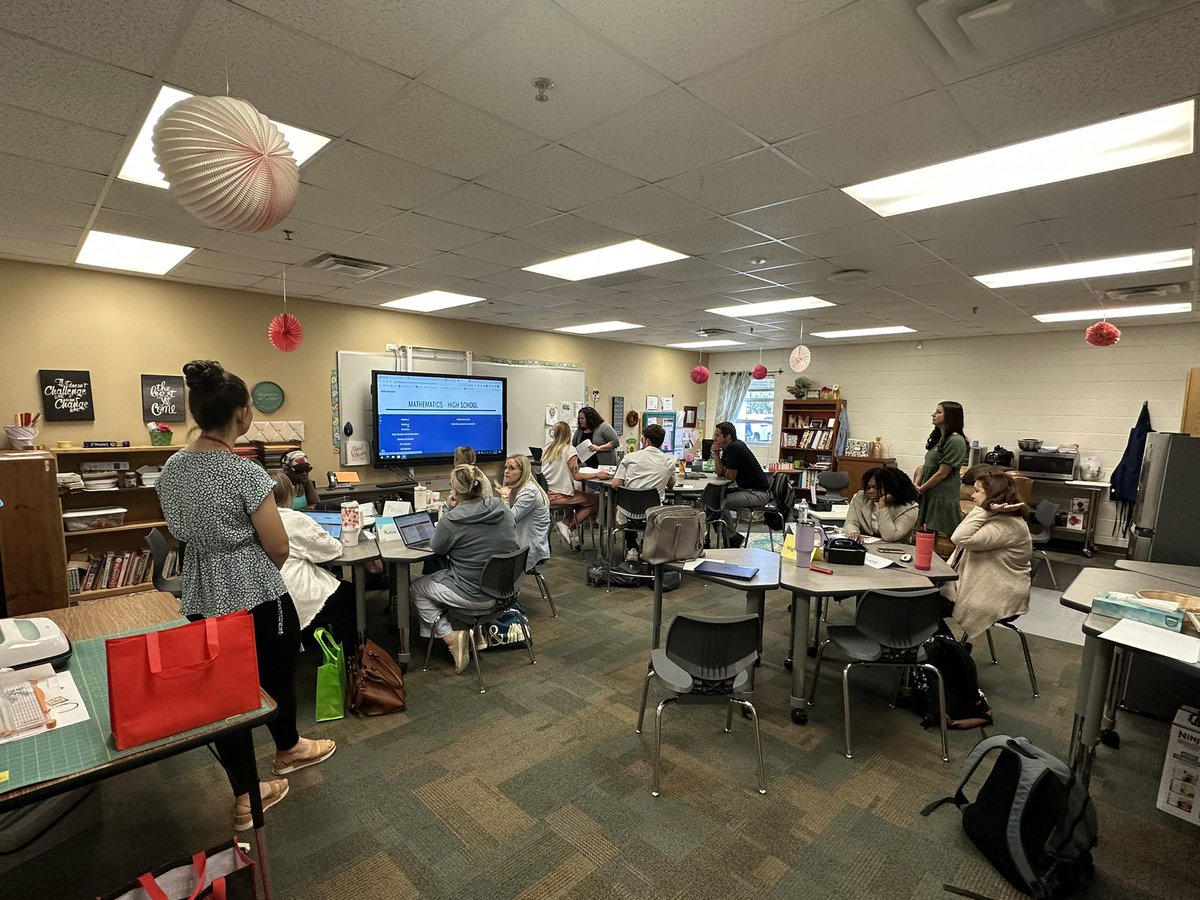
Check out these rockstar new hires learning all things math curriculum in GCISD from the fabulous learning liaisons and instructional coaches!!
#wearegcisd
To say that I am overwhelmed is an understatement. I am thankful for my colleague who nominated me, the committee for listening to the work we are doing, and @OfficialATPE.
Special guest, 🌟 Peter Liljedahl, 🌟 author of "Building Thinking Classrooms in Mathematics" hosts a LIVE Webinar on Aug. 23, 7 p.m. Central. 📆 💻
Attendees will be entered into a drawing to win an autographed book from @pgliljedahl and TI technology! https://t.co/D2adFEUl2i
A lot of kids don’t like school.
That’s the reality.
When the adults in the building get to know those kids and genuinely care about them… they can turn that around.
That’s also the reality.
No matter how you may feel when you see your class roster, every student should feel like they won the lottery when they see you are their teacher!
Here are three things to remember going into the school year.