Looking forward to adding more activities to morning meeting by using https://t.co/VsQpTVASGu ! Ready to create funny MadLibs with my students! #Googlefsu
My favorite resource that I learned about this week was @PearDeck ! Can't wait to use this resource in my classroom. Excited to make lessons even more interactive! #googlefsu
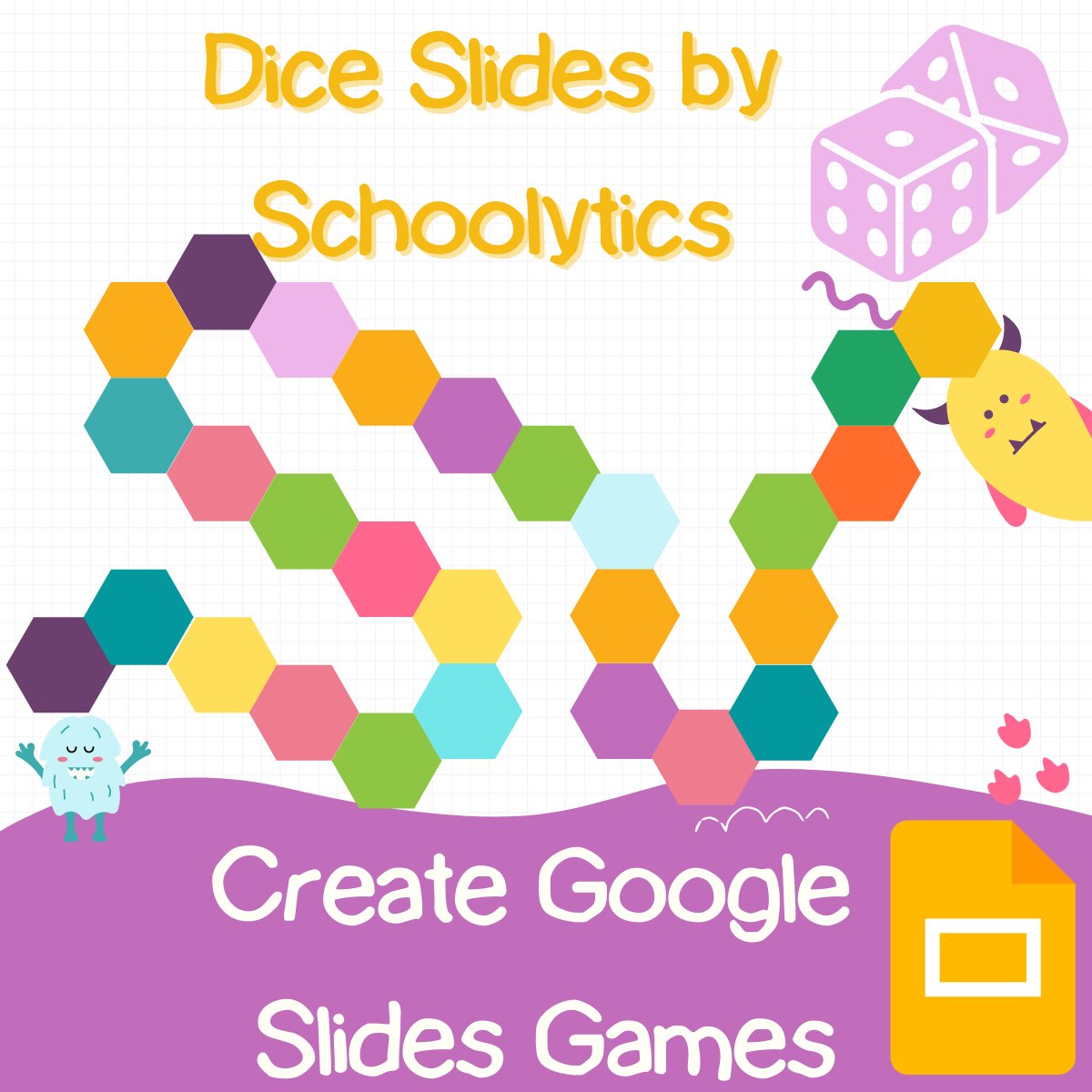
How to Create Google Slides Games -
Turn ANY Google Slides into a game. Design the theme builder to create game backgrounds. Have students collaborate, even when they can not be in person, to play games. Make learning games too! #googleEDU#googleSlides https://t.co/q45qExVuzD
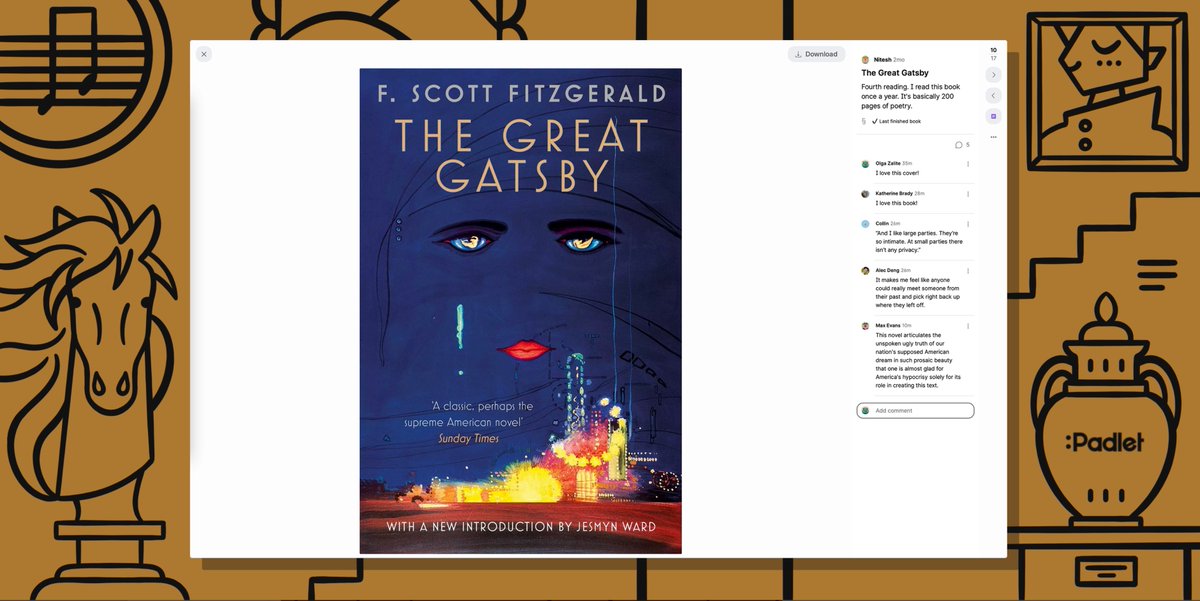
The possibilities with padlet are expanding. Share individual posts, open posts in a larger window, and build presentations with the new Expanded Post View. Read about it in our latest blog post: https://t.co/vcvDO2qGu7
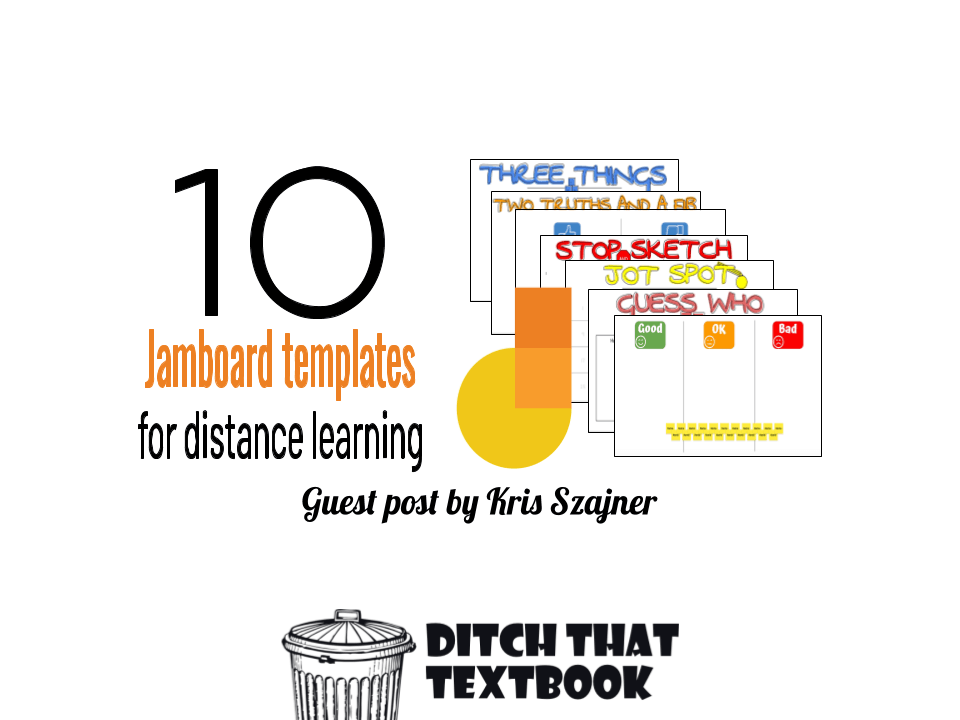
10 Jamboard Templates for Distance Learning
❓ Guess who??
✏️ Stop and Sketch
🤔 Two truths and a fib
③ Three things
➕ MORE!
https://t.co/Kp5Akxq5cs #Ditchbook
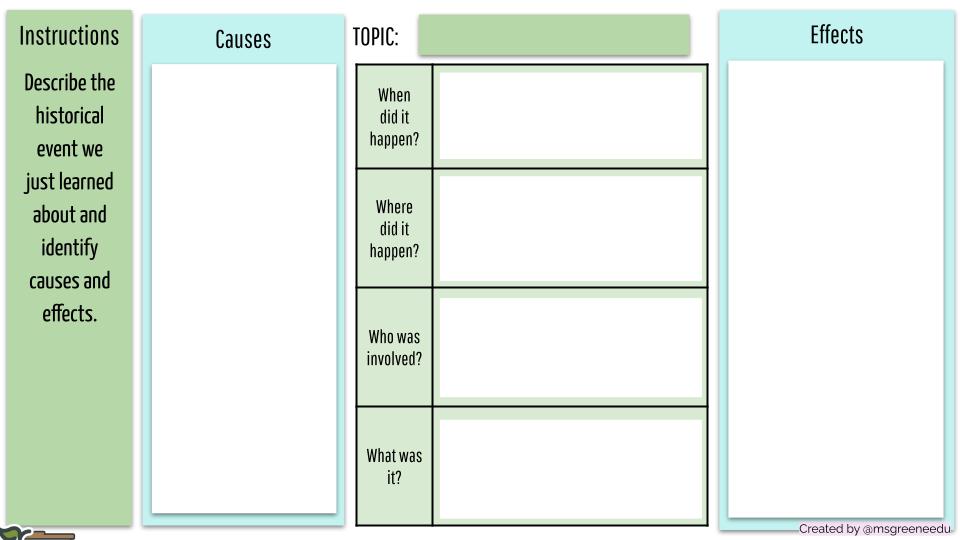
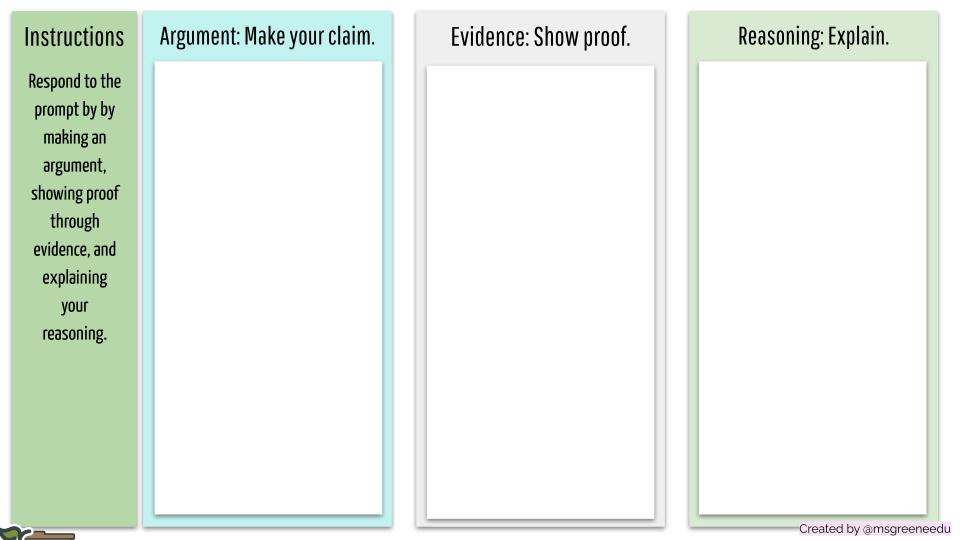
Looking for @peardeck ready Google Slides to add to your history slide decks?
File-> Make a Copy: https://t.co/X60fnHoTo8
These can also be added to your hyperslides for students to work on!
#sschat#edtech#googleedu
These templates from #PearDeck and #Flipgrid were designed to help students build organizational skills about school materials, keeping track of assignments, schedules, and more! 🗂🎒
https://t.co/0K8lJEsjAu
@csheil@mmarotta Exploring Google Docs and learning about the Dropdown button. I am already brainstorming ways to use this with my 4th grade students! #googlefsu
Jr. Scholastic Magazine is a great resource for my classroom. The stories focus on many topics and young influencers! #googlefsu https://t.co/HiWeBtxn0I
Jr. Scholastic Magazine is a great resource for my classroom. The stories focus on many topics and young influencers! #googlefsu https://t.co/HiWeBtxn0I