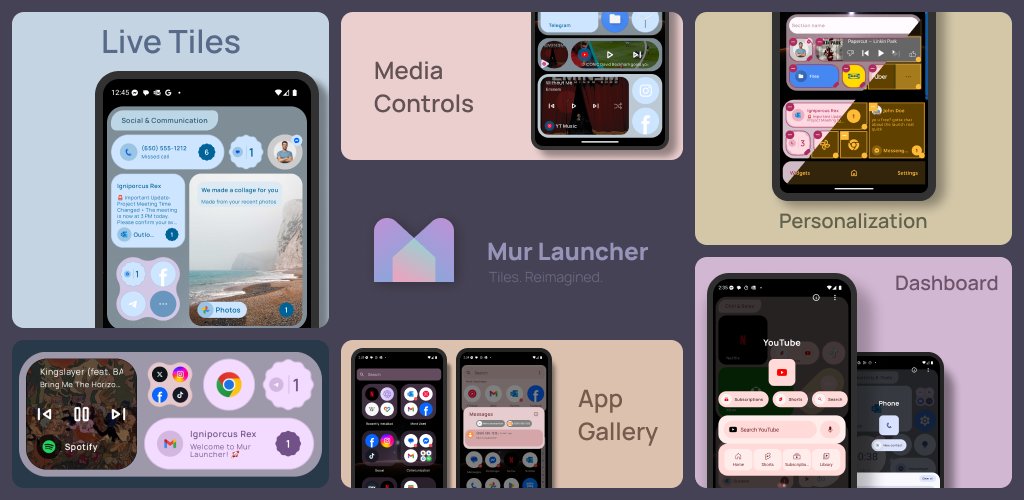
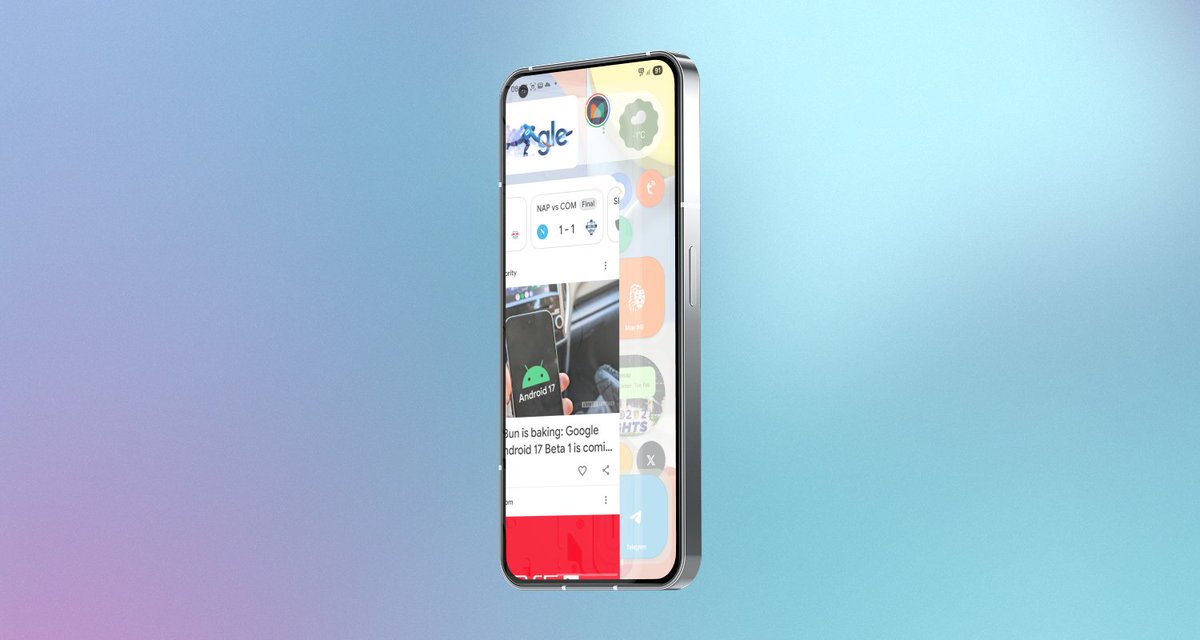
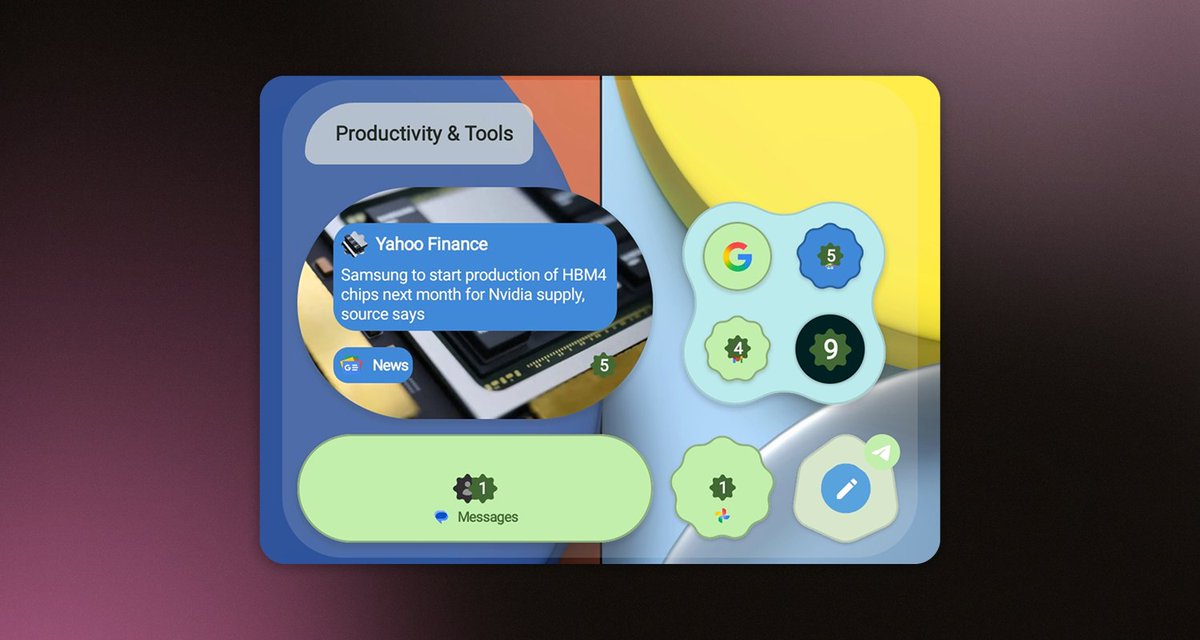
A modern Android launcher with live tiles, dashboards, and deep customization. Inspired by Metro UI, powered by Material You. Fast, ad-free, and made to fit you
Introducing Mur Launcher - Tiles. Reimagined.
Inspired by Metro UI, powered by Material You.
Live tiles, app dashboards, and deep customization - all in one sleek Android launcher.
Try it yourself 👉 https://t.co/nHC9pWAdx8
#MurLauncher#Android#MetroUI#MaterialYou
Your home screen just got better 🧩 Mur Launcher 0.9.99.99 lets you choose how your tiles look, with compact categories, calendar tiles, and fresh animations.
Check it out: https://t.co/w9oQFtENUp
Tiles got superpowers! 🧩 Mur Launcher 0.9.99.97 brings live tile extensions, folder dashboards, backups, and more ways to make your home screen smarter.
Check it out: https://t.co/BdtVcbmzrm
One Big Beautiful Update alert! 🚀 Mur Launcher now has a powerful Theme Editor, section moving, and more ways to make it yours.
Check it out: https://t.co/ktVtUMinWZ
Introducing Mur Launcher - Tiles. Reimagined.
Inspired by Metro UI, powered by Material You.
Live tiles, app dashboards, and deep customization - all in one sleek Android launcher.
Try it yourself 👉 https://t.co/nHC9pWAdx8
#MurLauncher#Android#MetroUI#MaterialYou
Also we’ve added a dedicated changelog page – so you can track every update, fix, and improvement to Mur Launcher.
📝 https://t.co/1fxWuuEVrg
You can even subscribe to stay in the loop.
#MurLauncher#Android#Changelog#LauncherUpdates
@robispi2 Hi! We haven’t been able to reproduce the Now Bar issue on our Samsung devices, as it appears to be working on our side. Have you already tried rebooting your device or reinstalling the app to see if that resolves it?
@jvenable27 Great to have you back, Jody!
We’re all about quick fixes and solid performance, and your feedback keeps us motivated. Thanks for the support!
Big update just dropped!
Mur Launcher now adapts to your device:
✔️ Tablet & foldable support
✔️ Full landscape mode
Try it out – Looks better. Works everywhere.
#MurLauncher#Android#MetroUI#MaterialYou
@tetokaya No problem at all - we really appreciate your feedback! It helps us make Mur better for everyone.
If you don’t mind, could you please share your device model and Android version? That’ll help us troubleshoot the icon issues more effectively.
Thanks again for the kind words!
@jvenable27 Hey Jody - check out the latest update on the Play Store. We added a layout scale option to fix that issue.
You can adjust it from 0.5x to 1.5x here https://t.co/CnBv2Xguua
Hope this helps bring Mur back for you!
@tetokaya Hey! Thanks for pointing this out. We’re reworking how third-party icons are handled, there should be some improvements in the next update, coming in a few days. Worth checking again after that