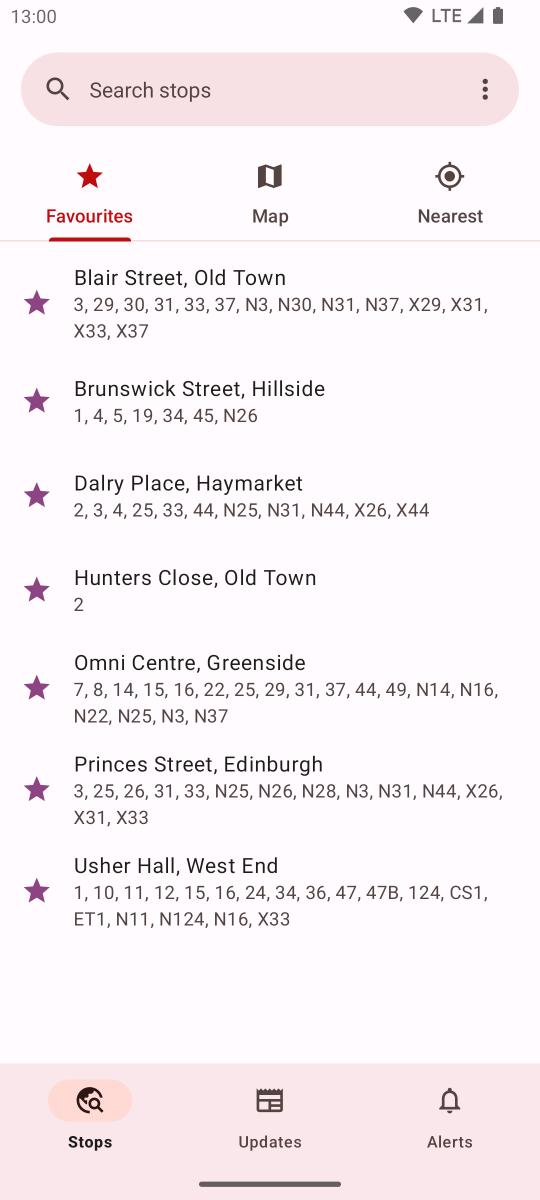
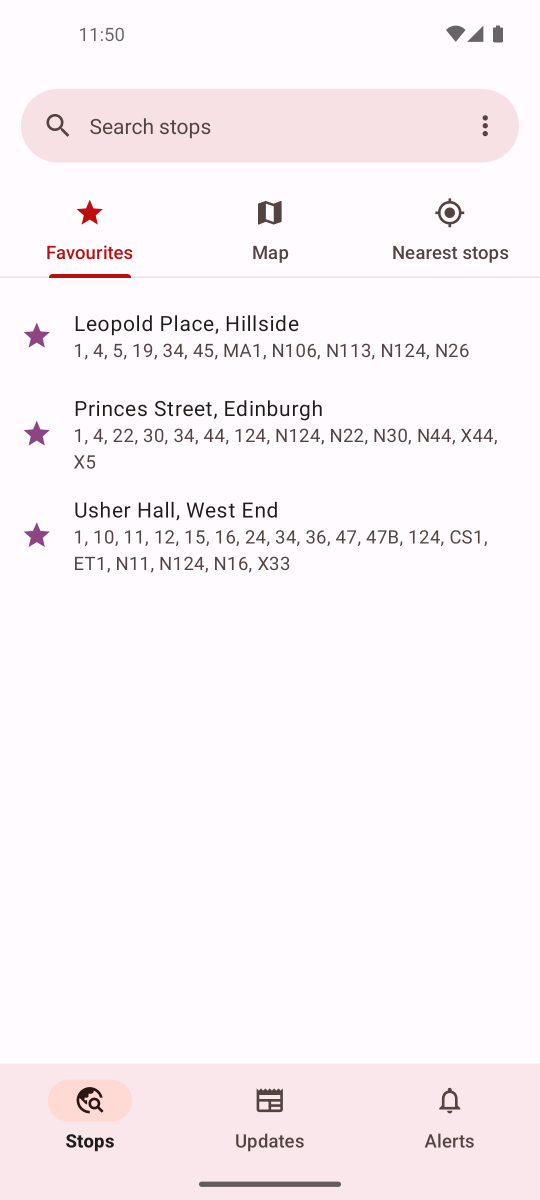
@edintravel Hi guys - do you have an alternative feed for your travel updates? I was previously showing your updates in the app - which users loved - from the Twitter API but they cut me off because they want $99 per month, which is untenable.
@SueHewi19442910 Hi there, only just saw this - I didn't get a notification. The updates in the app come from Twitter and Twitter cut off my access because I'm not paying them $99 per month. I'm working on another solution to this but it's going to be a while I'm afraid.
Hello all. There was a technical issue preventing the Updates screen from updating since Thursday evening. This has now been fixed (without the need for an app update). Apologies for this.
@Beleza_Rach@on_lothianbuses Hi Rachael. My Bus Edinburgh uses the My Bus Tracker service provided by the City of Edinburgh Council for live times. Unfortunately there's nothing I can do about the accuracy of this data. You correctly tagged @on_lothianbuses so hopefully they can help you out.
@SueHewi19442910 You're one of the few to reach out on Twitter where it's easier to have a two-way discussion about making improvements. There's been a number of reviews on the Play Store about the update but unfortunately it's not really possible to have a discussion there.
I have just pushed out a new update, 3.0.2, to the Play Store. This fixes some crashes a small number of users are experiencing.
This update will roll out over the next couple of days.
@Kevin_Ford66 Hi Kevin. Based on your feedback and from others, I've made a moderate change to the look of the app. Colours are still the same, I'm afraid, but hopefully the app will look slightly better for you. This is rolling out over the next couple of days.
Hello, long time no see!
A new update for My Bus Edinburgh has just been submitted to the Play Store for review, and hopefully with you all in the coming days.
Featuring a brand new design, and dark mode support.
@SueHewi19442910 The new release is now rolling out over the next couple of days and you should have it soon. Once you have it, please do let me know your thoughts.
@SueHewi19442910 The idea of the latest change is to make the options more obvious, and the most commonly used functionality is only a tap away at most. I can see why some people struggled with the release from a couple of weeks ago, so this change balances new design with ease of use.
Good morning!
There is a new update, 3.1, rolling out over the next couple of days.
Includes layout tweaks to aid discovering app features, and a redesign of the service selection dialog (with new 'Clear all' button). Also includes the usual bug fixes.
@SueHewi19442910 Thanks very much!
I'm just playing around with the landing layout just now. You mentioned before about finding it unclear, so would like your opinion...
In this screenshot, do you think this would improve things?
@SueHewi19442910 Hello again!
I've been doing some work on the services selection dialog over the weekend. As you can see, I've also added a "Clear all" button to the bottom. Will release soon. Thoughts?
As for landing in the app, I've got some ideas on how to improve this.
@SueHewi19442910 However, as a compromise solution, I could add a "Clear all" button to the bus services selection dialog to quickly clear all selections. This is something I've been wanting to add for a while and haven't yet.
Would this be an acceptable compromise?
@SueHewi19442910 As the app still thinks it's running, that is why it holds on to your selected bus services (if it didn't hold on to them, the feature just wouldn't work).
I don't think I can easily make the change for it to forget the selected services when you exit the app.
@SueHewi19442910 I had someone else mention the old layout was easier to plan travel connections, but I didn't understand what they meant. Can you help me out by explaining how you used the old app in this regard? Feel free to DM if it can't fit in a tweet.
@Kevin_Ford66 Yeah it's quite different. Material3 has apps in more pastel colours, rather than previous bold colours.
Perhaps you might prefer the app in Dark Mode? Give it a try: open the app -> go to Settings (found in the 3-dots menu) -> Theme -> Dark. Let me know if you prefer that.