We are the official, American based, My Computer Works. Helping you with your computers, smart phones, tablets, printers and more. Call us at (877) 549-2078
We're ➡️ My Computer Works! ⬅️
My Computer Works provides low-cost help desk & personal technology support solutions for homes & small businesses nationwide.
Check out our website 🖥
https://t.co/IQ3jUSUuHj
#mycomputerworks#techconfidence
Your online accounts are only as secure as the passwords protecting them!
Want to learn more about protecting your accounts? Watch the full video on our YouTube channel! https://t.co/x2TOvnTDcM
Need to block or unblock someone on Facebook? 💻 Tyler from My Computer Works walks you through it in just a few minutes.
Watch on YouTube: https://t.co/SEpg9hf7PB
We’re proud to provide fast, reliable computer support from technicians who genuinely care. Thank you, Ron, for trusting My Computer Works!
https://t.co/TP0Vlzjg41
Need tech help? Give us a call at 866-343-4961.
#MyComputerWorks#TechSupport#ComputerHelp
Tyler from My Computer Works joined FOX 10 Phoenix to explain how AI is making phishing emails and messages harder to spot, plus what you can do to protect your personal and medical information.
Before you click that “MyChart” message, make sure it’s really from your healthcare provider.
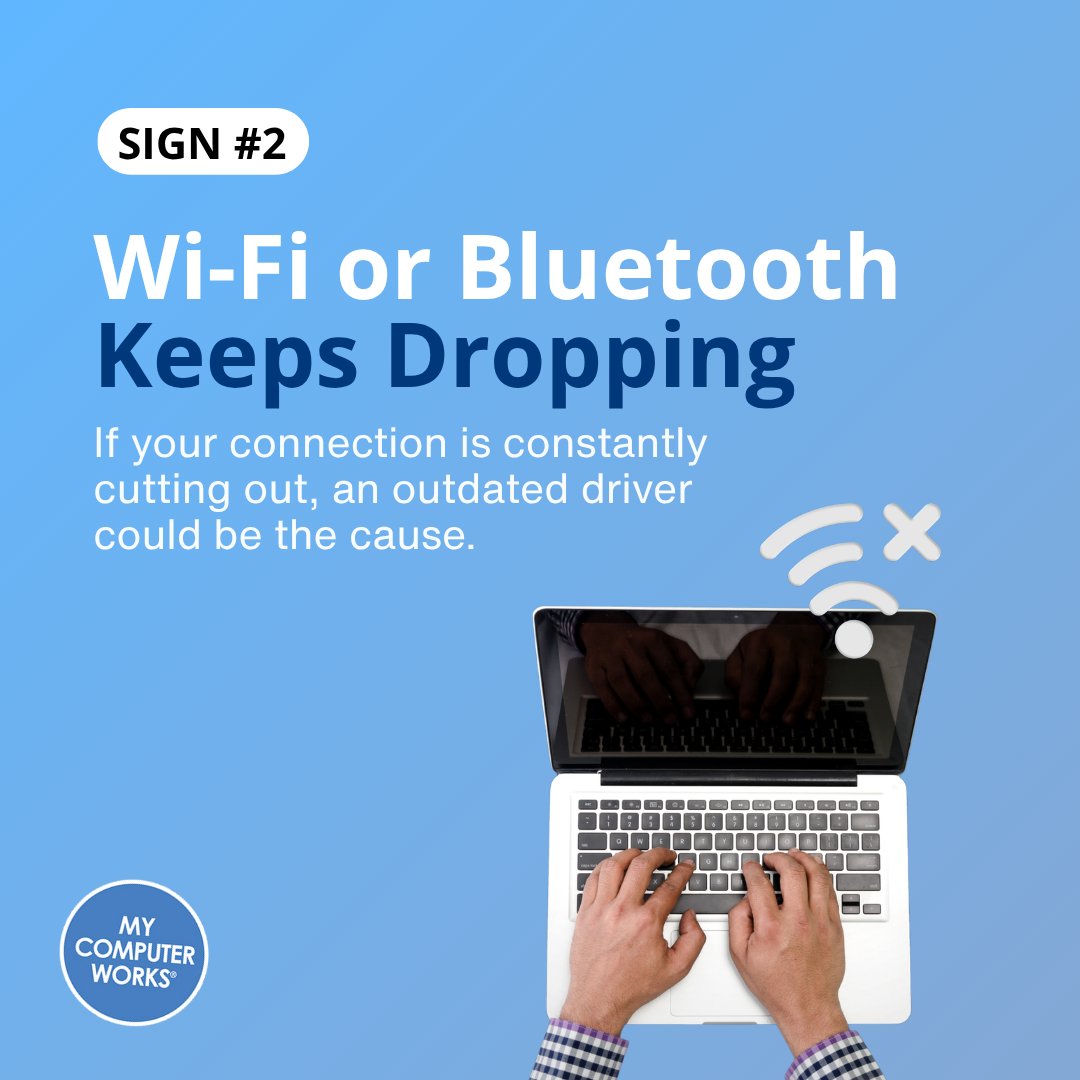
If your computer has been acting a little off lately, outdated drivers could be part of the problem. Swipe through for the signs to look for, then read our full blog for the step-by-step guide to updating your Windows drivers. https://t.co/Ij71rgRQqB
My Computer Works is here to help. Give us a call at 866-343-4961.
Can't sign in with your Windows 11 PIN?
Watch the full walkthrough on our YouTube and save this post for the next time Windows gives you trouble. Give our U.S. based agents a call anytime at 866-343-4961.
Forgot a password you KNOW you saved somewhere? Tyler from My Computer Works shows you how to find saved passwords in Chrome, Microsoft Edge, and Windows Credential Manager.
Watch on YouTube: https://t.co/yVBpnA7uW4
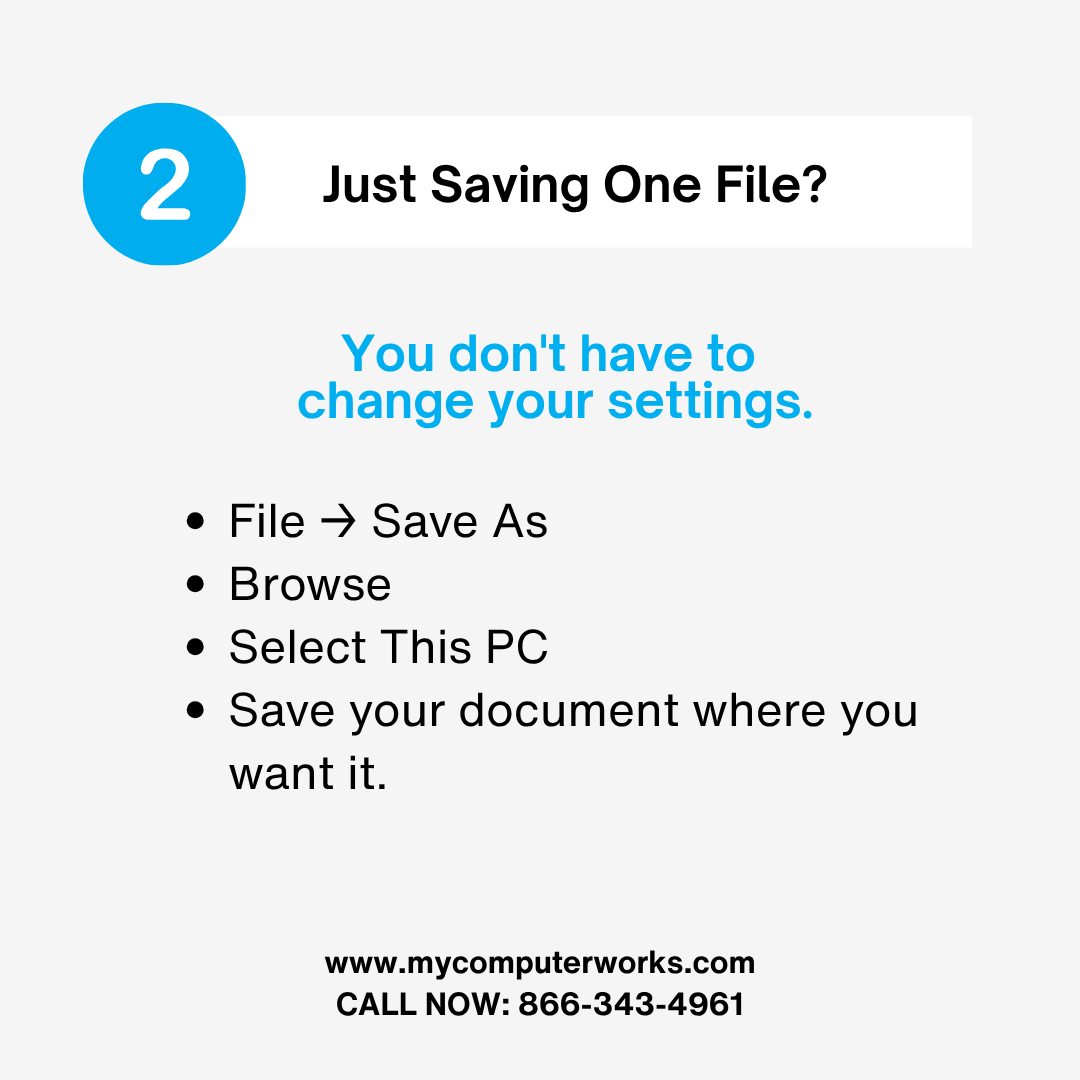
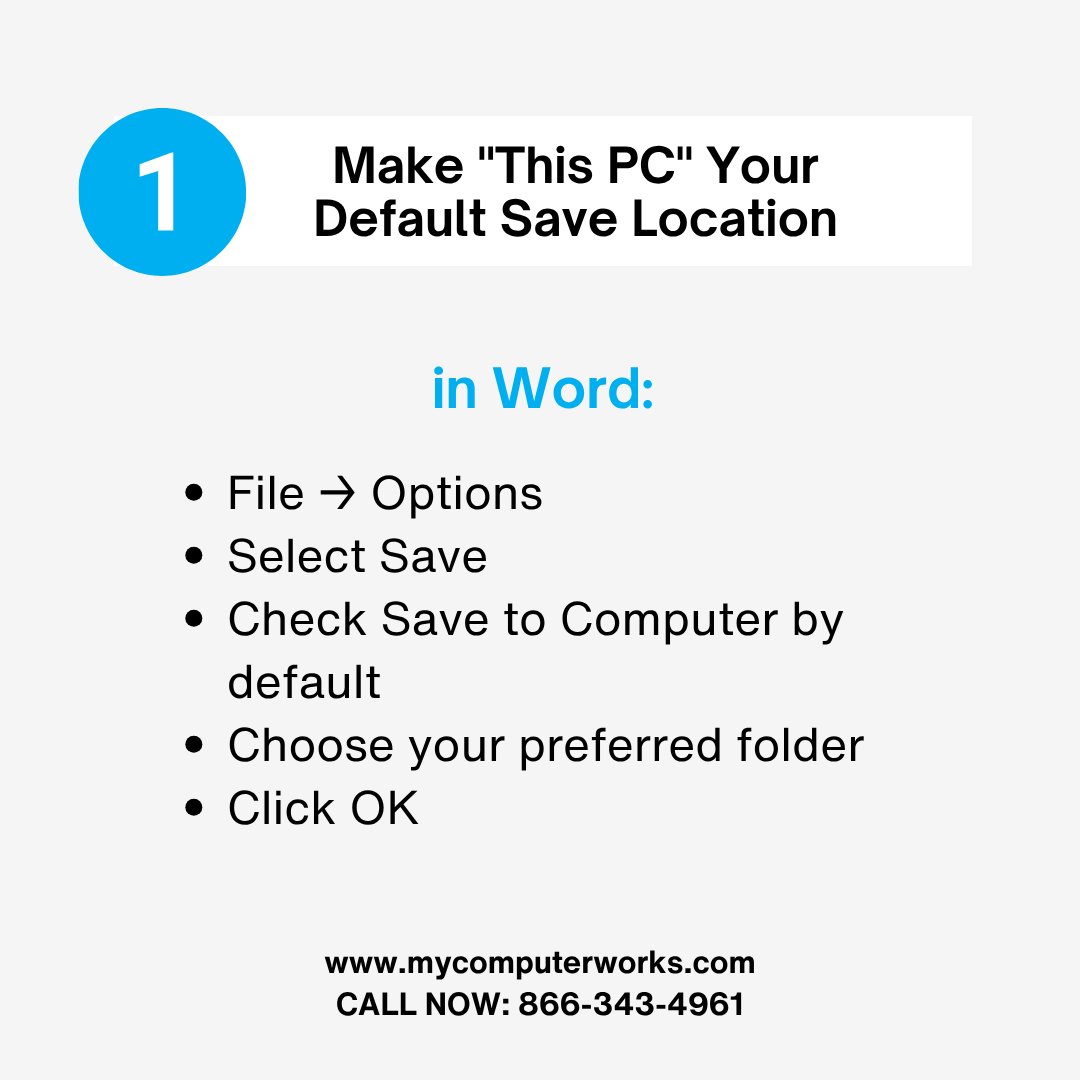
Does Microsoft Word keep trying to save everything to OneDrive? 🤔 You can change Word's default save location in just a few clicks.
Read the full blog: https://t.co/fq1ZOnIbmK
When was the last time you *really* cleaned your computer? Beyond dust and screen wipes, have you reviewed temporary files, installed apps, startup programs, and settings? #TechTips#PCMaintenance
Apple's new foldable iPhone is reportedly taking inspiration from the iPad. While the design might seem strange, early testers describe it as feeling like an iPad when fully unfolded. Are you ready for this new form factor? #Apple#iPhone#TechNews
Satellite internet like Starlink offers flexibility, but what about ARM PCs? Despite advances, the technology might not be ready for all applications yet. Nvidia is a leader, but can ARM PCs truly compete? #Tech#ARM#Starlink
A single AI request uses 10x more electricity than a web search (2.9 Wh vs 0.3 Wh). With billions of daily queries, this could mean an extra 10 terawatt hours of demand annually. AI's growing energy footprint is a serious concern. #AIEnergy#Sustainability
AI writing involves billions of calculations for each word, checking every token block. This massive query process, generating billions of computations even for a simple phrase, is the primary source of errors and high energy consumption. #AI#TechExplained
Windows 11 is surprisingly resource-intensive, consuming significant RAM and CPU even with core services. While Linux like Fedora is lighter, it doesn't match Windows' gaming or broad user appeal, highlighting a challenge for Microsoft's platform. #Windows11#Tech
We’re grateful for customers like Oda who continue to trust My Computer Works with their technology year after year. ⭐⭐⭐⭐⭐ Need tech help of your own? Give us a call! Call 866-343-4961.
https://t.co/5qZ20c2BrY
Windows 11 on ARM PCs: pushing for power efficiency or performance? You can typically have one or the other, but rarely both. Apple's potential foldable iPhones are also on the horizon, resembling an iPad in hand. #Windows11#Tech#Mobile
Screen stuck or black? Try this Windows shortcut: Win + Ctrl + Shift + B. It instantly resets your GPU, unfreezing or stuttering displays without a full reboot. A quick fix for graphic issues! #TechTips#WindowsHacks