Task Organizing Superpower. Made in 🇺🇦
🚀Unlimited hierarchy
✨Auto-magic To-Do list
🦾Powerful filters
🏘Location-based reminders
🔗Task dependency,
and more
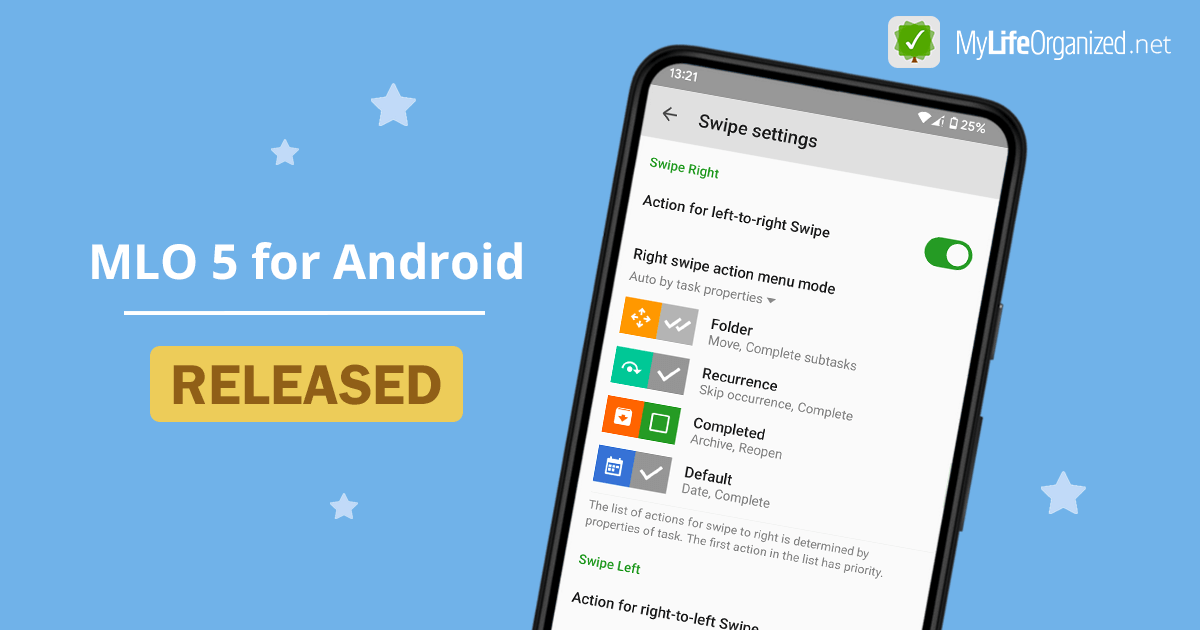
MLO 5 Feature Pack for Android is released! New version introduces more flexible swipe actions, zoom-in history, improved notes editing, and other usability improvements. See what's new and how to upgrade: https://t.co/IC5QTINeCP
@louisperrot At the moment, development on iOS is paused waiting for additional resources, and we are focused on Android and Web. We know this is frustrating, and we truly appreciate your interest. Once we’re able to allocate more resources again, iOS development is very much on our radar.
🎄As the year comes to a close, we wanted share a brief update on what’s been happening at MyLifeOrganized.
📱 MLO 4 for Android update (v4.6.0)
We recently released a free minor update with several important improvements and fixes.
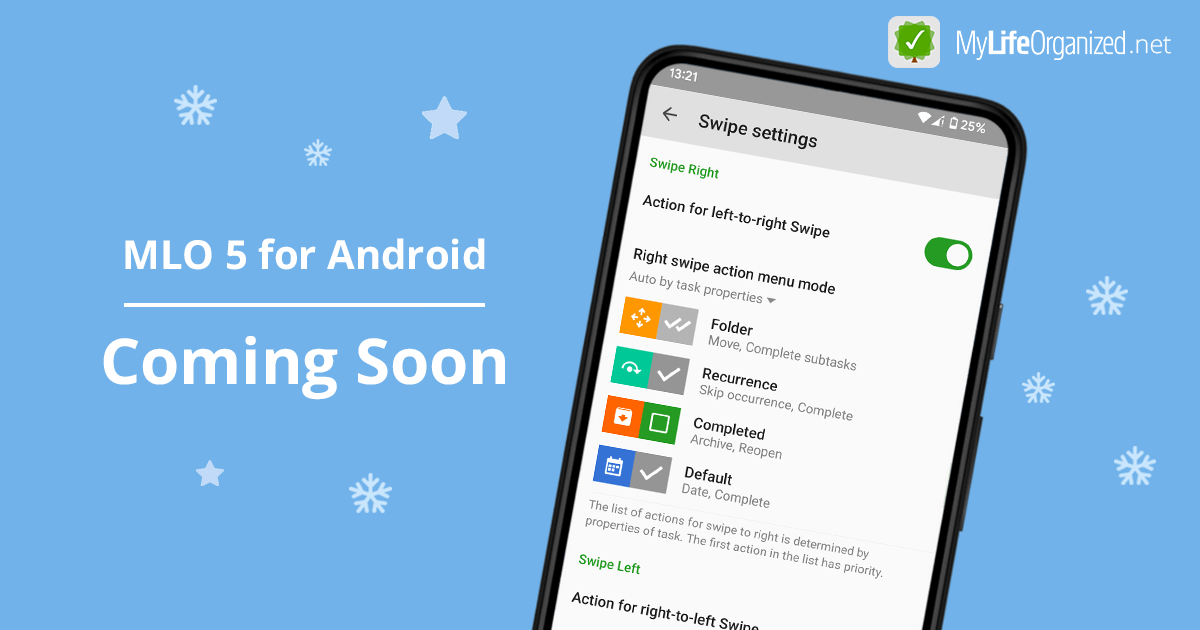
👀 MLO 5 for Android is coming soon...
🤖 Exploring AI with MLO
We’re proposing a small proof-of-concept to safely explore how AI could assist with inbox processing, brainstorming, and reviews in MLO that you can try with us. See the details on our blog: https://t.co/CiqeeZE296
MLO Status: AWS is currently experiencing disruptions. So far MLO Cloud sync and website are running without interruptions. However, some internal services (such as backups) are temporarily unstable. We are closely monitoring the situation.
🔄 Recur vs. Regenerate in MyLifeOrganized
Ever wondered what’s the difference?
Recur → based on calendar (fixed date)
🗑 Example: Put bins out every 2nd Wednesday
Regenerate → based on completion (flexible)
🌱 Example: Mow lawn 10 days after last done
@worldofswing Thank you for the request. AI-assisted features like task decomposition and prioritization are definitely interesting areas. We don’t have any information to share at the moment, but we’re exploring ways to enhance productivity with our app using AI.
✨Announcement: MyLifeOrganized web app is coming!
For more on what’s been done, what we’re working on, and how to join our beta testing team, visit our blog: https://t.co/nl7DraTTjD
🎄Happy Holidays!
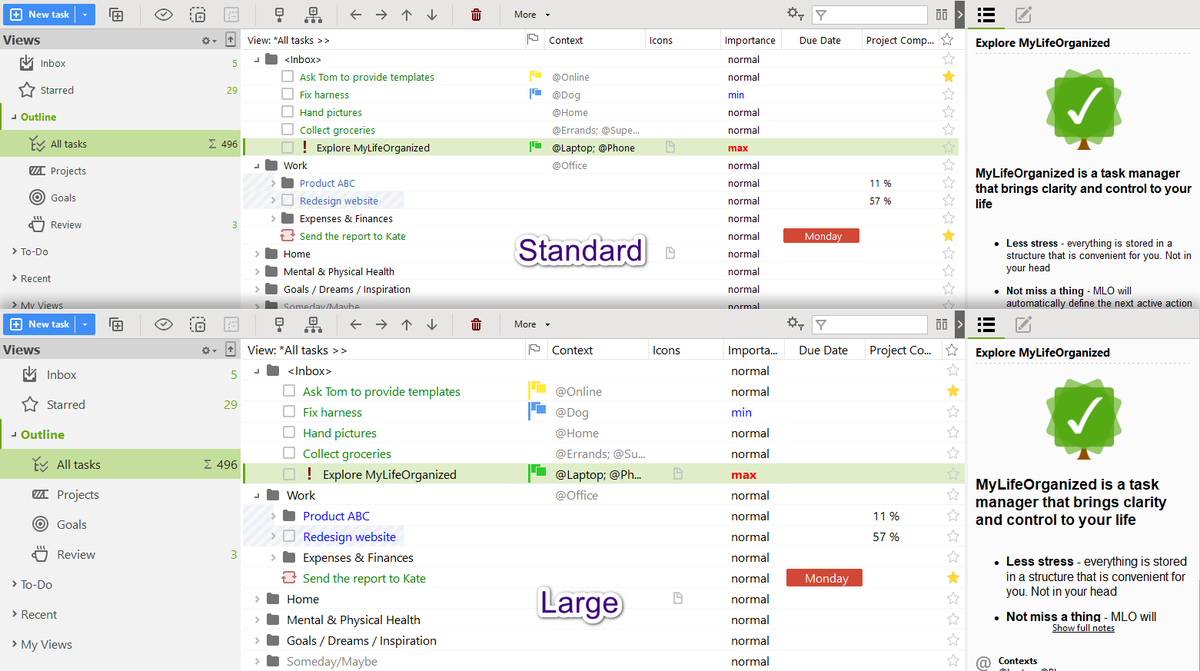
#MLOtip💡If you work with MLO on a large screen or simply prefer larger text, you can increase the font in Tools -> Options -> Themes and Formatting -> Edit. For a quick solution, you can download a ready-made theme with a larger font: https://t.co/ZTNSJU9w2i
#MLOtip💡Have you ever noticed an asterisk (*) before the name of a view in MLO on desktop? This small symbol serves as a helpful indicator that your current view has been modified but not yet saved. Learn more: https://t.co/GRXAgGPw4y