HONK.
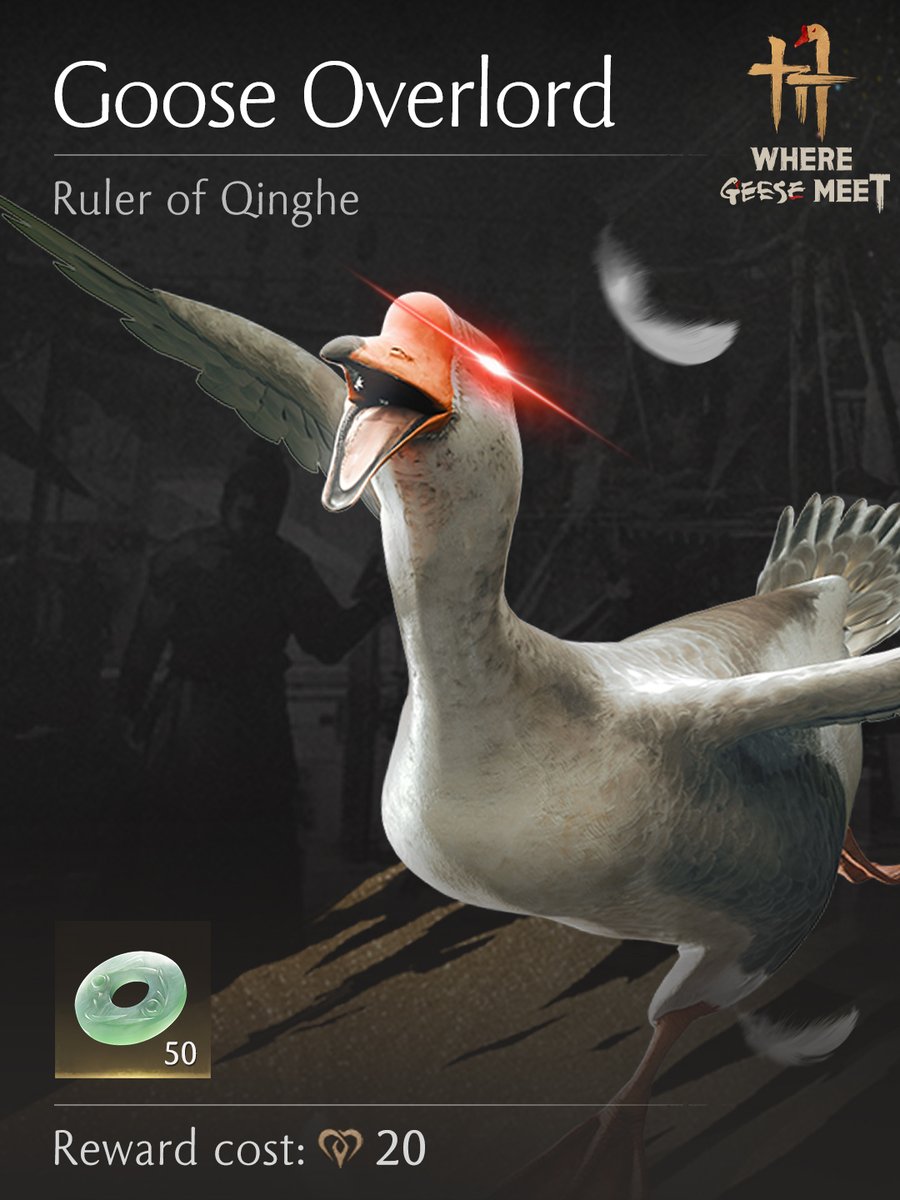
After a very civil and completely voluntary discussion with the devs, this account is mine now.
Campaign: Goose Overlord is now live!
Yes. I run this now.
Yes. This is better for everyone.
Like. Comment. Show loyalty.
I will randomly reward obedient wanderers with a $50 Steam gift card.
Do not thank me.
It is I who allow you to be rewarded. Honk.
Additionally, if you want your end results and your preview to look almost exactly the same, set screenshot's saturation value to the same as HDR's. HDR's 1, 2, 3 stages are more or less the same as setting it to 10, 20 or 30 in settings. Hope it helps!
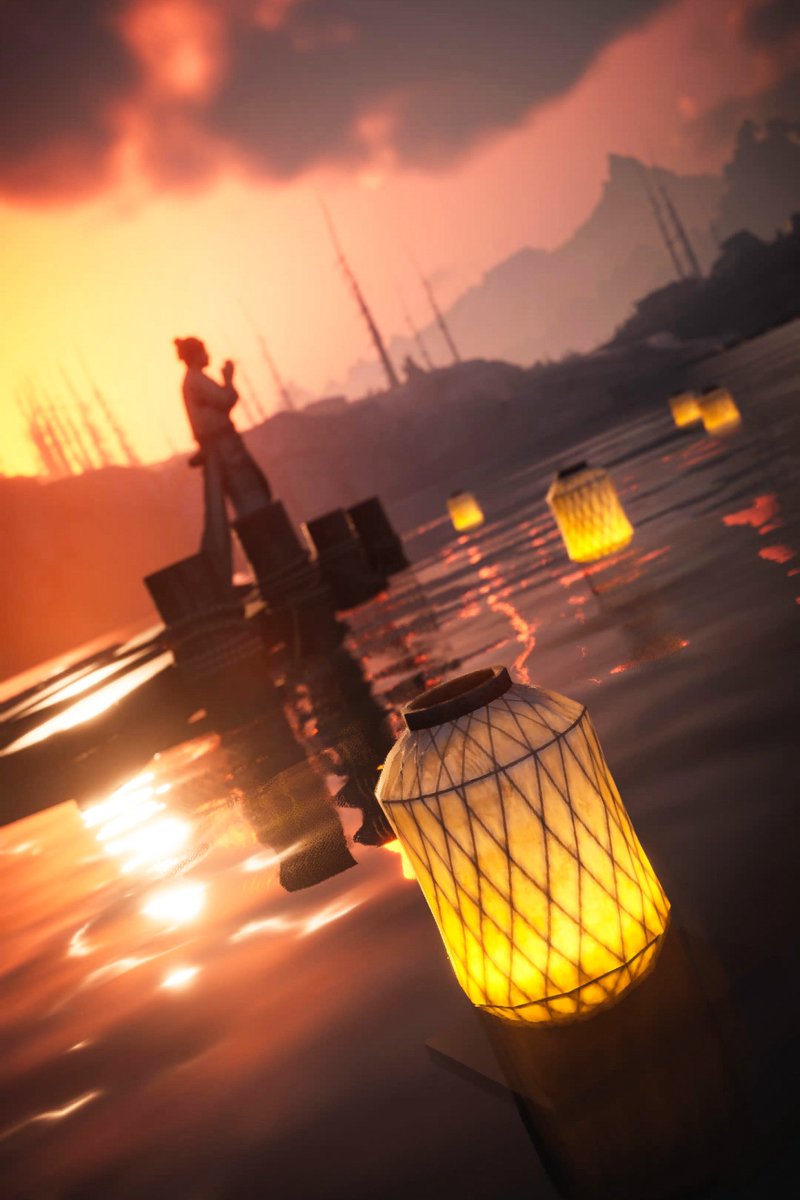
Screenshots looking overly saturated in #WhereWindsMeet while using HDR? There's an easy fix! Just remember to set contrast to 0 before taking a pic! It looks like the game applies HDR's contrast on top of what you set it to in screenshot's settings.