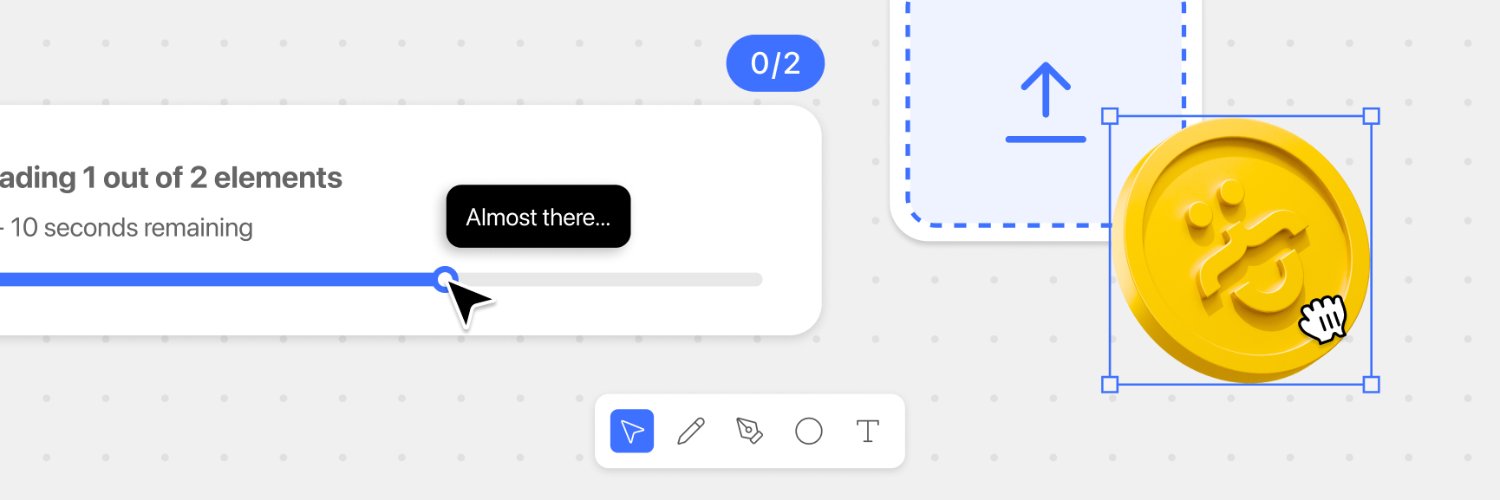
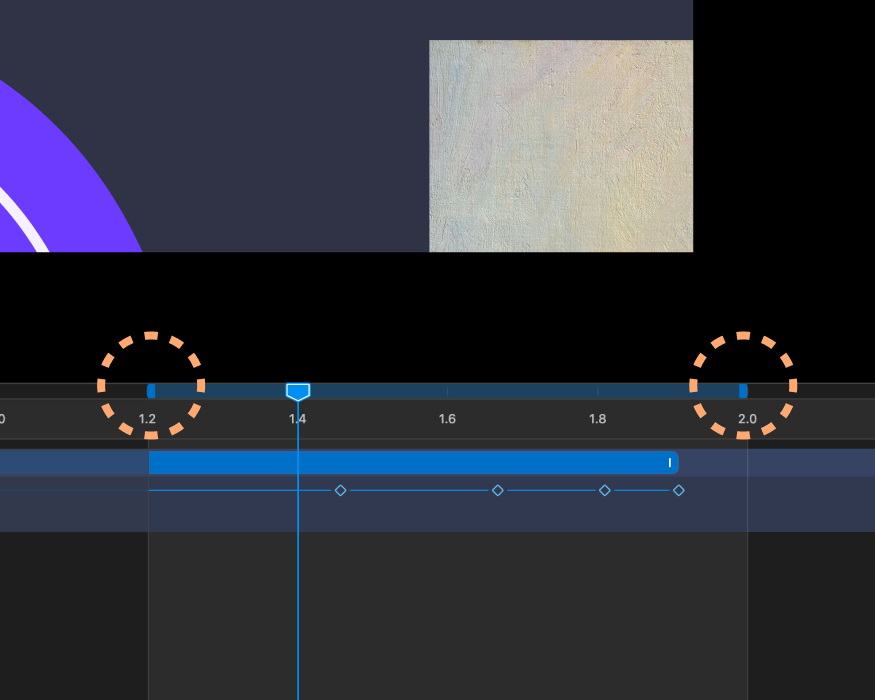
Finally could get my hands on @figma motion, and something I could spot right away is the need of control handles to move the start point in the timeline.
Interaction-wise it also needs a small snapping-to-frame and not a loose placement. That'd be a nice start 🥳
Last version of the Gizmo. New palette + Interactions:
- Hover on axis: trim-path animation in the axis color replacing the fade.
- Highlight box pops in on scale only, with soft rounded corners
- Fixed the box hiding behind overlapping labels + showing up in sync with the line
New design for a number dial. Interactions:
- Scroll to spin the ring
- Snap: numbers lock onto the marker one at a time, never skipping.
- Free play between numbers, but can't pass the next until it locks
- 5-number reveal window
- Opacity cross-fade between active/dim states
_v3 of the Gizmo. Interactions:
- Smoother hover animations (ease-out, unified 400ms timing)
- Padding on negative-axis labels to match X/Y/Z
- Half-visible labels now darken on hover instead of showing a box
- Reduced hover/click hit radius (20 to 14).
For the Gizmo I'm mixing Claude Code and Cursor, just to test this workflow.
With Claude Code I set everything up.
With Cursor's IDE I tweak and craft all set values.
This way I let AI do the technical side and I work on the creative/feel myself.
_v2 of the Gizmo. Interactions:
- Hover any axis. Also the ones facing away
- Click to center axis.
- Highlight box that hugs the label
- Depth-correct layering
- Scale in/out (EaseOutQuart) of all elements. Still tweaking the timing (for _v3)
_v1 of the Gizmo. Interactions:
- Click and drag for rotation on all directions.
- Release momentum: after release, rotation keeps the last velocity and eases out with exponential decay.
- Fade in and out of axis based on closeness to the viewer.
Working on a 3d Gizmo interaction 🤠
Using Figma to design the visual style and think about the interactivity. Don't want to skip the "sketching" process and hand it to soon to AI.
Once finished, I will be building it in Cursor.