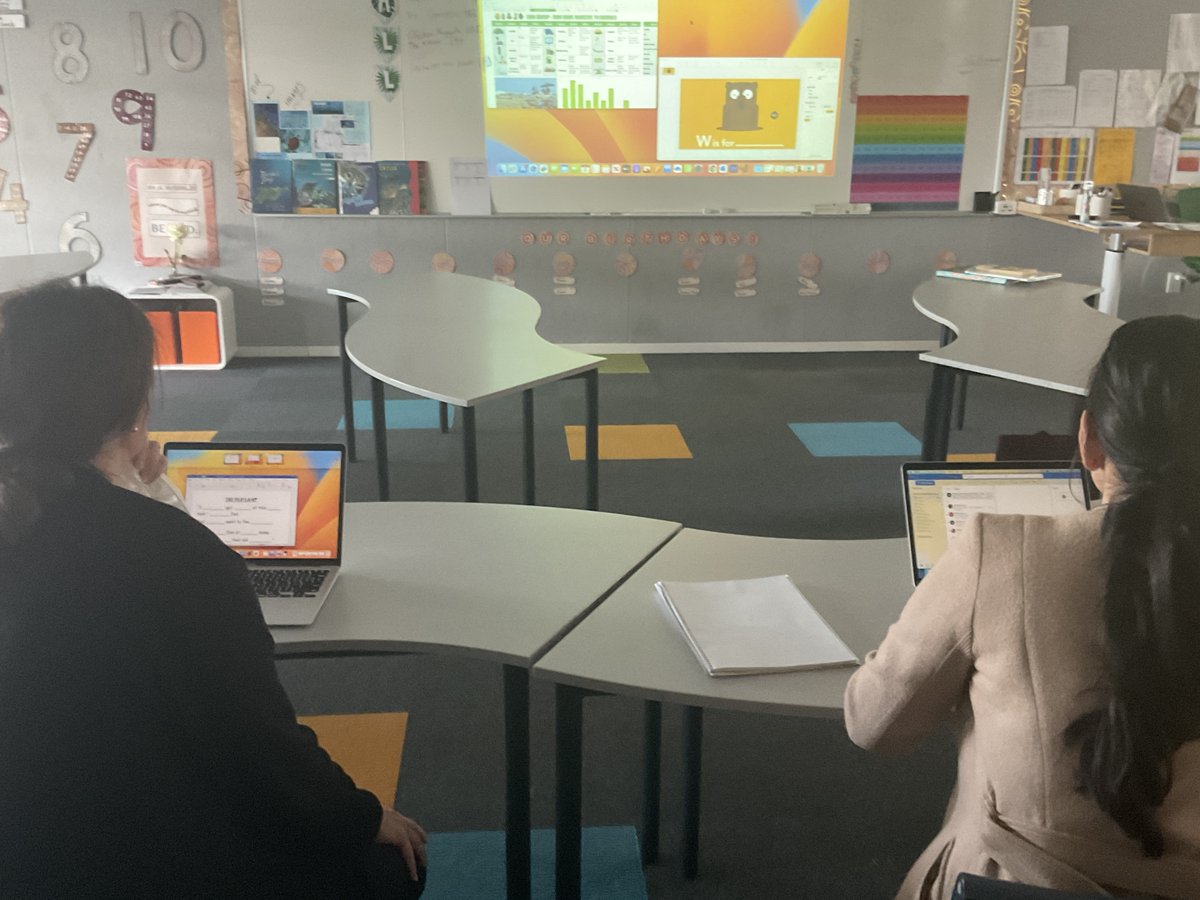
Today our Yr 5’s started their first attempt at using Swift Playgrounds: Build with Stacks and Shapes Project. Students planned in Numbers first and then started to create a self-portrait with code. #swift#codeweek#swiftplaygrounds
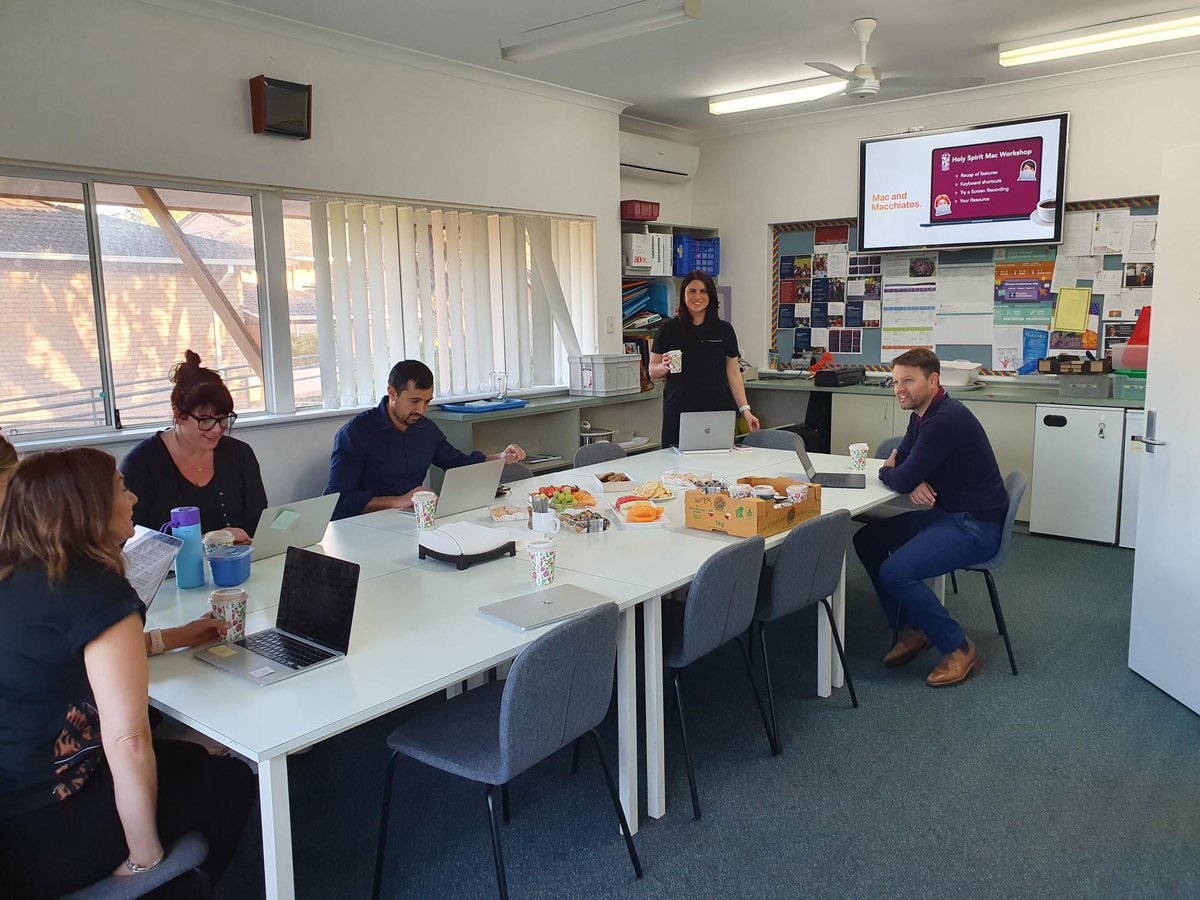
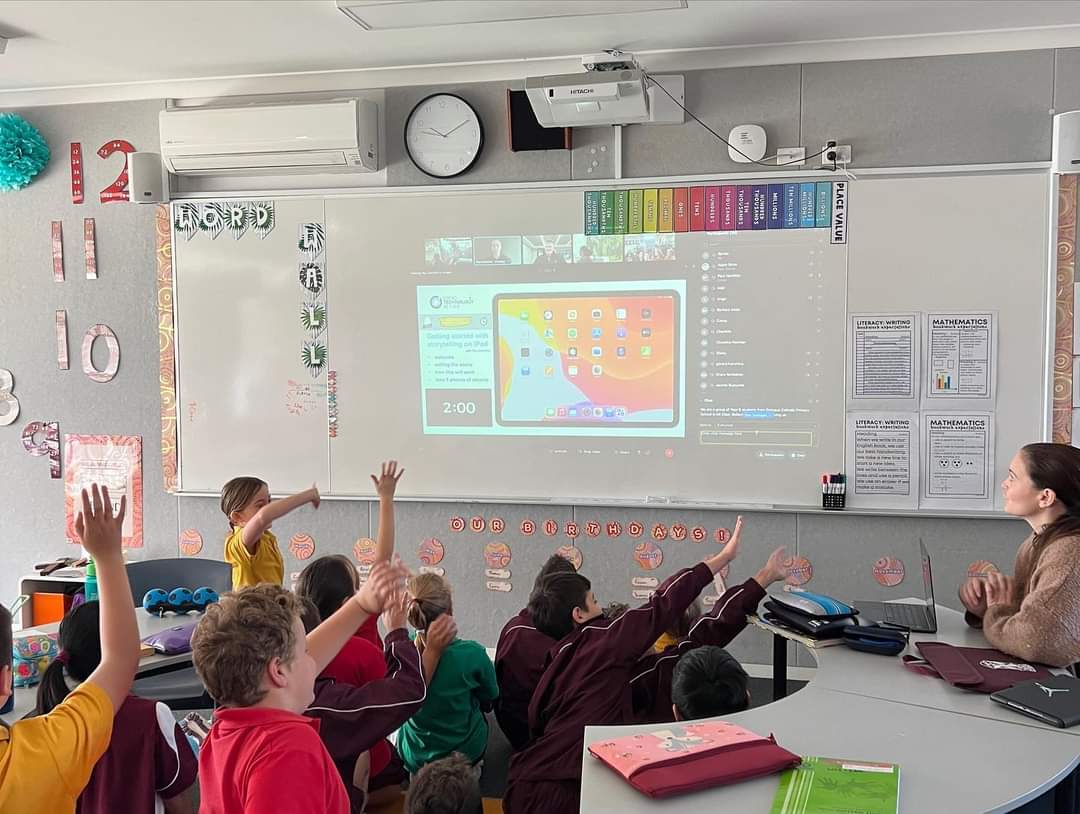
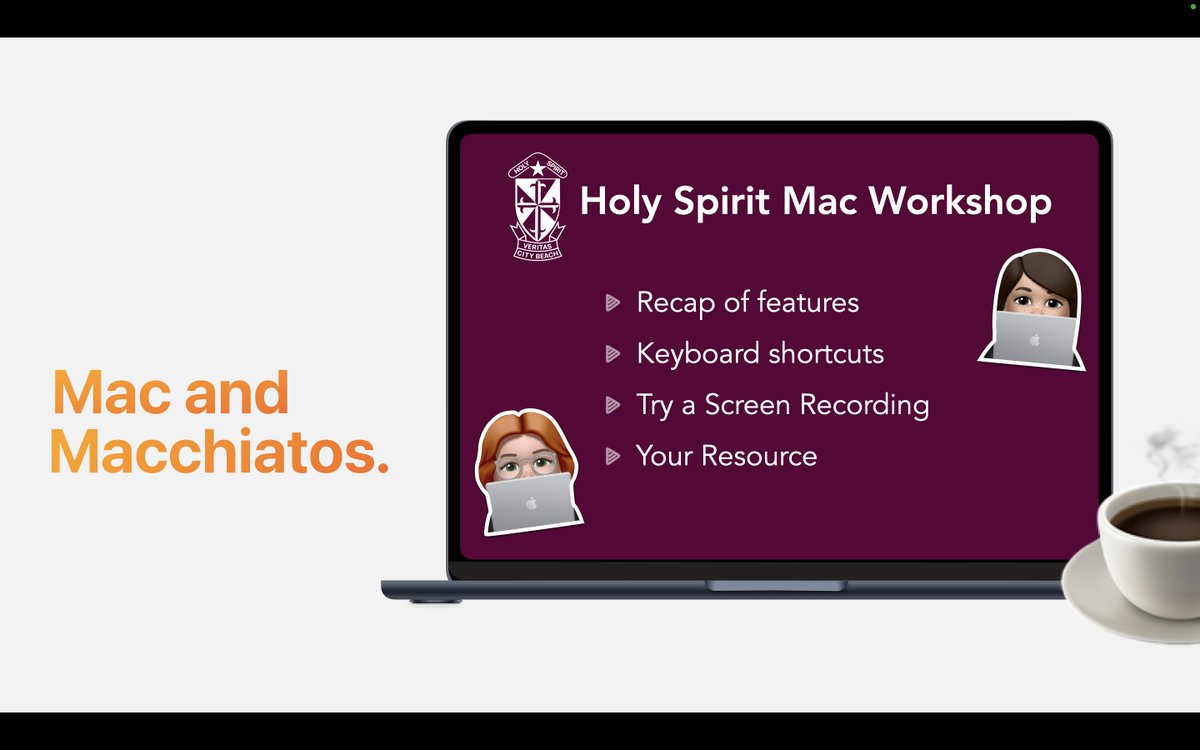
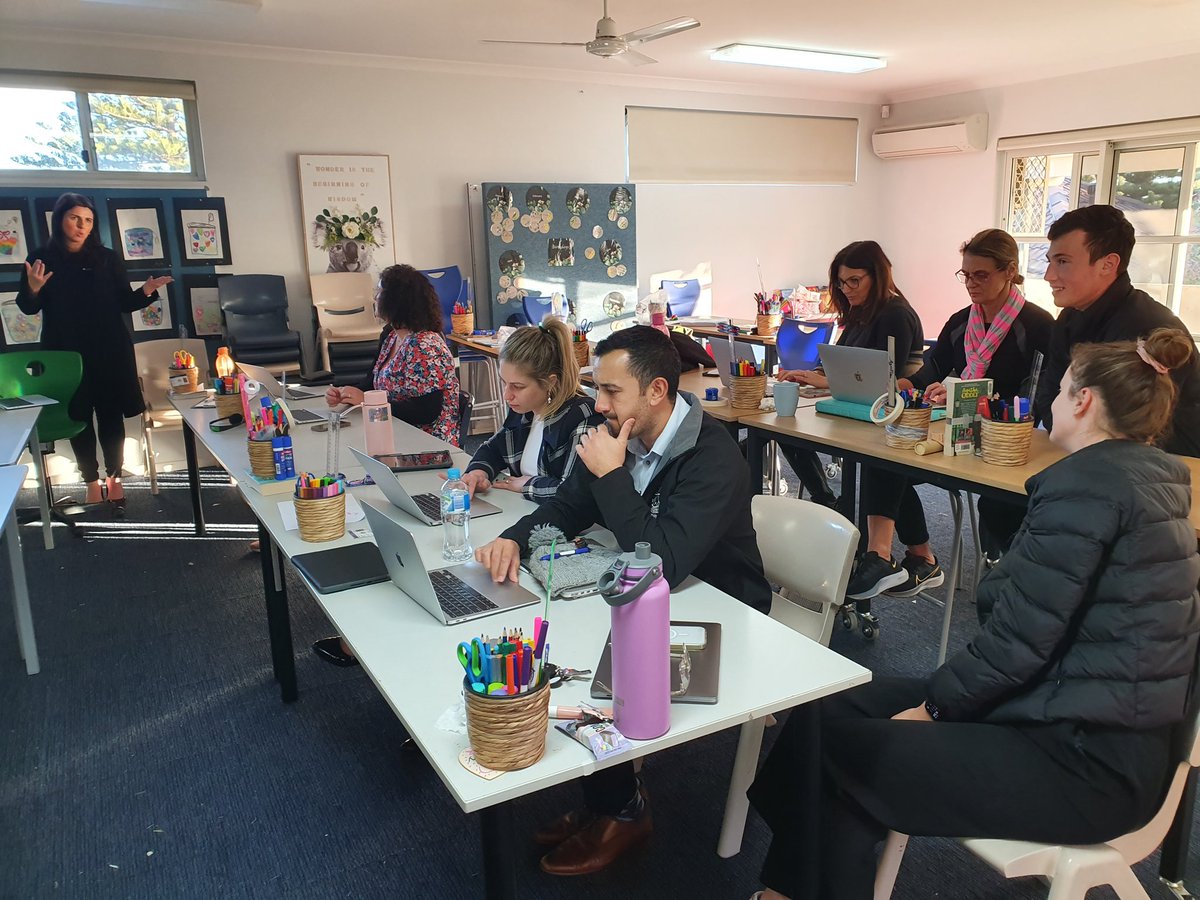
This morning we ran a staff requested Mac and Macchiato's Workshop! Our 6th Mac Workshop to learn keyboard shortcuts, screen record and how to create resources from a template @AppleEDU#holyspiritinnovators
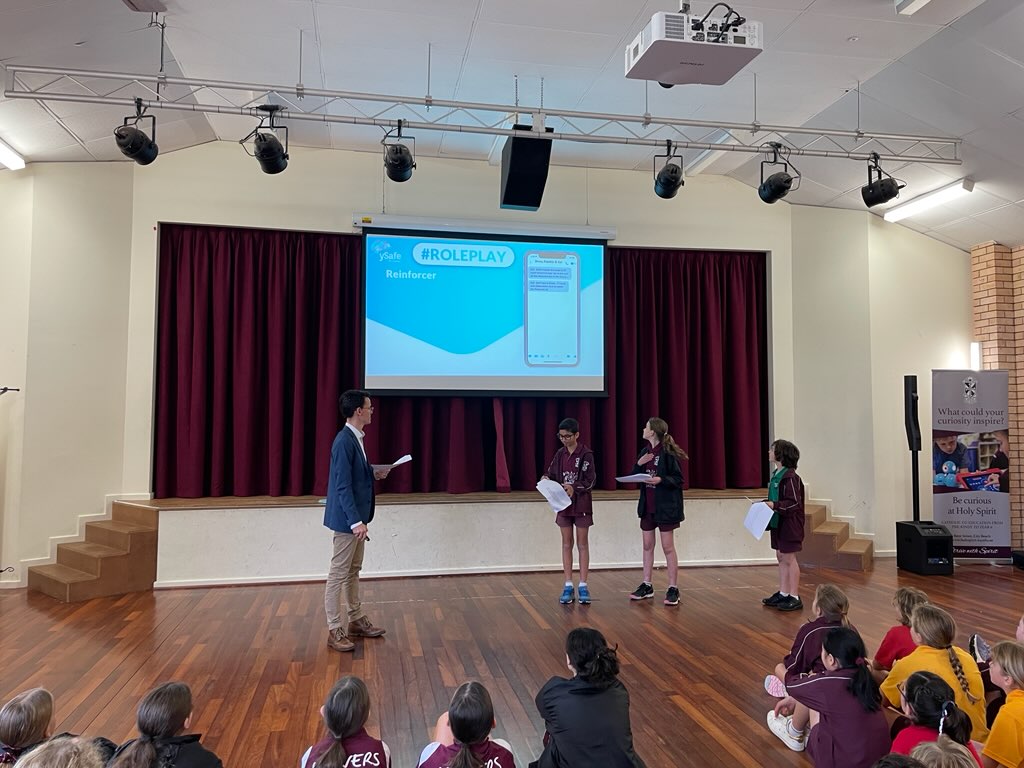
Our students recently heard from Patrick from ySafe. There were many learnings on what negative online behaviour looks like. The main messages were know ESafety, 'What you post, matters the most' and 'If it will upset, damage reputation or embarrass him or her, then don't post.'
At our PLC meeting today, teachers attended session 3 learning with MacBook. Learning multi touch gestures for productivity, organising desktop spaces, Accessibility features, and creativity with creating book covers in Pages using shapes and font styles.
#Mac@AppleEDU
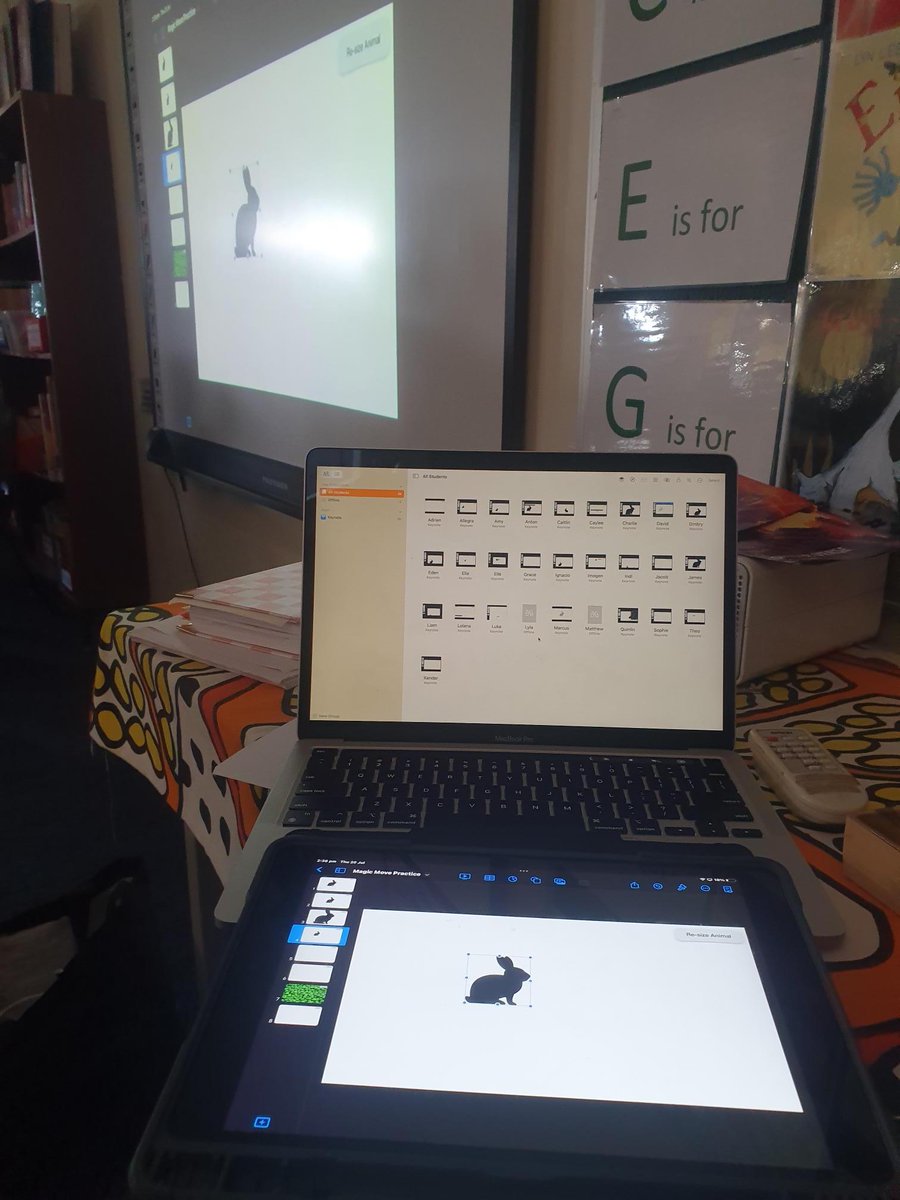
Apple Classroom is more than a monitoring tool. Our teachers can seemingly move between Mac and iPad using classroom to monitor workflow, share resources and celebrate students' work. @AppleEDU#Classroom#WATechTalk
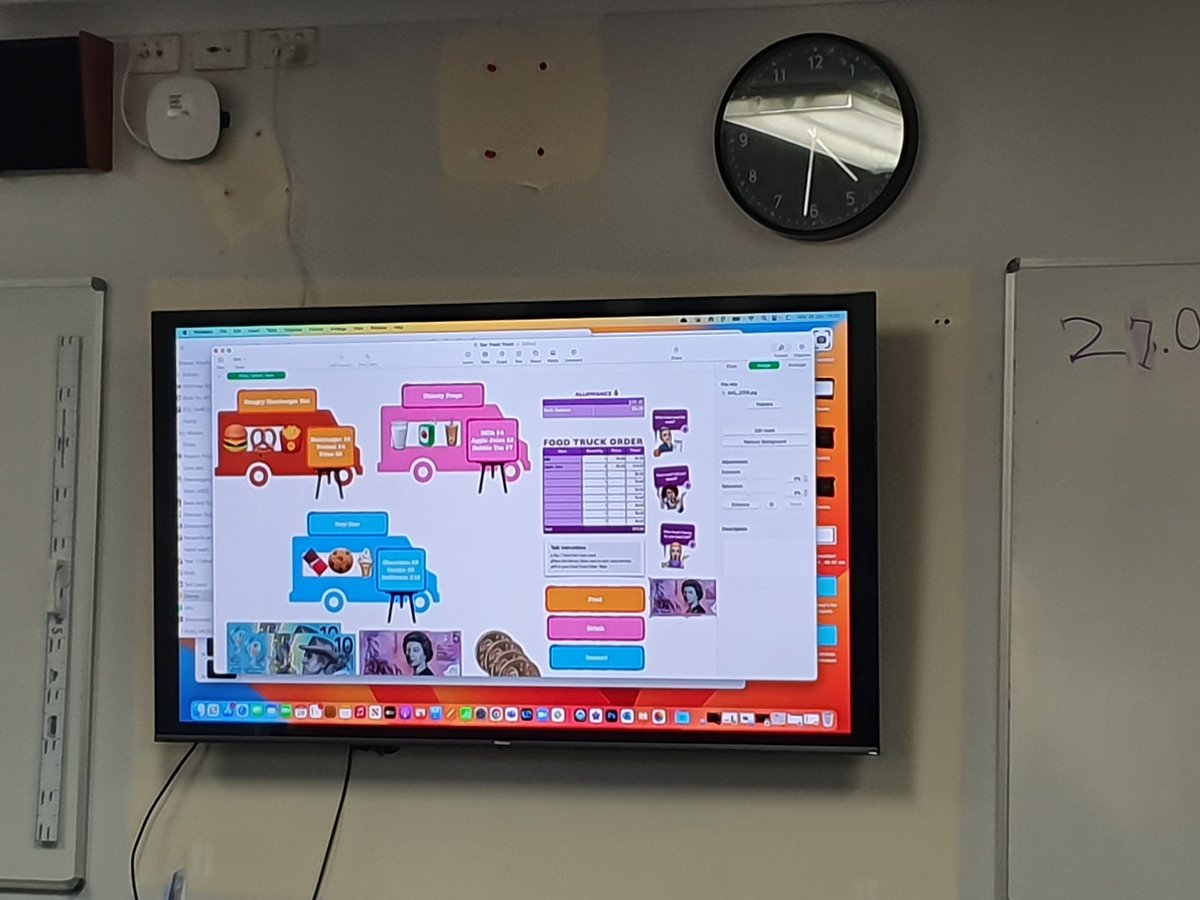
Today, our teachers gathered in a PLC to hone their skills on Macbooks, learning quick tips and tricks along the way. With their newfound expertise, they created a resource in the #NumberApp that our students can then personalise, be creative with and make real-world connections.
We are learning how to increase our Productivity to enhance our Creativity even further by using Split Screen with #Freeform and #Voice Memos where students can easily drag and drop audio recordings from one app to the other to personalise learning @AppleEDU#HolySpiritInnovators
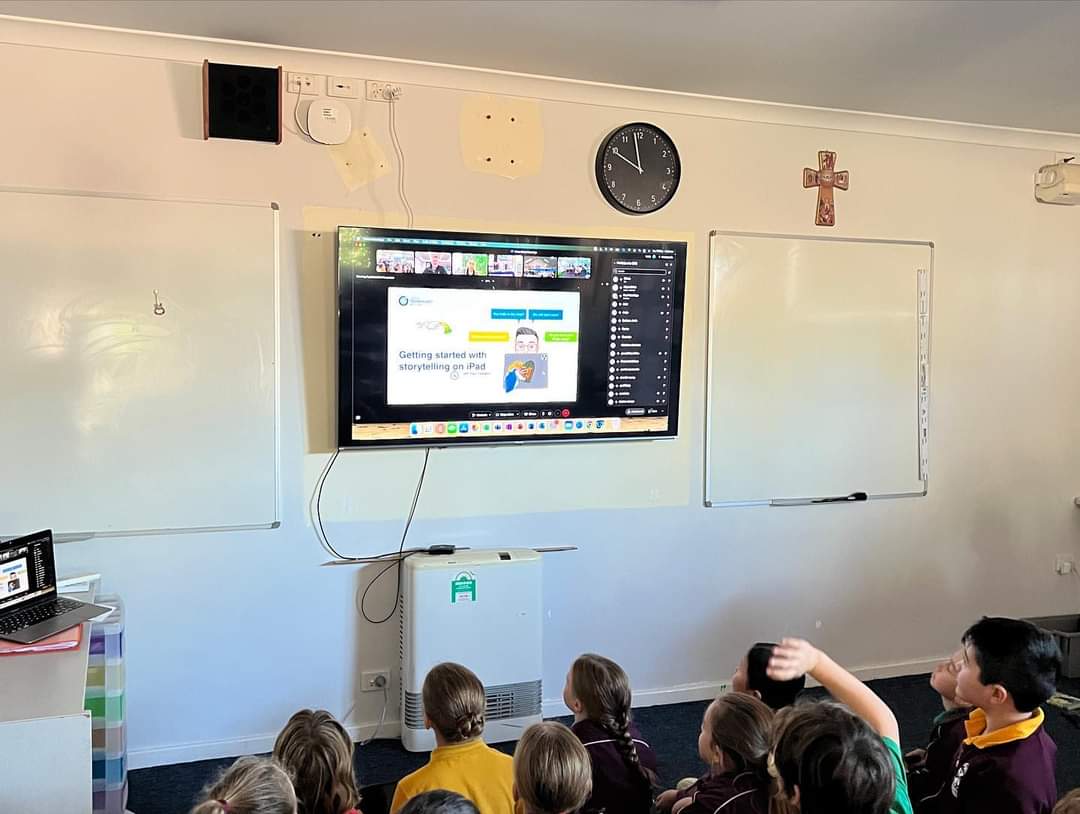
Our students and teachers have elevated their learning on iPad by taking part in the national program Storyschool with @adambrice and Tristan Bancks #appleEdu#holyspiritinnovators
Our teachers are learning how to use Interactive Elements within Numbers to easily and visually help students learn how to budget with Steppers, inbuilt Formulas and adding their Voice Observations. #HolySpiritInnovators#AppleEDU#WATechTalk
Looking forward to working through the brand new Elements of Leadership journal to expand our vision, team and build capacity across iPad and Mac to create meaningful lessons for students with technology.
@AppleEDU#WATechTalk
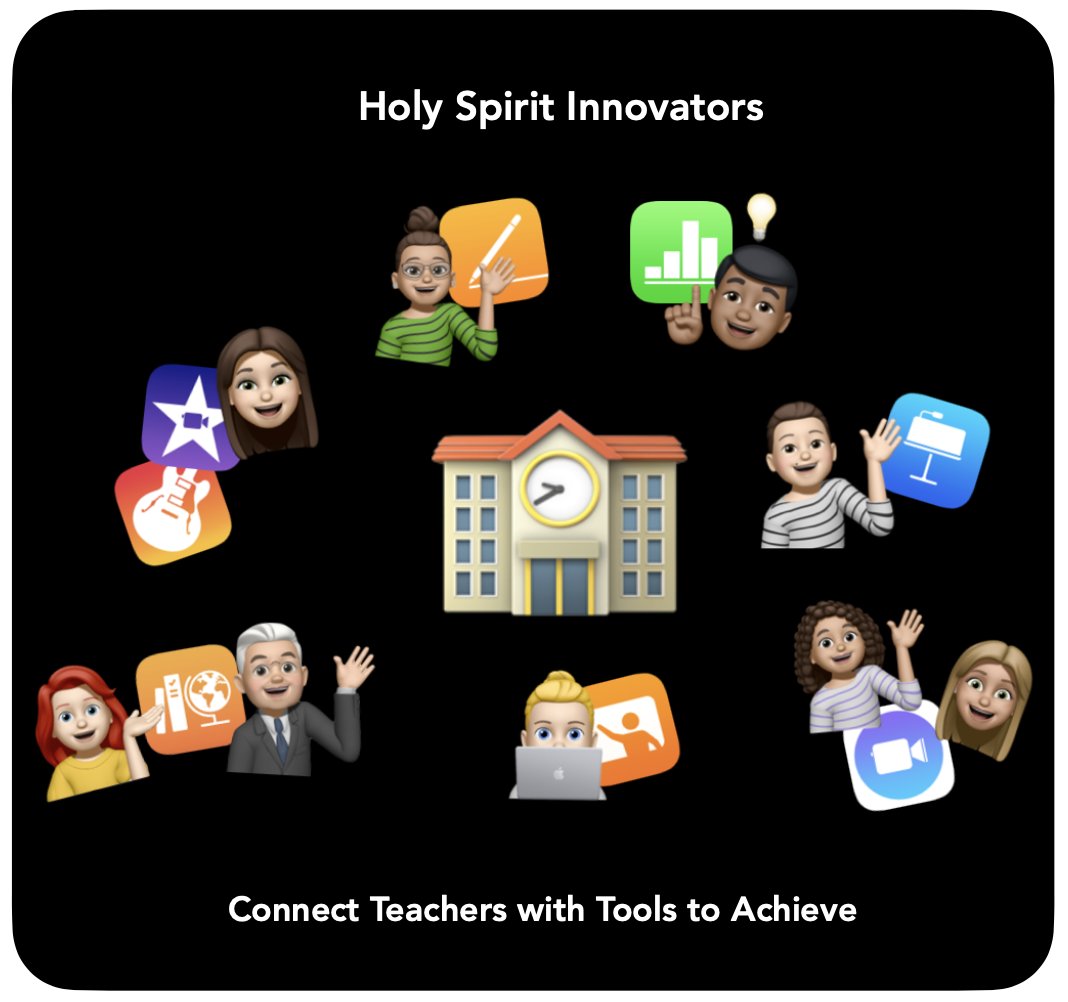
At Holy Spirit,this year we have reframed our focus to connect our teachers with the digital tools that will help them to achieve what they would like to learn and embed into their lesson. #AppleEDU#WATechTalk#Apple#holyspiritinnovators
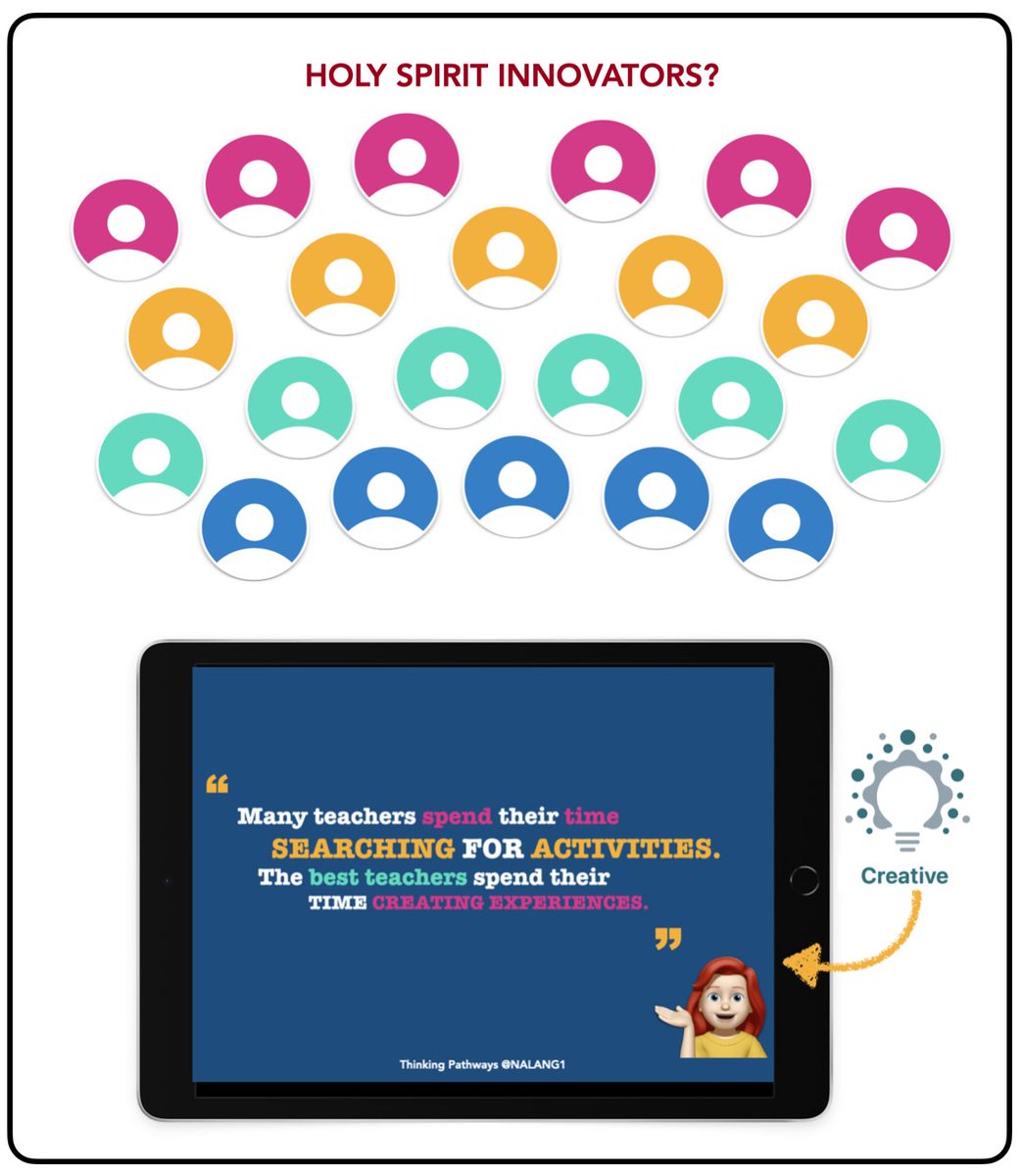
Who are we as Holy Spirit Innovators? At our recent Staff PD all of our staff began collaborating on our ICT Vision together. We are looking toward being Creators and Innovating with technology and each of us is a valued member of this vision. #AppleEDU#WATechTalk
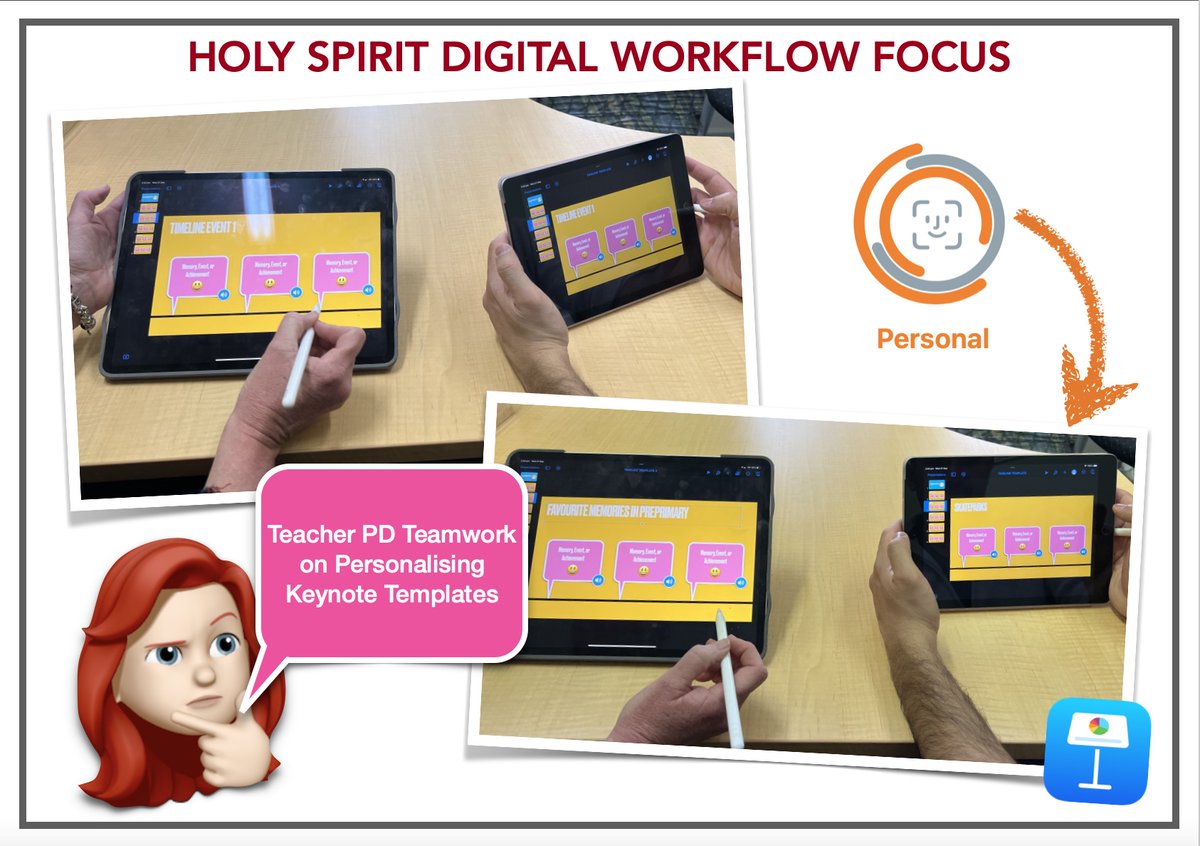
Our teachers engaging in small group PD’s looking at transforming a generic Keynote Template to Personalise for each teacher’s topic to provide differentiation in digital learning for students.
#AppleEDU#HolySpiritInnovators#Keynote#WATechTalk
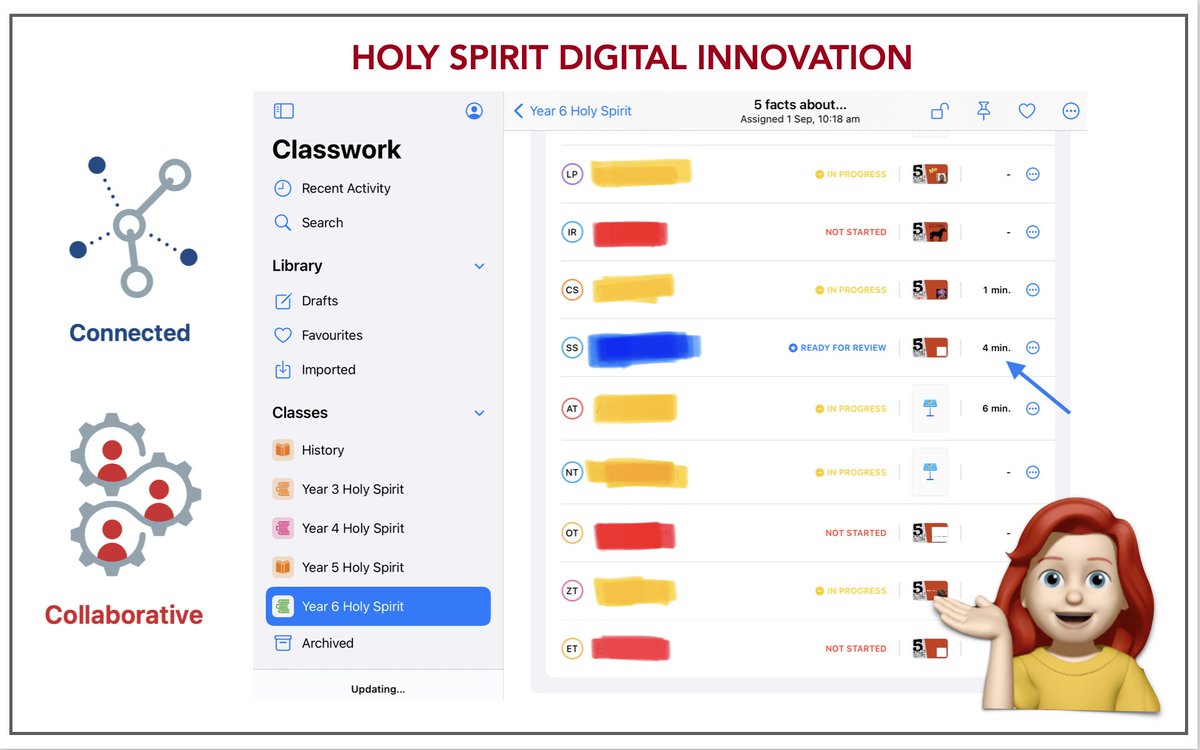
Student Progress Reports in Classwork allows teachers to Connect to student learning like never before with “In Progress” “Ready to Review” “Not Started”and Time Spent on tasks. Collaboration provides teachers a real-time lens on student progress #WATechTalk#HolySpiritInnovators
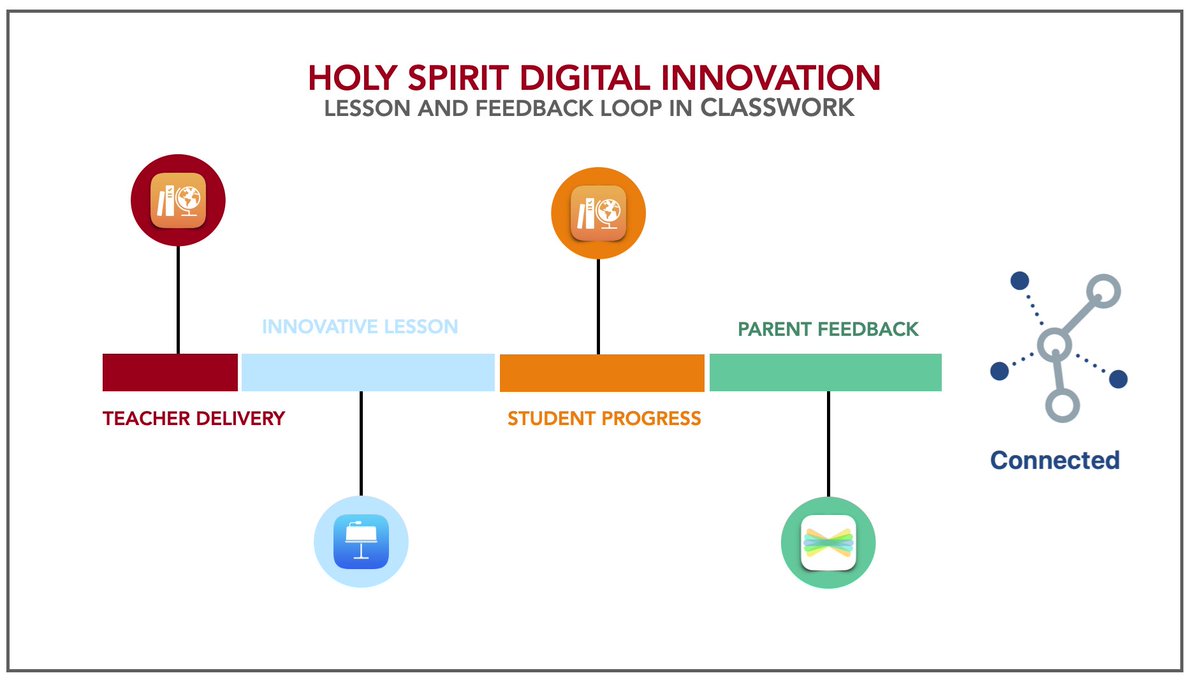
At Holy Spirit we are using Classwork to connect the correct Digital Tools within our lessons to direct effective Digital Pedagogical Practices to improve Teaching, Learning, Student Engagement and Feedback to Parents.
#AppleEDU#WATechTalk#HolySpiritInnovators