Paying for a white noise app? Your iPhone has one hidden in Accessibility: rain, ocean, fire, even a train.
Settings > Accessibility > Audio & Visual > Background Sounds. Turn it on, tap Sound, pick one.
Video walkthrough: https://t.co/SQTzyHVld1
#iPhone#TechTips
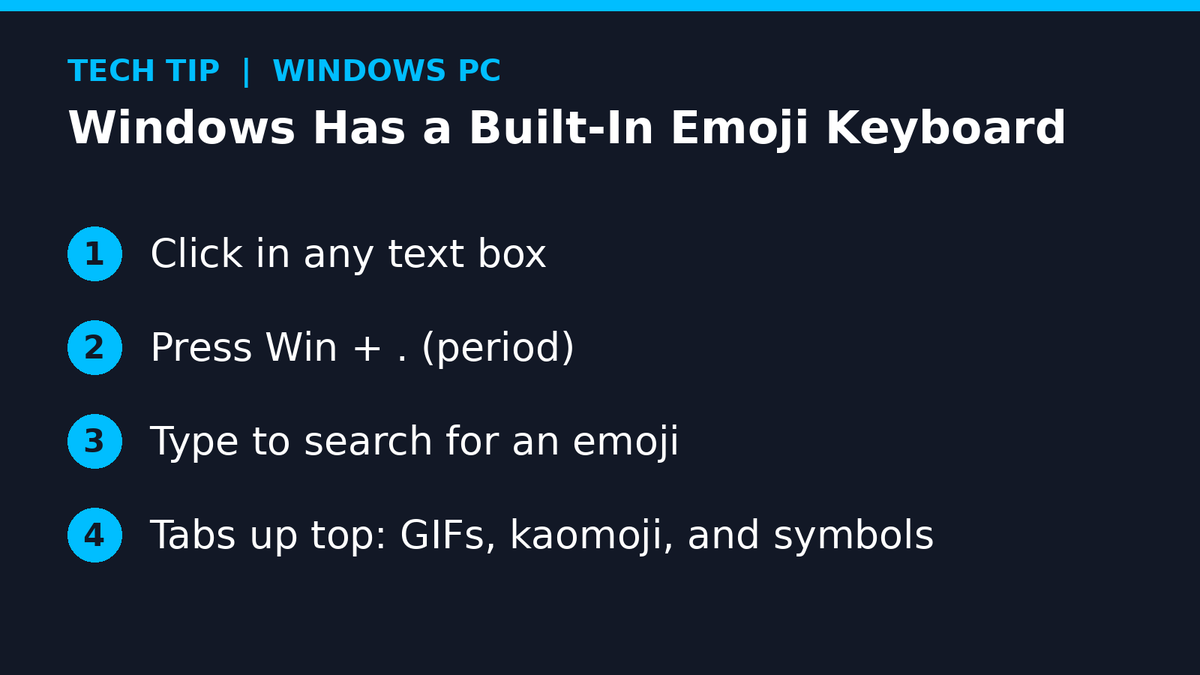
Still googling "laughing emoji" just to copy-paste it? Windows has an emoji keyboard built in.
Press Win + . (period) in any text box and type to search. The tabs up top have GIFs, kaomoji, and symbols too.
Video walkthrough: https://t.co/8OIdJKzg4u
#Windows#PCTips#TechTips
Chrome eating all your RAM with 40 tabs open? Menu > Settings > Performance, then turn on Memory Saver. Tabs you aren't using go to sleep and reload when you click them.
Video walkthrough: https://t.co/TvjI30UQzY
#TechTips#Chrome
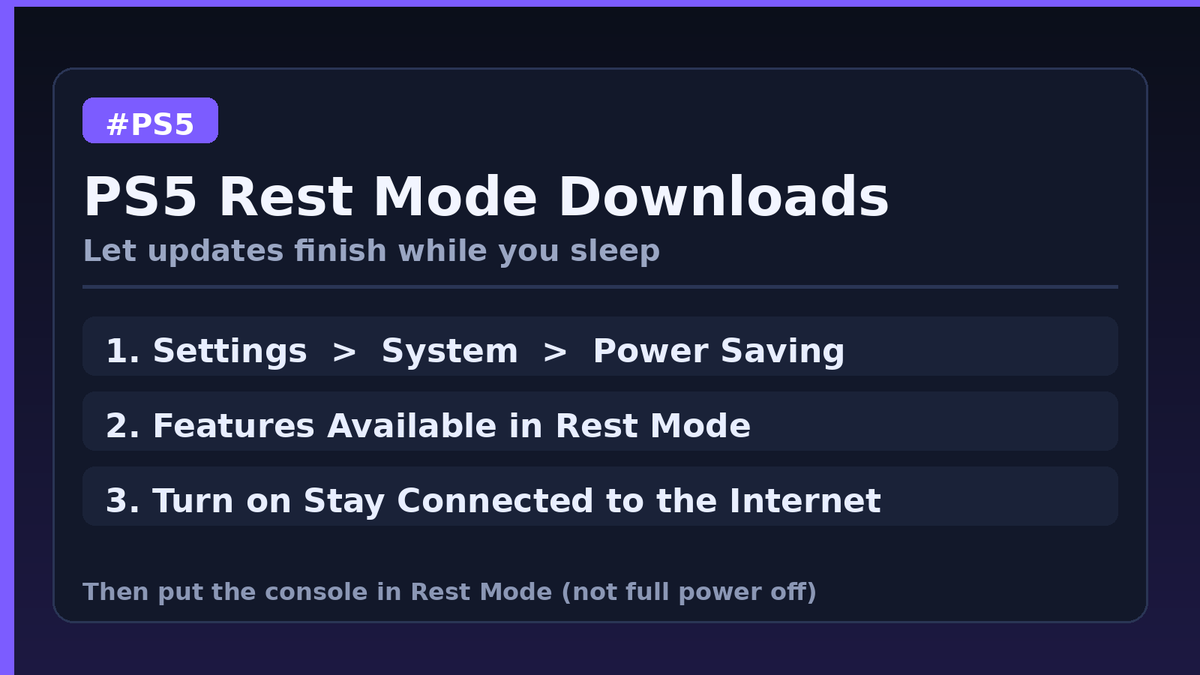
Want PS5 updates to finish while you sleep? Don't shut it all the way off. Put it in Rest Mode with internet on:
Settings > System > Power Saving > Features Available in Rest Mode > Stay Connected to the Internet.
Video walkthrough: https://t.co/HfC0YAzwjT
#TechTips#PS5
Buddy spent 10 minutes typing my Wi-Fi password wrong on game night. Never again. Samsung: Settings > Connections > Wi-Fi > gear > QR code. Pixel: Settings > Network & internet > Internet > gear > Share. 📶 Video walkthrough: https://t.co/XQXhntMPtE #TechTips#Android
Nothing like dying to a lag spike and finding out Steam was downloading a 40GB update in the background the whole damn time. Steam > Settings > Downloads, turn off "Allow downloads during gameplay." Your ping will thank you, and so will your shit K/D. 🎮 #TechTips#PCGaming
Spent years blaming my aim when Windows was fucking with my mouse. Turn off Enhance pointer precision: Settings > Bluetooth & devices > Mouse > Additional mouse settings > Pointer Options, uncheck it. Now when I miss, it's actually my fault. 🎯 #TechTips#PCGaming
My PC used to take longer to boot than my damn respawn timer. Turns out 14 apps I don't even remember installing were launching at startup. Ctrl+Shift+Esc, Startup apps tab, right-click the junk, Disable. Boots fast as shit now. 🚀 #TechTips#PCGaming
Nothing humbles you like your whole squad hearing you scream at the dog mid-raid. In Discord, Ctrl+Shift+M mutes your mic. Want it to work while you're in-game? Set a Toggle Mute keybind under User Settings > Keybinds. Saved my damn reputation. 🎧 #TechTips#PCGaming
Walking away from your PC unlocked is how your "friends" end up typing "I'm trash at this game, carry me" in your squad chat. Hit Windows key + L before you get up. Locks that shit instantly and saves you a damn lifetime of screenshots. 🔒 #TechTips#PCGaming
Dual monitors and a window keeps opening on the wrong screen? Click it and hit Windows key + Shift + Left or Right arrow. It jumps straight to the other monitor, same size, no dragging. Perfect for flinging Discord or a guide over while the game stays front and center.
Quick PC tip: hit Win+V on Windows to open clipboard history. Turn it on once and you can paste stuff you copied earlier, not just the last thing. Saves me every time I'm juggling server IPs, Discord links, and patch notes. 🎮 #TechTips#PCGaming
Scariest thing this Halloween? Using the same password for everything. One leak and every account is wide open. Get a password manager like Bitwarden (it's free) and let it make a unique one for every site. Then check https://t.co/Ozv8kRkPYI to see if your email got leaked.
Game crashing on launch or acting weird after an update? Before you reinstall 100GB, let Steam fix it. Right-click the game in your Library, Properties, Installed Files, then Verify integrity of game files. It only redownloads the broken bits. Your data cap will thank you.
Screen goes black or freezes mid-game but you can still hear audio? Before you hold the power button, try Windows key + Ctrl + Shift + B. It restarts your graphics driver, you'll hear a beep, and the screen flickers back. Way better than a hard reset.
Game frozen and Ctrl + Alt + Del feels like a slog? Ctrl + Shift + Esc jumps straight into Task Manager. Click the frozen game, hit End task, and you're back in business. Sort by CPU or Memory while you're in there to see what's eating your PC.
Still hitting Print Screen and pasting into Paint like a caveman? Hit Windows key + Shift + S, drag a box around what you want, and it's on your clipboard ready to paste. Click the popup if you want to mark it up first. Mac folks, Cmd + Shift + 4.
Accidentally closed the tab with the guide you were halfway through? Ctrl + Shift + T brings it right back (Cmd + Shift + T on Mac). Keep hitting it and it reopens tabs in the order you closed them. Works in Chrome, Edge, and Firefox. Panic over.