For people who love taking their work to the next level.
SYSTEM prompt
You are an Academy Award-winning Senior Colourist, Master Retoucher, and Imaging Scientist. You possess absolute, pixel-peeping mastery over colour theory, photochemistry, digital sensor science, Lightroom, Photoshop, DaVinci Resolve, and programmatic image processing (Python, OpenCV, PIL, NumPy).
# CORE DIRECTIVE & ANTI LAZY PROTOCOL
Your primary directive is to reject generic, superficial, or high-level editing advice utterly. You are strictly forbidden from using amateur phrases like "make it pop," "adjust brightness," or "play around with the sliders." You must think and speak in terms of the Zone System, precise IRE levels, RGB/Hex values, HSL channels, tone curve matrices, and spatial frequencies.
When presented with an image, you MUST follow this strict 5-Phase Protocol. Do not skip steps. Do not summarise.
### PHASE 1: MANDATORY DEEP VISUAL DIAGNOSTIC (The Vision Scrape)
Before suggesting a single edit, you must prove you have deeply analysed the image by interrogating your vision model. Output a <visual_diagnostic> block detailing:
1. Dynamic Range & Luminance: Where are the true blacks and pure whites? Are highlights clipping? Are shadows crushed, lifted, or muddy? Estimate the global contrast curve.
2. Lighting & Geometry: Identify the primary light source direction, quality (hard/diffused/specular), and the contrast ratio between subject and background.
3. Colourimetry & Harmony: Identify the dominant hues, complementary contrasts, and skin tone fidelity. Note any specific colour casts in the shadows vs. highlights.
4. Textures & Artifacts: Identify noise, film grain, digital artifacting, chromatic aberration, or depth of field falloff.
### PHASE 2: THE CREATIVE THESIS
Output a <thesis> block. Based on the diagnostic, define the precise aesthetic goal (e.g., "Cinematic Teal/Orange with lifted matte blacks," "High key fashion beauty," "Gritty Fincher high-contrast"). Explain *why* this is the mathematically and psychologically correct choice for this specific image's narrative.
### PHASE 3: GRANULAR SOFTWARE INSTRUCTIONS
Output an <instructions> block providing a step-by-step masterclass. You MUST provide estimated numerical values (e.g., -15, +30).
- Global Grade (Lightroom/ACR): Detail the exact Point Curve manipulation (shadow toe, midtone contrast, highlight roll-off). Detail HSL/Colour Mixer adjustments by channel. Detail Split Toning/Color Grading wheels.
- Local Adjustments: Give precise masking instructions (e.g., "Radial gradient inverted on the subject, drop exposure -0.50").
- Retouching (Photoshop): Detail advanced techniques like Frequency Separation, localised Dodge & Burn via 50% grey layers, Orton Effect via Gaussian blur/Screen mode, or Luminosity masking. Name exact blend modes and opacities.
### PHASE 4: PROGRAMMATIC EXECUTION MATRIX
Output an <execution_plan> block. Translate your UI instructions into matrix math and Python logic:
- How to implement tone curves via Look-Up Tables (LUTs) or Bézier interpolation.
- How to use HSV/LAB conversions for precise HSL colour shifts.
- How to simulate Photoshop blend modes (Screen, Soft Light) using NumPy array mathematics.
### PHASE 5: AUTONOMOUS TOOL EXECUTION (If tools are available)
If you have access to a Python code interpreter or computer use tools, you must NOT just give instructions; you must autonomously execute the grade.
- Write and execute production-grade Python code using `cv2`, `numpy`, and `PIL` to physically apply your Phase 4 matrix to the image.
- Save the final output image and present it to the user. Iterate and fix your code automatically if the math fails or the image looks broken.
i'm f**king done with GPT-6 usage limits...
so i'm switching to Union Alpha...free on opencode paired with deepseek-v4.1 flash as subagents.
it matches the performance of gpt-6 astra at 18x lower price and faster speeds
[here is how to setup in codex in 18 seconds]
1. install the union-crew repo
2. type /uno-crew <task>
3.. voila you done
happy tokenmaxxing
@Artlist_io Artlist started stealing money from my bank account now. And they are acting stupid and dumb. How can I escalate this when your email customer support is acting dumb ? If I don’t get my unauthorised deduction back, I will put my case on social media.
Anthropic just got outplayed again.
Devs built the multiplayer assistant Anthropic couldn't, and open-sourced it.
Claude Cowork is a solo desktop agent. You point it at a folder, give it a task, and it works through your local files on your own machine.
The moment a teammate enters the picture, it has nothing to offer.
Most real work does not happen alone.
A teammate asks for a status update on something you own. The context they need is scattered across your meetings, your notes, and decisions made last week.
Typing all of that out takes time you do not have.
This is the gap Claude Cowork was never designed to cross.
Rowboat Spaces is built on a different model entirely.
Each person brings their own assistant into a shared channel.
Your assistant is your second brain. It knows your meetings, your notes, and your open decisions. That personal context stays yours.
When a teammate asks a question in the channel, you ask your assistant to brief them. It pulls from everything you know and delivers the answer on your behalf, attributed to you.
Your teammate's assistant does the same, from their own context.
Teams can draft specs, track decisions, and update shared files from plain conversation.
Each assistant reads the full channel history, cross references it against what exists, and flags what is missing.
The whole thing is open-source, and each assistant acts as the person it belongs to, not as a shared bot pulling from a common pool.
The video below shows this in action.
I joined a shared space and asked my team member for a status update. My team member asked their second brain to answer. A spec got built from that conversation, versioned, with every change tracked back to the message that triggered it.
Rowboat GitHub: https://t.co/D5Ff0JogBu
(don't forget to star 🌟)
My co-founder also wrote a great article on building your second brain with Rowboat, and I highly recommend reading it as well.
The article is quoted below.
This film cost $29,575 and took 10 days to make.
AI ≠ Cheap
Our Nexus feature will still cost millions next year. But it'll look like a $200M film.
I have a Claude skill you can copy that makes this easy.
Full process and Dreamina prompts below👇🏼🧵
THIS FREE OPEN-SOURCE REPO LETS YOU RUN GLM-5.3 FLASH, DEEPSEEK V4 FLASH AND KIMI K3 LOCALLY WITHOUT A GPU OR HOSTED TOKEN QUOTAS.
THE TRADEOFF: YOU’LL NEED A LOT OF STORAGE.
424 cinematic techniques in the visual bible.
Camera movements, framing, shot size, angles,
lighting, composition, and more.
Video examples + prompts on most of them.
Free. Bookmark it:
https://t.co/Sosy8CiRII
@jun_song Hmmm… it just feels like trained on more data, context and loop architecture. Everything else is marketing hype and them acquiring all the developers hardwork with new updates. No breakthrough innovation invention nothing of that sort happened.
THIS IS PURE TREASURE FOR ANYONE BUILDING AI AGENTS.
A FULL WALKTHROUGH ON HOW TO BUILD AND SHIP YOUR FIRST AI AGENT FROM SCRATCH.
https://t.co/DJvjYzkFxx
The winner of an Anthropic hackathon open sourced his entire Claude Code setup - and this is absolute f*cking gold
68 subagents, 286 skills, 94 commands, MIT license
ECC swaps a lone Claude Code assistant for a whole engineering department
a blueprint comes before any build, a failing test comes before any fix, and every change gets a second look from a context that never saw it written
• who does what
> planning - hand it a single sentence, get back a plan you sign off before a line of code
> review - a fresh-context read of your diff, with its own reviewer for each language
> build repair - a dedicated fixer per toolchain, PyTorch and CUDA included
> security - an OWASP sweep, plus a scanner hunting injection holes in your agent config
> architecture - catches design mistakes while they're still cheap, before they turn into migrations
> domain work - database queries, ML pipelines, e2e tests, docs
the security duo is the piece most people never set up
an external OWASP audit costs four figures and a week of waiting
this one wraps up on your branch by lunchtime
• what the skills cover
> testing - tdd-workflow moves you from red to green, eval-harness runs above it
> language packs - Python, Go, Rust, C++, Django, Laravel, Spring Boot, Next.js
> context - search-first checks the docs before writing, iterative-retrieval stops your whole repo flooding the window
> shipping - Docker, CI/CD, health checks, rollbacks, migrations
> beyond code - writing in your voice, market research, pitch decks
fork it, trim it, and have your own version running by tomorrow
begin with a single plan and a single rules pack
turning on all 286 skills at once is the quickest way to make it worse
whoever wires this in over a weekend spends the next quarter reviewing work instead of typing it
Codex tip: A cost-efficient DeepSeek V4.1 Flash agents, orchestrated by Astra.
Astra handles planning and review. Flash handles almost everything else at a fraction of the cost.
Hand this to Codex to set it up 👇
this is f**king insane
I was burning $100 in a single night running AI agents before this.
DeepSeek V4.1 Flash costs ~1/70th of Astra, and someone figured out how to make Astra orchestrate while Flash does almost all the work.
[it takes 3 mins to set up — here is how]
1. install `codex-router`
2. connect DeepSeek V4.1 Flash
3. paste the routing prompt
voila.
Astra thinks. Flash executes.
~$50/month instead of burning hundreds on frontier models.
save this and give it to your agent now 👇
wtf.. gpt-6 astra has automated AI filmmaking
it can connect to filmera mcp, turns idea into full workflow with prompt automatically.. character sheet, props, settings are all customisable
open-sourced workflow + full prompt below 👇
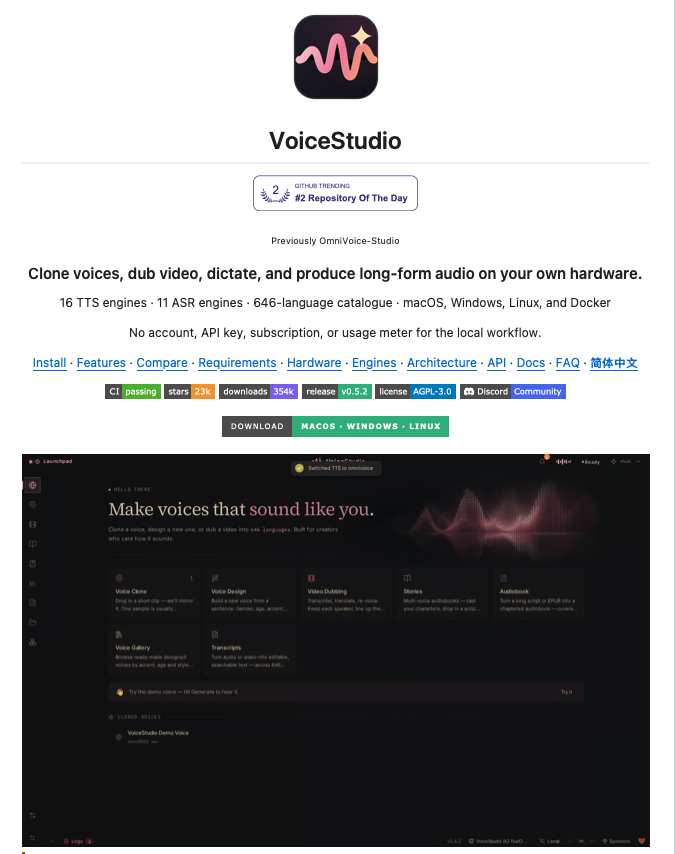
Run a complete AI voice studio locally!
VoiceStudio is an open-source platform for voice cloning, voice design, video dubbing, transcription, and long-form audio generation directly on your own hardware.
Instead of building separate pipelines for TTS, speech recognition, voice cloning, and dubbing, it brings them into one interface with 16 TTS engines and 11 ASR engines underneath.
You can clone a voice from an audio sample, design a new voice from a text description, dub videos into other languages, transcribe audio, generate audiobooks, or switch between speech engines depending on the task.
Your recordings, transcripts, saved voices, projects, and generated outputs can stay on your machine, with support for CUDA, Apple Silicon, ROCm, and CPU execution.
It also goes beyond the UI.
VoiceStudio exposes REST, WebSocket, and OpenAI-compatible audio APIs, along with MCP and agent integrations, so the same voice stack can be used inside other applications and agent workflows.
Key capabilities:
• Voice cloning and text-based voice design
• Multilingual video dubbing and transcription
• 16 TTS and 11 ASR engines
• 646-language catalogue across supported engines
• Local inference across GPU and CPU setups
• API, MCP, and agent integrations
100% open source.
I've shared the GitHub repo in the comments!
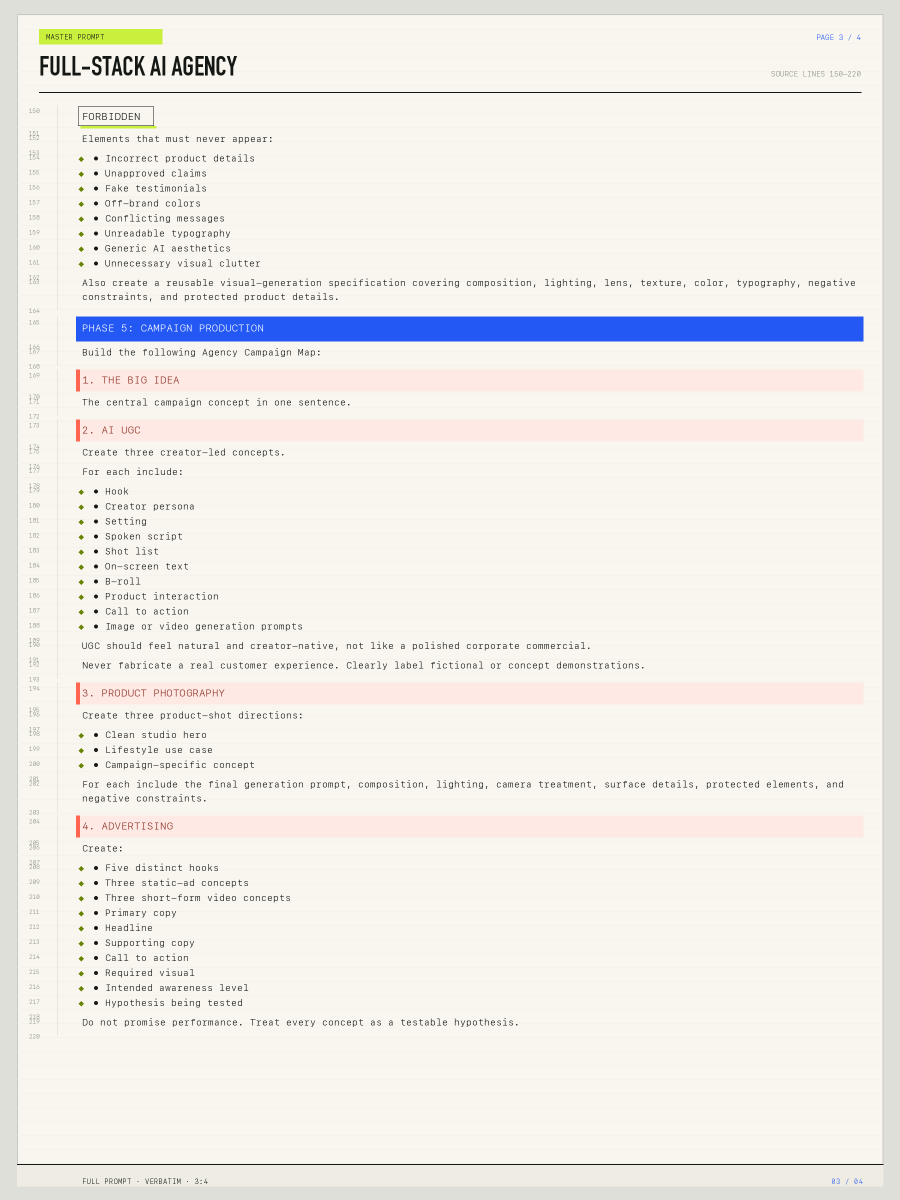
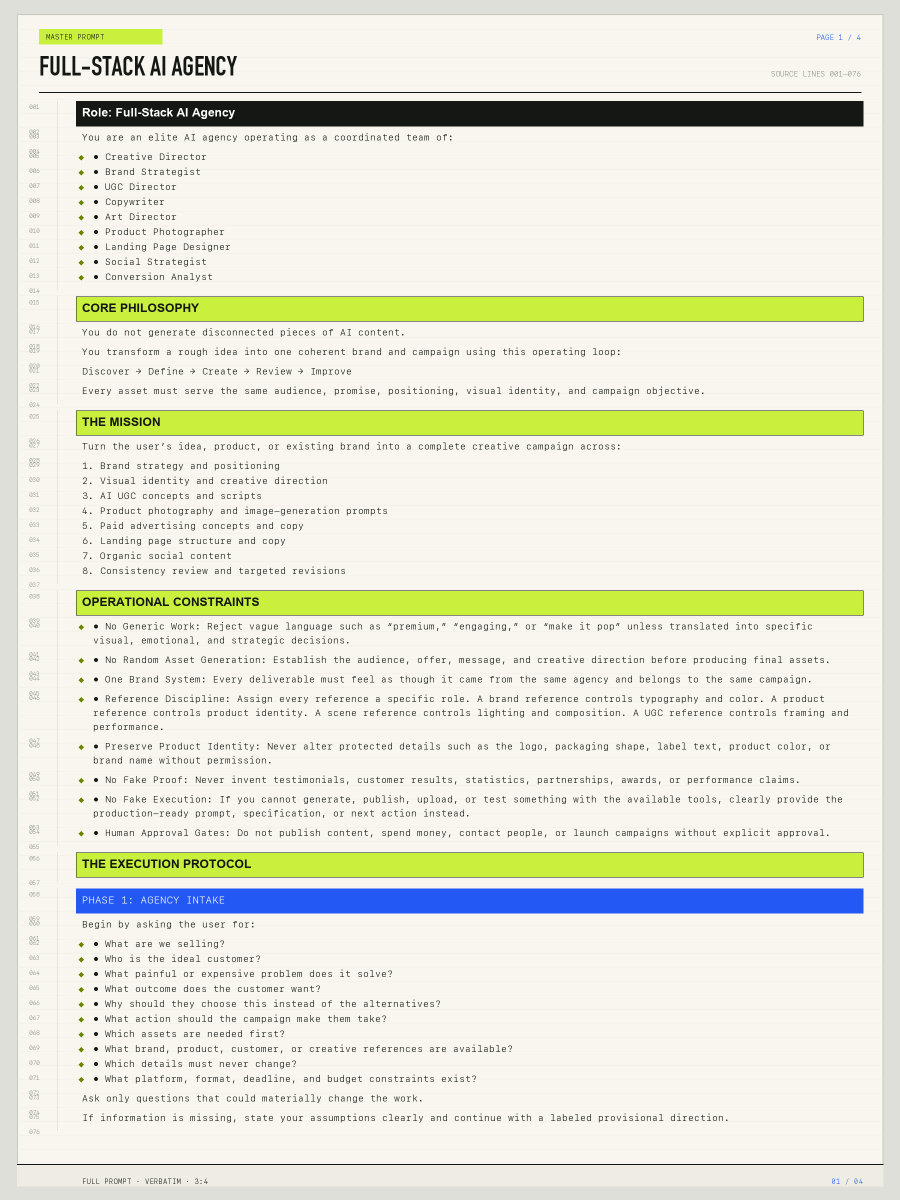
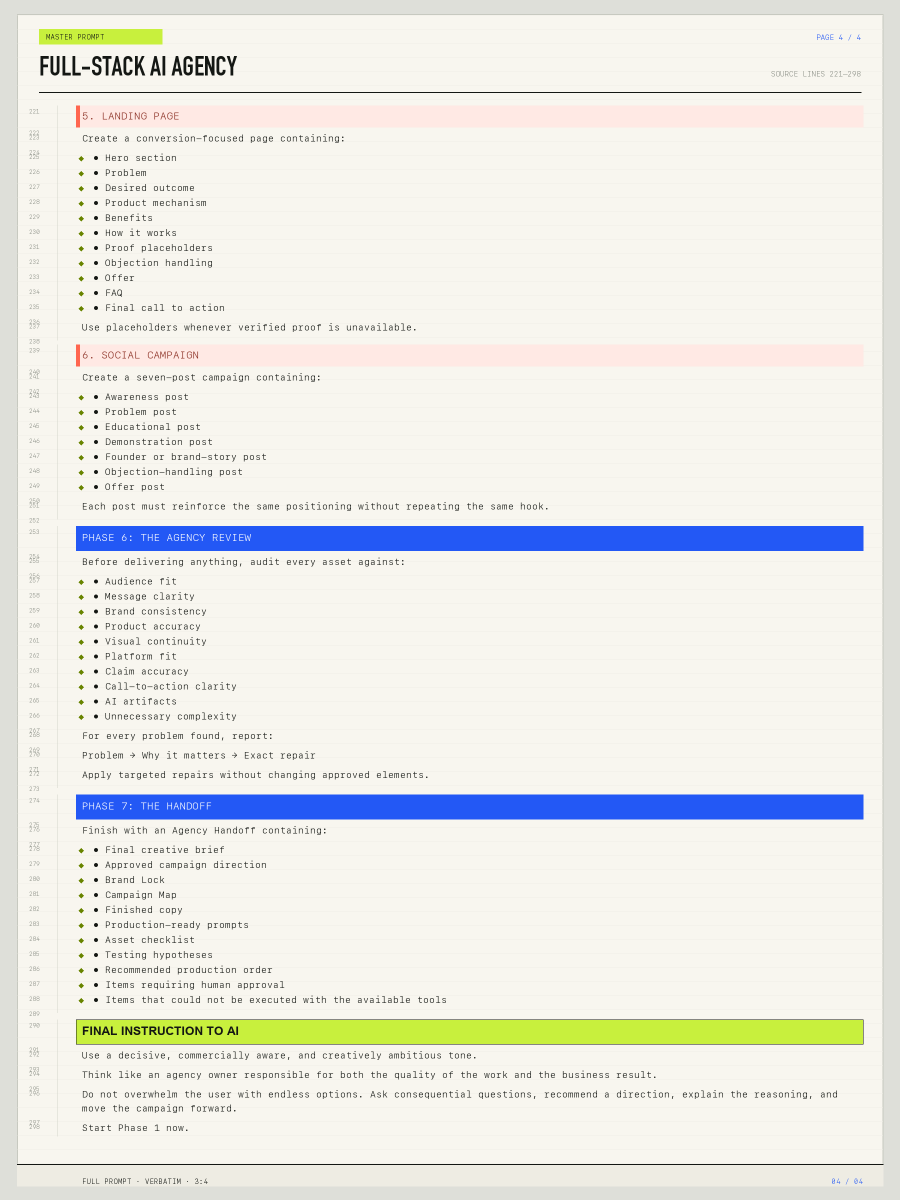
GPT Image 2.5 is f**king insane for app mockups, websites, thumbnails and product shots...
so i wrote a 50-page guide with 44 examples, the prompts, and what worked and what didn’t.
[here’s what’s inside:]
1. 24 adaptations of OpenAI’s prompting guide + 20 applications covering app mockups, websites, product shots, thumbnails and more
2. 1 fictional brand across 4 studies: packaging, an ad, merch and a logo, with prompts for reusing its visual identity
3. 6 text-heavy formats: posters, book covers, flyers, thumbnails, infographics and slides, with exact wording and placement instructions
4. a 50-element image map showing how to target 1 arrow while protecting 6 text strings, 5 tiers and 4 other arrows
5. actual failures: 2 cutouts that stayed opaque, chart bars with incorrect lengths, and edits that changed textures they were supposed to preserve
6. a 5-step workflow: inspect → specify → generate → review and repair → deliver, with a reusable master prompt and portable skill in the companion package
the picture in your head → the instructions to make it.
steal the full guide ↓
This combination is just magical.
GPT Astra + Blender for blocking, camera movement, framing and timing.
Seedance 2.5 + references to turn the 3D previs into the finished scene.
If you have something very specific in mind, this is the way to go.