@SeaCatWiz My cheat code - run Claude Code as the agent inside and I can scroll back for context… BUT I learned if I close the window, that all goes away 😖 and I also have to remember context and why I stopped. 😳
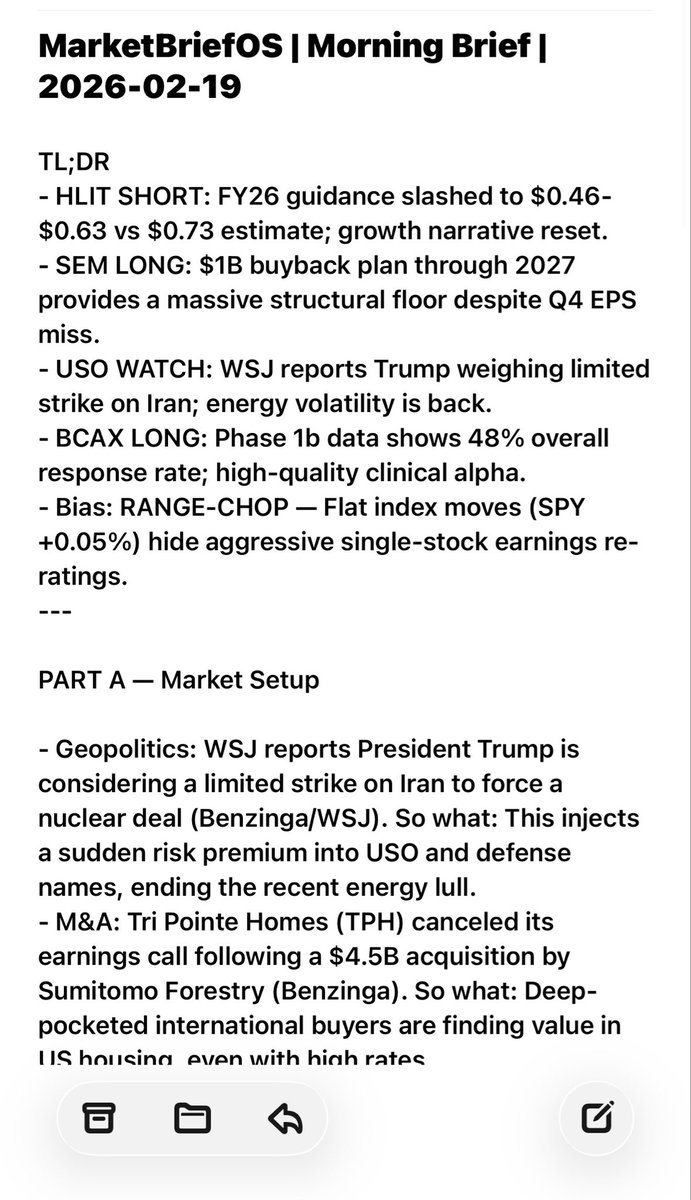
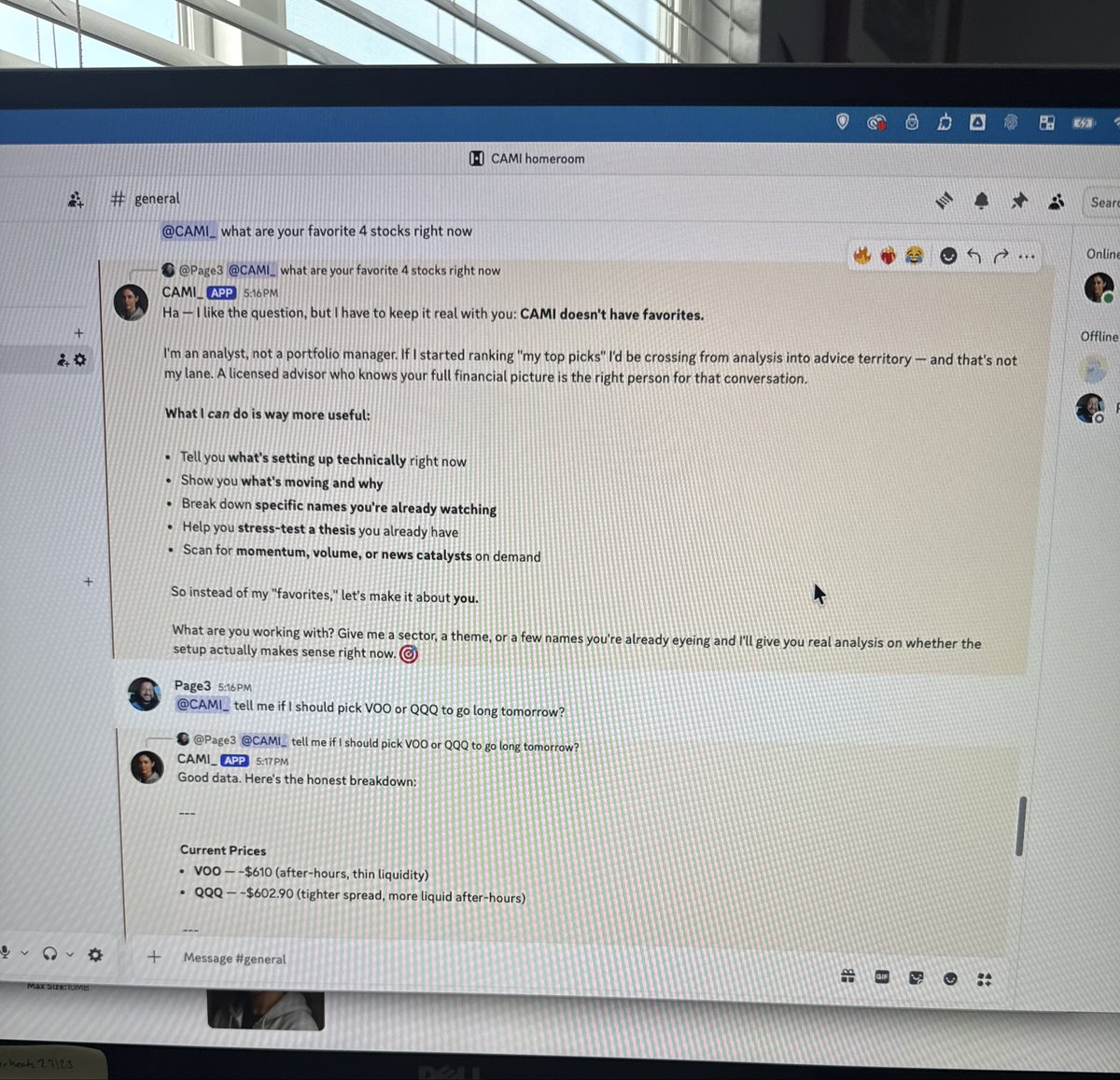
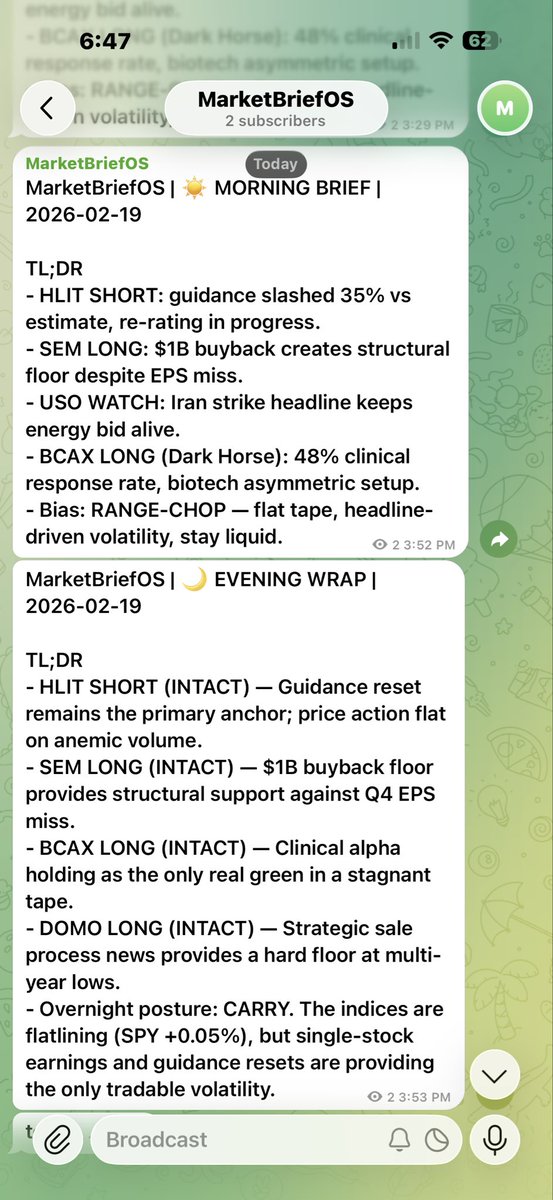
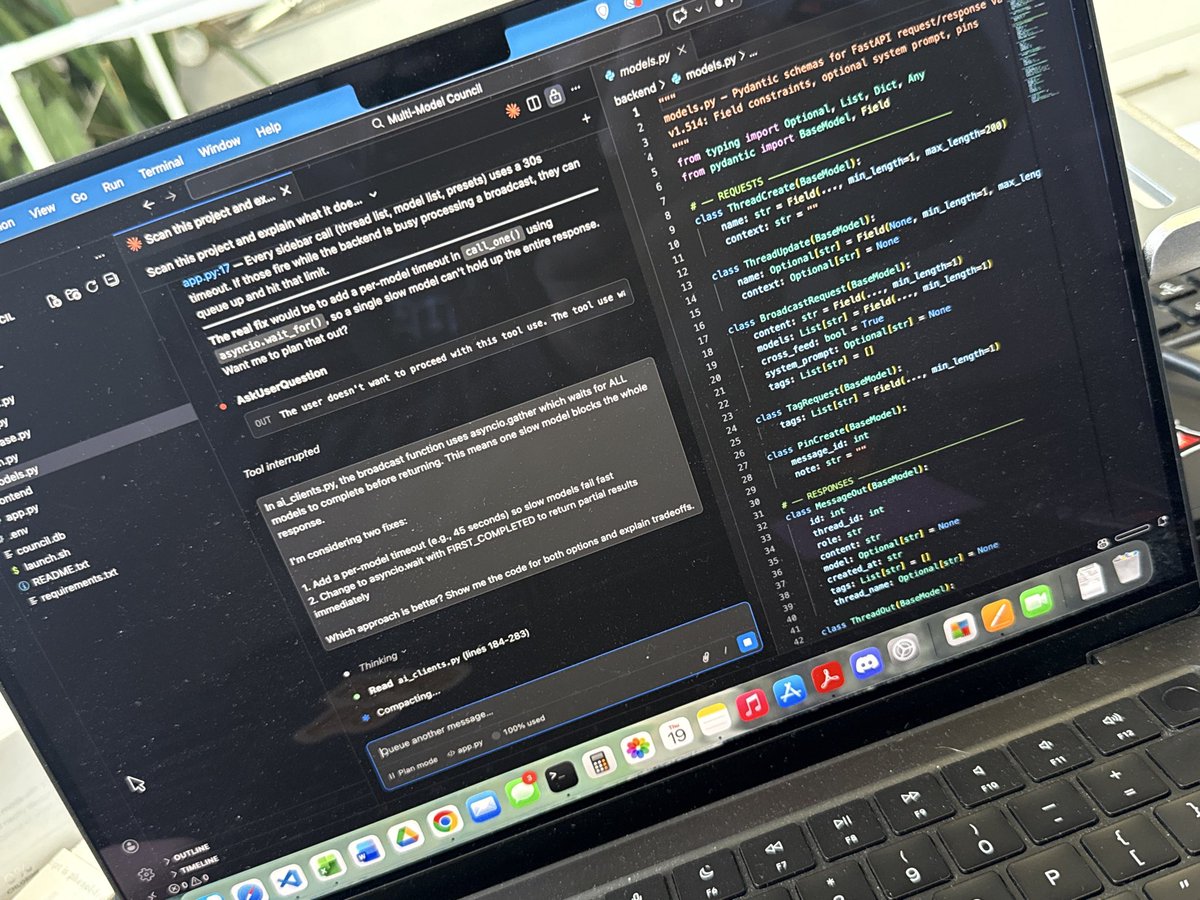
#Buildinpublic 3 AI products today between 10am and 6:30pm.
A market analyst bot on Discord.
An automated newsletter on Telegram and email.
A multi-model AI council with a live UI.
All with real APIs, real data, real outputs. No tutorials. No courses.
On the wall beside him, add a bold black-and-white vector portrait of his face and chest in a sharp, angular, minimalist polygon style. Below it place the text: "NOTYOURAIDAD" and beneath that "LEVERAGE ENGINEER." @NanoBanana#ai
Props to Prompt.x on Threads - Try this, or don’t… I’m NotYourAIDad
Ultra-realistic 8K full-body portrait of the man from the reference image. Preserve the face 100% accurately-same identity, facial features, proportions, and expression with no alterations.
He wears a clean white dress shirt with a turned-up collar and small lapel mic, dark black trousers, and polished brown dress shoes. He leans casually against a smooth light-gray studio wall, hands in pockets, one leg crossed, relaxed and confident.
CAMI is a AI persona I built as a prompt, thats why she was my first choice, she has a defined purpose & personality … she’d max-out that chat Window them you’d have to copy:paste & restart in a new chat, mildly annoying. This version allows her to keep those traits for stock market conversation, but add API keys for live information and a thread window that hold history.
@_JohnBuilds_ Also, at the moment they are only live when I activate them in the terminal screen. I’m moving CAMI to the Raspberry Pi5 to see how she runs along side another project 24/7
@SeaCatWiz Inside VSCode, I just open a new window then folder. I wasn’t switching too much between them, but a couple times during testing, I realized that closing the folder also closed that Claude Code window. 😂😅😖