On Day 40, I embarked on my #Androiddevelopment journey and explored basic UI elements, activities, fragments, intents, Retrofit implementation, and RecyclerView.
Transitioned to #JetpackCompose on Day 62, mastering states, lazy rows/columns/grids, Kotlin Flows, and Coroutines.
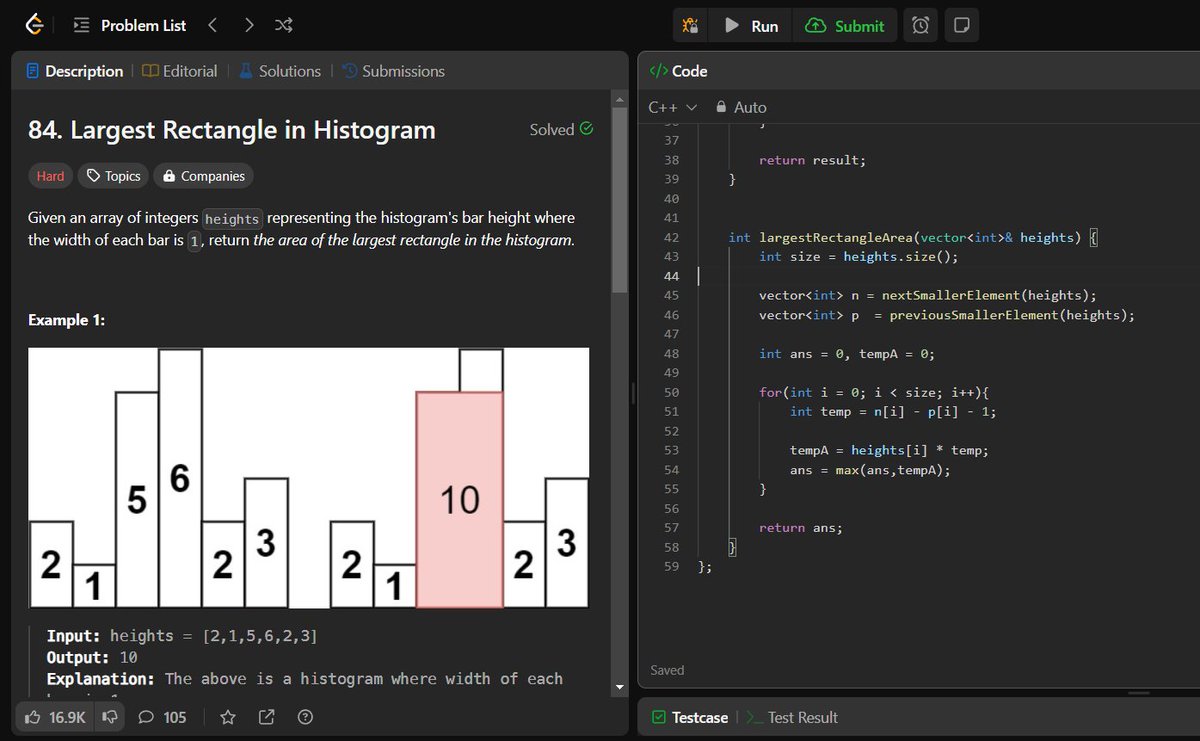
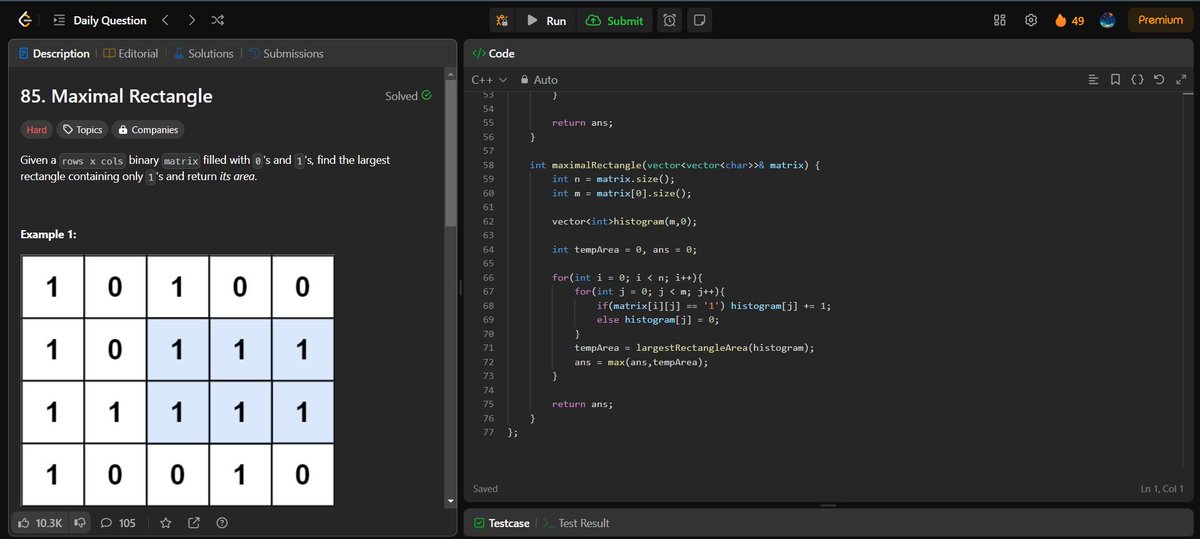
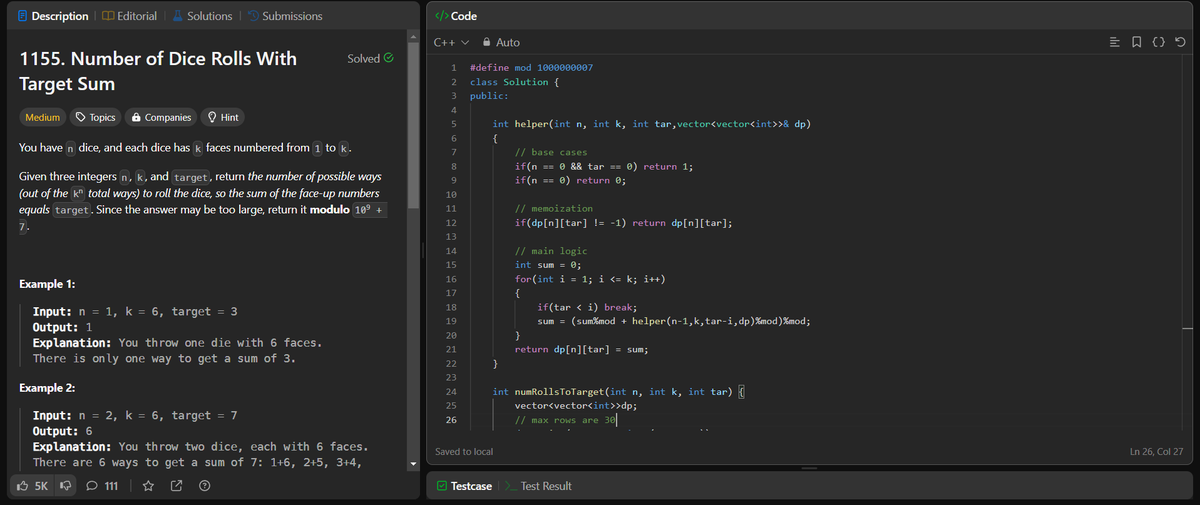
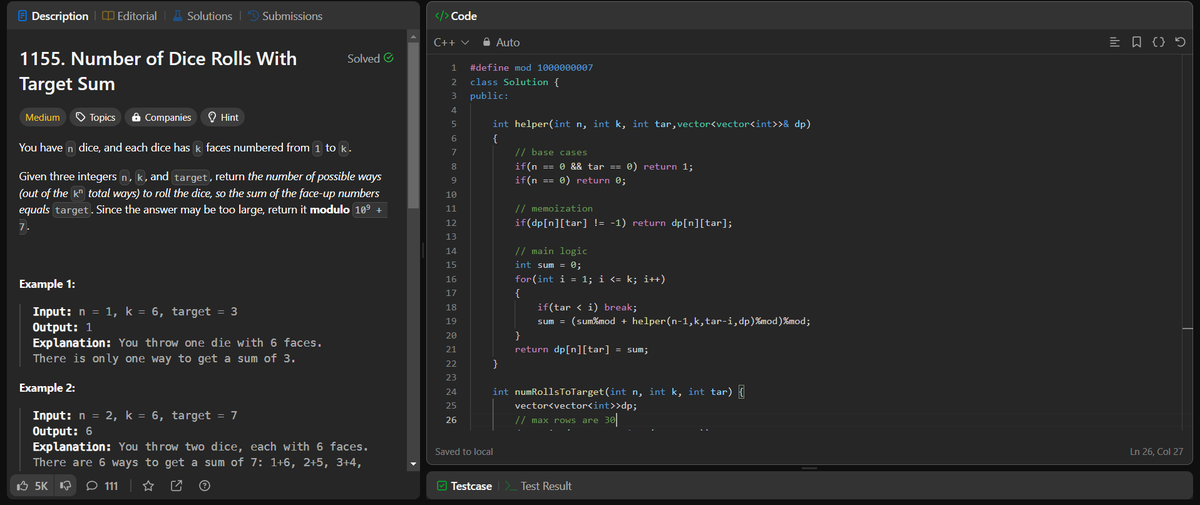
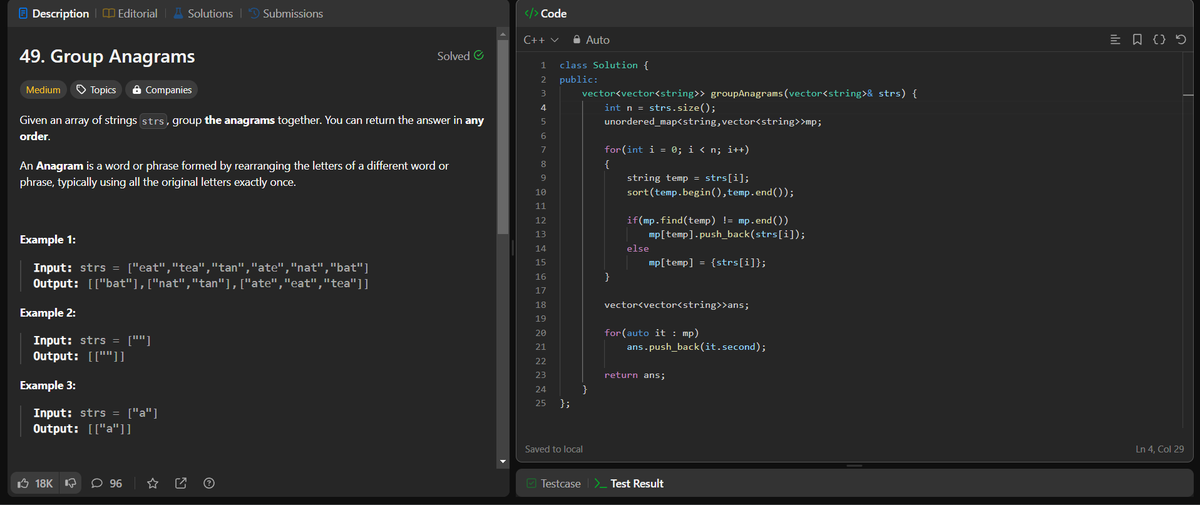
💻 Code Journey Summary: I started this challenge focusing on my DSA journey, mastering essential concepts like linked lists, stacks, queues, binary trees, binary search trees, and dynamic programming.
🚀 Days 84-95 of #100DaysOfCode: 🌟 Explored broadcasts, animation, and navigation in Jetpack Compose! 💻💫 Also kept up with DSA practice. Excited to level up my Android dev skills!
#AndroidDev#JetpackCompose#CodeNewbie 📱
🚀 GitHub: https://t.co/bSNTwaidHJ🎨
🚀 Days 74-83 of #100DaysOfCode:
🌟 Explored #JetpackComposese UI elements like animateContentSize, and dynamic colours, enhancing #AndroidDev aesthetics and functionality!
💡 Have you explored Jetpack Compose? Share your insights! 💬
🚀 https://t.co/bSNTwaidHJ
#CodeNewbie
🚀 Days 62-73 of #100DaysOfCode:
✨ Mastered #JetpackCompose basics in #Android.
✨ Implemented lazy rows, lazy columns and lazy grids.
✨ Created two chatbots with #GeminiAPI using XML layout & Compose.
✨ Squeezed in some time for DSA practice!
🚀 https://t.co/bSNTwaiLxh
🚀 Days 59-61 of #100DaysOfCode: Dynamic Programming and Android Dev !
🌟 Focused on Dynamic Programming problem-solving and Android dev tutorials.
🌟 Exploring new features and refining existing skills.
#CodeNewbie#CodingJourney
🚀 GitHub: https://t.co/bSNTwaiLxh
Days 57-58 of #100DaysOfCode: I focused on solving problems of Dynamic Programming to refine my coding skills. I look forward to continuing this journey and achieving even greater triumphs. 💻🚀
#CodeNewbie#CodingJourney
🚀 GitHub: https://t.co/bSNTwaiLxh
🚀 Just wrapped up Day 56 of #100DaysOfCode! 📱 Today's adventure: built an Android Calculator App in Kotlin. 🧮✨
💡 Key Features:
Basic arithmetic ops
Decimal support
UI with 'AC' & 'C' buttons
#AndroidDev#Kotlin#AppDevelopment 🚀
🚀 GitHub: https://t.co/bSNTwaiLxh
🚀 Days 53-55 of #100DaysOfCode: Built a Basic Music App! 🛠 Explored the Deezer API for music data, used Retrofit for API calls, implemented Glide for image loading, and RecyclerView for UI. 💻🌟 #AndroidDev#AppDevelopment#CodeNewbie
🚀 GitHub: https://t.co/bSNTwaiLxh
🚀 Day 52 of #100DaysOfCode: 💡 Engaged in some dynamic programming question practice today! 📚 Onward to Day 53, where more challenges and discoveries await! 💻🌟
🚀 GitHub: https://t.co/bSNTwaiLxh
💡#CodeNewbie#DynamicProgramming#CodePractice
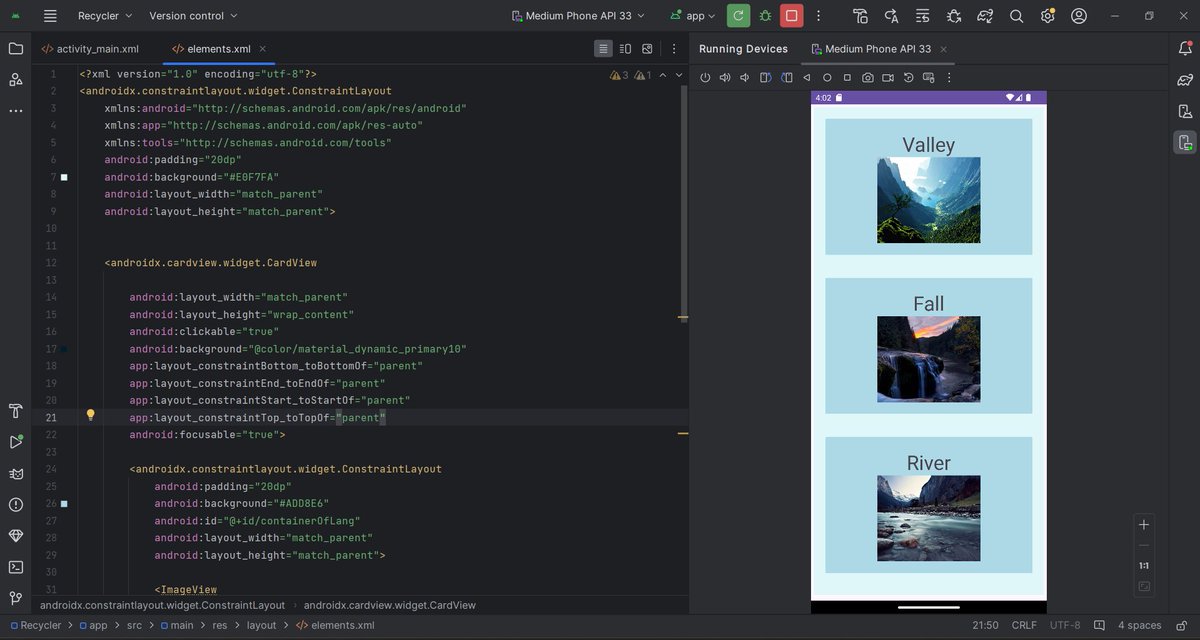
🚀 Day 51 of #100DaysOfCode: 🌟 Embarked on a project to implement RecyclerView in Android development. 💻 Ready for the challenges and excited to turn knowledge into action!
🚀 GitHub: https://t.co/bSNTwaiLxh💡 #CodeNewbie#AndroidDev
🎉 Day 50 of #100DaysOfCode:🚀 Mastered RecyclerView in Android dev, built a basic app, and embraced the debugging challenge. 💡 Here's to the next 50 days of coding adventures! 🌟💻 #CodeNewbie#AndroidDev#CodeJourney#MilestoneReached
🚀 GitHub: https://t.co/bSNTwaiLxh
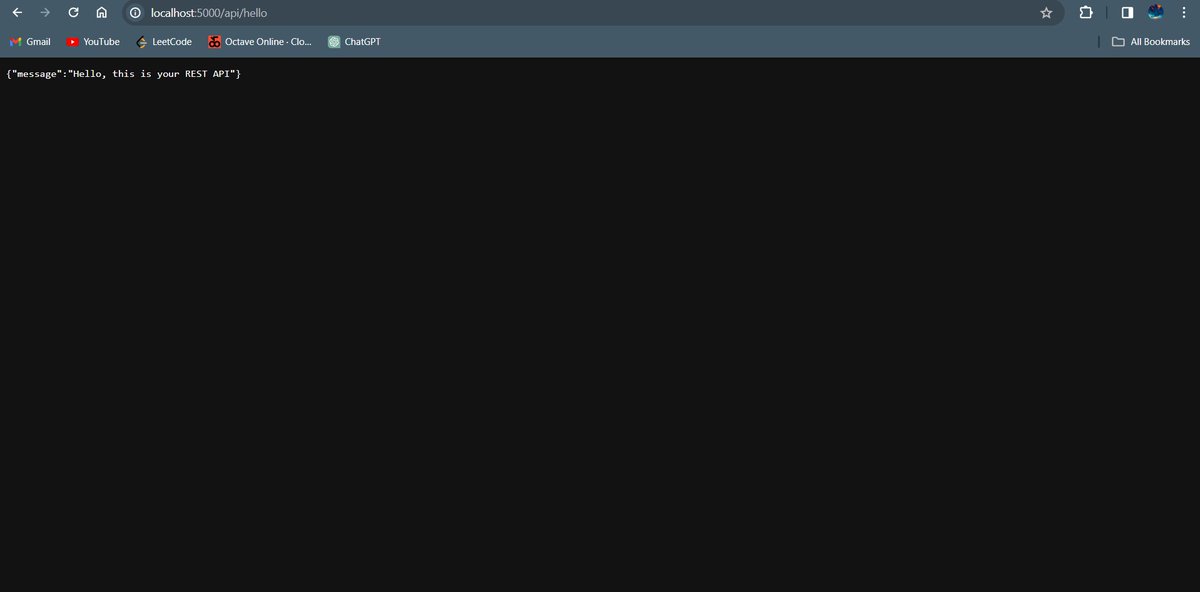
🚀 Days 48-49 of #100DaysOfCode: 🧠 Dived into the Dynamic Programming, mastering optimized solutions. 🌐 Also, called my first REST API using Flask🚀 Onward to more coding triumphs! 💡 #CodeNewbie
🚀 GitHub: https://t.co/bSNTwaiLxh
🚀 Day 46 and 47 of #100DaysOfCode: Hey everyone👋 I worked on a beginner-level project that incorporates some key concepts. This project was a fantastic learning experience! #AndroidDevelopment
🚀 GitHub: https://t.co/bSNTwaiLxh
🚀 Day 45 of #100DaysOfCode: 📱 Started my second Android app to explore Fragments and data passing. Simultaneously, tackled some coding questions in DSA. The journey continues with practical learning and growth! 💻✨ #AndroidDev#CodeNewbie
🚀 GitHub: https://t.co/bSNTwaiLxh
🚀 Day 44 of #100DaysOfCode: 📱 Leveled up my Android app—added sleek transitions, interactive features, and enhanced accessibility. 🌟 Onward to Day 43, where more coding adventures and learning await! 💻🚀 #AndroidDev#buildinpublic
🚀 GitHub: https://t.co/bSNTwaiLxh
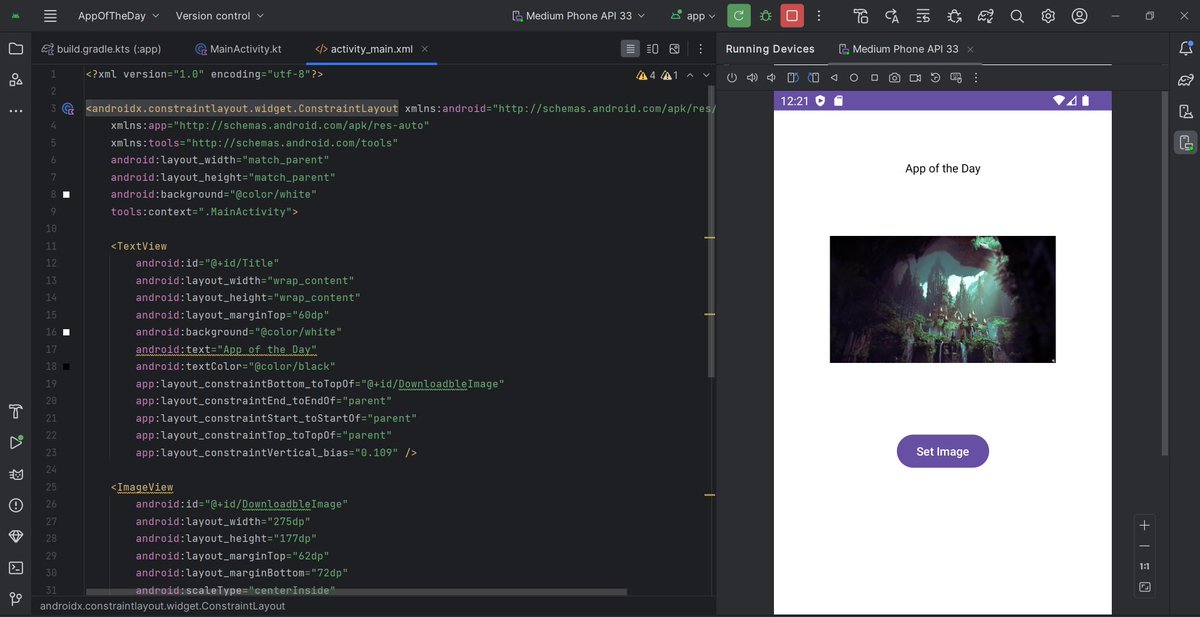
Day 43 of #100DaysOfCode: 📱 Initiation of an exciting Android project—a beginner app designed to set ImageView using a button click. Explored the nuances of declarative vs. imperative programming and dipped into View Binding. #CodeNewbie
🚀 GitHub: https://t.co/bSNTwaiLxh