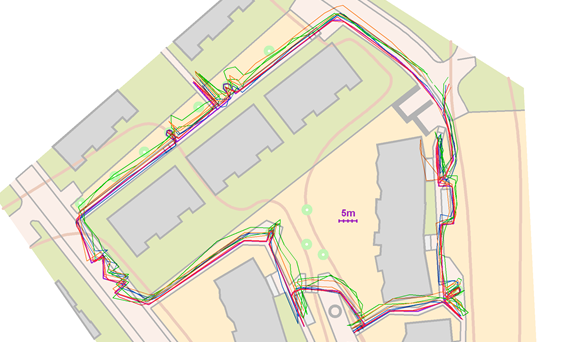
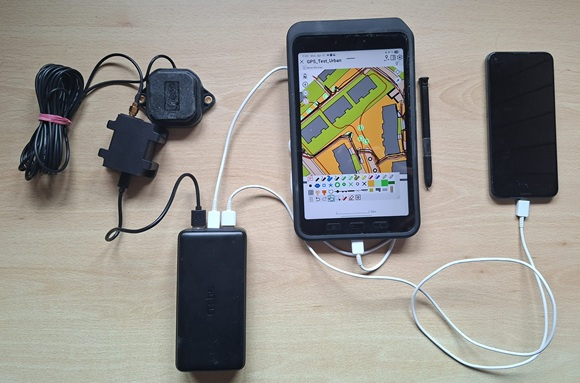
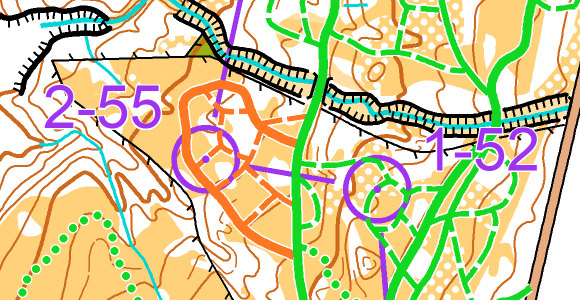
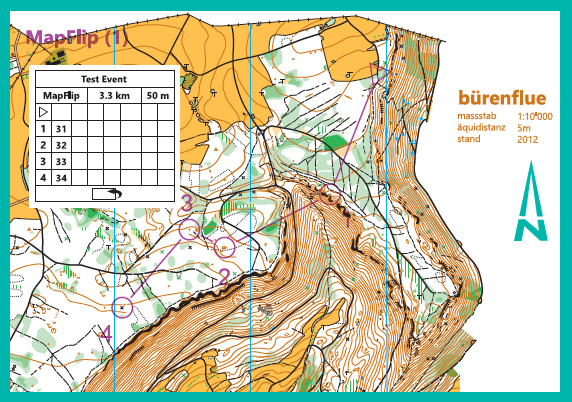
In our latest blog post, we’ll show you the tools OCAD offers that help you determine your location in the field and allow you to identify and map terrain features, vegetation, and man-made objects.
https://t.co/U5Kz3JoTtg
On the website 'GPS in Orienteering Map Map Making', you’ll find a summary of useful information about GPS and instructions on how to use GPS with OCAD.
https://t.co/AD1zg5rRXA
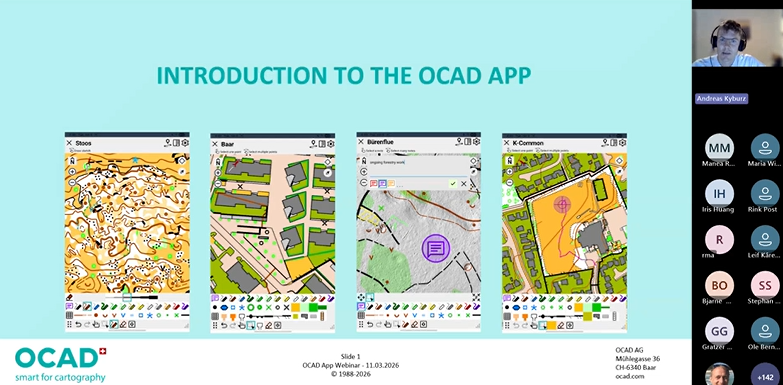
The recording of yesterday's webinar about the OCAD App is now available on our YouTube channel.
It was fun introducing you to the new app, and we hope we have convinced you to give it a try.
https://t.co/KEJKTltiL8
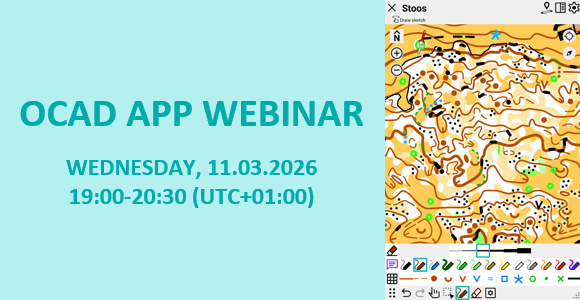
We are hosting a webinar to introduce you to our new OCAD App and explain step by step how you can use it.
Date: Wednesday, 11.03.2026
Time: 19.00-20:30 (UTC+01:00) Amsterdam, Berlin, Bern, Rom, Stockholm, Wien
Registration here:
https://t.co/7tSYNeoIzs
We have officially released the OCAD App!🥳🥳🥳
We are pleased to introduce the new app to you in this short video.
https://t.co/nZRoJujvcv
Have fun exploring the OCAD App and its new features!
Last Saturday, we put our new OCAD App through another practical test and presented it to around 50 mapmakers in a workshop.
The feedback on the new app was overwhelmingly positive! 👍 🎉
We will be officially releasing the app soon. Stay tuned!
https://t.co/wixDU0bcoM
OCAD App - Beta Release🎉
We have released our new OCAD App as a beta version.
As a further development of the OCAD Sketch App, the OCAD App allows not only sketching but also direct editing of the map.
Have fun exploring the new app at
https://t.co/dfuuTaY3Wn
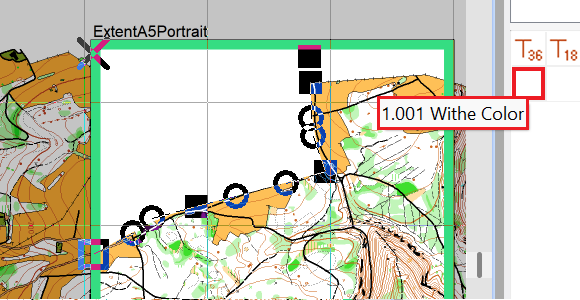
With the latest OCAD Update, an option has been added to define Base Colors from which the values of the other colors are derived. This makes color management easier for people who print maps.
https://t.co/qXnioXXozJ
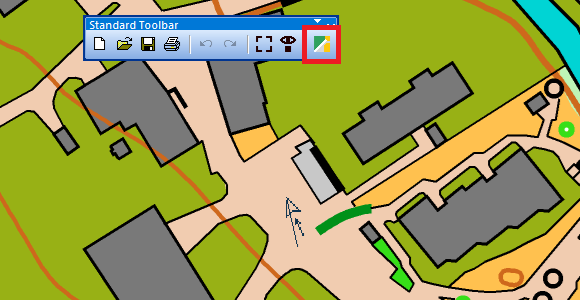
Have you ever had to cover parts of the map to make room for logos, control descriptions, or layout elements?
Read our blog to find out what possibilities OCAD offers.
https://t.co/vacGaroDCP
A month ago, the World Orienteering Championships took place in Kuopio, Finland.
We interviewed Janne Weckman, one of the mapper and long-time OCAD partner, to gain insights into his working methods.
https://t.co/7FTHon0S7Z
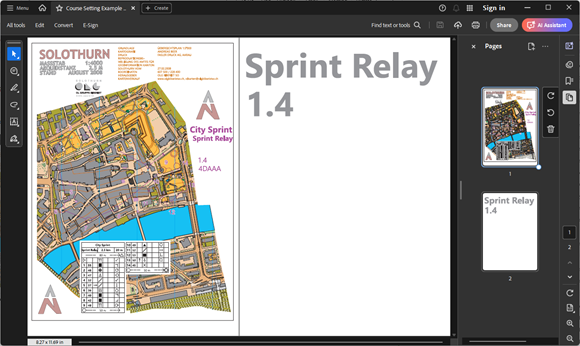
With the latest OCAD Update the option 'Use backside for PDF export' has been added.
This option allows you to export a PDF with two pages for double-sided printing.
https://t.co/ohfKb3OWnn
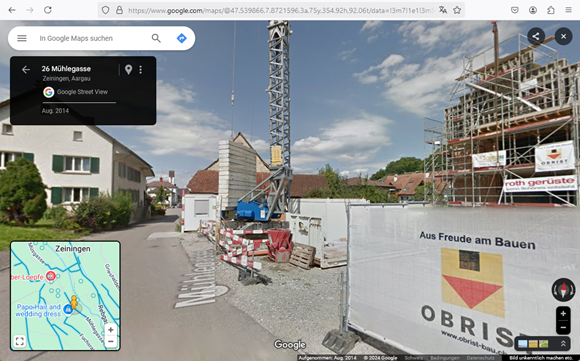
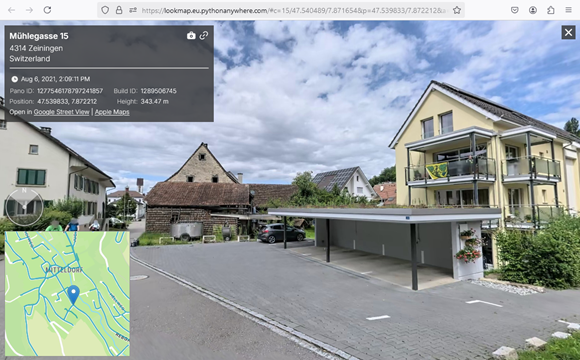
We have added the ‘Apple Look Around Viewer’ to the list of geoviewers in OCAD, which can be a real alternative to Google Street View.
You can find more information in our blog.
https://t.co/jbS0oMeCVf
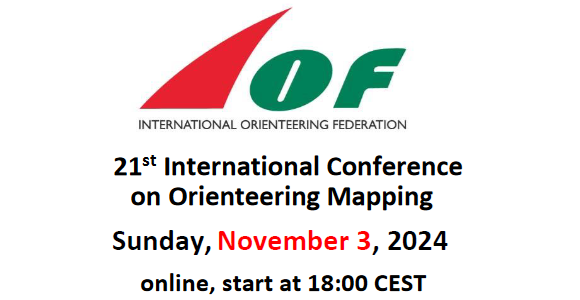
The video recording of the OCAD presentation at ICOM 2024 is available on our YouTube channel:
https://t.co/ZZBbZrsuwk
The following topics are presented:
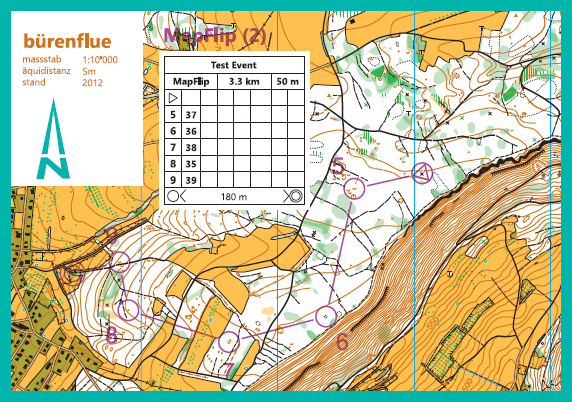
- Function 'Define Paper Size'
- Function 'Feature Maps'
- Prototype of the OCAD Sketch App further development
We will present the latest functions in OCAD at ICOM on 3rd November 2024 and give an insight into where our development focus currently lies.
A link to the online meeting and a detailed timetable is published here:
https://t.co/YwbbRvBG5U
Get more out of your LiDAR Data
In the latest OCAD Update, the option Create Feature Map was added to the DEM Wizard to recognize objects close to the ground such as stones, walls, tree trunks, fences, or cars.
https://t.co/ijeTfw4br0