This account is not actively monitored. If you need help, please reach out to our Support team via email ([email protected]) or visit https://t.co/dbTbmg8MhM. Thanks!
Announcing OmniPlan for Apple Vision Pro! With OmniPlan for Apple Vision Pro, your Gantt charts are no longer limited by the size of a physical display screen. How cool is that?
https://t.co/HTE5v59wr5
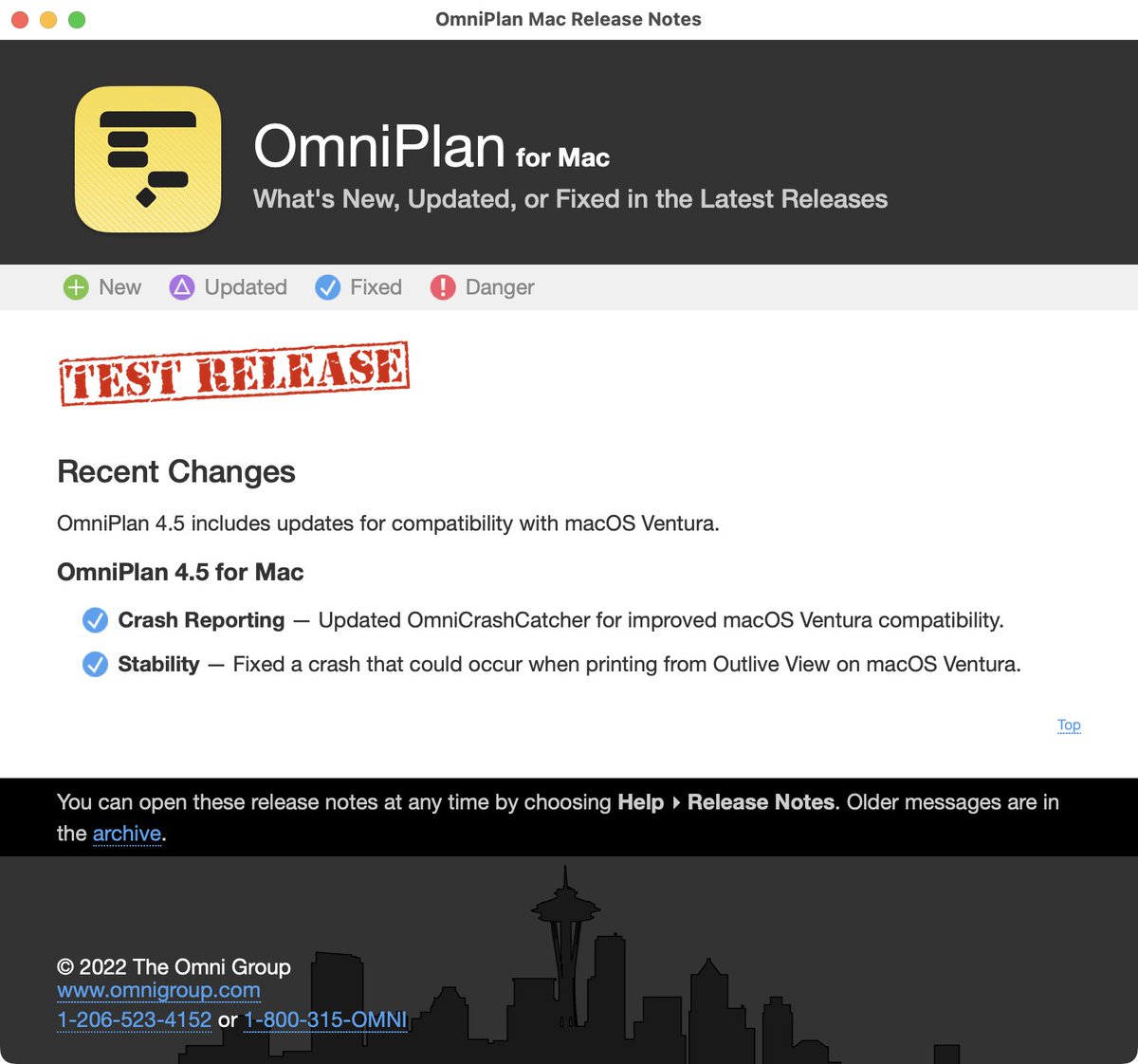
OmniPlan 4.5 is now available on all platforms! OmniPlan 4.5 is fully compatible with macOS 13 Ventura, and introduces new document toolbar functionality on iPadOS 16.
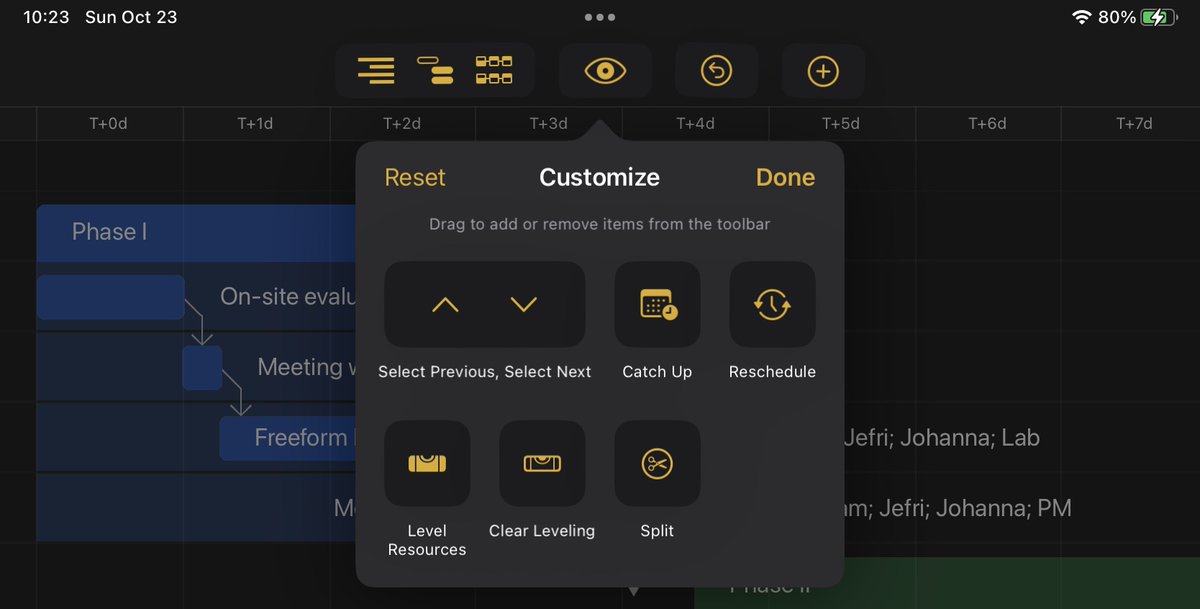
With today's updates, all of our apps are ready for both macOS Ventura and iPadOS 16. Along with updating our apps for compatibility, we've brought iPadOS 16's customizable toolbars to all our document-based apps (OmniGraffle, OmniOutliner, and OmniPlan).
https://t.co/jBEtSDHttN
@JJColosi It’s hard to say from the description what might be going on. There are several ways to change Milestone styling. Best suggestion would be email a screenshot and/or a copy of the .oplx file to [email protected].
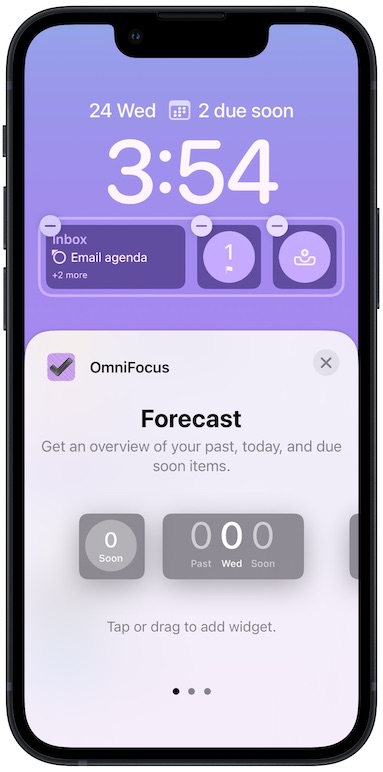
If you're using the betas of iPadOS 16 and iOS 16, we have some TestFlight builds you might be interested in! Customizable toolbars in @OmniGraffle, @OmniPlan, and @OmniOutliner on iPadOS 16, and Lock Screen widgets in @OmniFocus on iOS 16:
https://t.co/xIQ89SQJap
OmniGraffle 3.19, OmniOutliner 3.10, and OmniPlan 4.5, with support for new toolbar functionality on iPads running iPadOS 16, are now available in TestFlight!
https://t.co/g844m7FD1a
@asibahi Ah! A little more complex, then. Please reach out to our Support Humans at [email protected], so that they can help trouble-shoot a solution for you!
@mattboettger Unfortunately no. We'd recommend creating a new instance of the resource for this purpose. Feel free to reach out to [email protected] for additional help!
Curious about @OmniGroup's product roadmap? Wondering how the firehose of information from Apple's #WWDC2022 might have affected our plans for @OmniFocus, @OmniGraffle, @OmniOutliner, and @OmniPlan?
Omni Roadmap 2022 — Post-WWDC Update
https://t.co/ZMAaVKS4fw
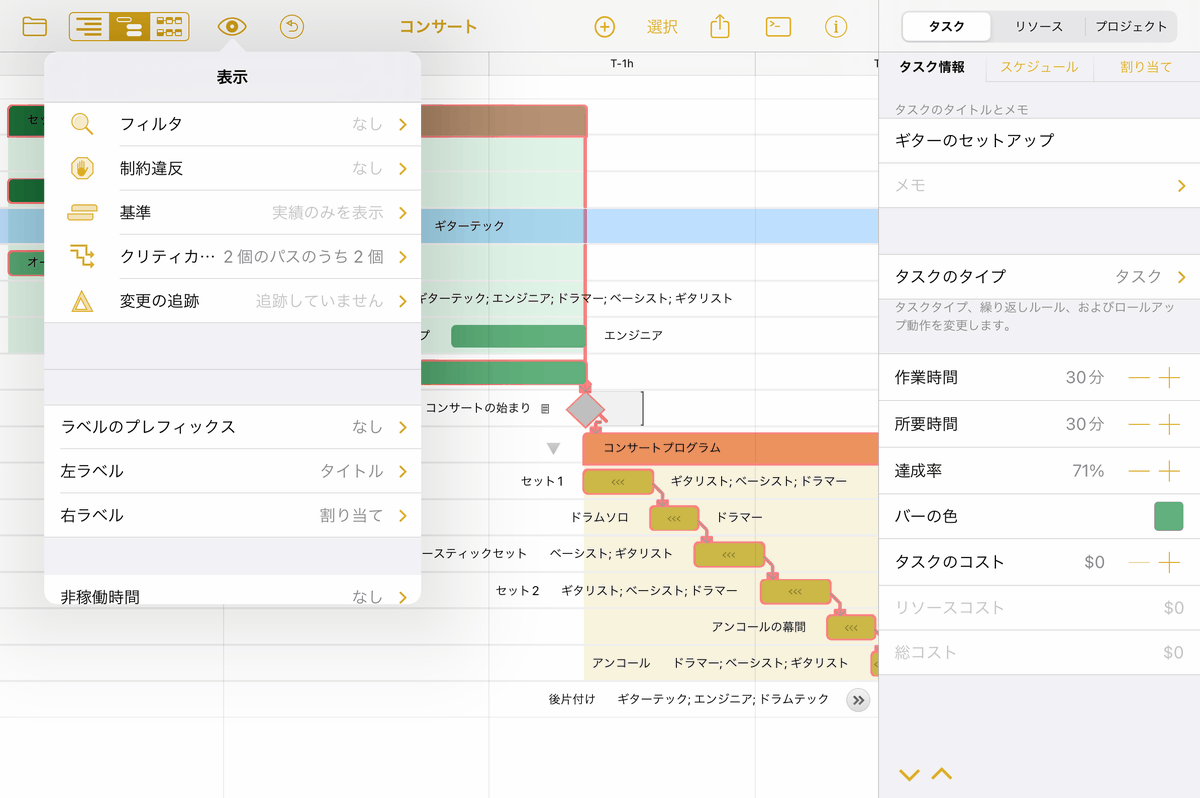
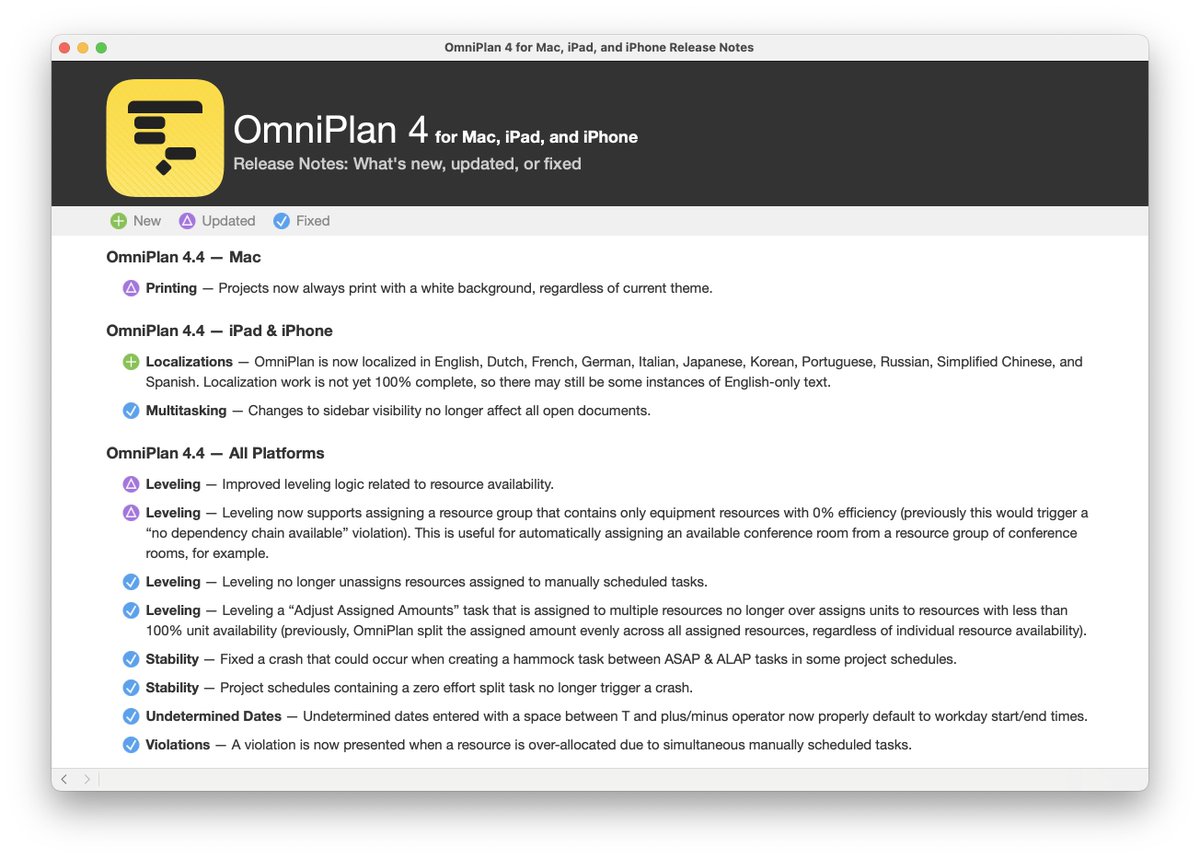
OmniPlan 4.4 for Mac, iPad, and iPhone is now available! OmniPlan 4 is now fully localized in English, Dutch, French, German, Italian, Japanese, Korean, Portuguese, Russian, Simplified Chinese, and Spanish on all platforms.
https://t.co/l0MNR9Z335
Test builds of OmniPlan 4.4, for Mac, iPad and iPhone are now available! This update includes a range of bug fixes, including improvements to OmniPlan’s leveling and scheduling logic.
https://t.co/EYoRJTrhK4
OmniPlan 4.3 for iPhone and iPad, with new support for triggering Omni Automation scripts and plug-ins via Shortcuts, is now available!
https://t.co/ygW5Pn0rYJ
@CharlesChia_JY
Sorry to hear about this! This was a bug in Apple's code that shipped with Monterey. We modified OmniPlan 4 to get around the bug in the OS. You may want to contact Apple for a timeline to fix. Please contact us at [email protected] for other work arounds!
Test builds of OmniPlan 4.3.2 are now available, fixing an incompatibility with printing and exporting outlines and network diagrams on macOS 12 Monterey.
https://t.co/tJO64q5lMg
@texasthb
Hi Timothy! Our Support website has quite a few OmniPlan videos. I recommend our OmniPlan for Mac-Basics videos for “how to use” information. Find those here: https://t.co/KGb1cTtx2S.
Cheers!