Introducing OmniOutliner 6! Modernized, beautiful outlining with new Dynamic Themes, shareable Omni Links, Apple Intelligence automation, and more. Available for Mac, iPad, iPhone, and Apple Vision Pro. Your thoughts, in order.
https://t.co/LFJ9TlTJUH
One of our traditions each year is to reflect on the past and to share plans for the future: our roadmap. Learn about our plans for OmniGraffle 8, document links that can be synced and shared, new features coming to OmniFocus, and Apple Intelligence.
https://t.co/Oo8xcYIeNj
We’re delighted to announce OmniFocus 4.5, a powerful update tuned to make you more productive through automation, integration, and customization. With improved Shortcuts actions, Spotlight results, in-app tips, Genmoji, and more!
https://t.co/XXnGBOjFfo
What a wonderful bit of news to wake up to! This morning @AppStore announced the finalists for the Apple #AppStoreAwards for the best apps and games. For Mac App of the Year, they wrote: "OmniFocus 4, for fostering focus with simplified task management."
https://t.co/NtGGJKyRrO
🏆 The #AppStoreAwards finalists are here. 🏆
Let's celebrate the apps and games from around the world that wowed us with their innovation and creativity.
📲: https://t.co/5GWiERGQG0
@Murawski_K@OmniFocus Hopefully you already reached out to our sales team (they typically respond within one business day), but the answer is yes: it's OK to just buy the Pro edition.
(The standard edition is listed there for people who would rather not buy Pro.)
@MichaelJohnston OmniFocus lets you choose your own sync server (any Apache WebDAV server will do), so if you wish none your data will ever touch our servers. (It also end-to-end encrypts data on your local devices, so the sync server operator doesn't have access to any unencrypted data anyway.)
“Look, Tap, and Approve!” Install Links for Omni Automation plug-ins were originally developed in response to early experiences with the Apple Vision Pro, but are now implemented across all platforms in OmniFocus, OmniGraffle, OmniOutliner, and OmniPlan!
https://t.co/ErgFviyZ6c
@macmurray Was there anything in particular you were hoping to see? We made quite a few iPad keyboard navigation improvements for v4.0, such as one-key shortcuts to open each field ("d" for Due, etc.), Tab navigation between panes, etc.
Today we've shipped some great new OmniFocus features for macOS, iOS, iPadOS, watchOS, visionOS, and web:
https://t.co/PuzDOe7liI
We've improved performance across the board, and introduced new custom perspective rules that support filtering based on dates, repeats, and more!
@liffer Sorry, unlike our native apps it costs money every month for us to operate the hardware which provides the web service, so that service requires a subscription. But we've split out a discounted $5/month web-only subscription that you can use in months where you need web access.
Don’t want to see all of your projects at once? @OmniFocus has a delightful feature where you can multi-select a few (or a ton) of projects to work on together. Surprises like this make OF4 stand out. @kcase@timstringer On iPad, two finger selection is stellar inside OF4.
Today, "Omni Mission Control" launched OmniFocus 4.1, now native on visionOS for Apple Vision Pro with a beautiful design for spatial computing, and placed OmniFocus 4.2 into TestFlight—all while testing the new design for OmniFocus for the Web.
https://t.co/hDier48rTT
@kcase@OmniGroup OmniFocus on the Vision Pro, despite being in early beta, is the best third party app I’ve used on the device. It feels as good or better than Apple’s own apps. The difference between this and using the iPad version is impossible to exaggerate.
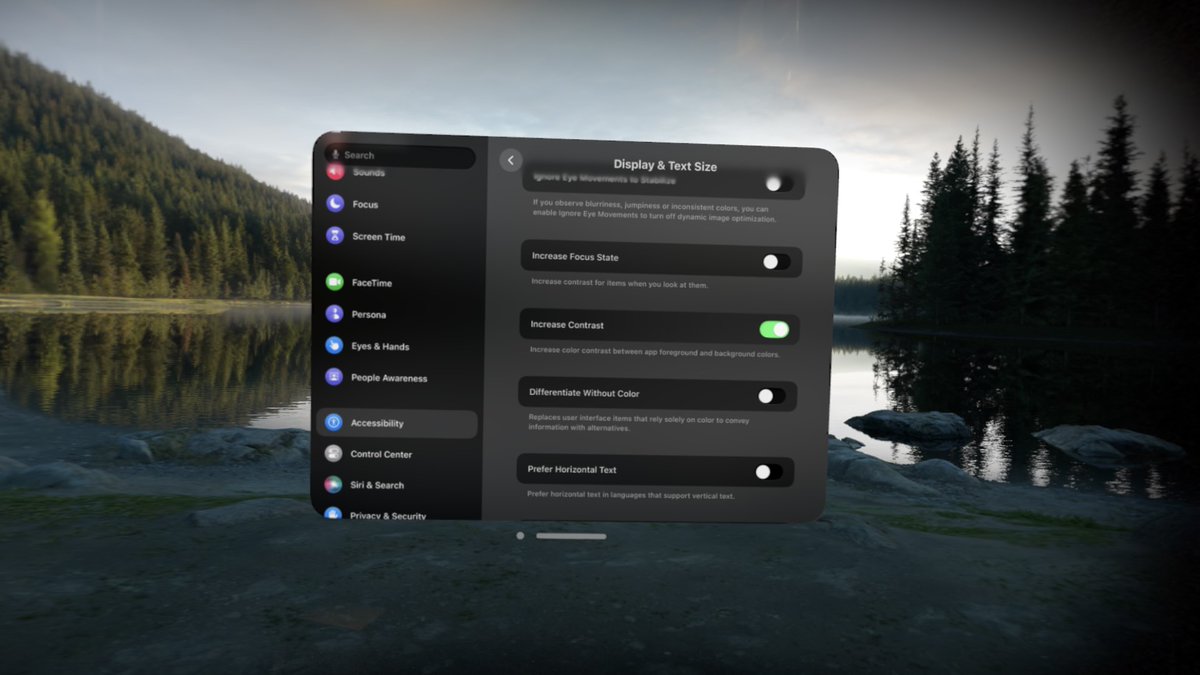
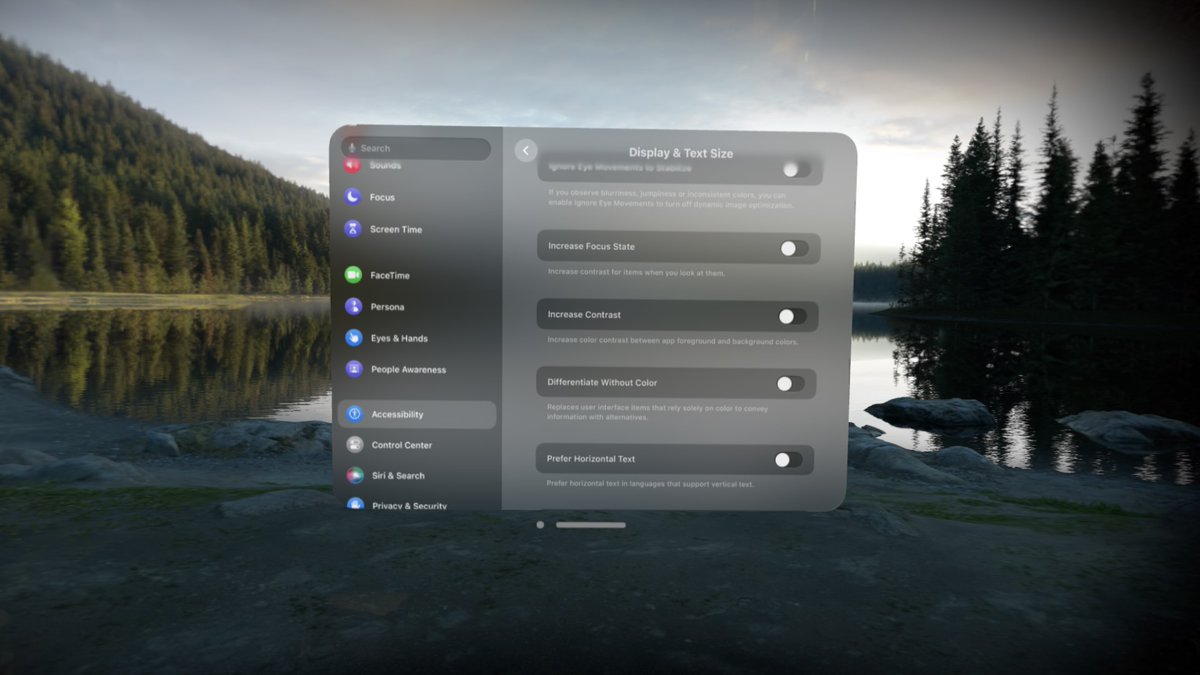
@Yaroslav_Ya@OmniFocus@OmniGroup It's more readable in 3D on an actual device than in any (blurry jpeg) 2D screenshot, because the glassy background looks different from the perspective of each eye (making sharp, solid foreground content easier to see).
But there's also an Increase Contrast setting.
This year's @OmniGroup roadmap is a little different, because we're starting to work with a whole new spatial computing platform! We love pushing technology forward, with apps ready day one. We've shipped OmniPlan, and now OmniFocus 4.1 enters TestFlight!
https://t.co/ex7p208qO0
@xiaoxiao You can create an "Out the door" perspective, open a separate window which just shows that perspective, and place that window by the door. (And place a grocery list perspective by the refrigerator.)
(But that's temporary, given the way visionOS 1 handles window resets.)