@yayowam@MartinNebelong You specifically need a PS4 camera (+ Move controllers), and for that to work you need a PSVR1 adaptor for PS5. Sony only ever supplied the adaptors to PSVR1 owners who bought a PS5, so you'll need to look for one second hand.
@cutaia_net It was nice of Sony to release a controller that costs 4x as much as a normal controller, which includes software adjustable deadzones.
Just don't ask about making deadzone adjustment an OS level feature that works with all controllers.
@cutaia_net I was under the impression that flat earth theory was based around an accelerating disc with infinite space above. The firmament is new to me.
@SebastianTeamPD I still use a PS4 Slim, so I'd be happy to test 1 or 2 Scenes that you might be having issues with, if you're interested. There might be some simple changes that can improve performance and be applied to all Scenes.
@SebastianTeamPD You can also get modest gameplay performance gains by turning off collisions for background sculpts. Although, you shouldn't bother doing it for every Scene if it's not going over 100% performance.
Ideally, you should be using Test Mode on a base PS4 to find the culprits.
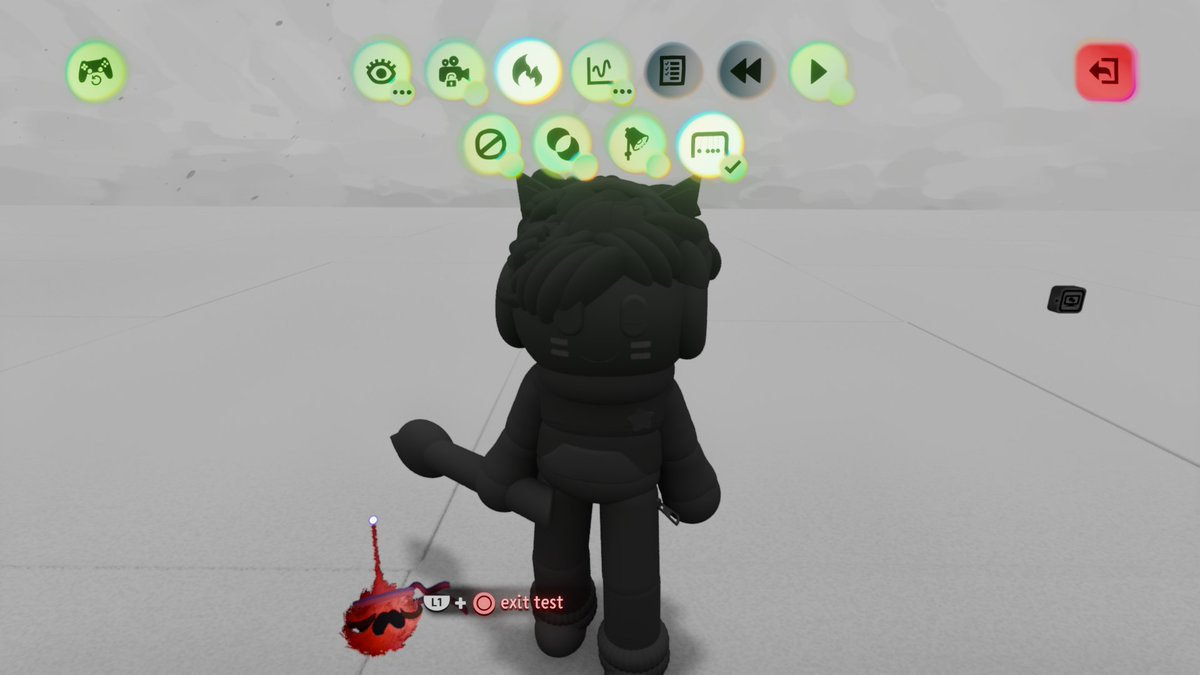
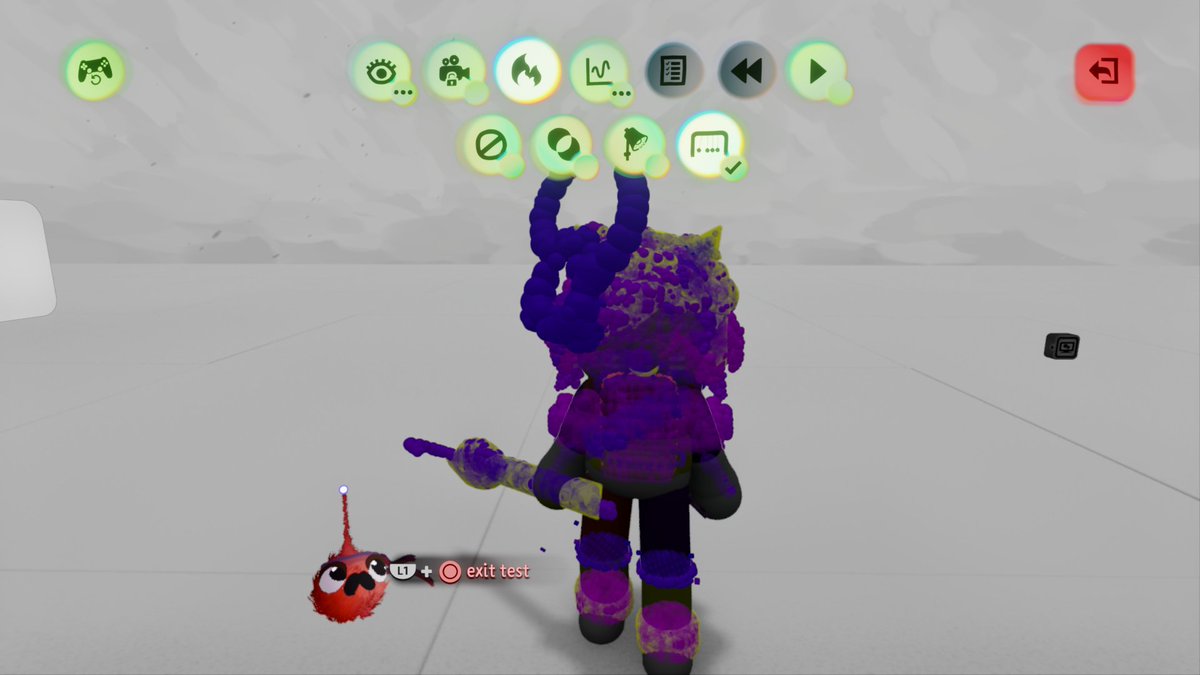
@SebastianTeamPD Is it graphics or gameplay performance that's the bottleneck? If it's the latter, then check for any collidable sculpts on puppets: https://t.co/kehCt9REZl
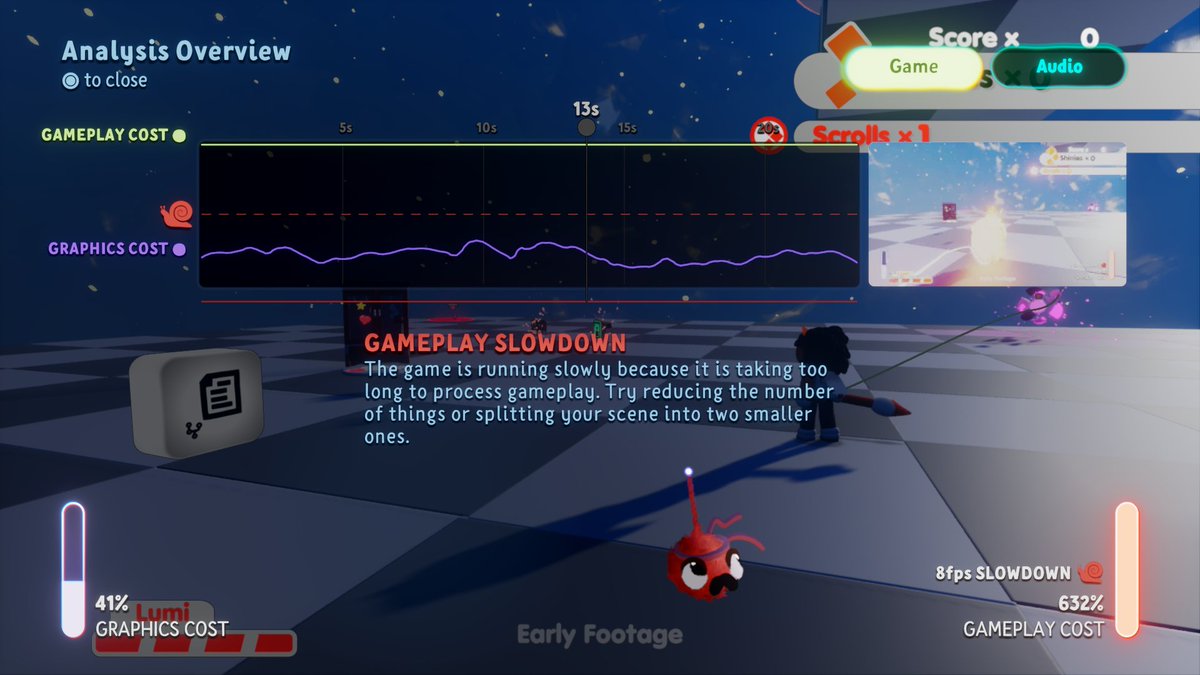
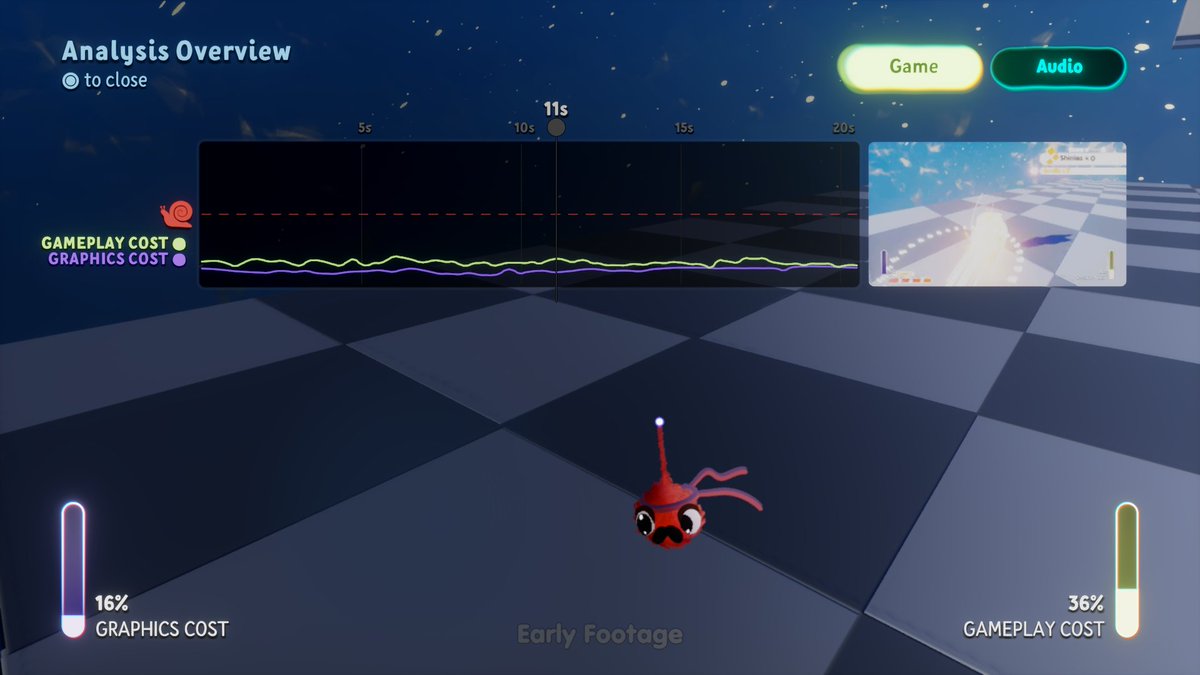
GIGANTIC gameplay performance gains have been made for @LUMI_LBP's Lumi Tale, running on the PS4! A typical peak of 632% is now only 36%.
The culprit? Collidable sculpts on the puppet. Creators, please check the physics filter in Test Mode in your creation!
#MadeInDreams
@AArka95743656AA @MmLogicGate @Elca_Gaming It only works really well with monospaced fonts (which there's only 1 of in Dreams). The multi-character method did allow me to keep the Dreamboard thermo very reasonable.
https://t.co/ORylZ0J5KS
@HercUk_ A reliable way of keeping something perfectly upright is to have a logic cube somewhere in the Scene, attach a Tag to that, and place a rotation only Teleporter on your gameplay cube.
Just bear in mind that any rotations must be done by controlling the logic cube.
@Elca_Gaming Hey Elca. Unfortunately the previous version of notifications was incredibly expensive and not as sustainable for this new server, so we had to revert to our original style of notifications.
@Genesis8012@MartinNebelong (the Selector + AND gate method is fine if you've only got 1 layer of dialogue, but if you start nesting Selectors, then the logic can become really convoluted, so use the Variable method to only power 1 Selector at a time)
@Genesis8012@MartinNebelong I recommend having each separate dialogue choice on its own Microchip. Power the chip with an = Calculator, which takes a number input from the Variable. When you want to change to new dialogue, use a Variable Modifier to set the Variable to a new number. 2/2
@Pierogigon @Elca_Gaming @mediamolecule Ooh, that might work. I'm not sure if grab point adjustment is an existing feature, and whether it applies to groups.
@MartinNebelong Just to expand a little, you might want to use a Trigger Zone to activate the 1st dialogue gadget in the tree when the player approaches the NPC. Use the Trigger Zone for other stuff as well, such as activating a camera (to look at the NPC) and disabling the player's controls.
@MartinNebelong The Dialogue Text Displayer gadget is the easiest way. It has a built-in method of button detection, to let the user choose an option. You can also chain them together for a dialogue tree.
https://t.co/Rpwn1NgD94