Important notice for macOS + Chrome 148 users ⚠️
If you use LarePass VPN and open Olares through an https://t.co/4NfWQepLjd URL on Chrome, the page will load, but real-time updates like the progress bar will stop refreshing.
Chrome 148 introduced stricter Local Network Access rules. Our connection response is missing a newly required header, causing Chrome to block the connection.
We apologize for the inconvenience. Please know your data is completely safe. We have identified the issue and will include a fix in the next Olares update.
In the meantime, you can fix this by changing a setting in Chrome, or by using the .local URL on your local network.
Step-by-step instructions for both workarounds are here:
https://t.co/r1ZD8FobrL
For those working on robotics, Isaac Lab is #AvailableOnOlares.
It allows you to run high-performance simulations, test physics-rich environments, and train AI agents. It’s a straightforward way to handle complex robot learning workflows on your hardware.
Check it out if you are building in this space.
https://t.co/6ZbglqNomL
Three days of demos, deep conversations, and new connections at BEYOND Expo Macau! @beyondtechexpo
It was fantastic sharing our vision for private AI infrastructure with the community. From Olares OS to Olares One, we loved showing how local AI scales from personal use to the enterprise.
Thanks to everyone who visited the booth, asked tough questions, and talked tech with us.
Read the full event recap here: 👇
https://t.co/JAcvrjDBtW
#BEYONDExpo #Olares
We just shipped something our community has been longing for: The new #Olares CLI!
Previously, this was just for the sysadmins. But we thought... wouldn’t it be way cooler if an AI agent could drive Olares for you?
With our new Agent Skills, your personal AI can now manage files, install apps, and adjust settings on your behalf, just by using natural language! 🗣️💬
Curious? Take a sneak peek at what’s new:
https://t.co/esjqvRI7yD
Running into network glitches while accessing your #Olares services remotely?
Want to connect client apps to a local model hosted on Olares, but aren't sure how?
The fix might be just a simple toggle away.
Check out our docs to learn how to enable LarePass VPN for seamless access:
https://t.co/Pwt31rbH9b
For some power users, device activation is where customization begins.
Olares CLI activation supports command-line setup today, while future updates aim to expose more configuration options and system-level control during initialization.
See the walkthrough:
https://t.co/cbcwZG29i1
#Olares
Thanks to Tim for this deep dive into Olares!
See OpenClaw installed and running on Olares One, Hermes agents in action, and large models being used locally - all demonstrated step by step in a home AI setup.
A practical and humorous tour of a home AI appliance.
Check out the full video for the complete walkthrough.👇
https://t.co/WhwCbQomuE
We’re really sorry for the poor experience.
Would you be able to share how you ran the speed test? We’d like to reproduce the issue on our side.
Our initial guess is that a Raspberry Pi is more like a personal computer - you can use it directly with a monitor or access it over the local network via SSH.
Olares, on the other hand, is more like a server: you usually access it over the network. So when a speed test is consuming most of the available bandwidth, there may not be enough bandwidth left to access Olares services.
From the user’s perspective, this may feel like instability. Accessing it via .local or enabling LarePass may help avoid this issue.
Your feedback and experience are very valuable to us, and we’ll use them to improve the product.
This page includes guides for using other applications on Olares, which you may find helpful: https://t.co/biZfXK9J74
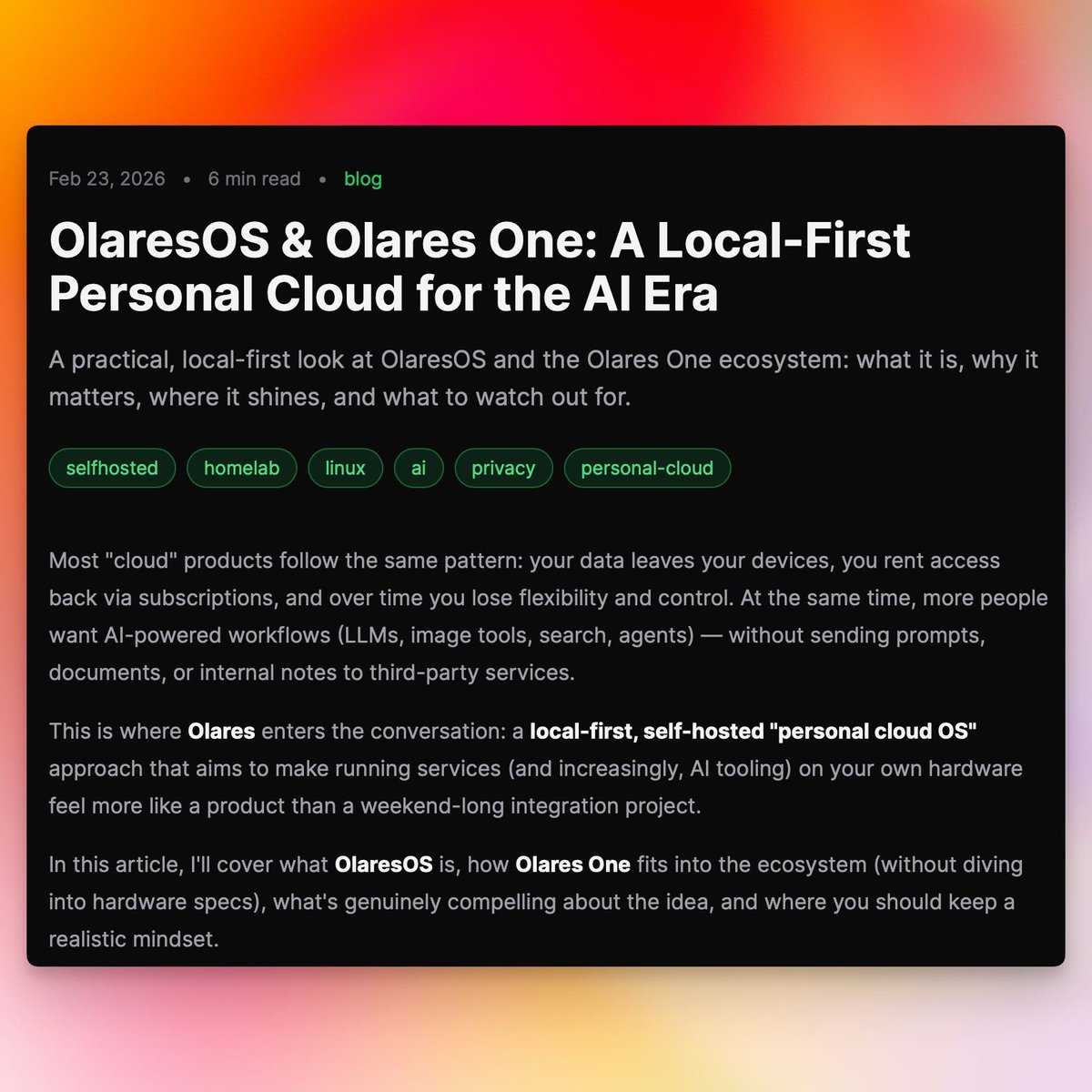
There’s a growing need to run AI at home while keeping your data private.
This post shows how #Olares makes that straightforward by making personal clouds a user‑friendly product rather than a maintenance‑heavy hobby.
Huge thanks to @Mickhat1337 for this thoughtful write‑up on OlaresOS and Olares One.
Read here:
https://t.co/5G6sv5uzJY
Hi there. We are truly sorry for the less-than-ideal experience you've had.
Just to confirm, have you successfully activated the device? To help us troubleshoot, could you please provide more details about your specific usage scenario and the network issues you are experiencing?
If you have any screenshots or system logs, please feel free to send them to our support email at [email protected].
We will work closely with you to resolve this and ensure your device performs exactly as it should.
We are honored to share that Olares has won a 2026 BEYOND Award! 🏆
As one of Asia’s leading tech innovation platforms, BEYOND Expo @beyondtechexpo is the perfect place for us to demonstrate the next step in personal cloud computing.
If you are in Macao from May 28–30, join us to see firsthand how Olares One powers local AI agents.
📅 May 28–30 | Venetian Macao Cotai Expo See you in Macao! 🇲🇴
https://t.co/65XS0tnvTd
#BEYONDExpo2026 #OlaresOne #LocalAI #BEYONDExpo #DIGITALPHYSICAL
@Olares_OS One is a great companion for MacBook Pro M5. I can run both MLX and CUDA and all live in my backpack !
Setup is
@apple MacBook Pro Max 128g
@nvidia Jetson Thor
@Olares_OS One
Incredible what you can get done + I can play with my friends :D
Some Prowlarr indexers get blocked before they even return results.
#FlareSolverr handles the #Cloudflare challenge layer automatically.
#AvailableOnOlares.
https://t.co/ROyFQ0j3Xb
From demos to discussions around local AI and self-hosting, GOSIM Paris 2026 was a great chance to connect with the open source community.
Thanks to everyone who visited the Olares booth and shared feedback, ideas, and projects.
A short recap from the event:
https://t.co/2dA1ol8jO6
We are excited to share that NVIDIA NemoClaw now runs on Olares OS!
You can now run your entire AI agent stack locally and securely on devices ranging from the Olares One desktop to NVIDIA DGX Spark systems. @NVIDIA_AI_PC
Learn more:
https://t.co/FgHZTeiI1U
For anyone looking to modify Olares One hardware, DIY upgrades are fully supported.
This video breaks down the entire process of safely disassembling the device.
Discover exactly how to install an extra SSD, swap out the RAM, and reassemble the machine for maximum performance. 👇
https://t.co/tqToNgZ0sx