Have 40 seconds? ⏱️
▶️ Catch up on the latest Onshape Simulation improvements.
Learn how rigid bodies simplify complex simulations and new legend controls make critical stress areas easier to spot.
#Onshape#CAD#Engineering#Simulation
Designing drones for the Arctic is no small feat. ❄️
Marble uses Onshape to double engineering productivity and get redesigned aircraft components back into production in as little as one week.
See how ➡️ https://t.co/bhcQRSDkbE
9 prompts to design a water park🤯
1,800+ parts built with Claude Code + Onshape FeatureScript MCP in 6 hours of active work.
Text-to-code-to-CAD, with version history and reusable features.
Watch for the simulated test ride 🛝
#Onshape#CAD#AI#ClaudeCode
You’ve designed the parts.
Now, connect them.
Snap Mating in Onshape lets you drag one part toward another and preview how they’ll connect in your digital assembly.
Check out this week’s Tech Tip ➡️ https://t.co/FV97rI9XjW
#Onshape#CAD#Engineering
🏆📰 @DEVELOP3D named Onshape FeatureScript MCP one of its top technologies for 2026!
Describe the custom CAD feature you need. AI helps build, test, and refine it. Then you can reuse it across your designs.
Explore the full Top 30 list 👉 https://t.co/2cIEgeaufN
🆕 Onshape 1.223: custom standard content libraries, a G3 Flow sketch constraint, rigid parts in Simulation, and multiview rendering.
See what’s new: https://t.co/uVNbecTWhK
#Onshape#CAD
Designed in CAD. Made real with 3D printing.
We're heading to #Formnext2026 with @Formlabs!
See Onshape and the Formlabs Form 4 in action.
📍 Frankfurt | Hall 12.0, Booth G127
📅 Nov. 17–20
Learn more: https://t.co/wND1IxtLi8
Your CAD data shouldn't require a scavenger hunt. 🔎
Onshape makes it easier to find, filter, and edit product data with smarter MBD filters, AI-powered custom CAD features, rigid-flex PCB support, and more.
See how it all works➡️ https://t.co/H9ZmIwruUy
Not every line in your CAD sketch needs to become part of your design.
Sometimes, you just need a reference.
Here's how to use construction geometry in Onshape to keep your sketches precise. 👇
#CAD#QuickTip#sketch
Ready to take your Onshape skills to the next level? ⚙️
Learn practical techniques for working with planes, axes and Mate Connectors to build more precise, flexible assemblies.
📅 Tomorrow! Oct. 29 | 11 AM EST
🔗 https://t.co/CGfTuY0tZS
16 part variations? Manageable.
16,000? Now we have questions.
See how Onshape Configurations handle complex design variations without manually modeling every combination.
Full tutorial ▶️ https://t.co/MaZFkC0mWu
Why wait for a CAD feature when you can build your own? 🛠️
Use AI + Onshape FeatureScript MCP to create custom, reusable CAD tools.
Your specs. Your features. Your workflow.
Get started ➡️ https://t.co/CvCSG2ACCD
Still uploading the same logos into CAD over and over? 😅
Give your team a shared image library in Onshape. Logos, labels, and symbols ready to use in decals, sketches, and drawings.
Here's how: https://t.co/LPngsJqDgj
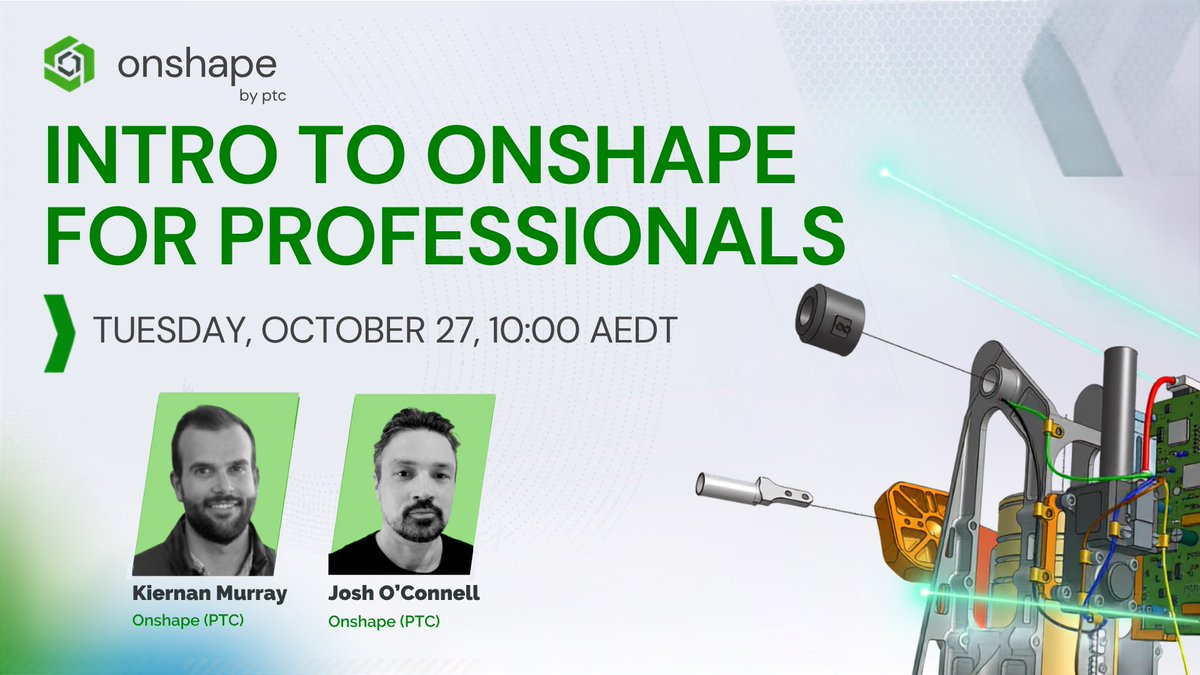
Australia + New Zealand, we’re bringing more live Onshape learning to your time zone 🕑
...starting, today!
See how teams use Onshape to design, collaborate and manage product development in the cloud.
📅 Today | 10 AM AEDT
🔗 https://t.co/X04xnQzM4V
This robot just made TIME's Best Inventions of 2026 list...
🤖 Meet Thorvald, the autonomous agricultural robot designed in Onshape by @SAGARobotics.
Big congrats to the team 🎉 https://t.co/GQZLIFASVV
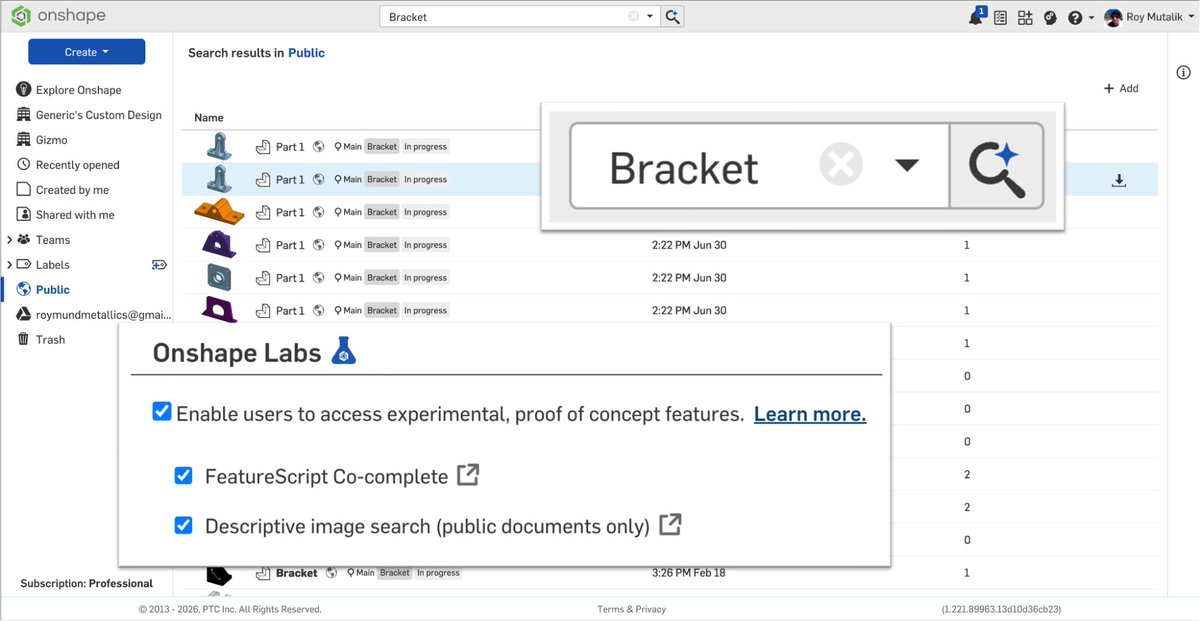
AI-Generated Thumbnail Description Search, an Onshape Labs feature, generates searchable descriptions from model thumbnails, making it possible to find parts based on appearance, not just names and metadata ➡️ https://t.co/ukc05896ke
250.67 mph. ⚡
In a remote-controlled car. 🚗
Yes, really. 🤯
Engineer Stephen Wallis designed the Mach Reaper in Onshape in just 8 months, using rapid iteration and FEA to push the limits.
Next target? 300 mph. 👀
#Onshape#Engineering#CAD#RCcar#WorldRecord
What does it take to engineer Rocky’s protective bubble from #ProjectHailMary? 🪨🤖🫧
We put AI + FeatureScript MCP to work and turned the sci-fi concept into a reusable, customizable CAD feature.
Check out the model 👀https://t.co/Ht1cKXm327
#Onshape#CAD#AI#AIEngineering