More agents won't fix a vague task.
Before you split the work, write down what "done" means, which files each agent owns and how you'll check the result.
A little setup makes the handoff much easier.
@kentcdodds This is where a short shipping checklist earns its keep. The screen can look finished while permissions, error handling, real data and rollback are still missing. A convincing demo and a release need different checks.
@steipete The tricky bit is what the selector misses. Keeping critical checks mandatory and comparing its picks with a full run gives you a way to spot that. A faster green build still needs to catch the important failures.
@HamelHusain A useful split: anyone can capture a reproducible failure and group similar cases; a domain expert decides whether the behavior is acceptable. Keeping the input, expected behavior and actual output together makes that handoff much easier.
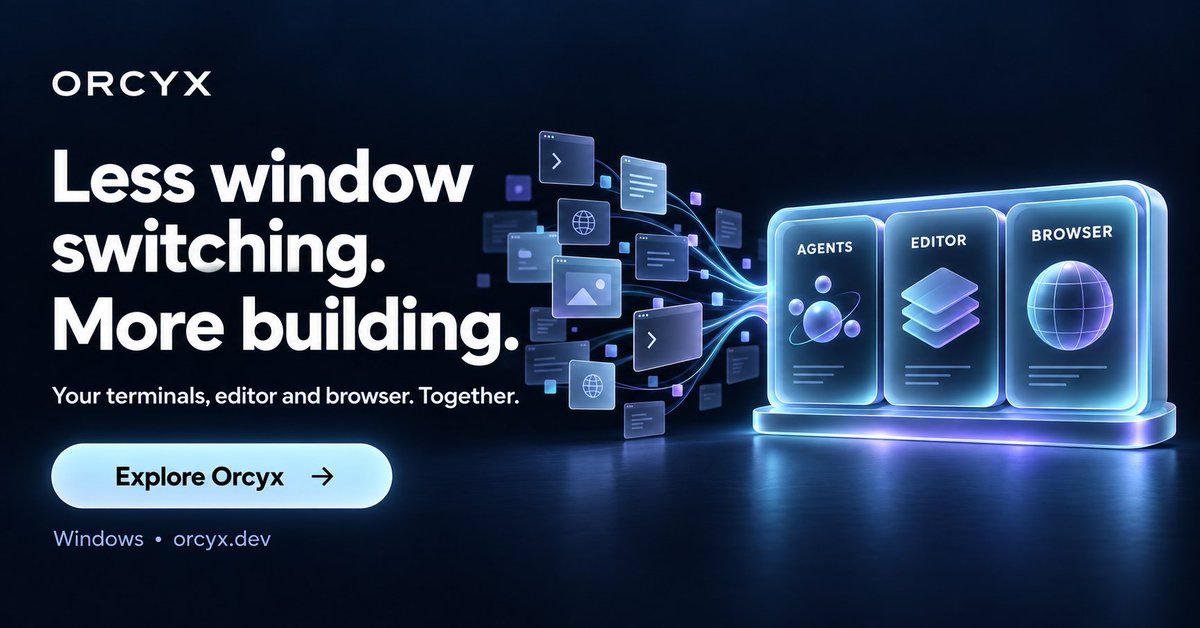
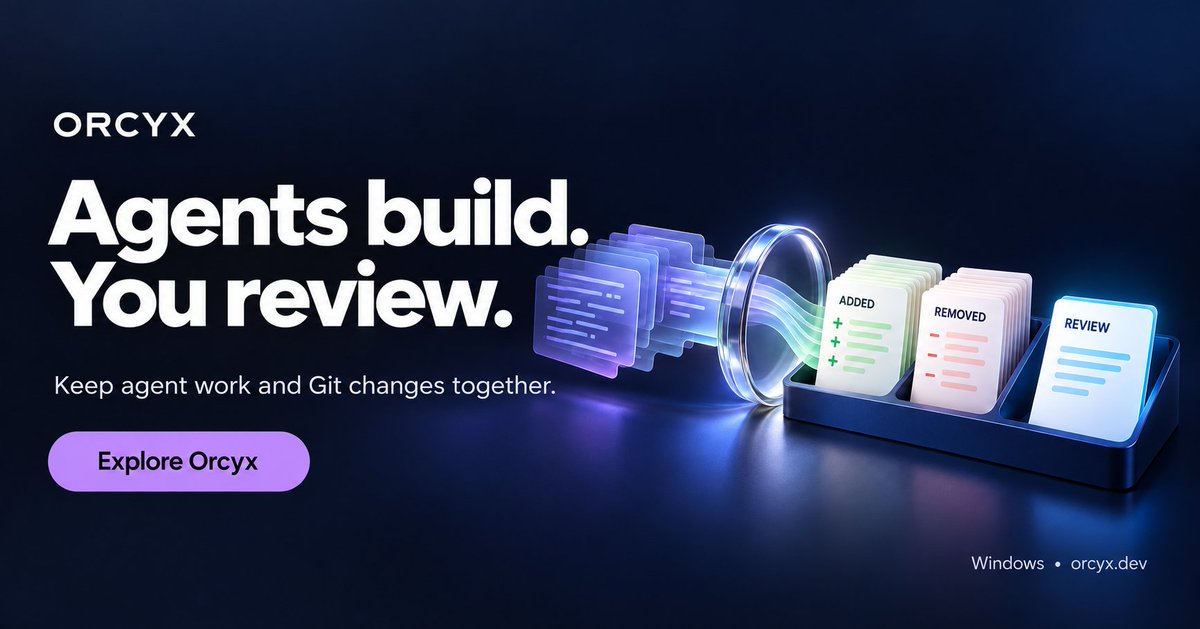
Separate windows for agents, code, previews and Git can make a build hard to follow.
Orcyx brings that loop into one Windows workspace, with isolated worktrees for parallel agents.
Less window switching. Easier to keep the work in view.
https://t.co/W0tdQtut9z
What are you building with AI this week?
A landing page, a weekend project, a product feature?
Bring your coding agents into Orcyx for Windows and keep the build, preview and review workflow together.
https://t.co/W0tdQtut9z
Some ideas arrive faster than you type. ���️
With Orcyx's voice integration configured, you can dictate instructions into the workspace.
Your next build can start with a spoken thought.
https://t.co/W0tdQtut9z
Parallel agents need room to work.
Orcyx gives agent seats isolated Git worktrees, with changes available to review before merging.
Build in parallel. Stay deliberate about what lands.
https://t.co/W0tdQtut9z
Need to inspect a file while your agent works?
Open it in Orcyx's built-in editor. Your terminal, file tree and code stay in the same desktop workspace.
https://t.co/W0tdQtut9z
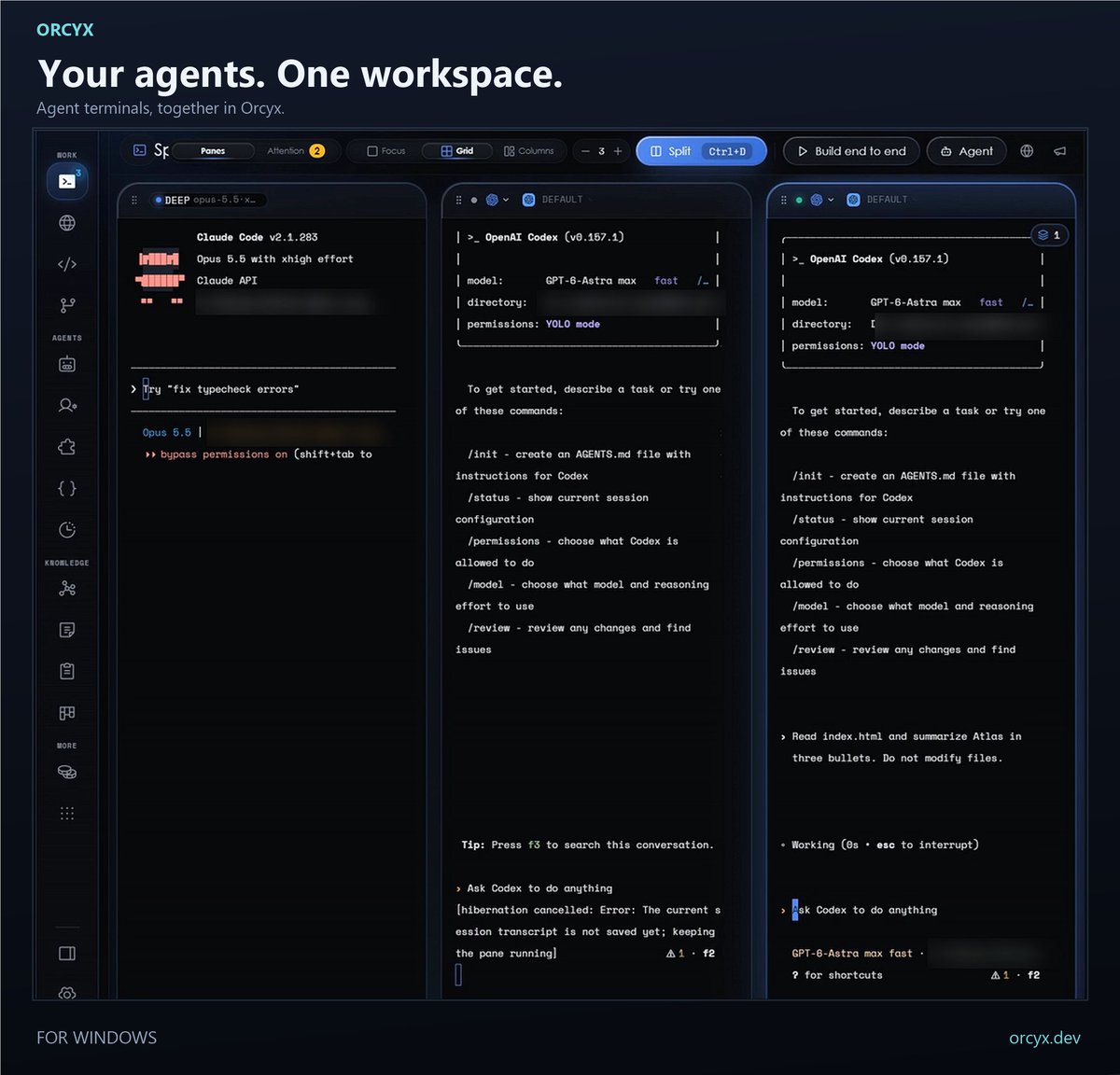
One agent on a feature. Another on tests. You keeping the work in view.
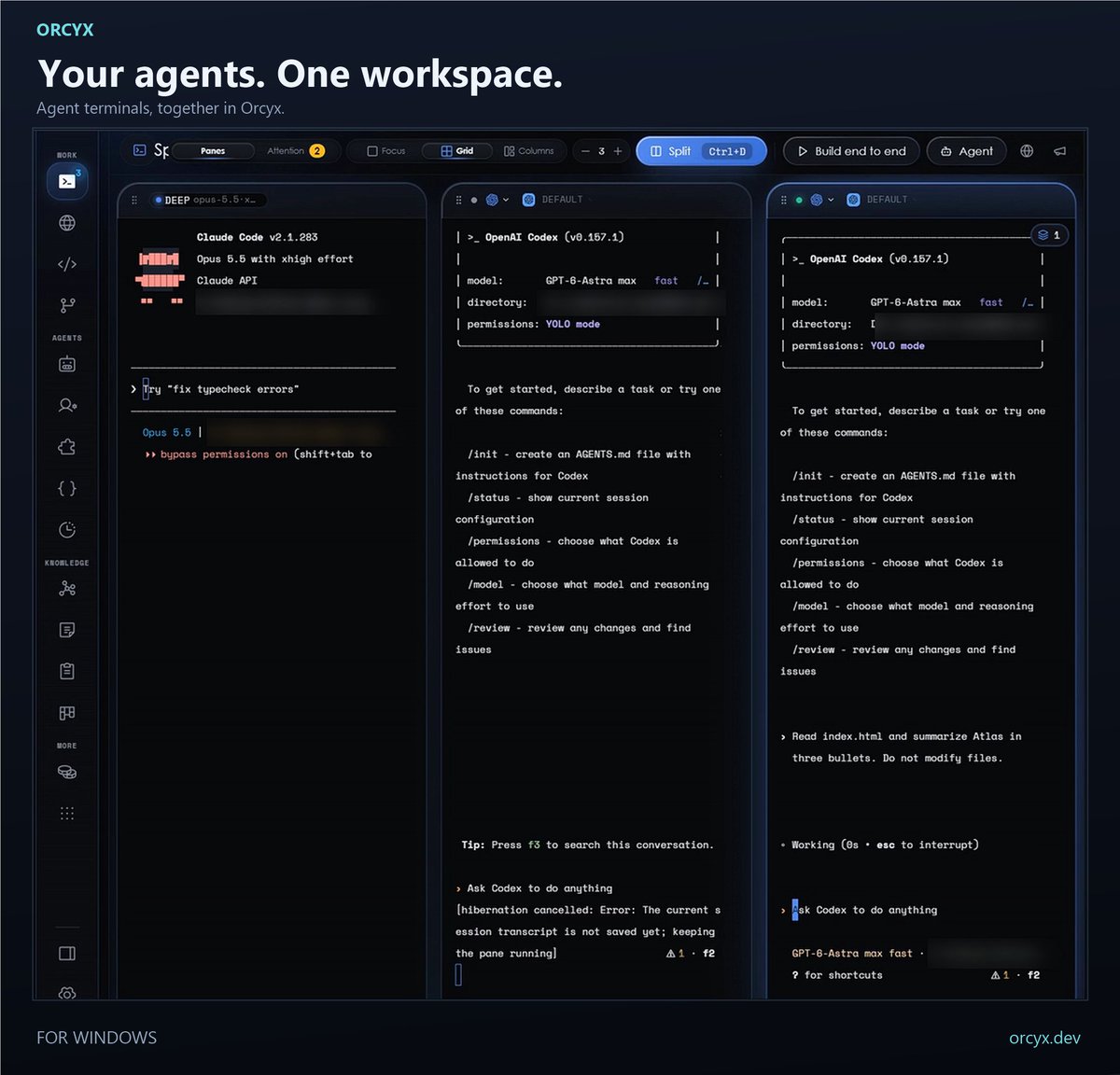
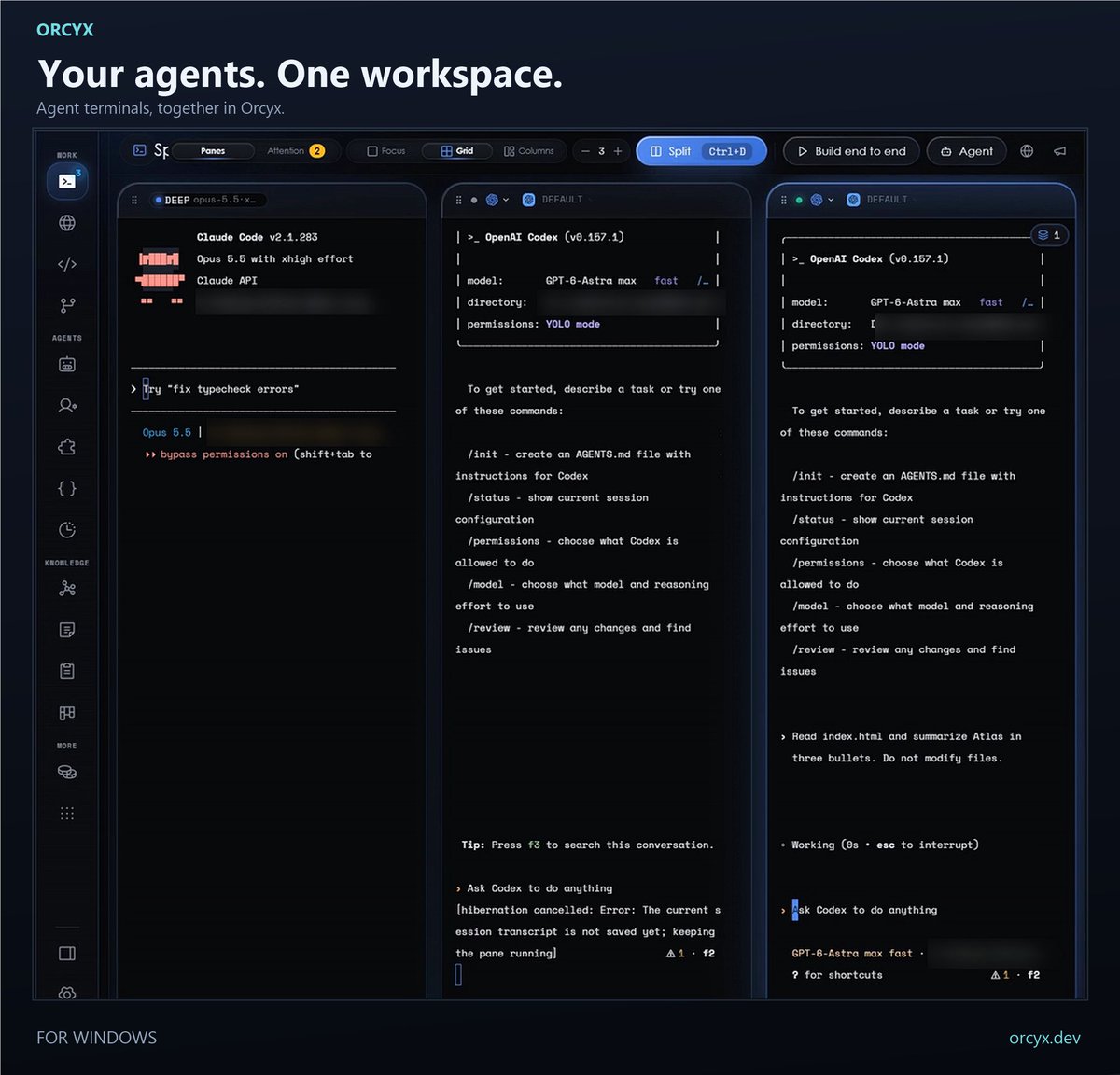
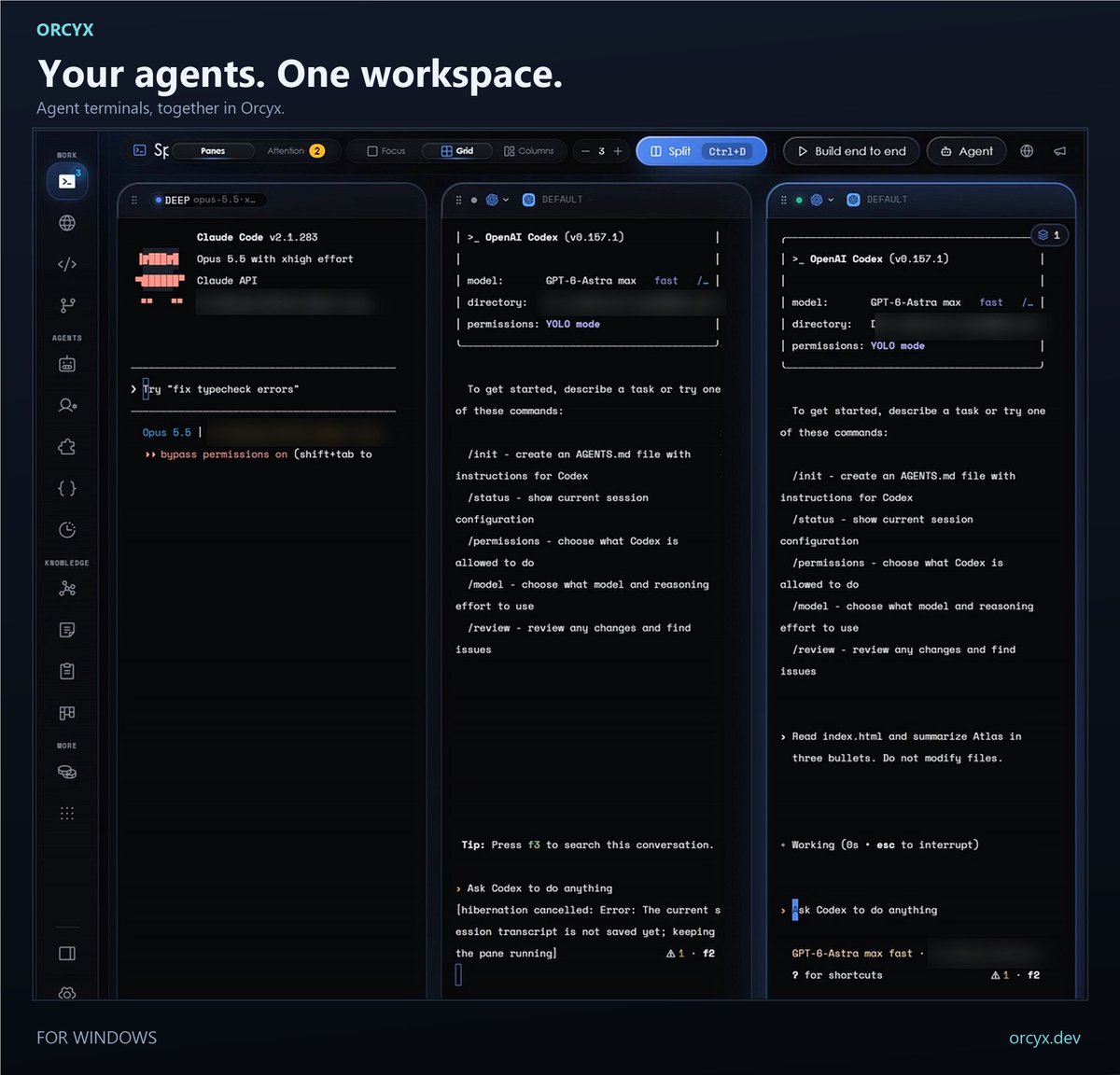
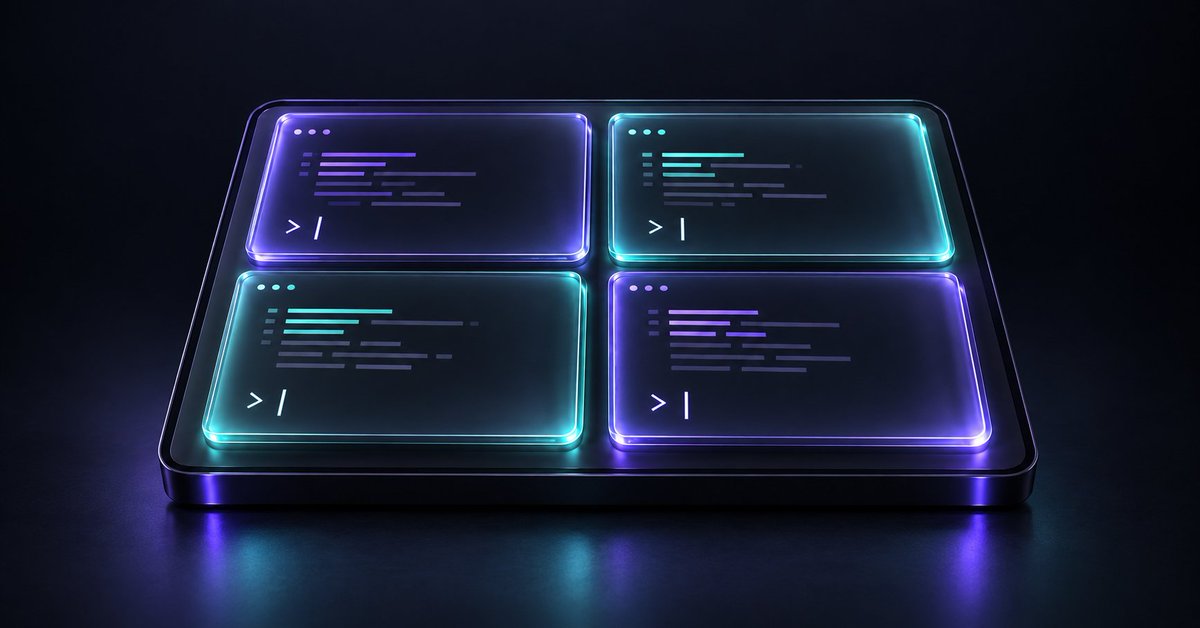
Orcyx's split-pane terminals let you arrange coding-agent sessions around the task at hand.
https://t.co/W0tdQtut9z
An agent finishing a task is your cue to review it.
Orcyx keeps agent terminals and Git changes in the same workspace, so you can inspect the diff before deciding what comes next.
https://t.co/W0tdQtut9z
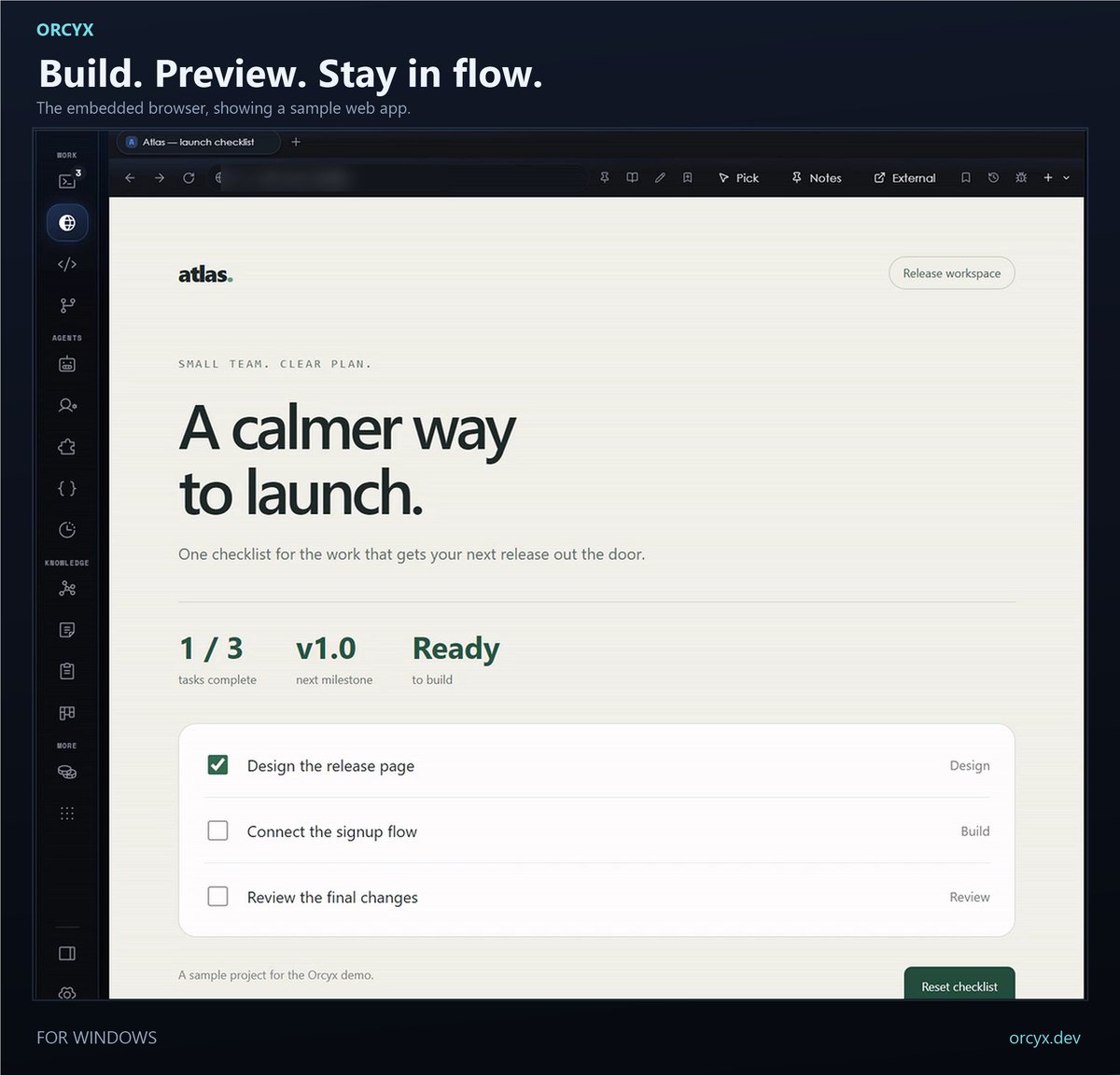
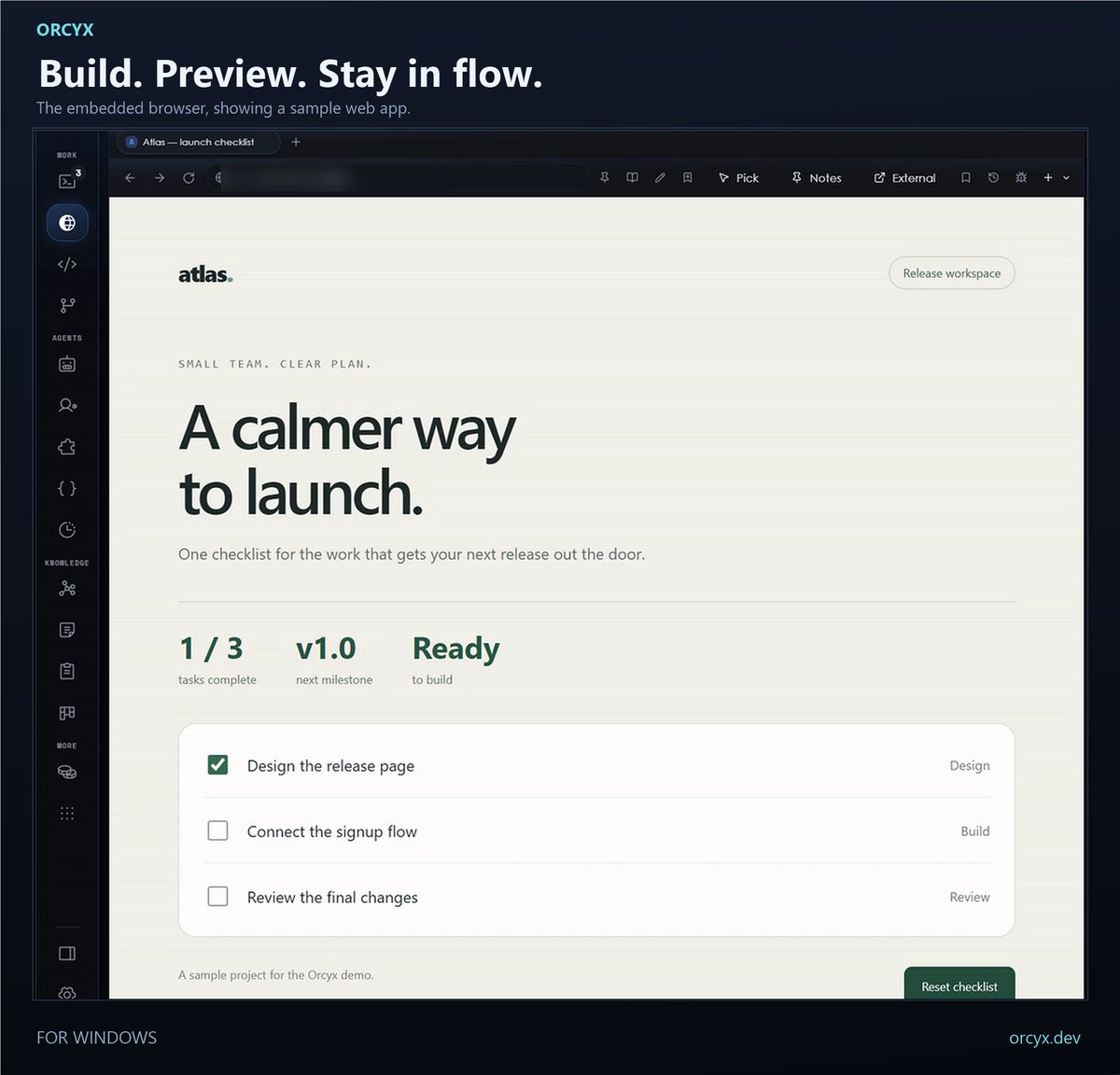
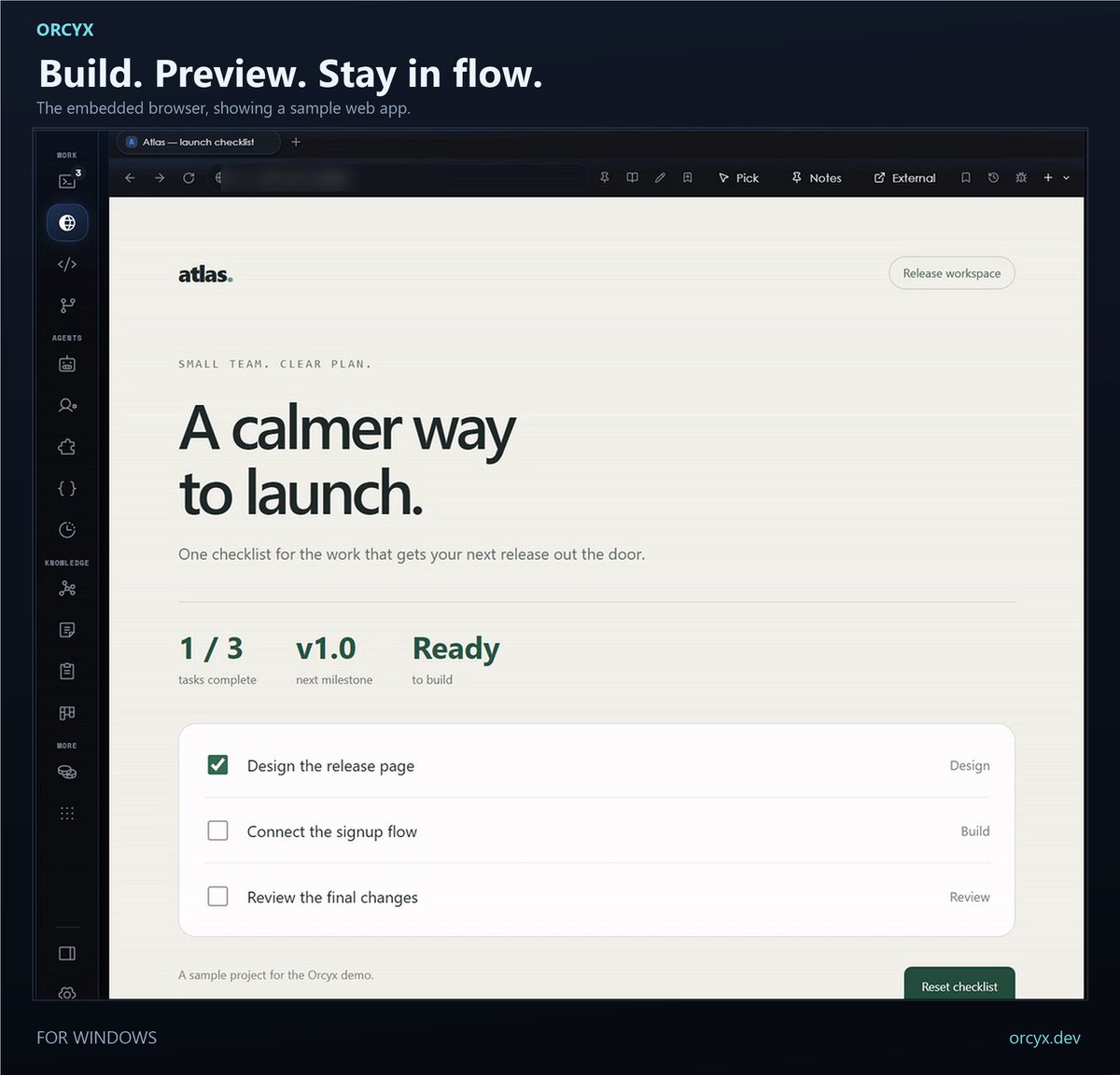
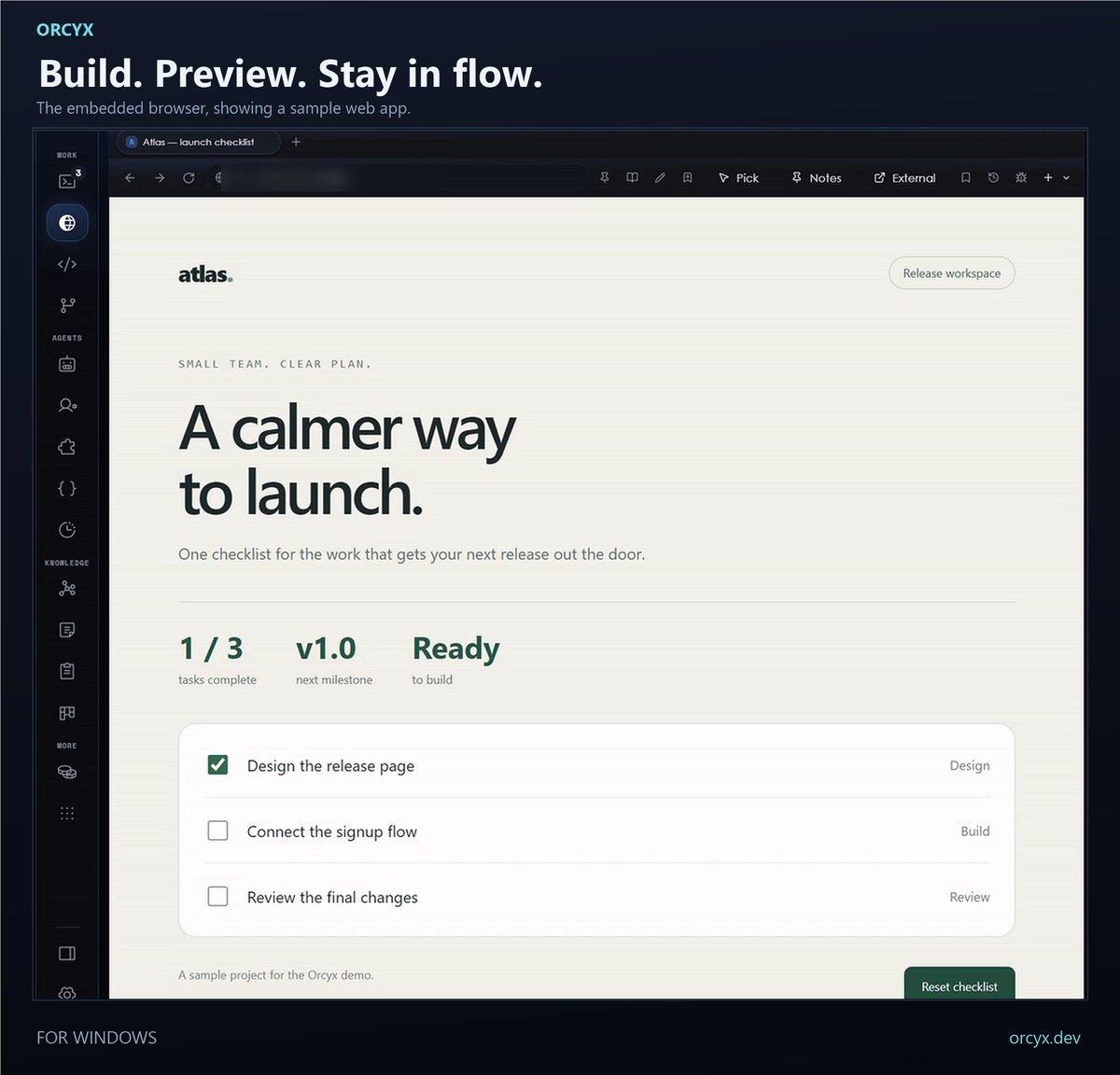
Build. Preview. Adjust. Repeat.
Orcyx's embedded browser keeps your web app preview close to your coding agents and editor. A practical loop for your next UI idea.
https://t.co/W0tdQtut9z
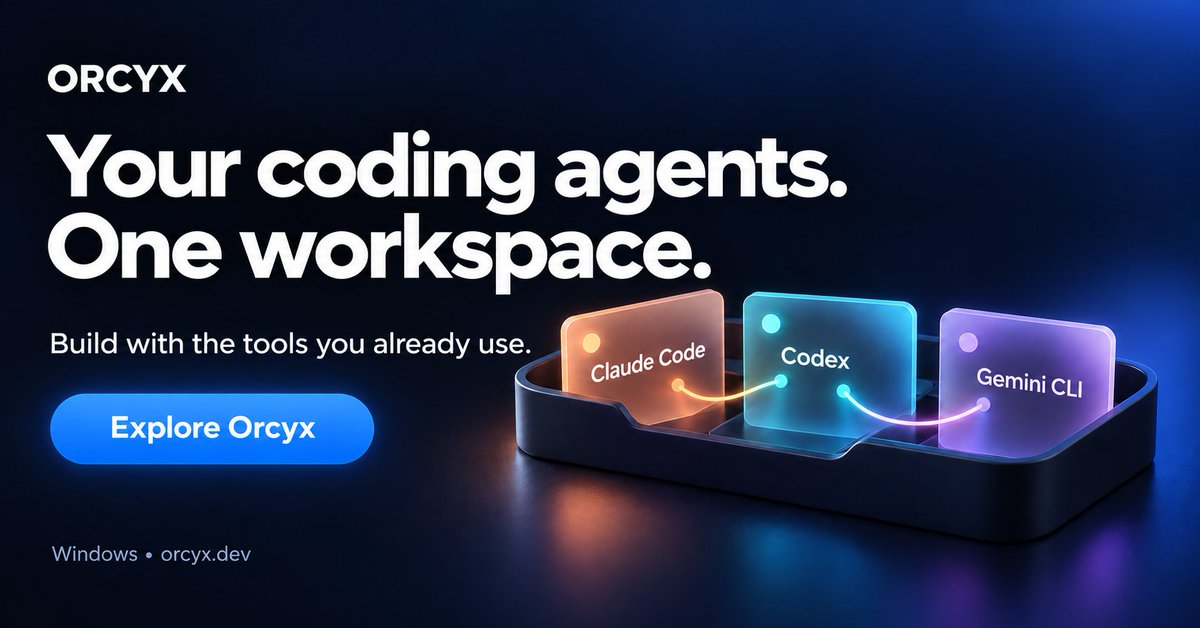
Claude Code. Codex. Gemini CLI.
One workspace for all three and many more .
Meet Orcyx for Windows: run agents side by side, keep your editor and browser close, and review their Git changes.
For vibe coders, developers and anyone building with AI.
https://t.co/W0tdQtut9z