📣 We are going to start posting all future product updates for #PlanningCenterCheckIns from the main @PlanningCenter account.
We will no longer be posting from this account, so make sure you are following @PlanningCenter to keep up with all the Check-Ins new features!
We are going LIVE in two hours at 10:30 PST with an overview of Check-Ins! 🎉 We'll be covering all the brand new features we released in the last few months, so it's the perfect time to get a quick refresh and ask your questions live.
Sign up here: https://t.co/pPwgtwEzQZ
Join us next Tuesday, Aug. 11 at 10:30am PST for an in-depth tutorial on Planning Center Check-Ins! 🎉 We released a lot of features in the last few months, and this is the perfect chance to learn about them all! Sign up to watch and ask questions live: https://t.co/S5ot3dWhDC
Set a capacity limit for your events and track exactly how many people are present at your gatherings with the updated Headcounts app. 🔢 It’s completely free with a subscription to Check-Ins (even the free plan!). https://t.co/t5ZFA4tFkV
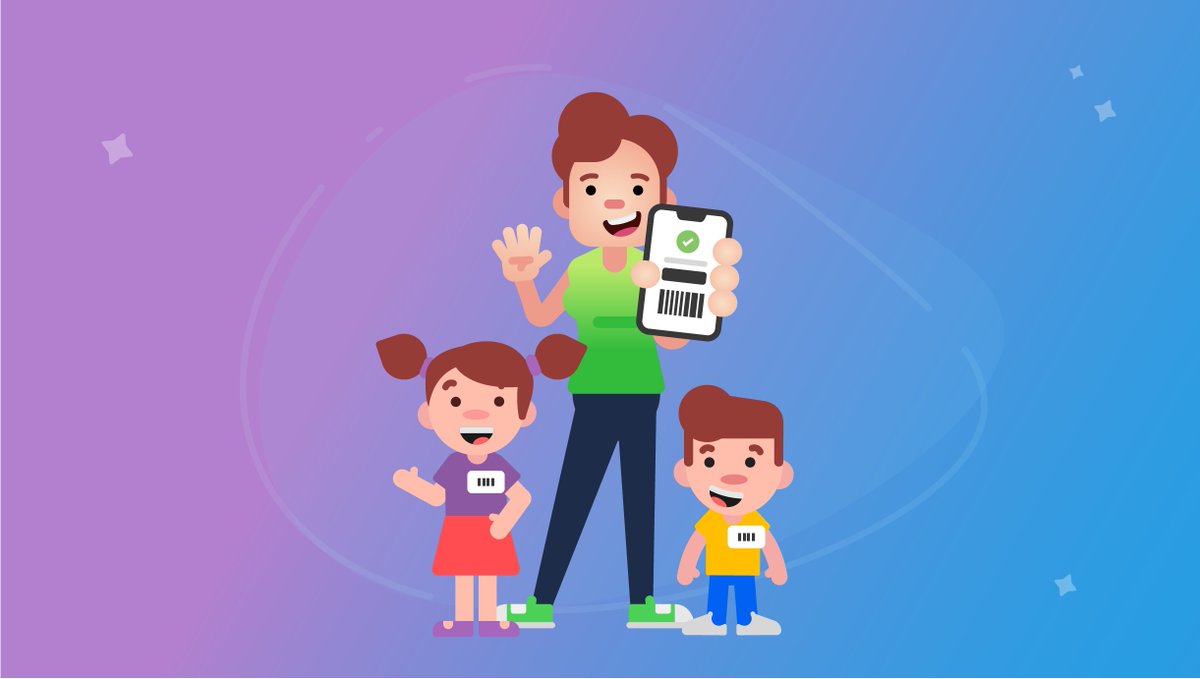
Parents can now find their security codes in the Church Center app! Hopefully, this means less label-losing and stronger security when weekend services are back in full swing. https://t.co/SkQN1zKamN
Emergency texting is now included in every plan—completely free. 💬 One day you will be back welcoming families to church in person, and this feature will be ready for you. Learn more on the blog! https://t.co/4kHvbz8m9q
@frankrmeyer You are so welcome! We also released a new feature in the Church Center App to help churches take household attendance for online services. Learn more here: https://t.co/LMLjwho0Hd
Our product teams fast-tracked a few features and updates to help you and your team adjust in this rapidly changing environment. Learn more on the blog 👉 https://t.co/15LUHgmOTL
@supjosh00 Great! Dymo works smoothly with a desktop. Once you set that up, you could have your mobile station print to it. Here’s how: https://t.co/nowicUXzZw
@supjosh00 Amazon Fire and Android devices allow you to print to the Brother printers that we support. If your device has bluetooth, then you could print to the Citizen printers we support.
@supjosh00 No problem! If price is your main concern you may want to look into the Kindle Fire or Samsung Android tablets. They work with Check-Ins and are usually less than Chromebooks.
@supjosh00 Check-Ins does work on Chromebooks, but you cannot connect a printer directly to those stations. For more information on supported devices and printing to Chromebooks you can check out our Software and Hardware for Check-Ins support article.
https://t.co/NPwgsx2c8e
@bobby_487
You can hide an Onscreen Keyboard like this: https://t.co/cOkU3Xj0Bb
Both the Keypad and Scanner can then be used for input, but the built-in keyboard will not be shown.
Have a great day!
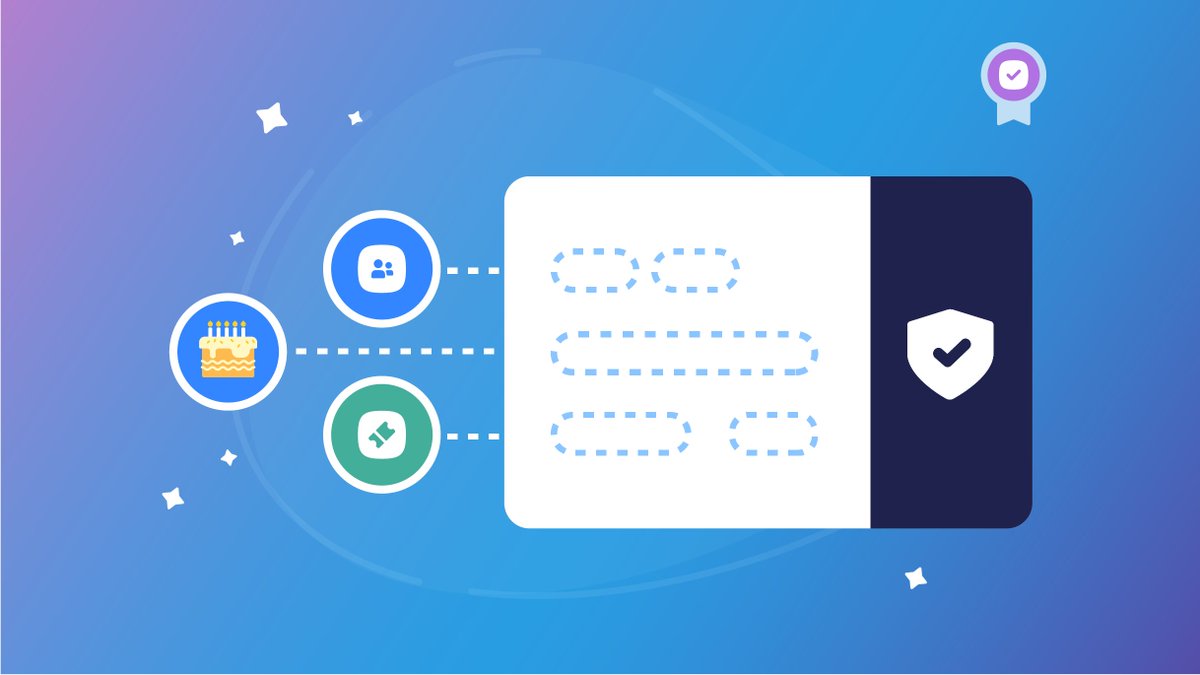
Updates are here for Check-Ins' custom labels! You can now print special birthday labels 🎂🎉🎈, include information from Planning Center People and Registrations on the name label, AND create your own custom-sized labels. Learn more on the blog: https://t.co/VA84yNsPu4