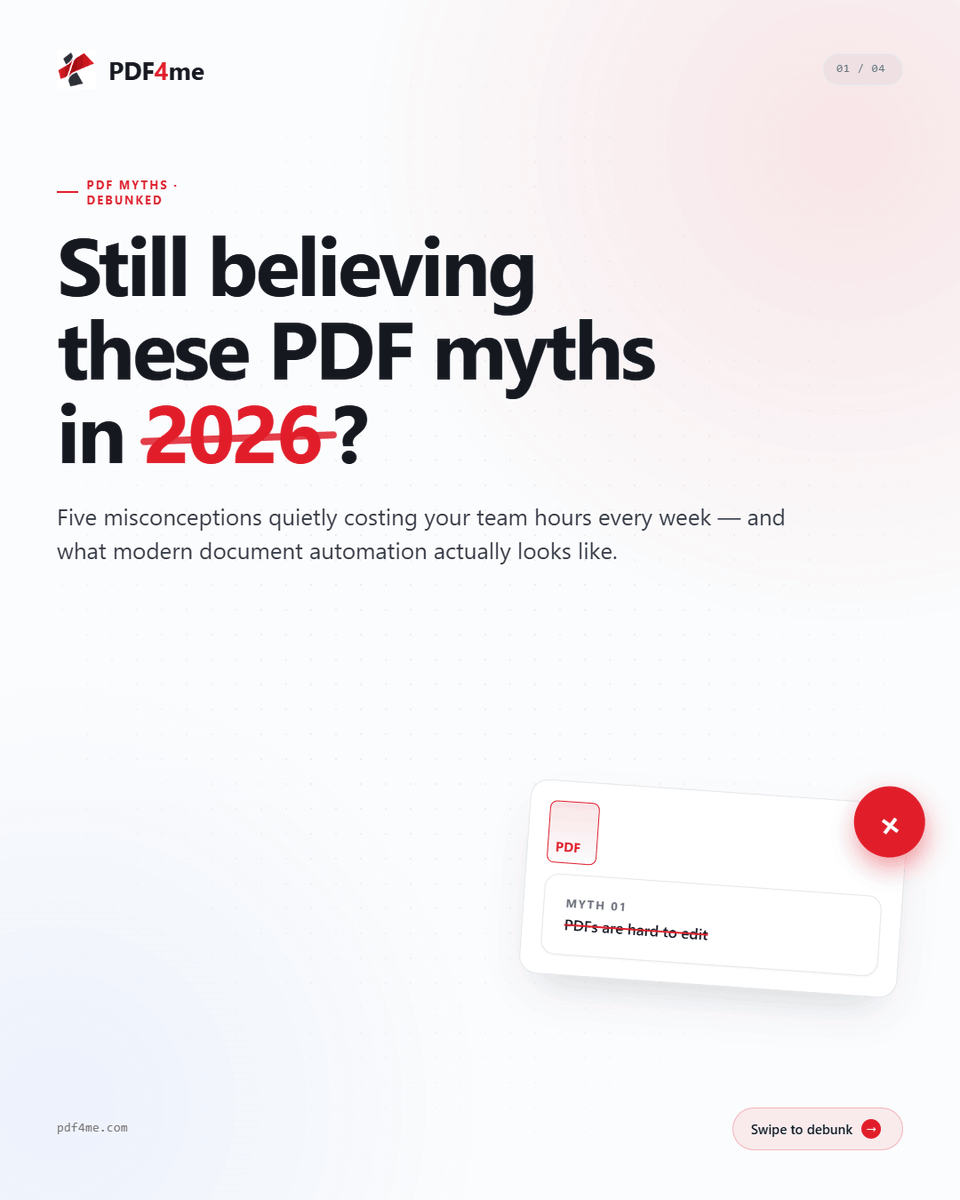
Still believing these?
❌ PDFs are hard to edit
❌ E-signatures aren't secure
❌ Compression kills quality
Wrong, wrong, wrong. 🚫
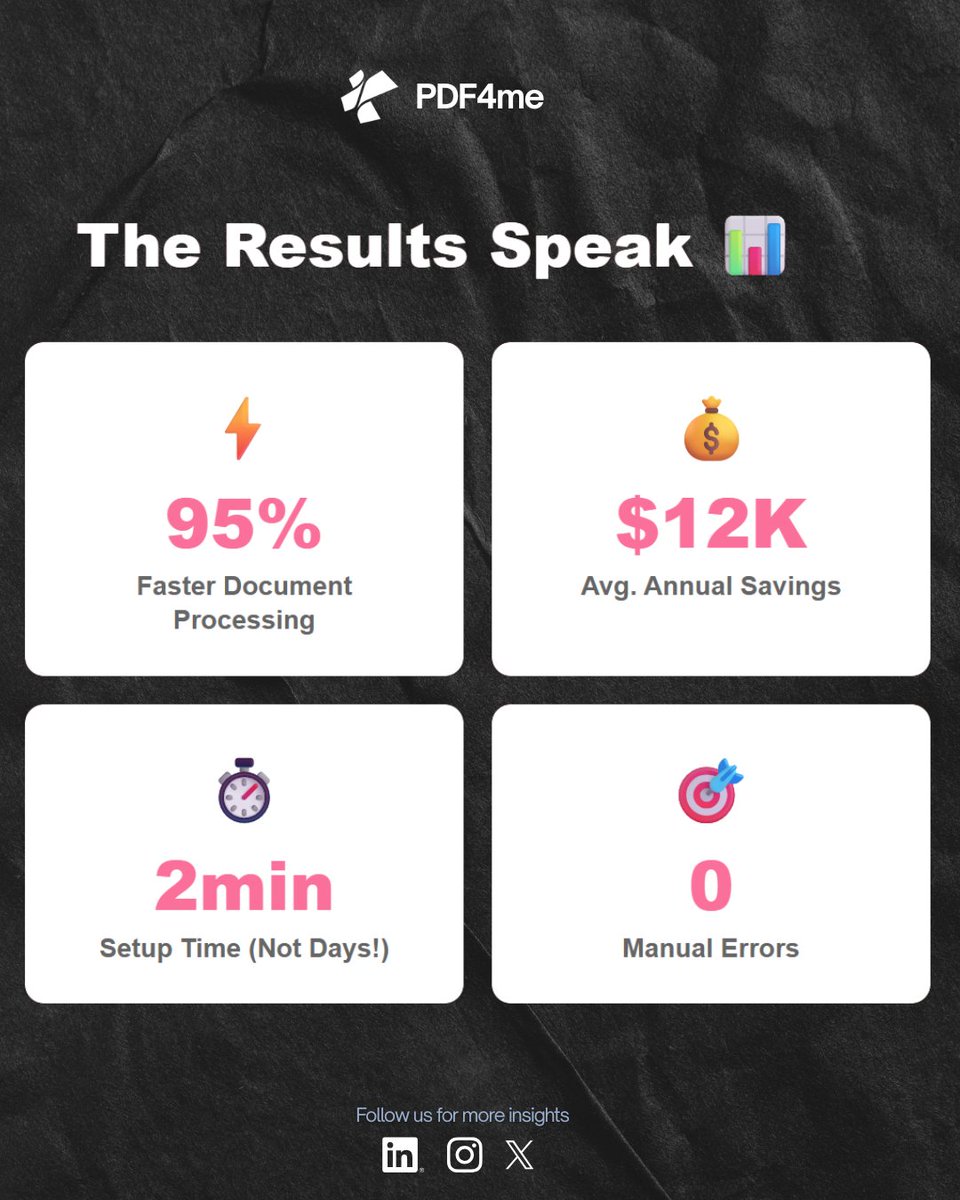
Modern automation solves ALL of these. Your team wastes 4+ hours weekly on document tasks. That's time. That's money. That's lost productivity.
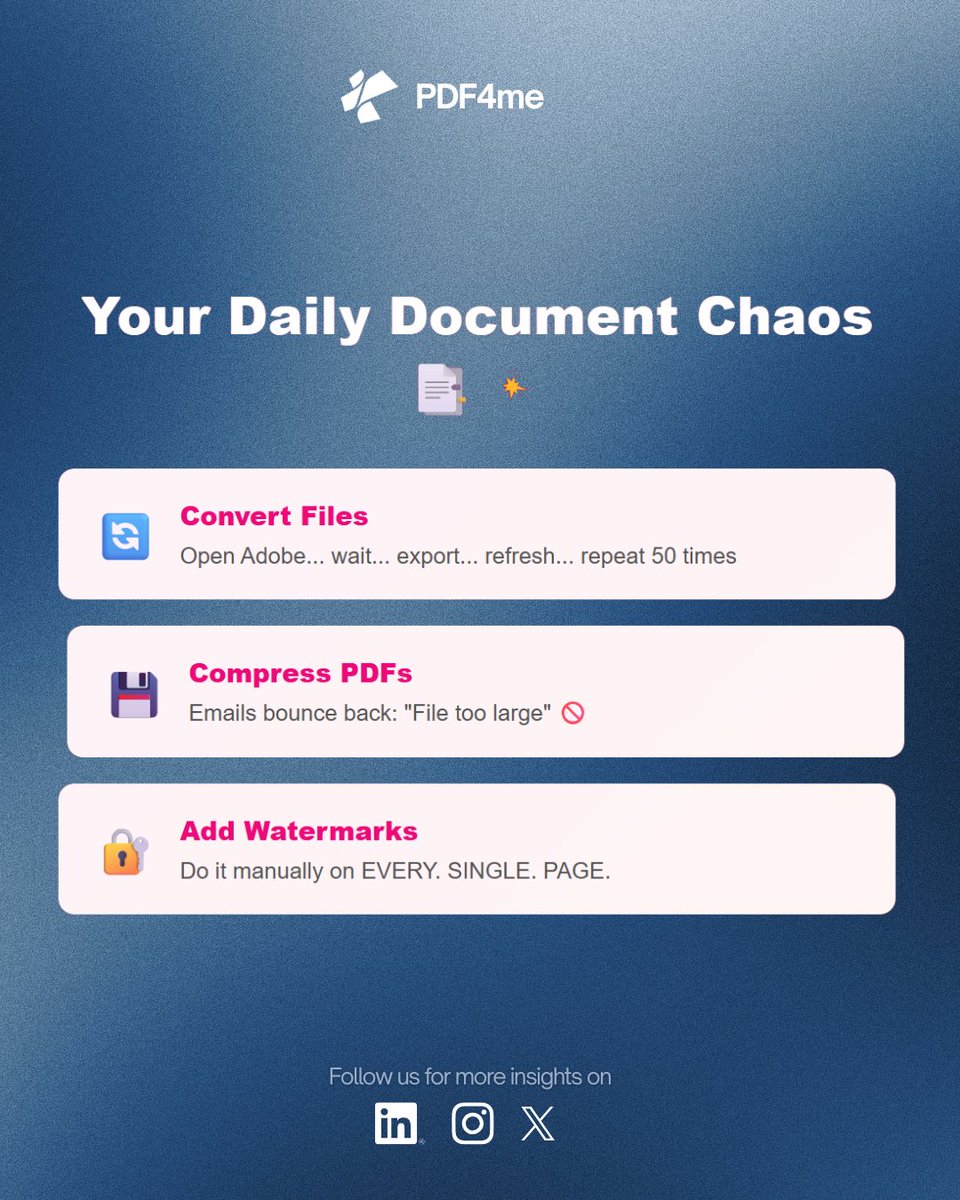
Still merging PDFs, compressing files, adding watermarks, or running OCR manually? That’s wasted time. 🚫
Smart businesses automate repetitive PDF tasks and move faster with less effort.
Discover how PDF4Me helps simplify document workflows:
https://t.co/480Mwzryvw
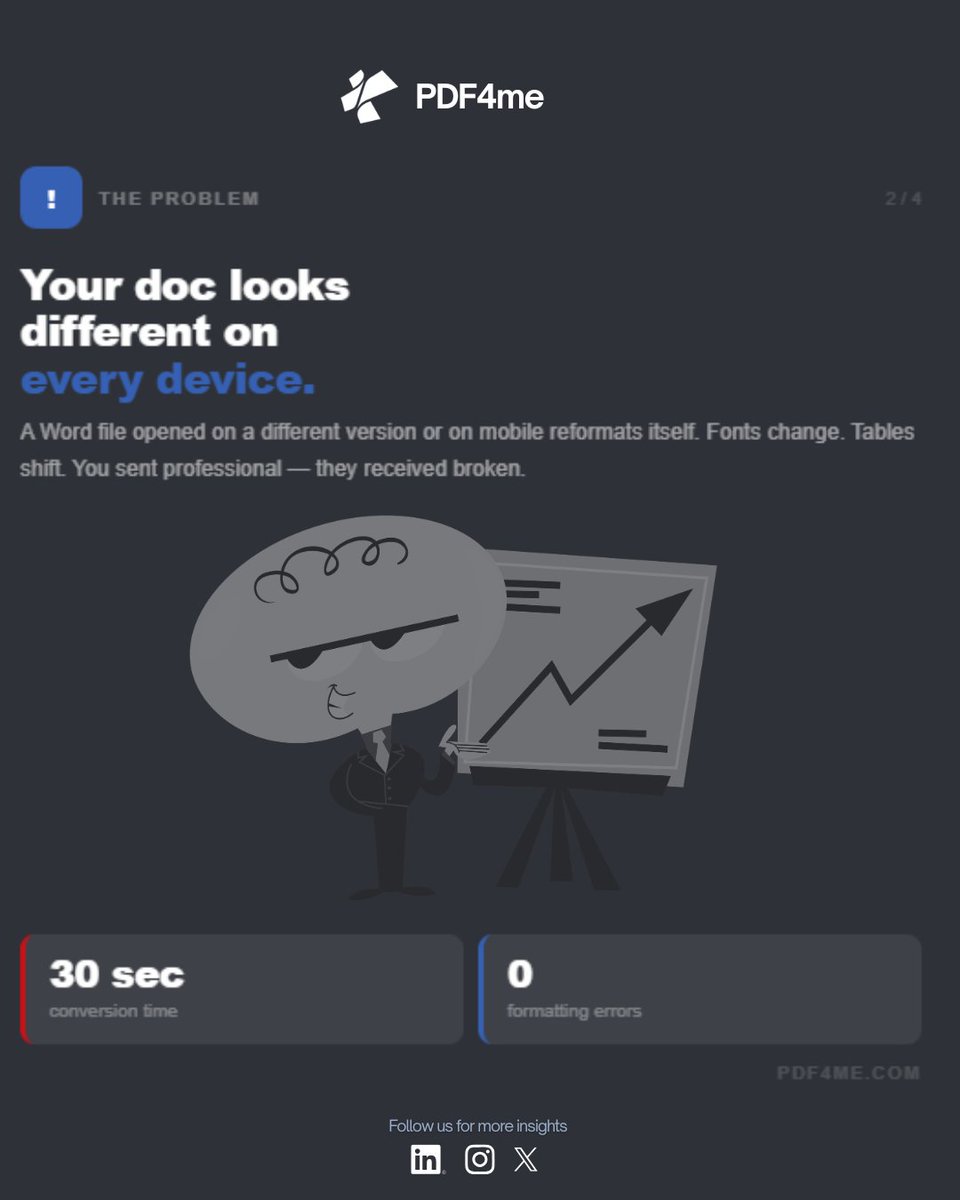
Your Word doc looks different on every device.
Fix: convert to PDF before sending.
30 seconds. Free. Identical everywhere.
https://t.co/5hz5sX4mTt
#PDF4me#WordToPDF
PDF4me Pro pays for itself in week 1. Here's the math:
🔵 Auto-generate invoice PDFs → 30 min → 4 seconds
Setup time: 45 minutes. Time saved/month: 15+ hours.
The math isn't close.
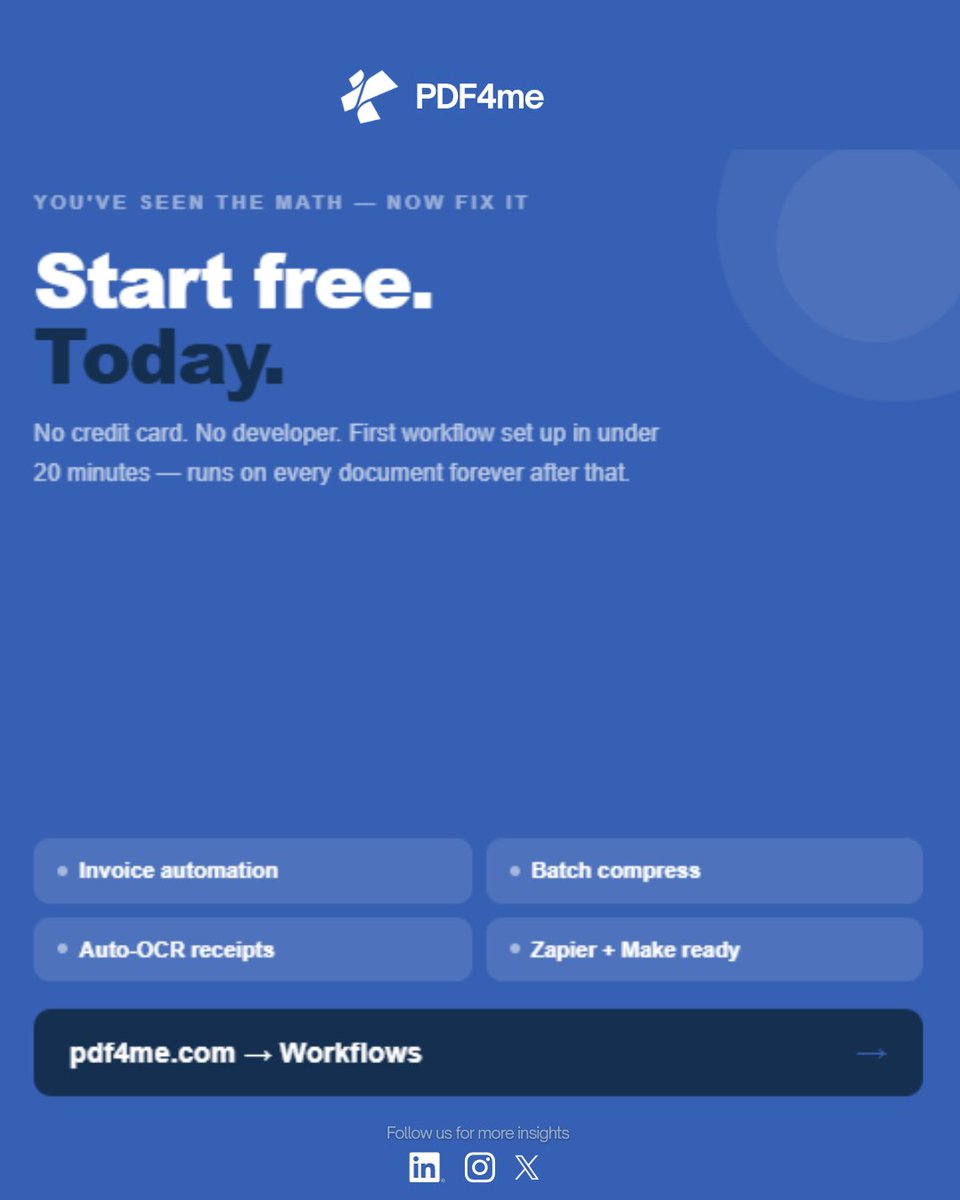
Start free → https://t.co/5hz5sX3P3V
#PDF4me#WorkflowAutomation#NoCode
Remote team document audit:
❌ Emailing versions back and forth — 3 inboxes, 3 "finals,"
❌ Sending confidential PDFs unprotected — anyone can forward it
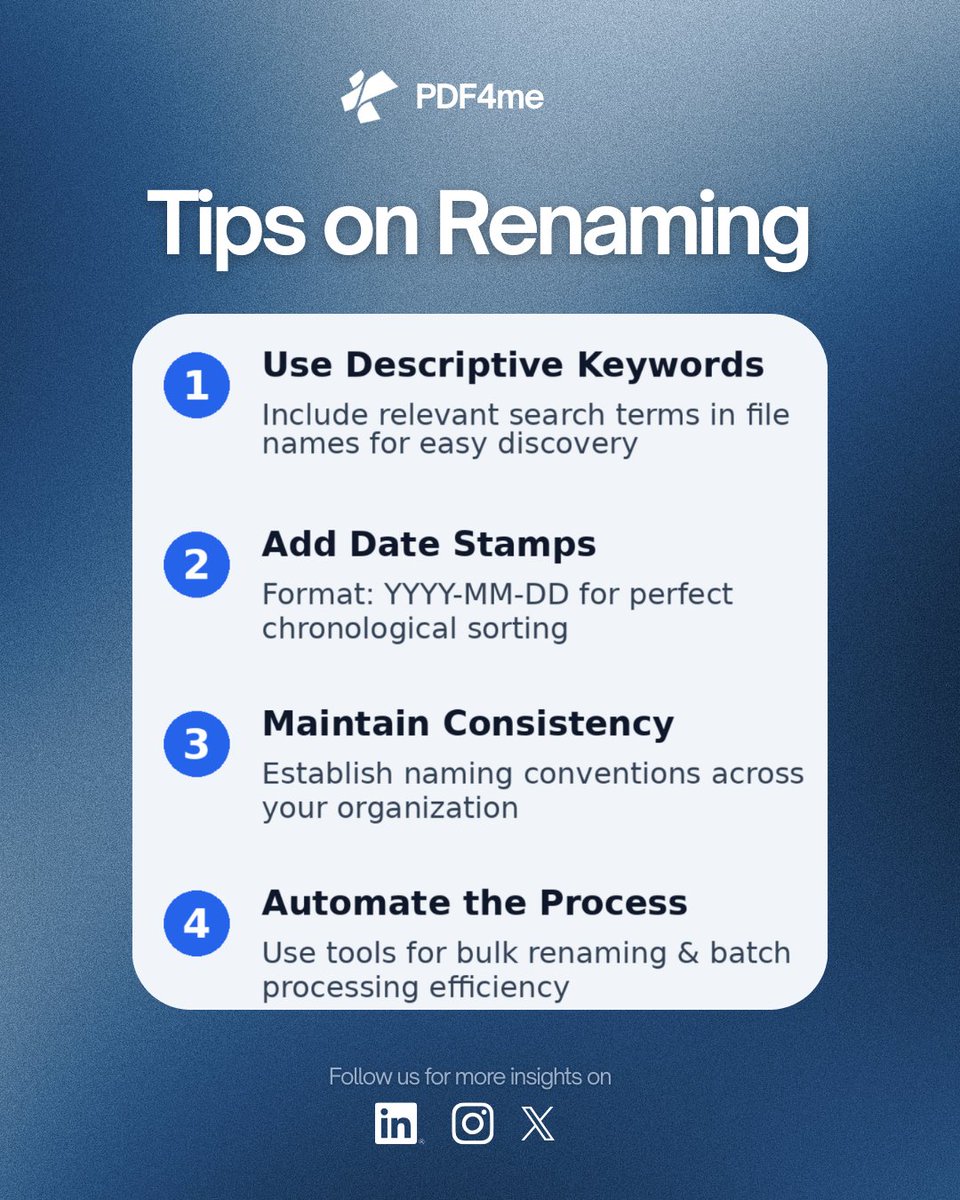
❌ No naming convention — "FINAL_v2_USE_THIS.pdf" says it all
❌ Still printing to sign — 11-day delays for a signature
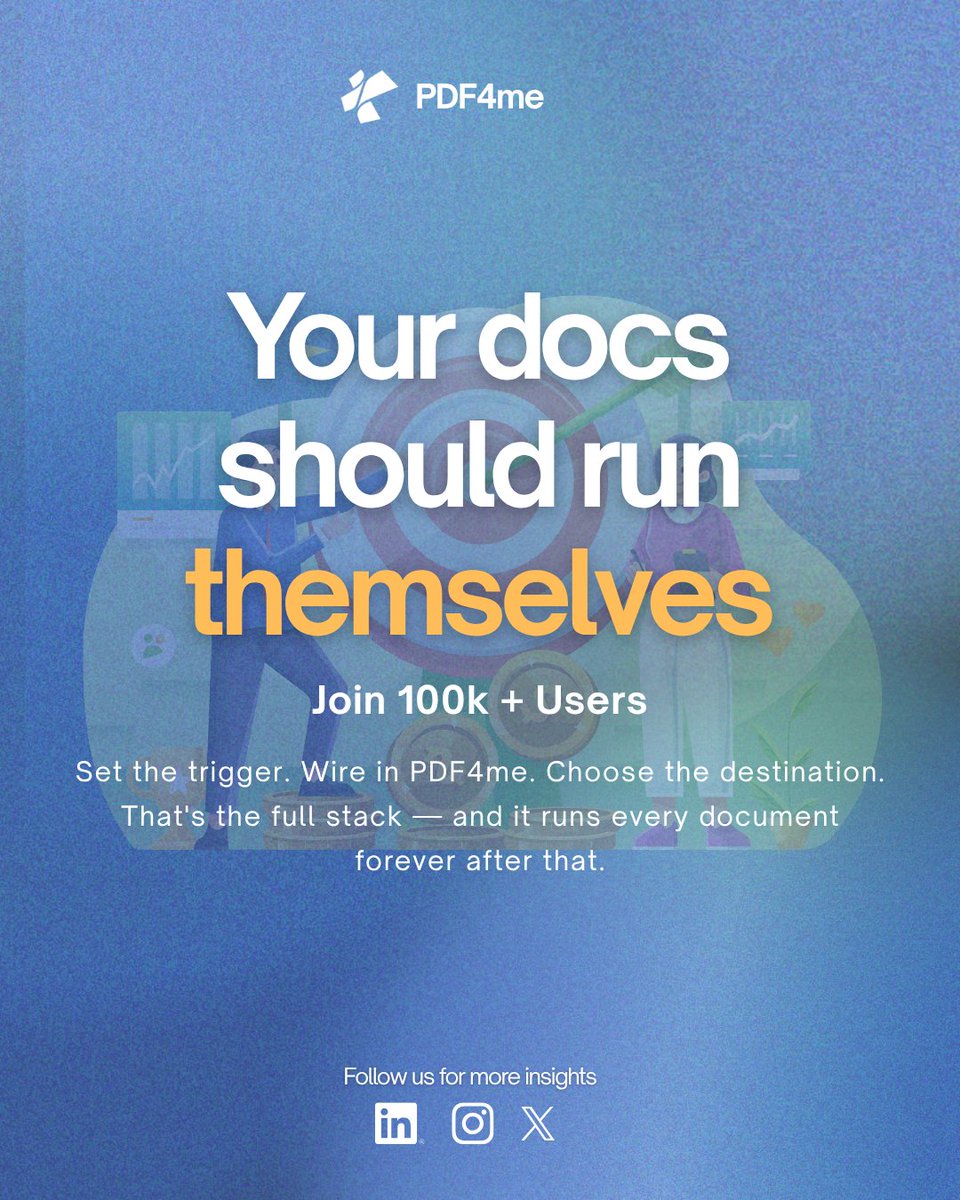
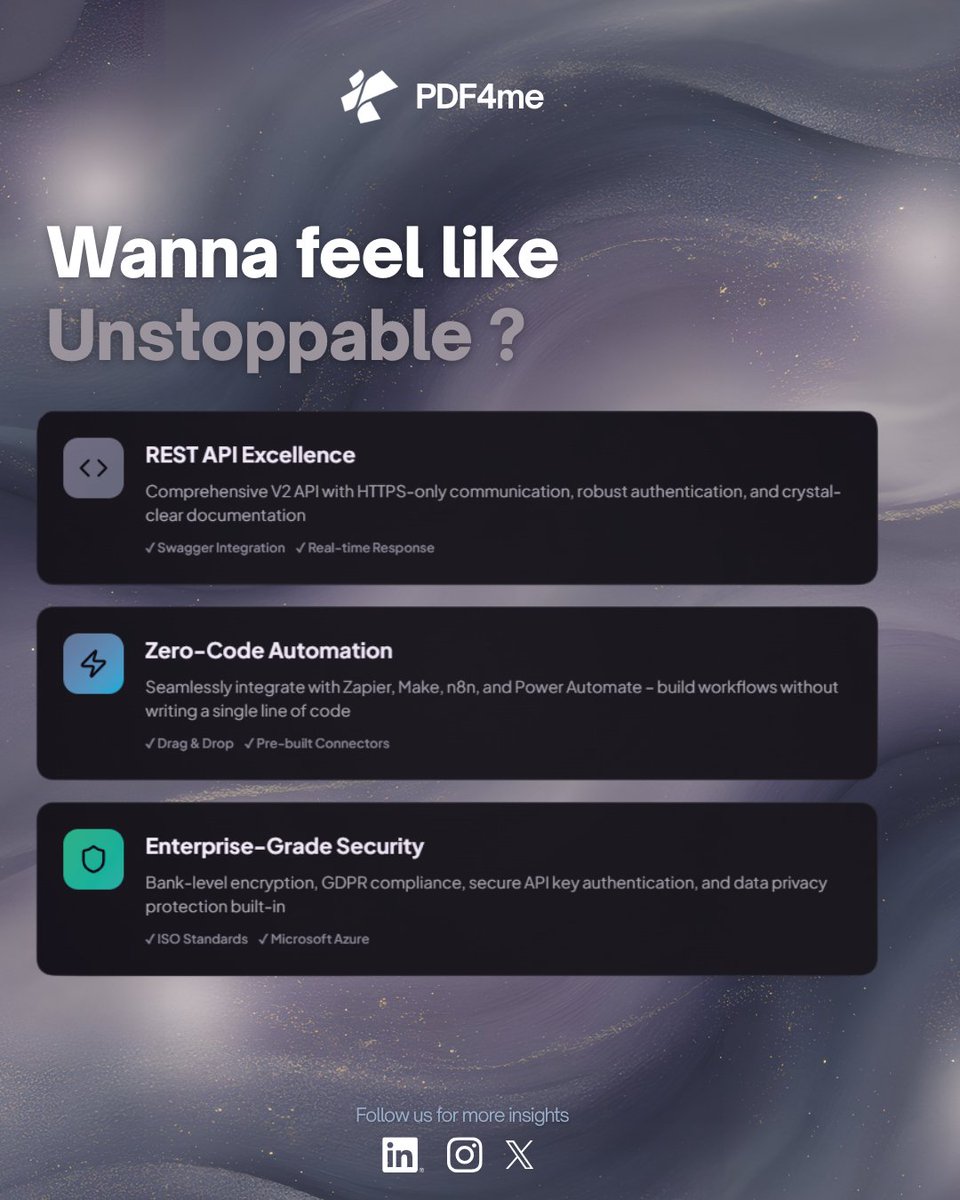
You don't need a developer for doc automation.
3 tools. That's it:
TRIGGER → Something happens
(Zapier / Make / n8n / Power Automate)
PROCESS → PDF4me does the work
DELIVER → File goes where it should
Build it free → https://t.co/MaM1qIdmqt
#DocumentAutomation
Your client always asks for a PDF, not a Word doc.
1. Legal — courts in 180+ countries accept PDF. A .docx can be altered invisibly.
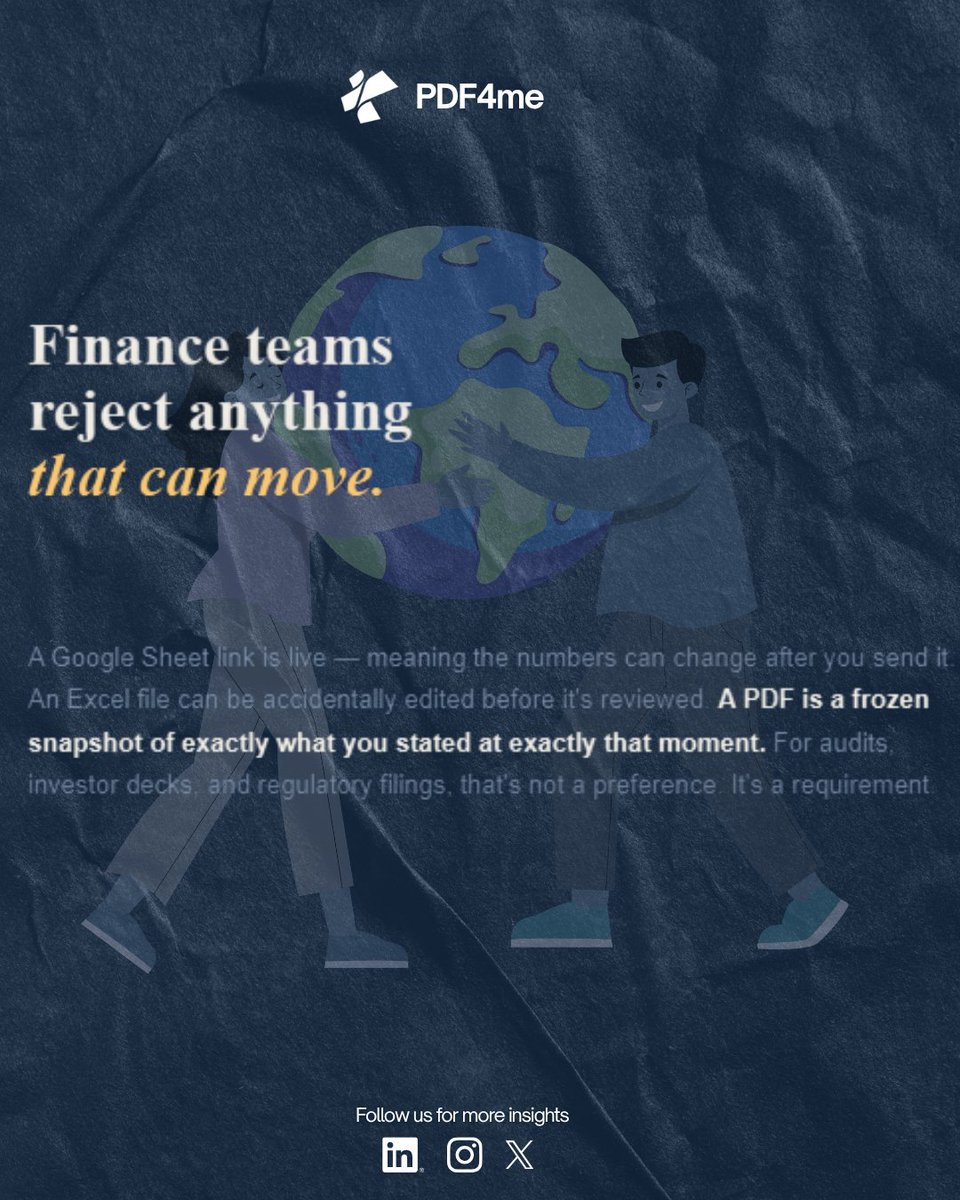
2. Finance — auditors reject live links. A PDF is a frozen, verified snapshot.
Send better ones → https://t.co/MaM1qIcOAV
#PDF4me#BusinessTips
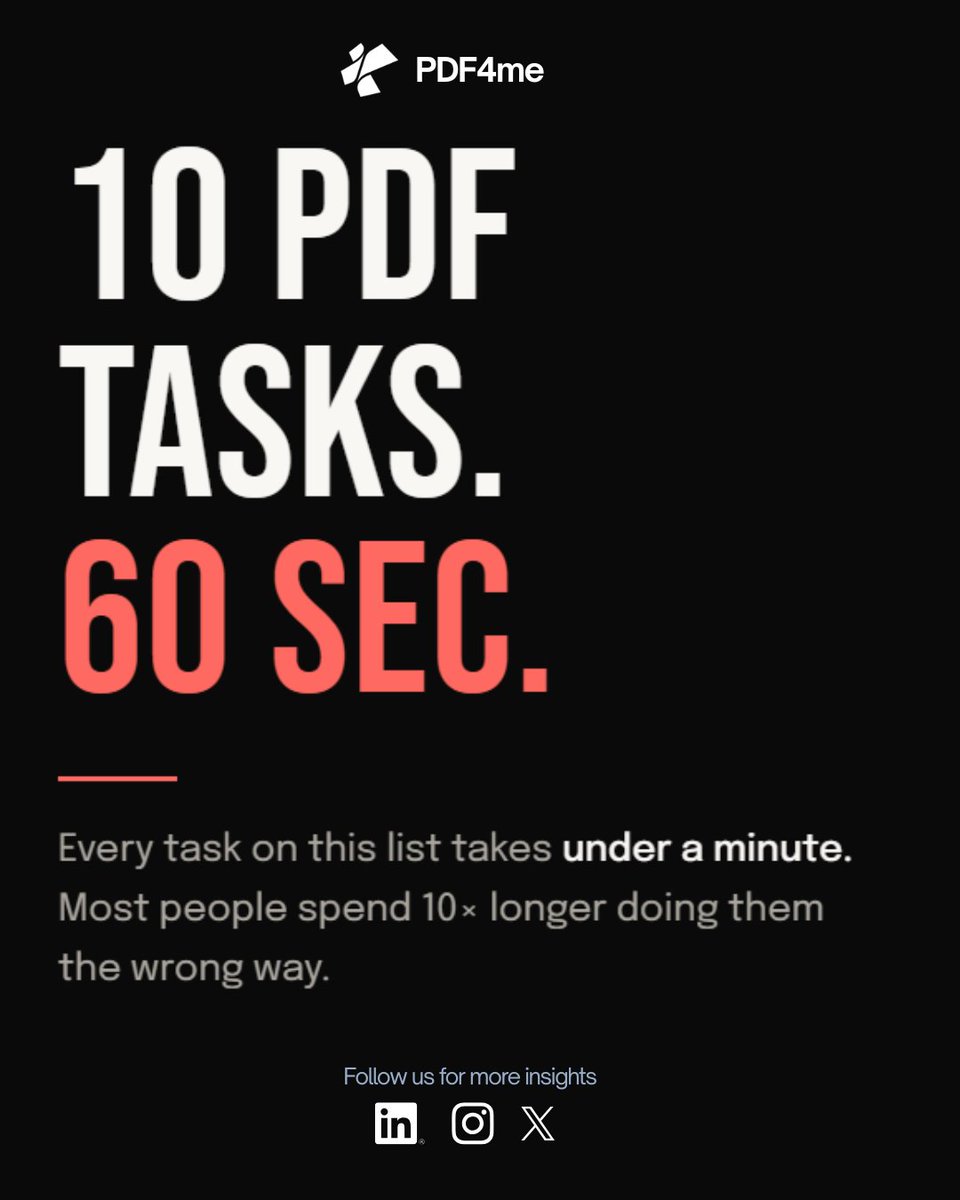
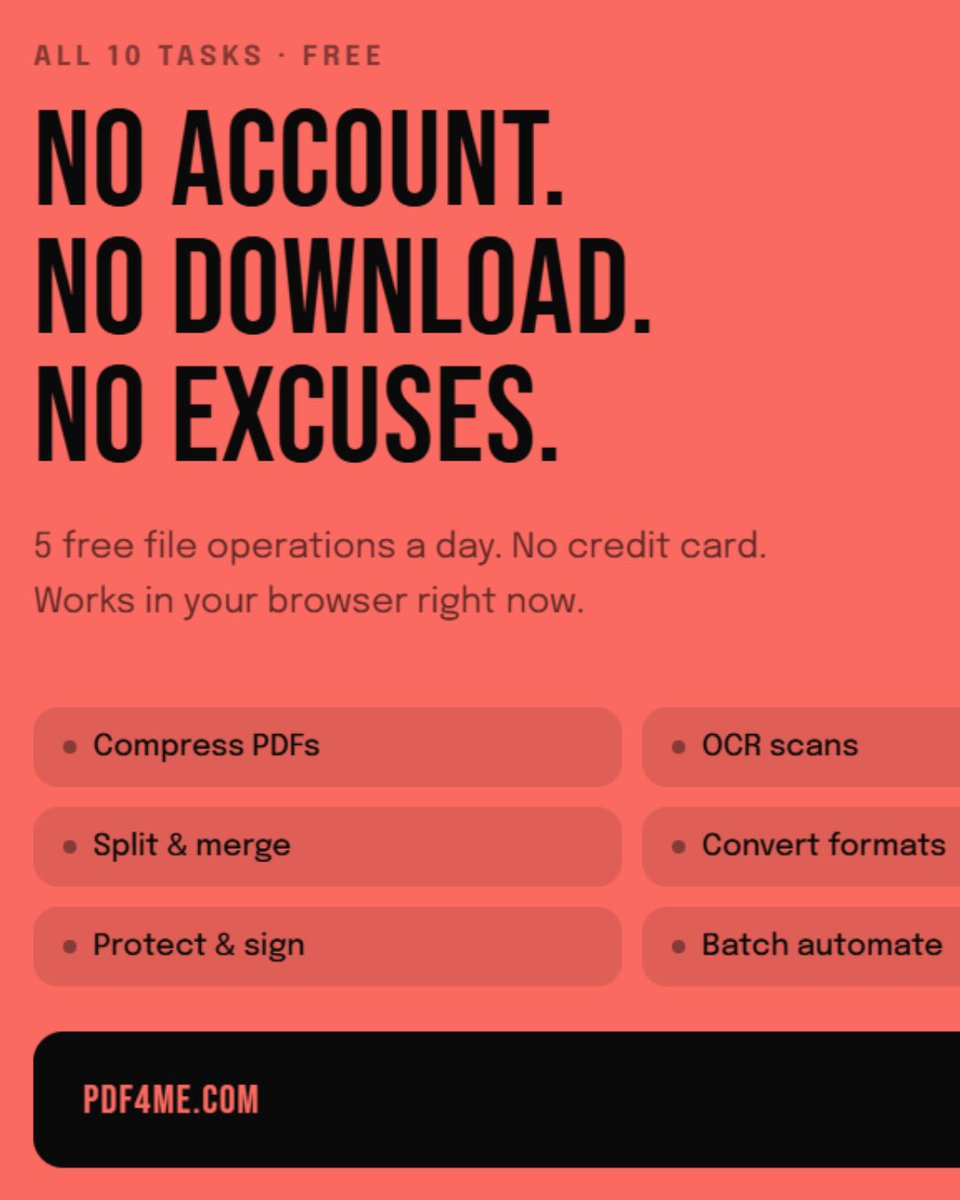
10 PDF tasks that take under 60 seconds — most people do these the hard way:
1. Compress PDF (47MB → 3MB, 1 click)
2. Word → PDF perfectly
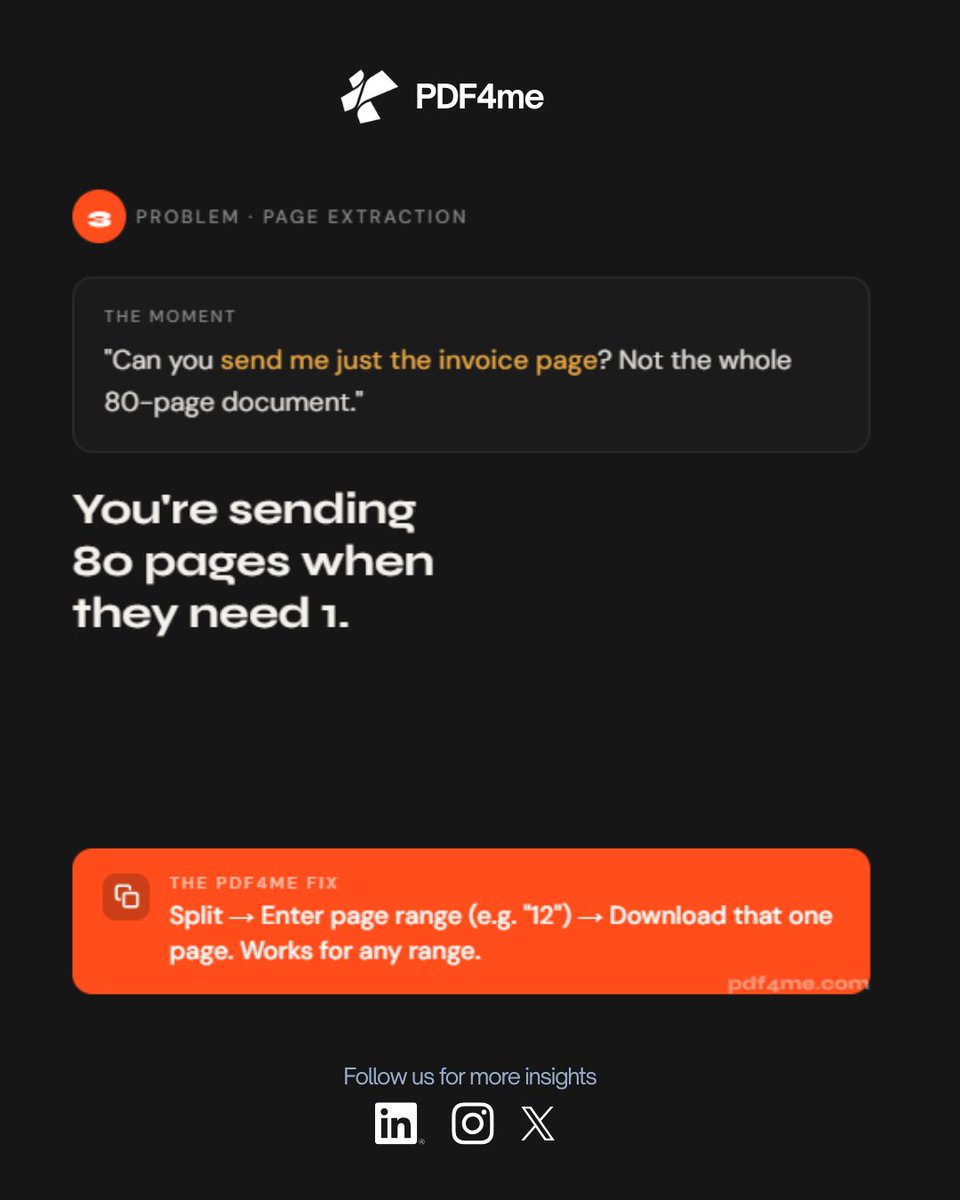
3. Extract specific pages
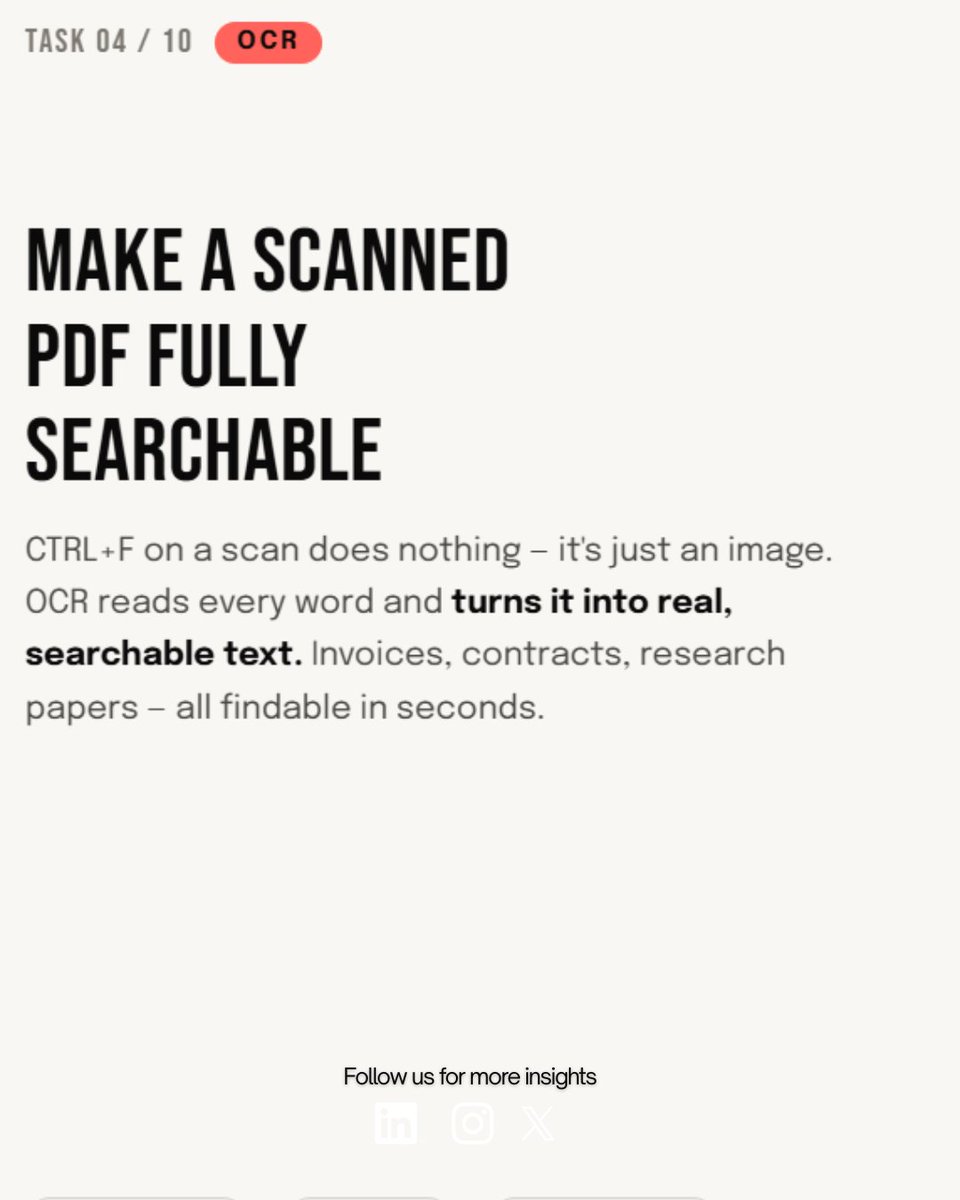
4. OCR a scan → searchable
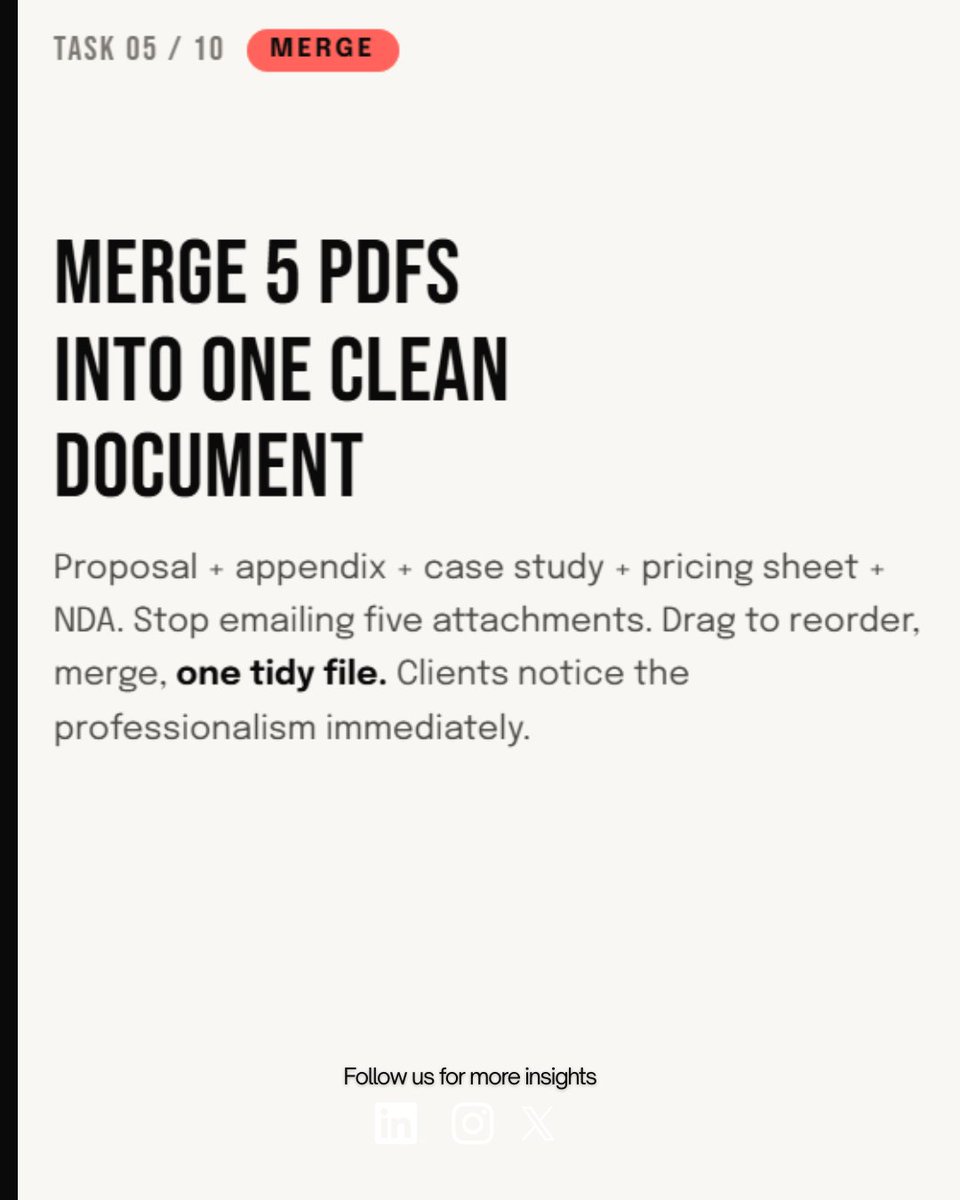
5. Merge files
6. Password-protect in 20s
7. Watermark every page
And more..
Are you still converting PDFs one by one? 😅 That's a 2005 problem.
Start here 👇 🔗 https://t.co/480Mwzr0FY🔗 https://t.co/W1LPvLeyt9
Try PDF4me free → https://t.co/MaM1qIcOAV
#PDFAutomation#PDF4me#WorkflowAutomation
Still retyping text from scanned PDFs? Stop.
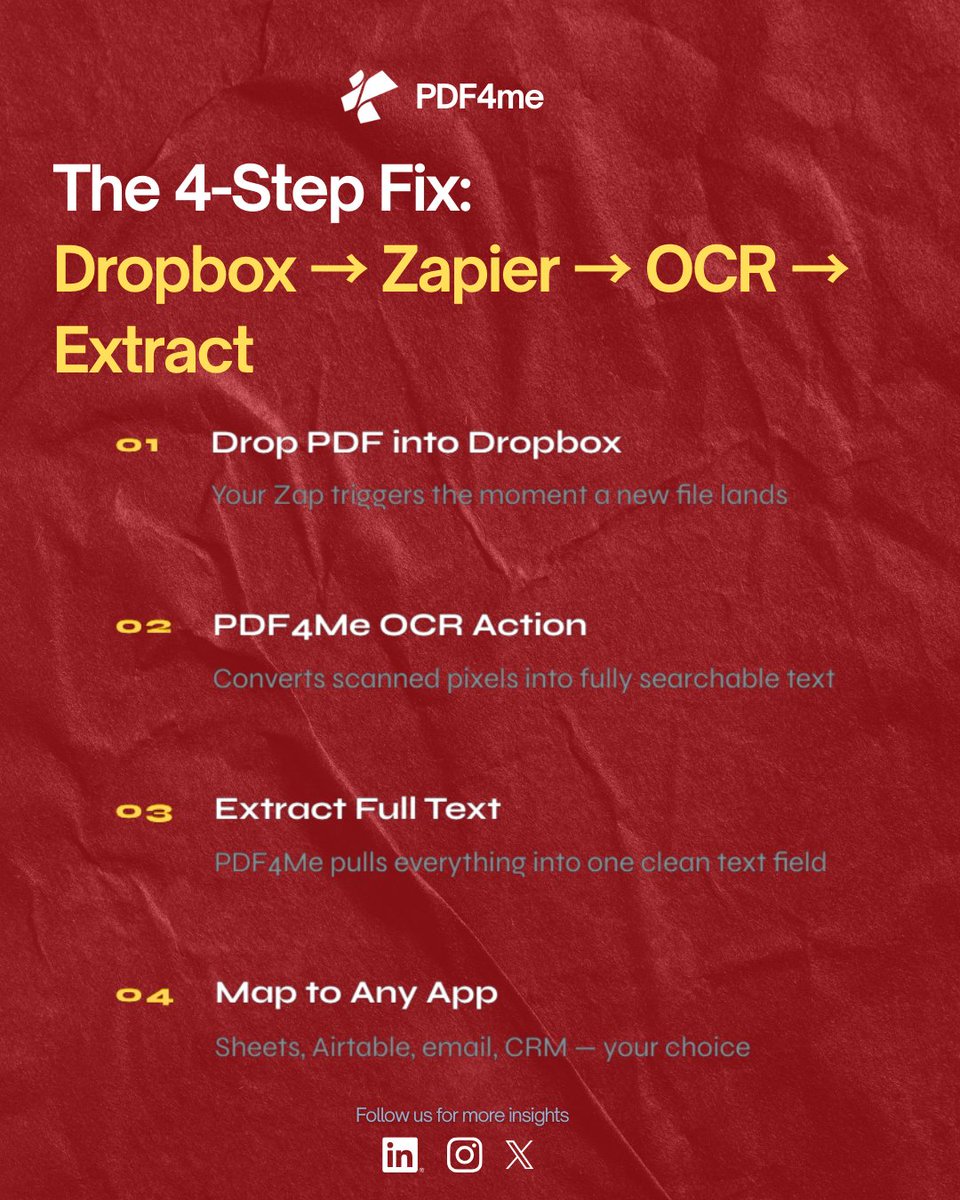
Drop PDF in Dropbox → Zapier triggers → PDF4me OCR runs → Full text extracted & ready to map.
One flow. Zero manual entry. Total automation.
👉 See how PDF4me also auto-classifies docs: https://t.co/480Mwzryvw
🚨 Stop sending editable PDFs.
PDF4Me makes it one-click easy — and completely free to try. 🔴
See smart PDF automation in action:
→ Classify documents automatically: https://t.co/480Mwzryvw
→ Extract & map invoice data with AI: https://t.co/Haa9pfPzab
�� Your scanned PDFs are data graveyards — unless you use OCR.
See how businesses are extracting invoice data automatically with PDF4Me + Zapier 👇
https://t.co/Haa9pfPzab
⚡ Try OCR free → https://t.co/MaM1qIdmqt
#OCR #PDFAutomation #PDF4Me #DocumentManagement
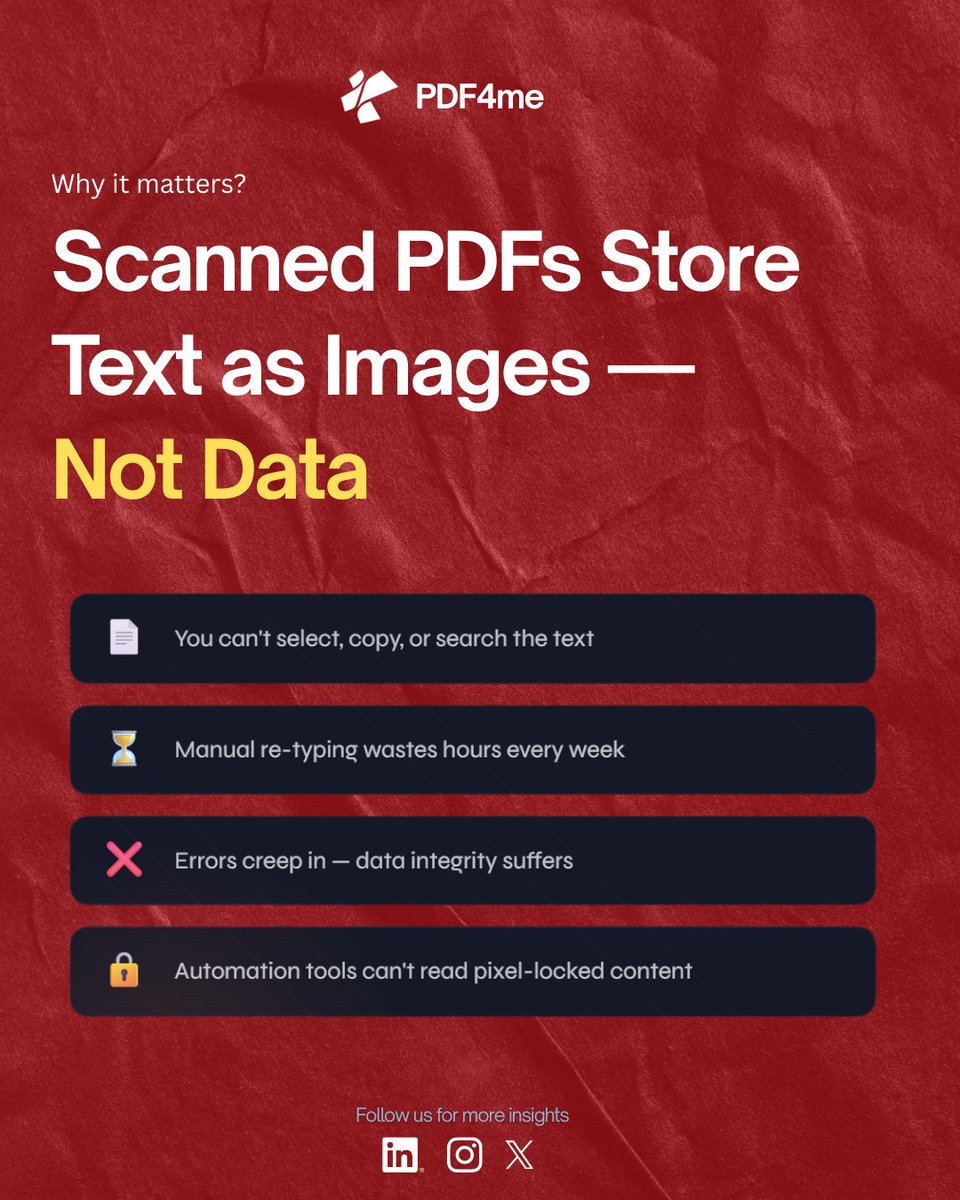
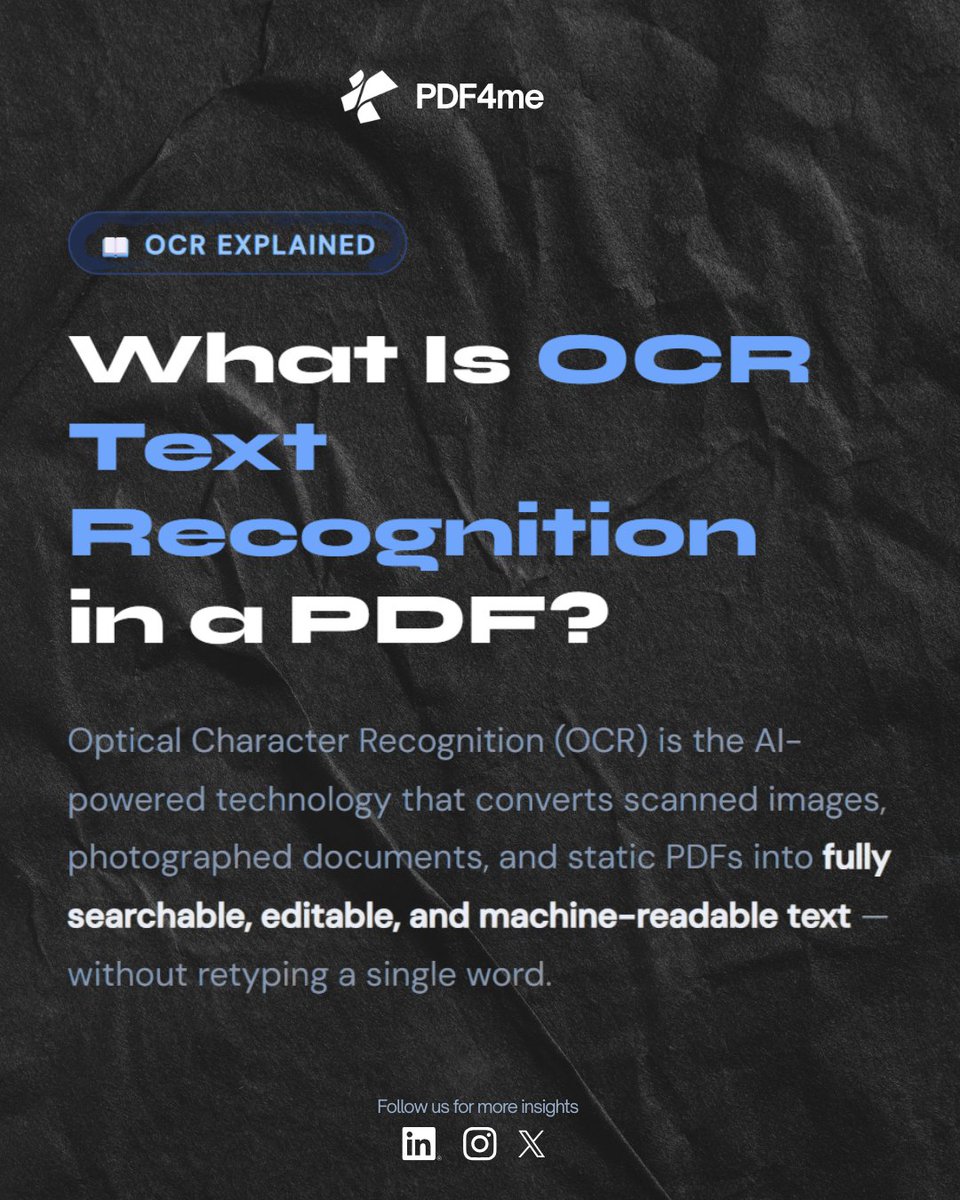
Scanned PDFs store text as pixels — not data.
📂 Drop PDF in Dropbox → Zap triggers 🔍 PDF4Me OCR → makes text fully searchable 📋 Extract Text → one clean Full Text field ⚡ Map to Sheets, Airtable, CRM — done
🔗 Full guide → https://t.co/InvC4L8ACt
Document chaos = productivity killer.
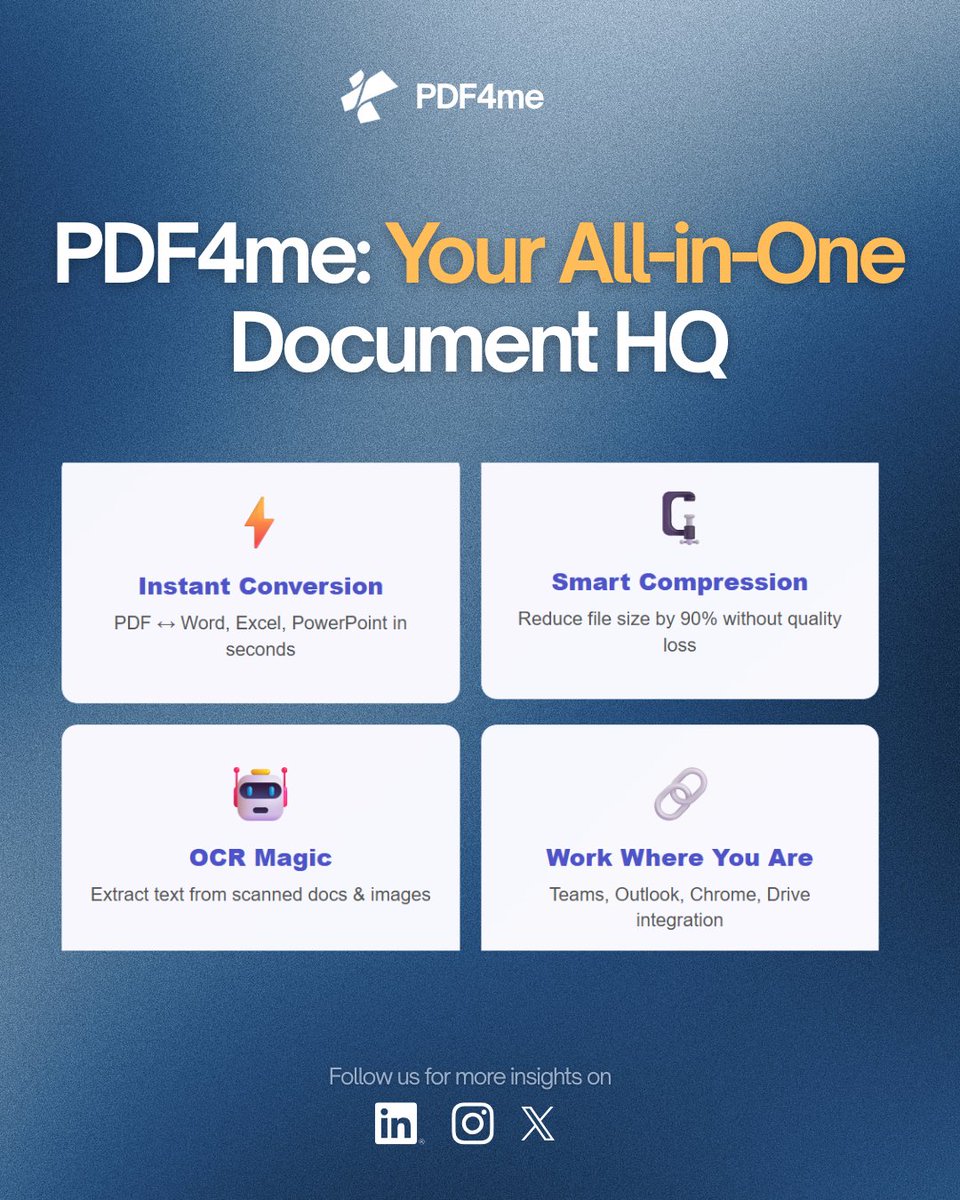
PDF4Me brings ALL your document tools where you work:
📧 Microsoft Outlook
💬 Teams
🌐 Chrome
📄 Office 365
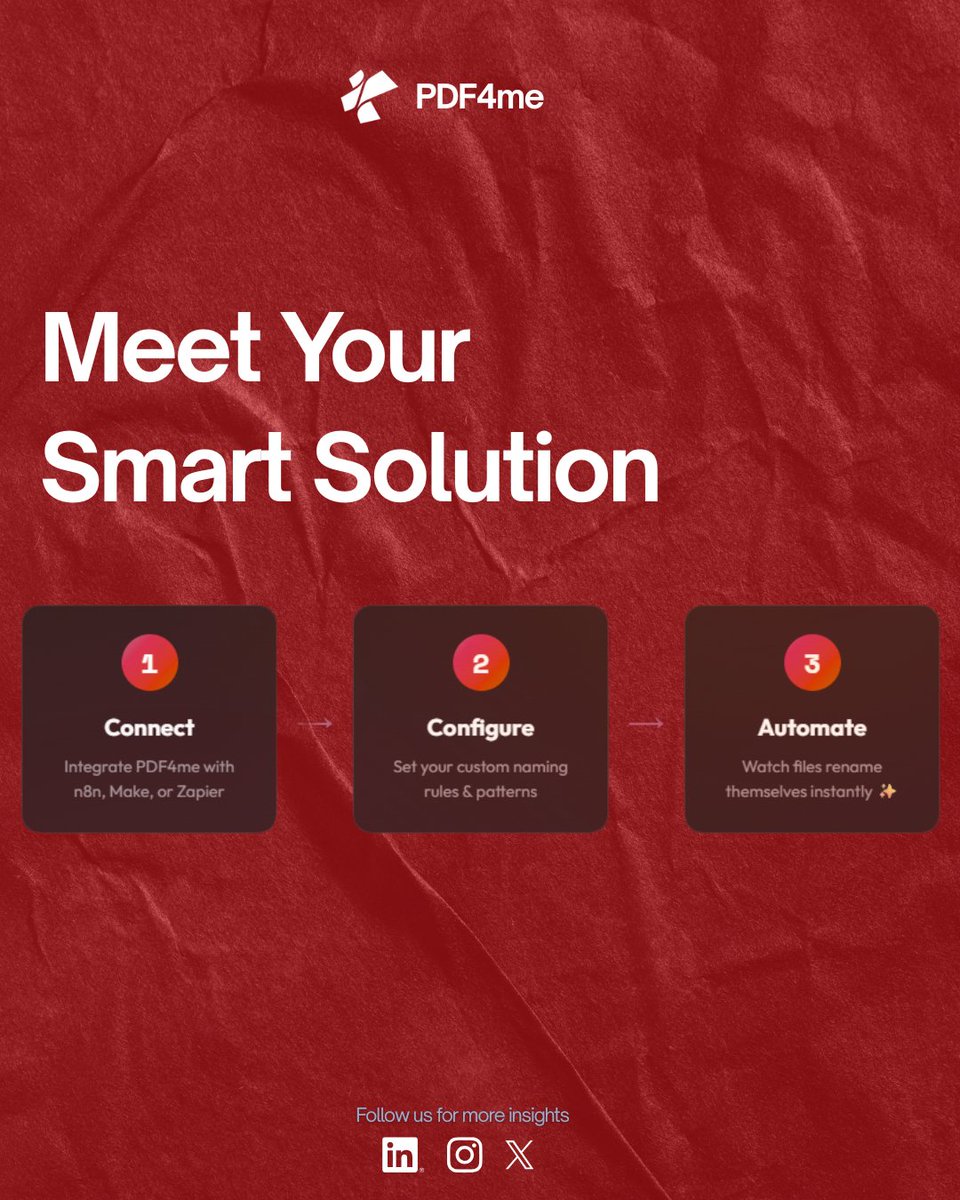
Real automation: Swiss QR invoices piling up? Auto-rename by creditor/amount:
→ Power Automate + SharePoint
→ n8n workflow.
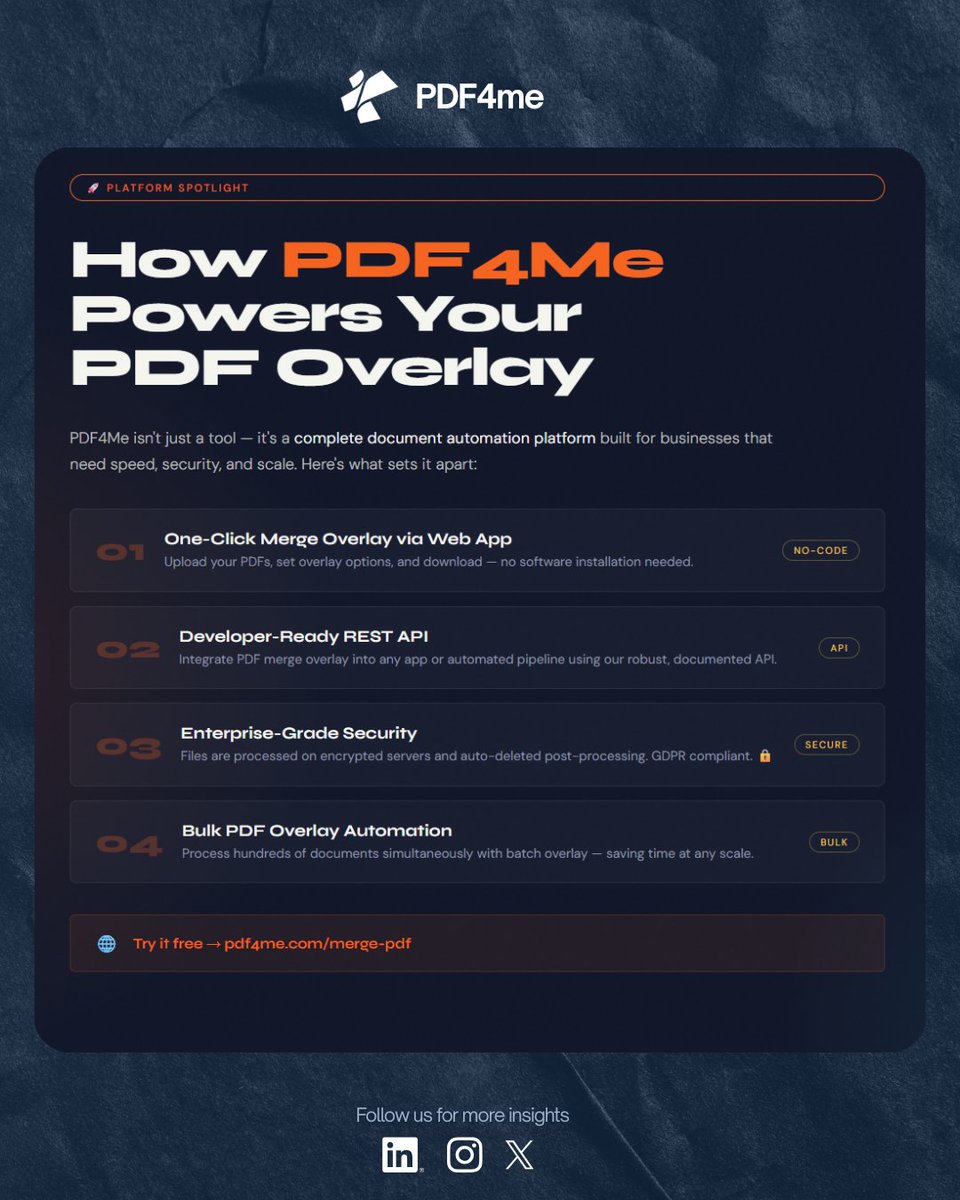
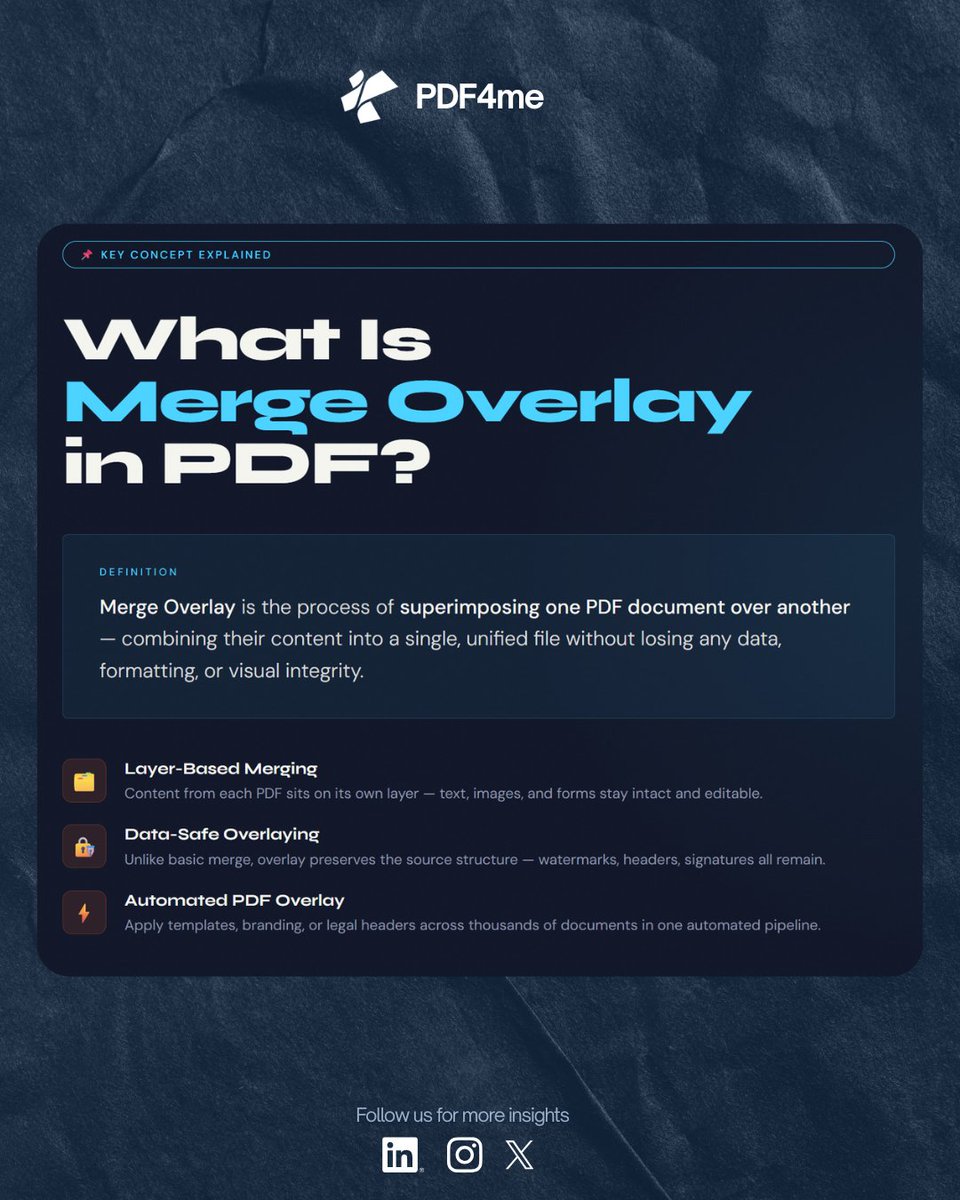
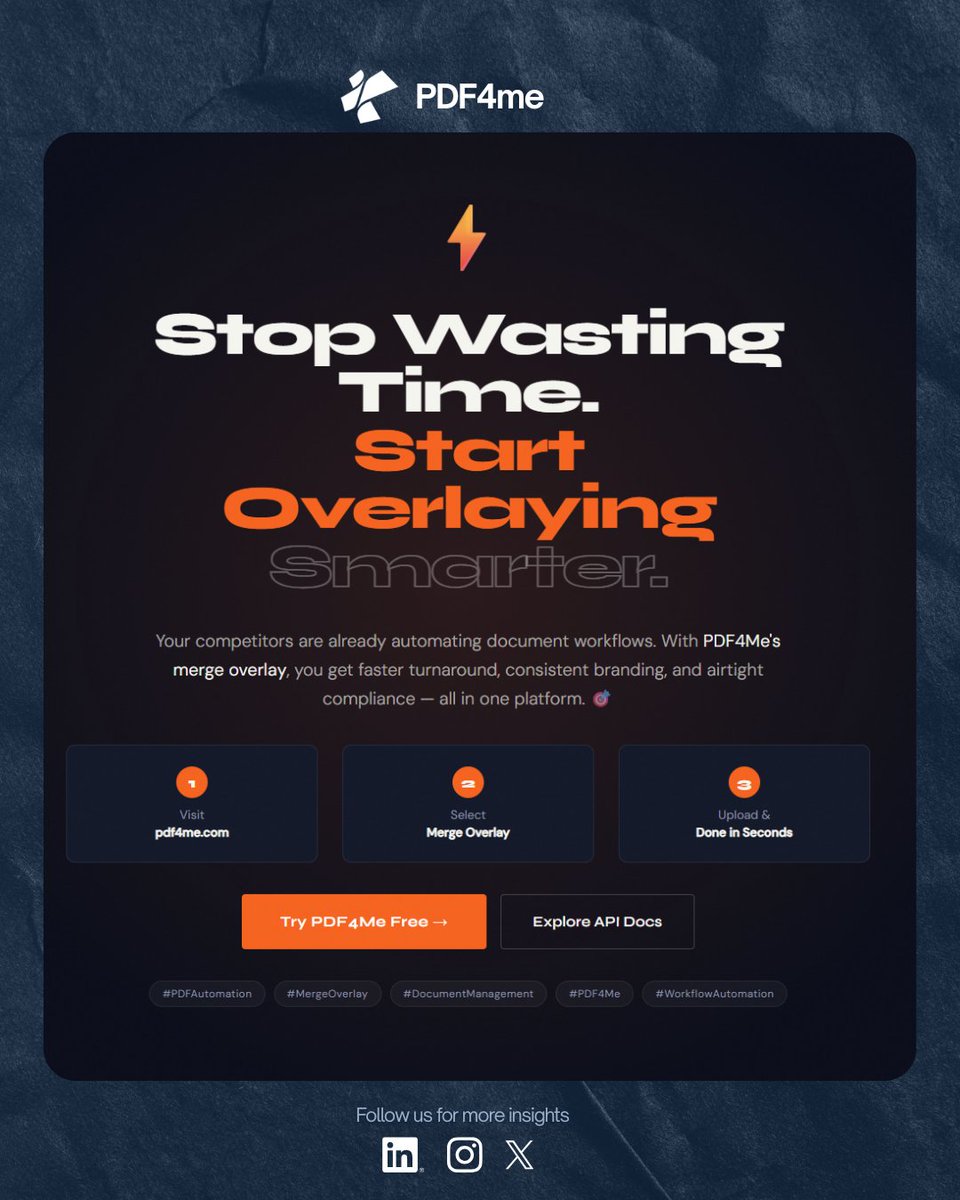
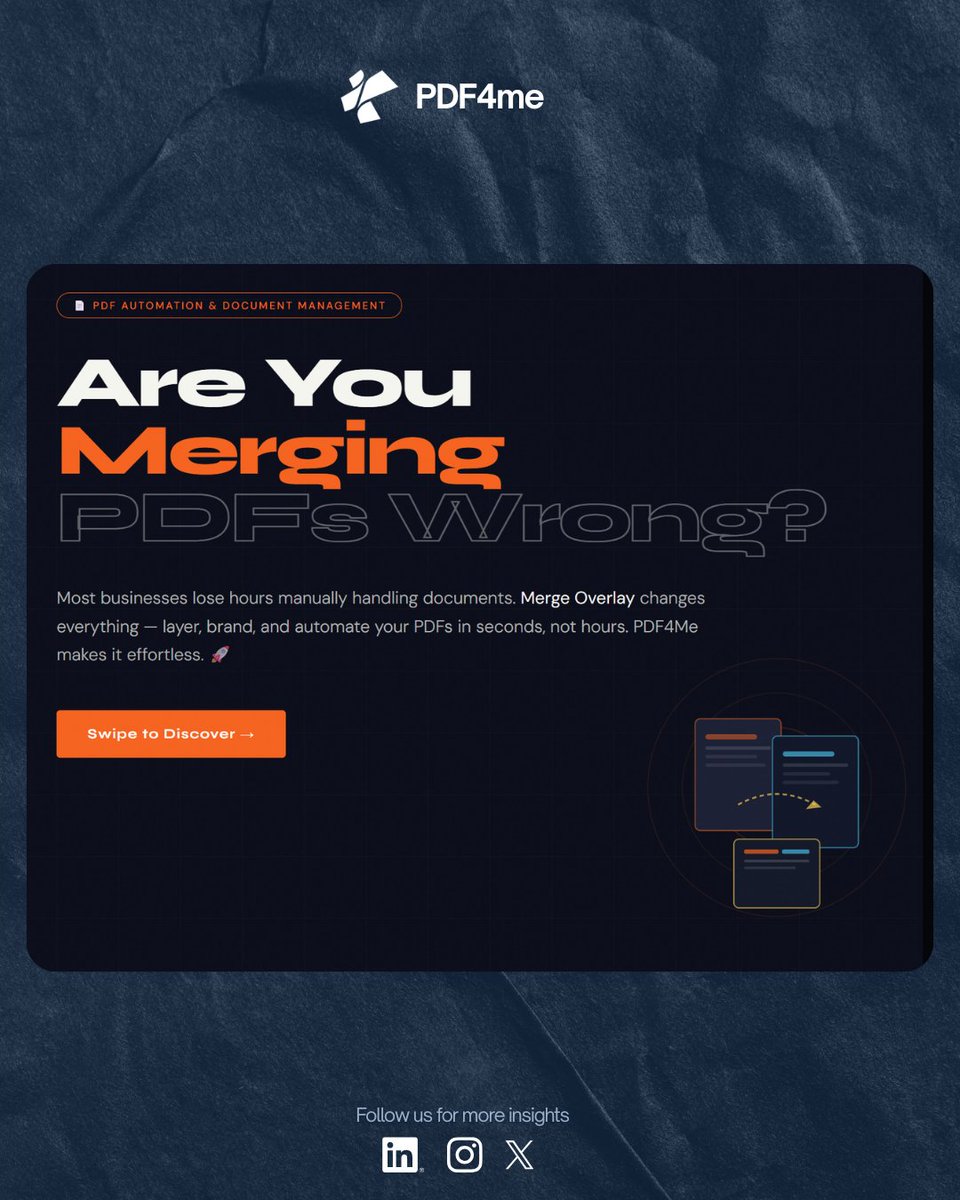
PDF Merge Overlay lets you layer branding, signatures, and compliance notices directly onto your documents — automatically, at scale.
With @PDF4Me, you can:
→ Automate document classification via Zapier
👉 https://t.co/480Mwzryvw
"PDF Chaos? Not Anymore. 🚀"
Tired of PDF workflows killing your team's momentum?
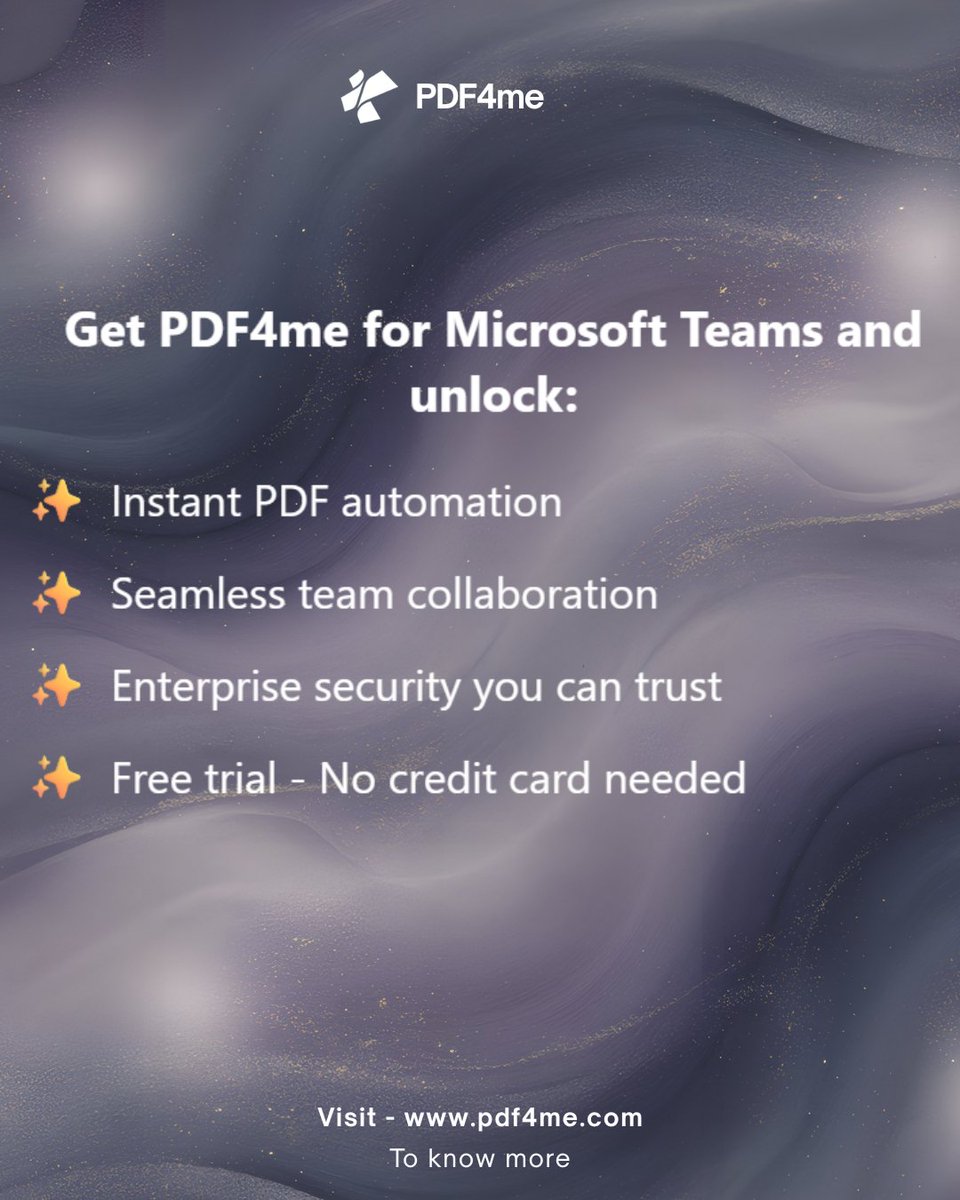
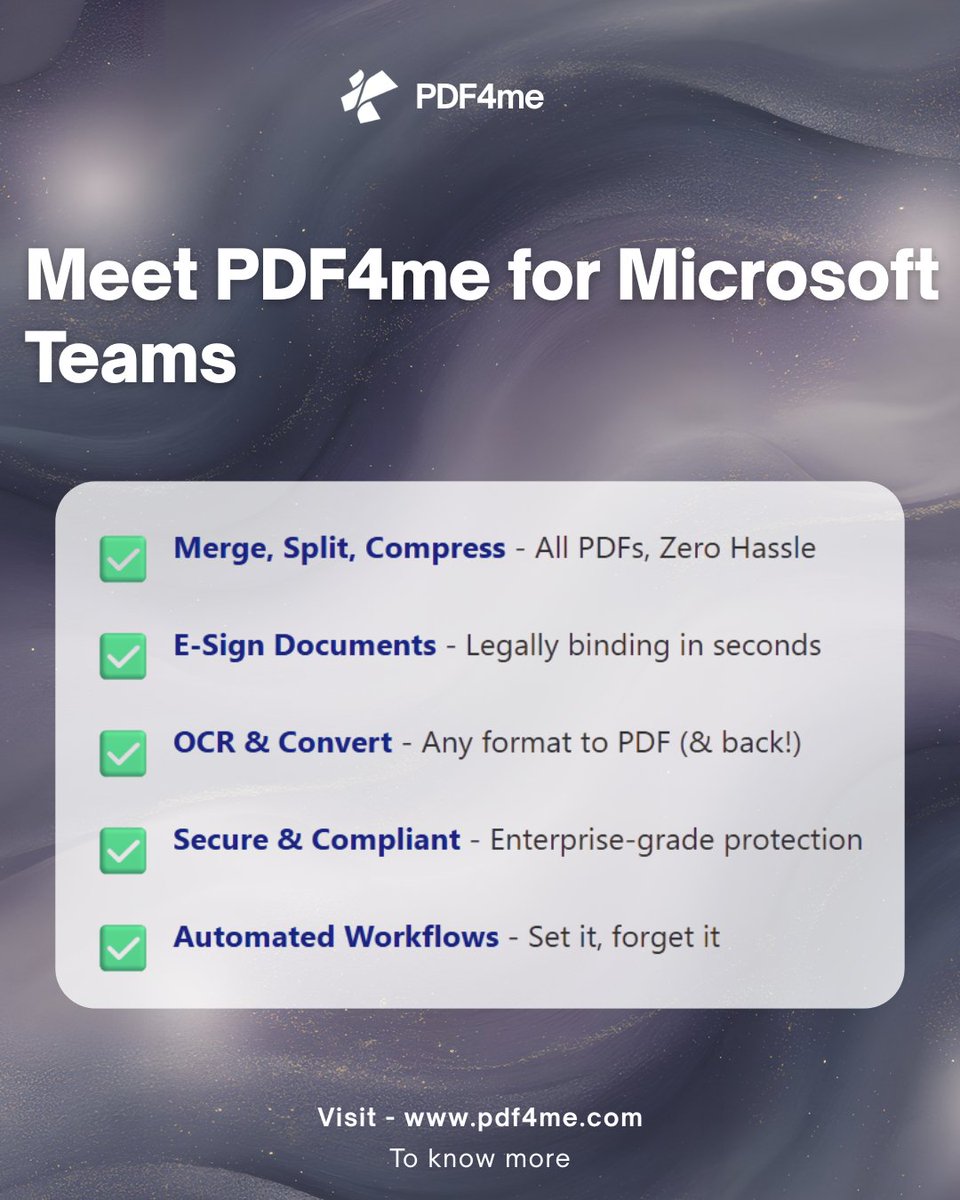
PDF4me just changed the game with Microsoft Teams integration.
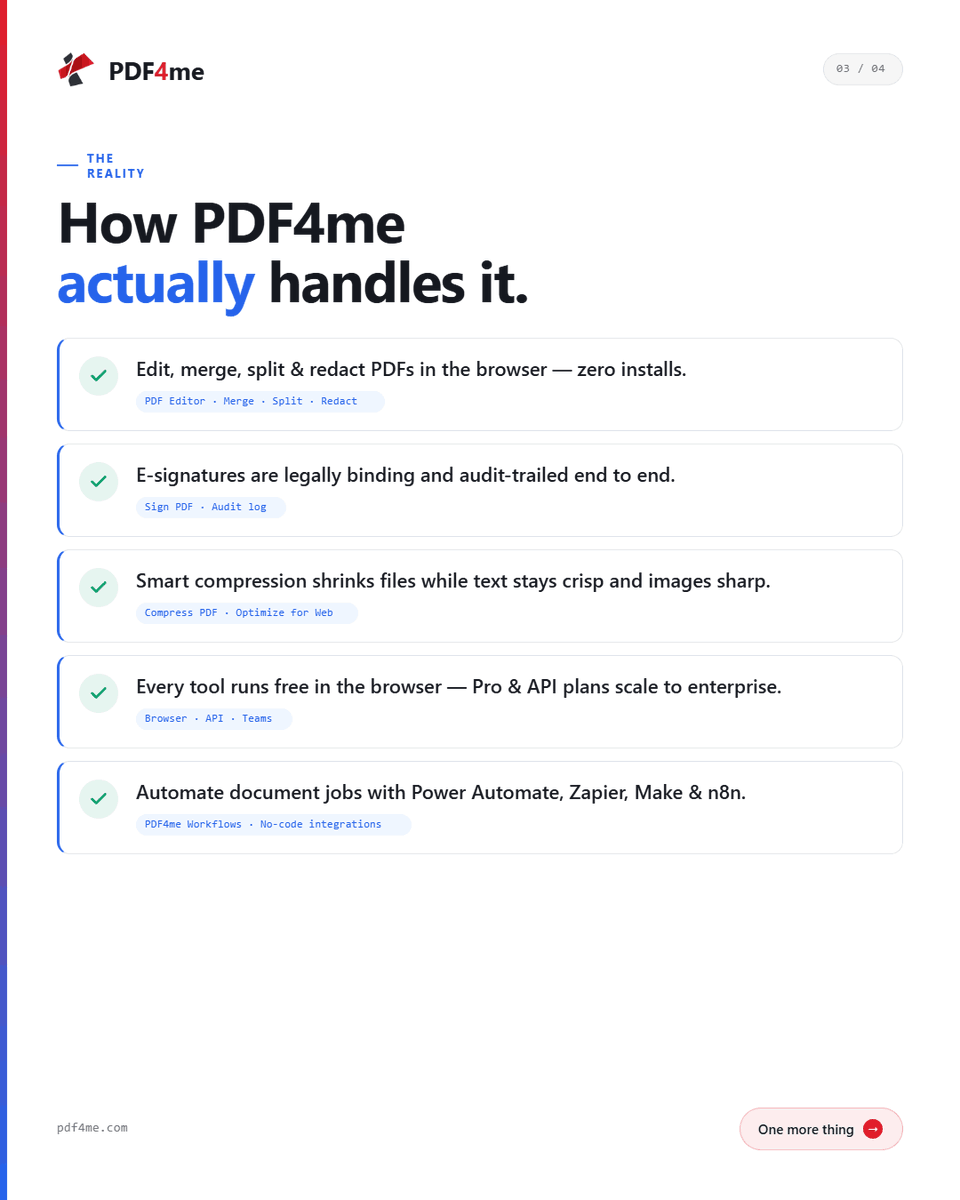
✅ Convert PDFs instantly
✅ Compress, merge & secure
No more app-switching. Just results. 💼
🔗 https://t.co/MaM1qIdmqt