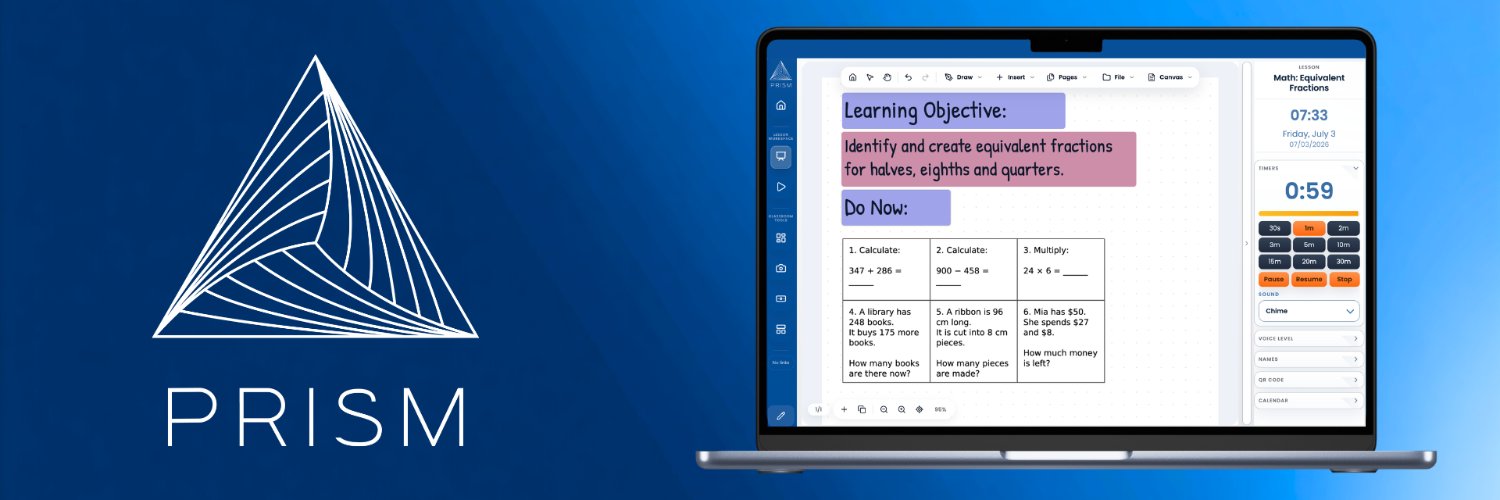
PRISM, by @nlaneEDU, brings lesson tools, whiteboard-style teaching, PDFs, media, class lists, rewards, timers, and easy exporting into one classroom workspace.
A new chapter for this account.
I’m @nlaneEDU, a teacher building PRISM, a classroom workspace shaped by the tools and routines I actually use in class.
I’ll be sharing what I’m building, what I’m learning, and where PRISM goes next.
https://t.co/5XGzt0piKZ
@Sarakhan49309 Building an online workspace for teachers... Whiteboard, PDFs, Visualizer, Student Rewards, Timers and more. @PRISMClassroom
https://t.co/IE8BB1xhae
There are a lot of maths websites out there, but the ones I keep coming back to are the ones that actually support good teaching.
What maths website would you add to the list?
https://t.co/QVhA1xT1Fj
Teachers, what's your BIGGEST frustration with classroom presentation software?
🖱️ Too many clicks?!
✏️ Poor annotation?
📱 Awkward on touchscreens?
🔄 Switching between apps?
Currently adding the final major feature to @PRISMClassroom before getting ready for launch:
🔺BOARDS🔺
This will allow teachers to set up display boards, separate to lessons, with routines, instructions, notes, timers and other widgets.
After this is added, it's full-on testing of all features before launching the beta!
Stepped back from building PRISM itself today and focused on a couple of adjacent things instead:
📱 Worked on the @PRISMClassroom X account (content + presence)
🤖 Experimented with using AI for lesson planning
🧪 Exploring whether that could eventually become part of PRISM (not sure yet)
Feels useful to zoom out every so often and look at the edges of what I’m building.