@affinitybyserif Affinity Designer 1.7 for iPad still crashes when copy pasting an object that has symbols between documents. Symbols and constraints are features I'd like to rely on if they weren't so buggy.
@affinitybyserif It’s alright, the file is gone. I load my files from iCloud on a special folder I made for Affinity, because using the default “Affinity Designer” folder is too buggy between the iOS and Mac versions. I export on the Mac.
Another day crying in Affinity.
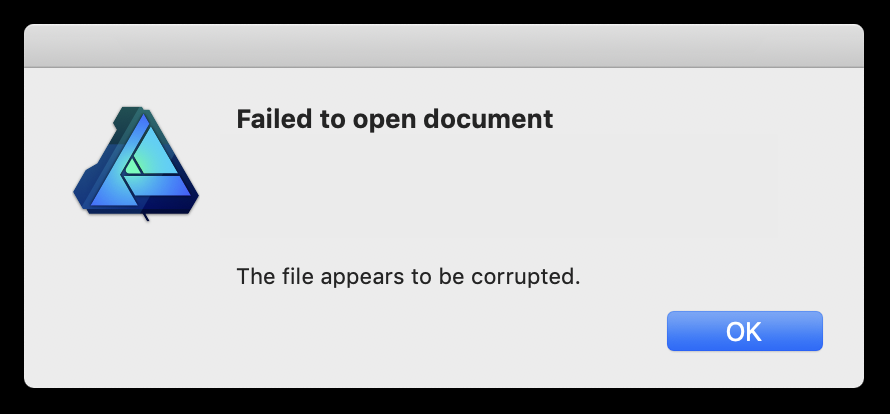
Pro tip: before opening an Affinity Designer file, back it up. You never know which will get get irreversibly corrupted after saving. @affinitybyserif
@affinitybyserif It depends. On the iPad it’s very common for me to get a crash by duplicating objects or copy-pasting between .afdesign docs. On the Mac I forget but definitely very likely to crash if the document has Symbols in it. It also gets stuck when using the Save dialog sometimes (gg).
I love @affinitybyserif and use it daily, but on both the Mac and iPad it is the buggiest, most crash-prone software I've used in a decade. I patiently wait for a turnaround. Maybe one day.
@goodboydigital Hey there! Notice that none of your PixiJS examples work on Safari. You have an error on your code: `ReferenceError: Can't find variable: safari` at https://t.co/uAZCr0Pi6E
if you stop refreshing the site, then we can upload the patch notes... whatever you do, do not take the information that we are currently uploading the patch notes as a reason to further refresh the site...